
Full body portrait of young woman in mismatched outfit studio setting
Prompt
A full-body studio portrait of a young woman with wavy brown hair and a confident expression standing against a plain gray background.

Subject: A fit young woman with wavy shoulder-length brown hair and a neutral, direct gaze.

Clothing: She wears a black sequined bralette, high-waisted pants that are beige on the left leg and black leather on the right leg, and an olive green bomber jacket draped over her shoulders. Her outfit is completed with mismatched thigh-high boots, one beige and one orange suede, paired with matching pointed-toe heels.

Action: She stands facing forward with a relaxed posture, holding the lapels of her open jacket with both hands at her sides.

Environment: A seamless gray studio backdrop with soft shadows on the floor indicating a professional photography setup.

Camera: Full-length vertical shot with a medium telephoto lens feel that isolates the subject against the neutral background.

Lighting: Soft, diffused studio lighting from the front and slightly to the left, creating gentle highlights on her skin and clothing textures without harsh shadows.

Style Details: High-fashion editorial photography style with a focus on bold color blocking and mixed material textures like leather, suede, and sequins.
Description
This prompt is useful for creating avant-garde fashion editorials, character concept art for alternative media, and high-concept lookbooks showcasing deliberate clashing aesthetics. The combination of 'mismatched thigh-high boots' with the 'black sequined bralette' and 'olive green bomber jacket' directs the model to emphasize bold color blocking and mixed material textures, preventing a cohesive but predictable outfit from appearing too uniform against the plain gray background.
Suggestions
- Change 'plain gray background' to 'concrete floor backdrop' for more industrial grit.
- Swap 'sequined bralette' for 'mesh bodysuit' to increase textural contrast.
- Adjust 'medium telephoto lens feel' to '85mm portrait lens' for a tighter focus on the subject.
Category
Tags
Brown HairBrunetteFemaleFull BodyPortrait ShotRealisticStudio
Date added
June 19, 2026
Added by
PromptDexter Team
Related Prompts
More prompts with similar categories and tags.

Confident woman in embellished denim jumpsuit against a gray studio backdrop

Glamorous woman in black sequined gown against a white studio background
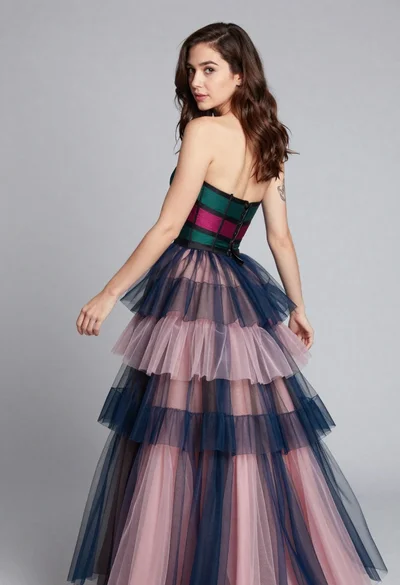
Woman in multilayered tulle gown posing over shoulder against grey background

Portrait of woman in elaborate red feathered gown against vivid blue background
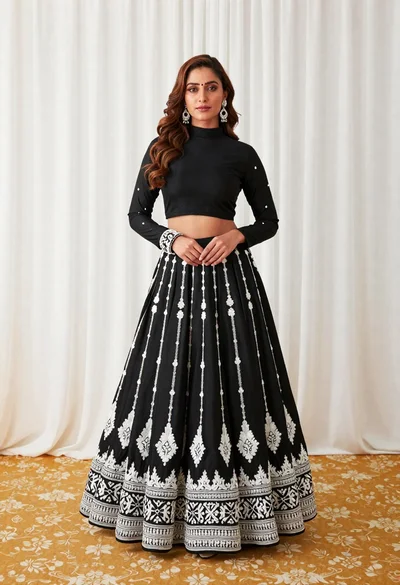
Full length portrait of woman in black traditional outfit indoors

Glamorous woman posing in shimmering two piece outfit against green backdrop
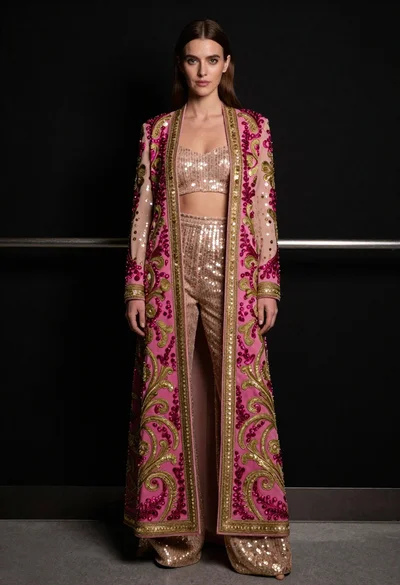
Full length portrait of woman in embroidered coat against black background
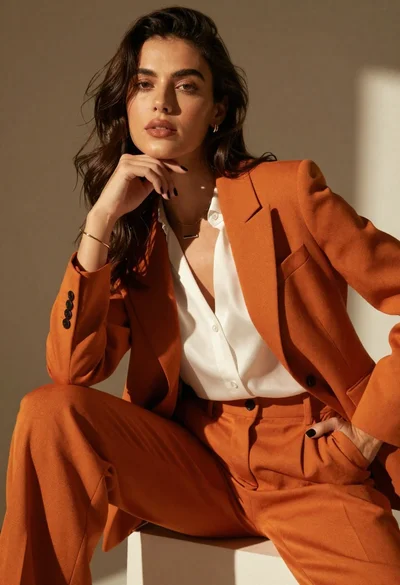
High fashion portrait of woman in orange pantsuit
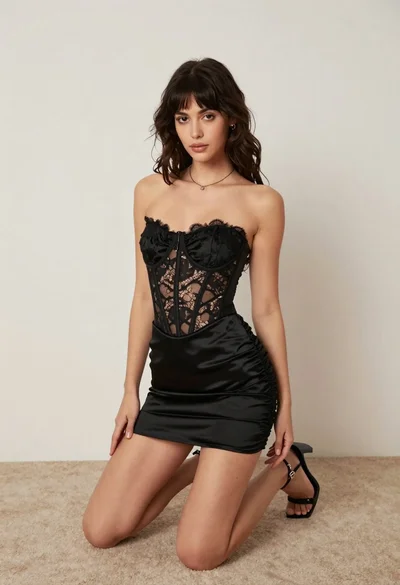
Woman kneeling on carpeted floor in black strapless mini dress
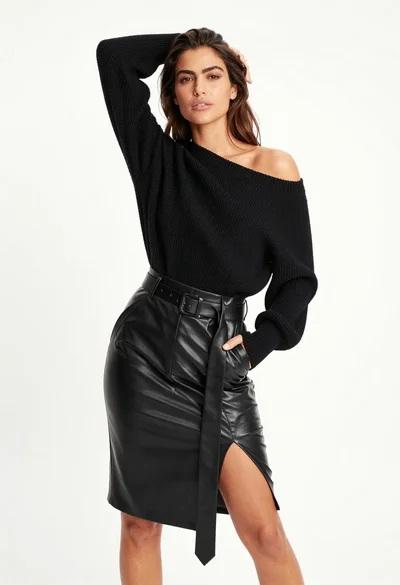
Fair skinned woman in black sweater and leather skirt against white background