

Full length portrait of woman in pink ballgown on red carpet
Prompt
A full-length portrait of a woman standing confidently on a red carpet in a voluminous pink gown.

Subject: A woman with dark hair pulled back from her face, featuring fair skin and a poised expression.

Clothing: She wears an elaborate strapless ballgown made of layers of soft pink tulle fabric, featuring a ruffled sweetheart neckline bodice and a wide, flowing skirt that spreads across the floor.

Action: She stands with her hands placed firmly on her hips in a classic red carpet pose, looking directly at the camera with a slight smile.

Environment: The background consists of a dark hedge wall behind which are large black signs with gold trim reading "GOLDEN GLOBE AWARDS".

Camera: A medium-full shot capturing the entire figure from head to toe, utilizing a straight-on angle that emphasizes the full silhouette and volume of the dress against the backdrop.

Lighting: Bright, direct flash lighting illuminates the subject evenly, creating sharp highlights on her skin and the sheer fabric of the gown while casting minimal shadows.

Style Details: High-resolution photography with a focus on fashion and celebrity culture, characterized by vibrant colors and a polished, high-contrast aesthetic typical of event coverage.
Description
This prompt is useful for creating red carpet event promotion materials, formal gala invitations, and high-end magazine editorial spreads. The combination of 'bright, direct flash lighting' with the 'dark hedge wall' ensures that the 'voluminous pink gown' remains highly visible and saturated against a deep background, preventing the sheer tulle from looking washed out under harsh light.
Suggestions
- Change 'pink ballgown' to 'deep emerald velvet gown' for a richer color contrast.
- Replace 'direct flash lighting' with 'soft box illumination' for less harsh highlights.
- Modify 'dark hedge wall' to 'architectural marble backdrop' for a different texture.
Category
Tags
Fair SkinFemaleFormal WearFull BodyMedium ShotPortrait ShotRealistic
Date added
June 19, 2026
Added by
PromptDexter Team
Related Prompts
More prompts with similar categories and tags.

Full length shot of woman in dusty pink lace gown at indoor

Blonde woman in seafoam gown looking over shoulder at camera
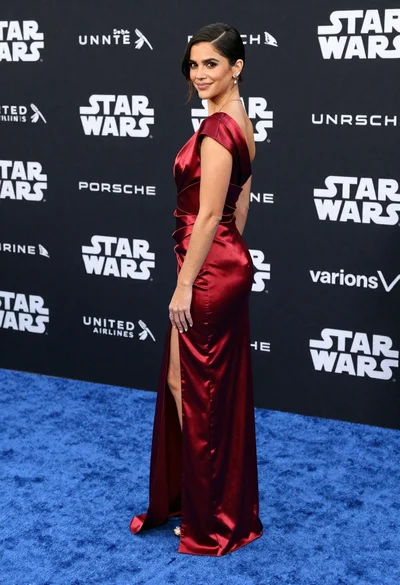
Woman in deep red satin gown standing on blue carpet at an
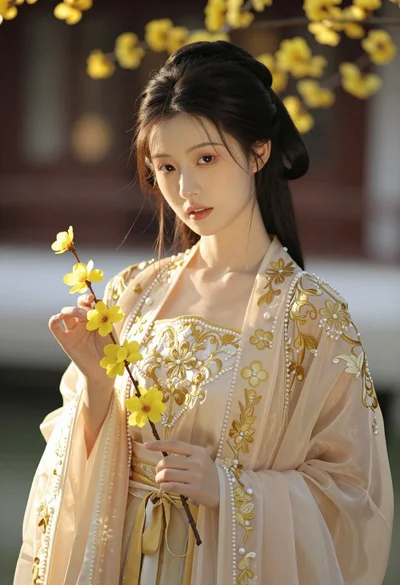
Portrait of young woman in embroidered chinese hanfu gown holding yellow flowers
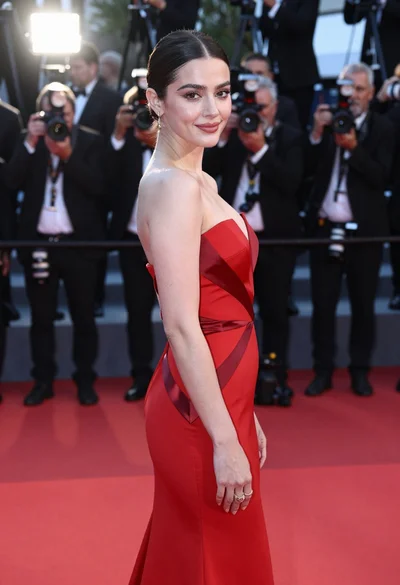
Glamorous woman in red gown posing on a bustling red carpet event
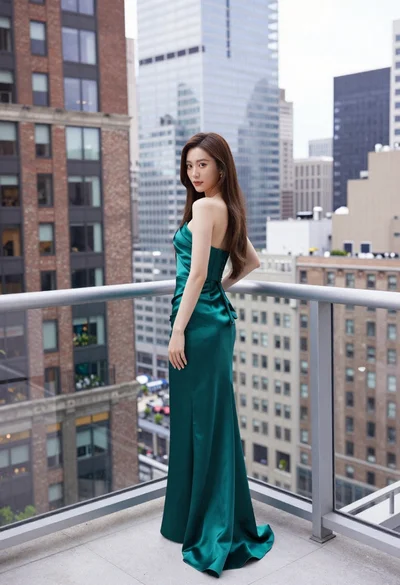
Young woman in emerald gown on high rise balcony overlooking city

Blonde woman in black slip dress posing on red carpet at formal
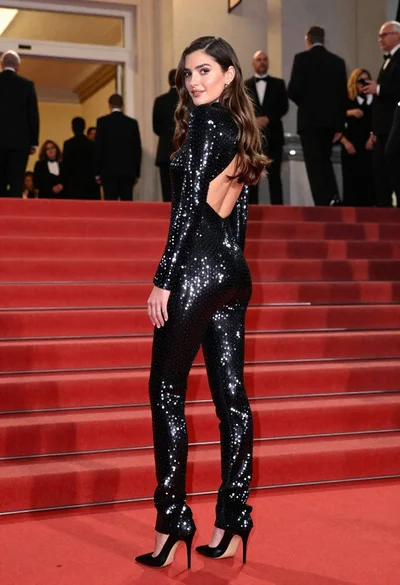
Glamorous woman in sequined jumpsuit on grand red carpet staircase
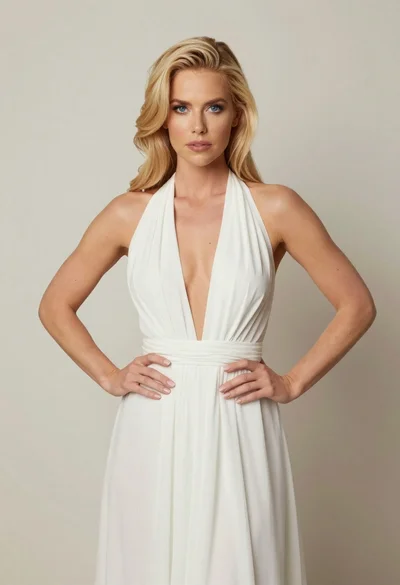
Blonde woman in white halter gown standing against a neutral studio wall

Fair skinned woman in black sequined outfit sitting elegantly indoors
