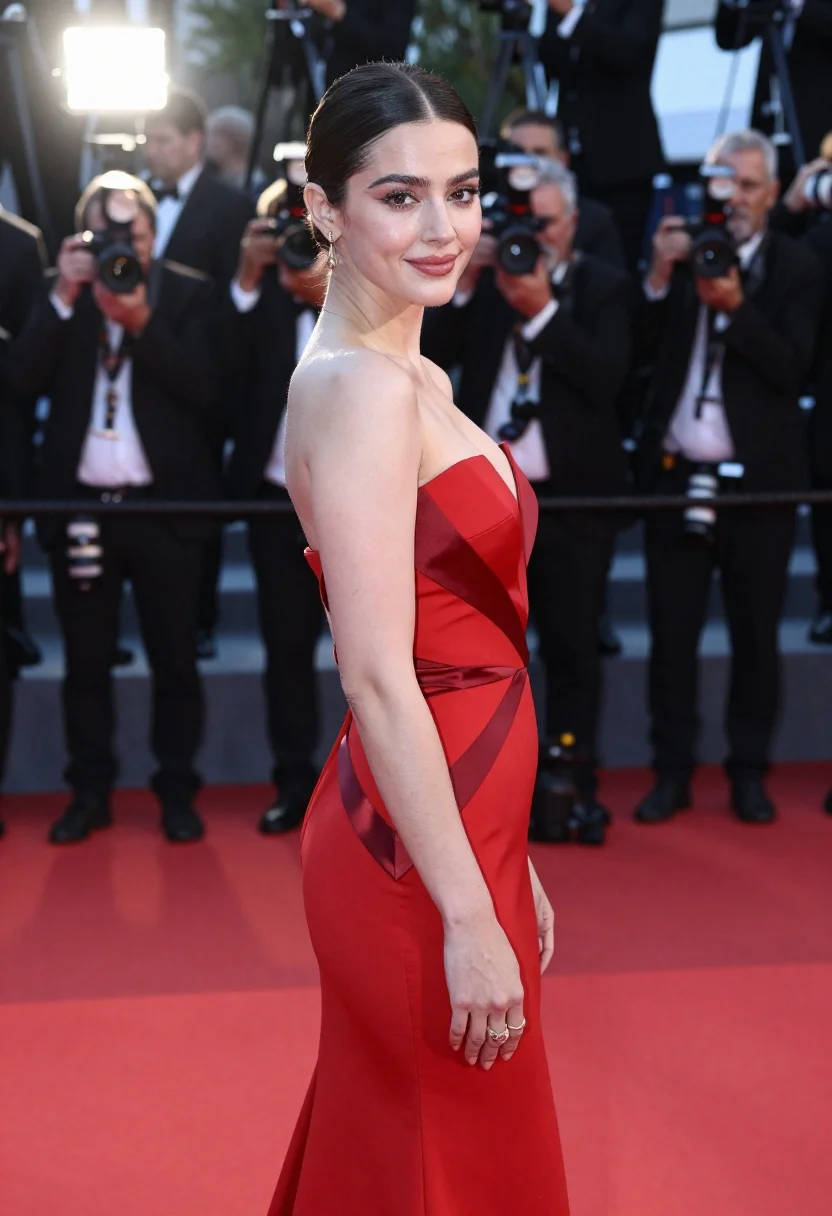
Glamorous woman in red gown posing on a bustling red carpet event
Prompt
A glamorous woman posing on a red carpet in a stunning red evening gown.

Subject: An elegant woman with dark hair pulled back into a sleek low bun, featuring a fair complexion and a soft, confident smile directed at the camera.

Clothing: A sophisticated strapless red gown with a deep V-neckline, accented by diagonal panels of dark satin fabric that create a geometric pattern across the bodice and hips. She wears dangling gold earrings and a ring on her left hand.

Action: Standing in a three-quarter pose with her body angled away from the camera while she turns her head to look back over her shoulder, one arm relaxed at her side.

Environment: A bustling red carpet event setting with a deep red textured floor, blurred background figures of photographers and attendees holding cameras, and bright flash lights visible in the distance.

Camera: Medium shot capturing the subject from the thighs up, utilizing a shallow depth of field to keep the woman in sharp focus while rendering the busy background as soft bokeh.

Lighting: High-contrast event lighting with a strong key light illuminating her face and upper body from the front-right, creating bright highlights on her skin and dress against the darker surroundings.

Style Details: Photorealistic fashion photography style with vibrant color saturation, crisp details on the fabric textures, and a polished, high-end magazine aesthetic.
Description
This prompt is useful for generating high-impact celebrity arrivals, formal event editorials, and luxury brand advertising campaigns. The combination of 'high-contrast event lighting' with a 'shallow depth of field' ensures the subject remains sharply defined against the intentionally blurred background figures, which mimics the dramatic focus required when capturing attention at a bustling red carpet.
Suggestions
- Change 'deep V-neckline' to 'asymmetrical neckline' for more modern flair.
- Swap 'dark satin fabric' for 'black velvet' to absorb light and deepen contrast.
- Adjust 'Medium shot' to 'full body shot' to better showcase the gown's length.
Category
Tags
Fair SkinFemaleFormal WearFull BodyMedium ShotOutdoorsPortrait ShotRealistic
Date added
July 12, 2026
Added by
PromptDexter Team
Related Prompts
More prompts with similar categories and tags.

Woman in rust gown posing on white step and repeat backdrop
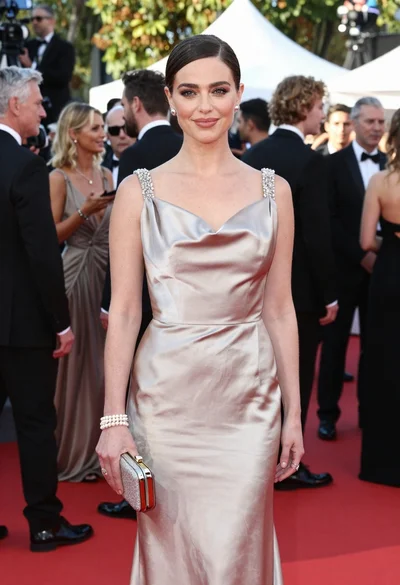
Glamorous woman in champagne gown posing at a bright outdoor event

Full length shot of woman in dusty pink lace gown at indoor
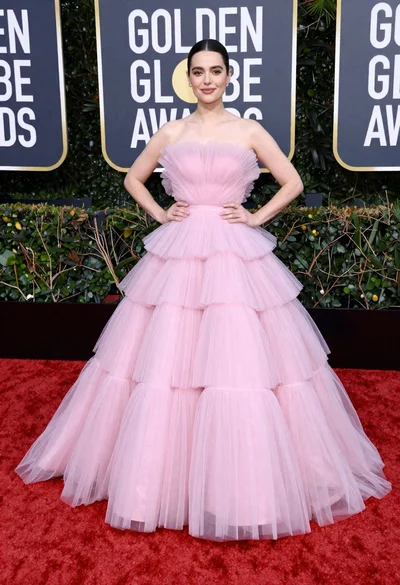
Full length portrait of woman in pink ballgown on red carpet

Blonde woman in seafoam gown looking over shoulder at camera
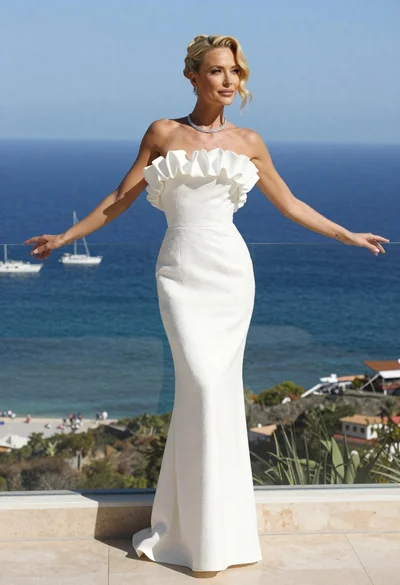
Blonde woman in white gown standing on terrace overlooking blue ocean
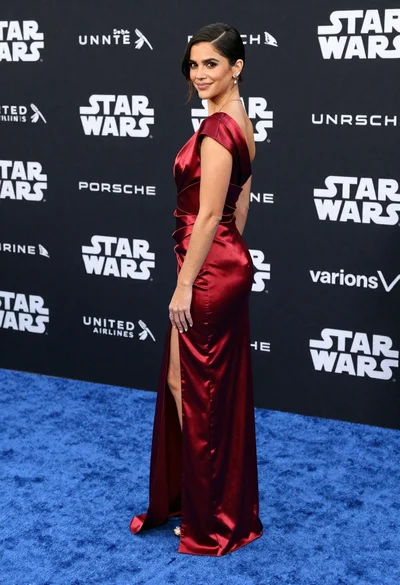
Woman in deep red satin gown standing on blue carpet at an
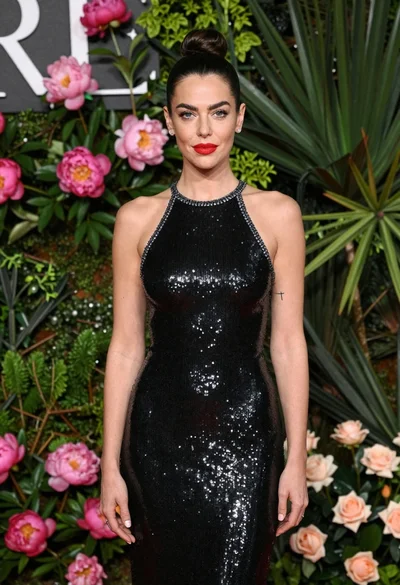
Glamorous woman in black sequin dress with peonies and roses
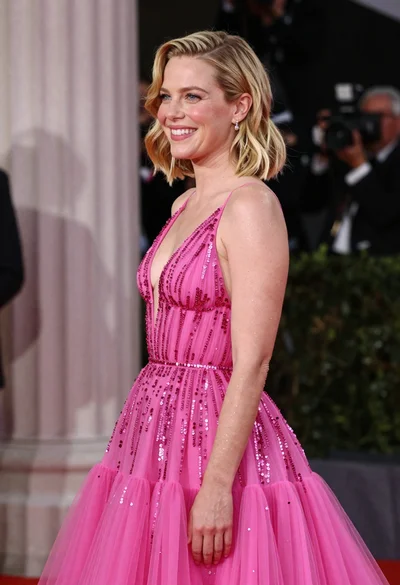
Smiling blonde woman in pink gown at an elegant outdoor evening event
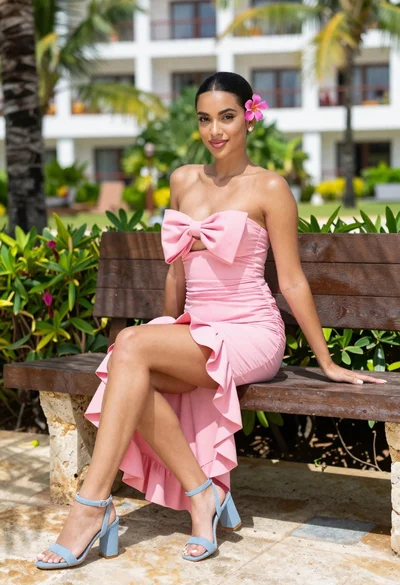
Young woman in pink dress sitting on stone bench in tropical resort