

Glamorous blonde woman in sequined gown posing at an event
Prompt
A glamorous woman with long blonde hair and a black headband stands confidently in a high-fashion pose.

Subject: A fair-skinned woman with voluminous wavy blonde hair, large blue eyes, and a soft, confident smile looking directly at the camera.

Clothing: She wears a form-fitting black halter-neck gown covered in vibrant, multi-colored sequined flowers that feature a dramatic cutout along the side of her torso.

Action: She stands with her hands resting gently on her hips, exuding elegance and poise.

Environment: The background is a blurred event setting featuring geometric panels in white, grey, and yellow, with a partial MTV logo visible behind her.

Camera: Shot from a medium-full length perspective with a shallow depth of field that keeps the subject sharp while blurring the background elements.

Lighting: Bright, even studio lighting illuminates her face and dress, highlighting the sparkle of the sequins without creating harsh shadows.

Style Details: High-gloss photography with vibrant color saturation and a polished red carpet aesthetic.
Description
This prompt is useful for generating high-end magazine editorials, celebrity red carpet features, and luxury brand advertising campaigns. The combination of 'bright, even studio lighting' and the 'high-gloss photography' style ensures that the 'vibrant, multi-colored sequined flowers' catch the light uniformly, preventing any single area from looking dull or overly shadowed.
Suggestions
- Change 'multi-colored sequined flowers' to 'iridescent sequins' for a more uniform shimmer.
- Swap 'medium-full length perspective' for 'full body shot' to better showcase the gown's silhouette.
- Adjust 'yellow' in the background to 'deep sapphire blue' for a richer contrast.
Category
Tags
Black HairBlondeFair SkinFemaleFormal WearFull BodyMedium ShotRealisticStudio
Date added
June 19, 2026
Added by
PromptDexter Team
Related Prompts
More prompts with similar categories and tags.
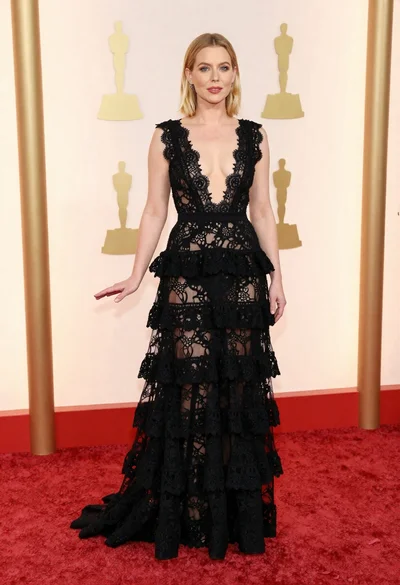
Blonde woman in black lace gown posing on a red carpet event
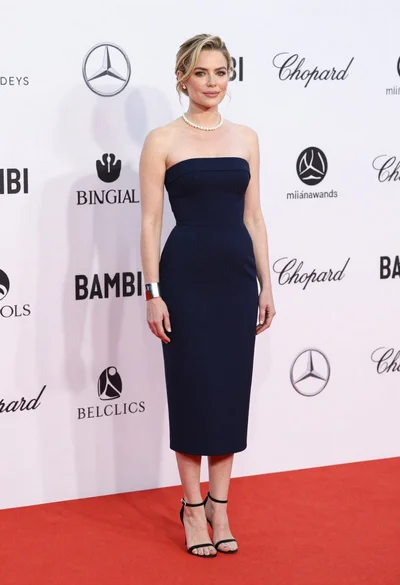
Blonde woman in navy dress on red carpet at formal event
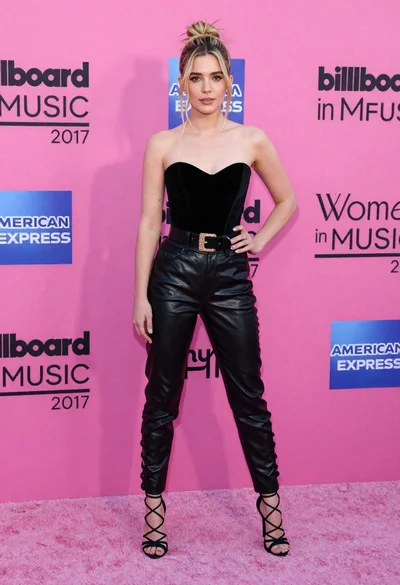
Blonde woman in black leather bodysuit on a bright pink red carpet
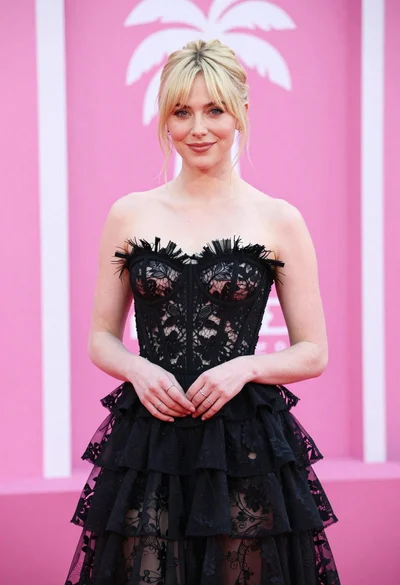
Blonde woman in black lace gown against a vibrant pink striped backdrop
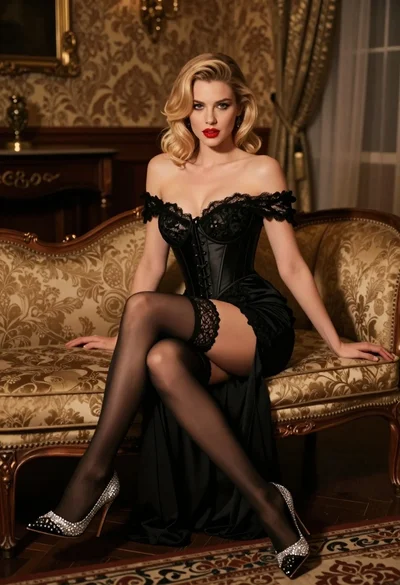
Glamorous blonde woman in black lace gown seated on vintage chaise lounge

Poised woman in elegant white gown on blurred red carpet steps

Fair blonde woman in slip dress seated in minimalist studio setting

Blonde woman looking back over shoulder against white wall

Fair skinned woman in black velvet dress at white step and repeat
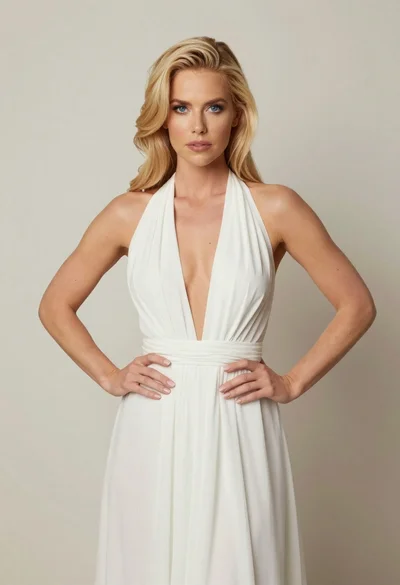
Blonde woman in white halter gown standing against a neutral studio wall
