Blonde woman in black leather bodysuit on a bright pink red carpet
Prompt
A young woman with blonde hair styled in a messy updo stands confidently on a red carpet against a vibrant pink backdrop.

Subject: A fair-skinned young woman with light brown eyes and a neutral expression, wearing her hair pulled back into a casual high bun with loose strands framing her face.

Clothing: She wears a black strapless velvet bodysuit with a sweetheart neckline, paired with high-waisted black leather pants featuring distinctive crisscross cutouts down the thighs and ankles, secured with a wide belt and a large ornate gold buckle.

Action: She stands in a relaxed pose with her left hand resting on her hip and her right arm hanging by her side, looking directly at the camera.

Environment: The background is a bright pink step-and-repeat wall featuring logos for "Billboard Women in Music 2017" and American Express.

Lighting: Bright, direct flash photography illuminates the scene evenly, creating sharp highlights on the leather pants and soft shadows behind her.

Camera: A medium full-body shot taken from a straight-on angle with a shallow depth of field that keeps the subject in sharp focus while slightly blurring the background logos.

Style Details: High-gloss commercial photography style typical of red carpet events, characterized by high contrast between the black outfit and the vivid pink background.
Description
This prompt is useful for creating high-impact red carpet event coverage, editorial fashion editorials, and promotional campaign imagery. The combination of 'bright, direct flash photography' ensuring sharp highlights on the leather pants contrasts dramatically with the 'vibrant pink backdrop,' which prevents the scene from feeling muddy or overly diffused, thereby maximizing visual pop.
Suggestions
- Change 'black strapless velvet bodysuit' to 'patent black latex bodysuit' for a different sheen.
- Swap 'bright pink step-and-repeat wall' for 'deep magenta step-and-repeat wall' to deepen the contrast.
- Adjust 'medium full-body shot' to 'full body, low angle' to make the subject appear more dominant.
Category
Tags
Black HairBlondeCasual WearFair SkinFemaleFull BodyMedium ShotRealisticStudio
Date added
June 19, 2026
Added by
PromptDexter Team
Related Prompts
More prompts with similar categories and tags.

Blonde woman looking back over shoulder against white wall

Fair skinned woman in black velvet dress at white step and repeat

Blonde woman holding cocktail glass against a stark white studio background

Smiling blonde woman in boutique wearing navy blouse and black skirt

Smiling blonde woman in sheer black gown at a dark event backdrop

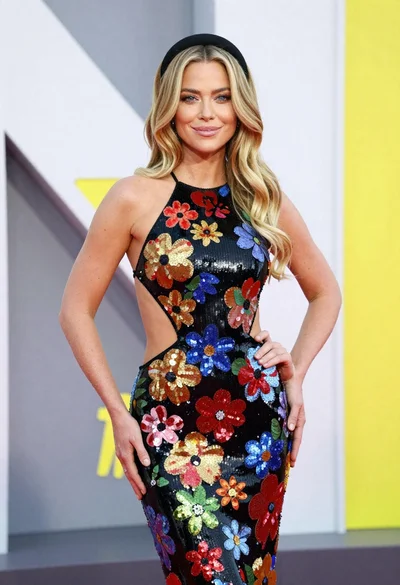
Medium close up portrait of blonde woman in black floral velvet dress
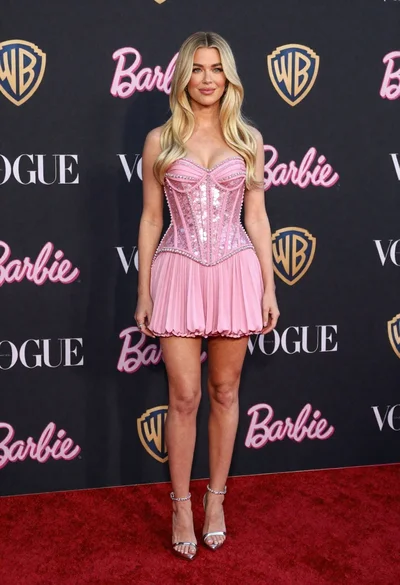
Full length portrait of blonde woman in sparkly pink mini dress on

Blonde woman seated sideways in black mini dress by window
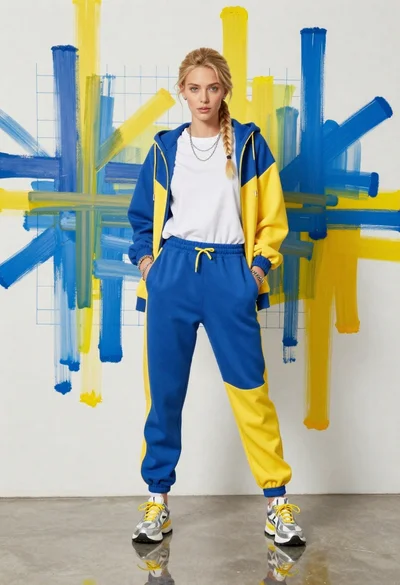
Young woman in color blocked tracksuit against abstract art wall
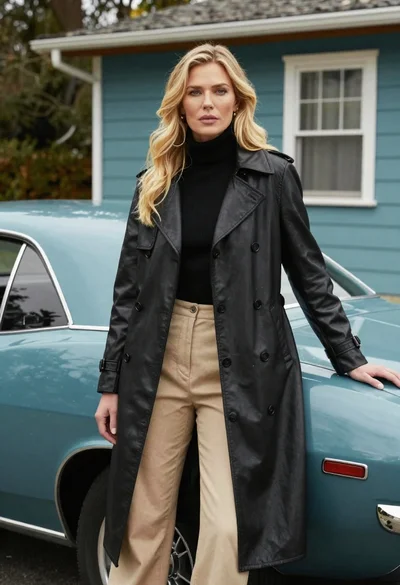
Blonde woman in black trench coat leaning on vintage teal muscle car