

Full body portrait of blonde woman in elegant black gown on pedestal
Prompt
A full-body shot of a woman with platinum blonde hair wearing an elegant black gown with a hood draped over her head.

Subject: A fair-skinned woman with long platinum blonde hair and dark eyes standing in profile facing left, displaying a confident expression with red lipstick.

Clothing: She wears a floor-length, form-fitting black evening gown featuring a deep plunging neckline, short sleeves, and a hood that drapes over her head like a veil; the fabric appears smooth and matte with a slight sheen at the hem.

Action: The woman stands in a poised profile pose with her left hand resting gently on her hip and her right arm hanging by her side, looking directly forward.

Environment: She stands on a white cylindrical pedestal against a seamless, plain light grey studio background.

Camera: A full-length vertical shot captured from a straight-on angle that emphasizes the silhouette of the dress and the model's posture.

Lighting: Soft, diffused studio lighting illuminates the subject evenly from the front to minimize harsh shadows while highlighting the texture of the fabric.

Style Details: High-fashion editorial photography with a minimalist aesthetic, clean lines, and a monochromatic color palette dominated by black and white.
Description
This prompt is useful for creating high-end fashion editorials, character concept art for cinematic villains, and sophisticated portraiture showcasing dramatic silhouettes. The combination of 'soft, diffused studio lighting' with the 'plain light grey studio background' ensures that the focus remains entirely on the subject's form and the gown's texture, preventing distracting environmental details while maintaining a clean, high-fashion aesthetic.
Suggestions
- Change 'platinum blonde hair' to 'raven black hair' for a more dramatic contrast.
- Swap 'deep plunging neckline' for 'high mandarin collar' to alter the silhouette.
- Add 'shot on Hasselblad X1D II' to specify camera quality.
Category
Tags
Black HairBlondeFair SkinFemaleFormal WearFull BodyPortrait ShotRealisticStudio
Date added
June 19, 2026
Added by
PromptDexter Team
Related Prompts
More prompts with similar categories and tags.

Blonde woman in black gown seated on white stool in bright room
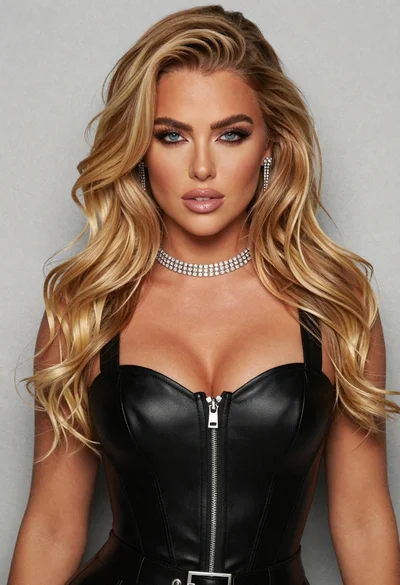
Glamorous portrait of blonde woman in black leather bustier top
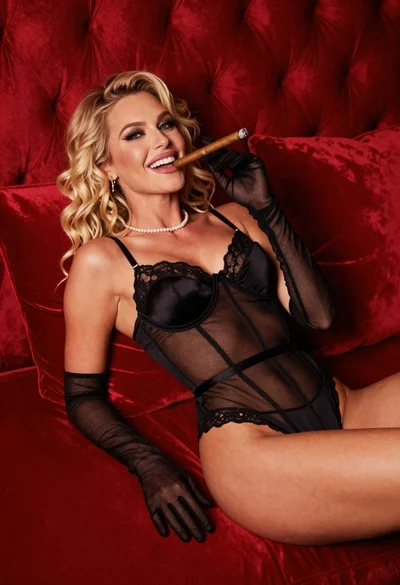
Blonde woman in black lingerie reclining on red quilted surface

Blonde woman in victorian steampunk attire portrait

Blonde woman in black gown posing against white studio background
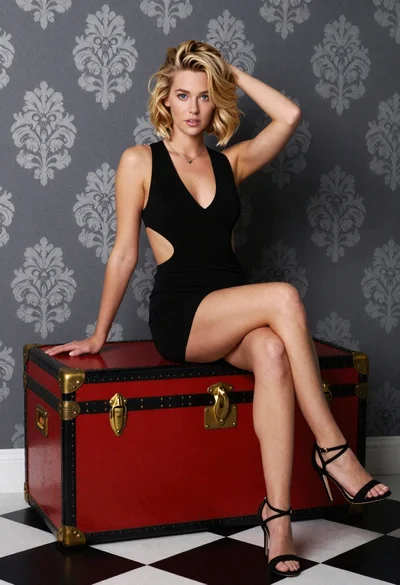
Blonde woman sitting elegantly on vintage trunk in studio setting

Blonde woman in black lace lingerie posing with vintage telephone
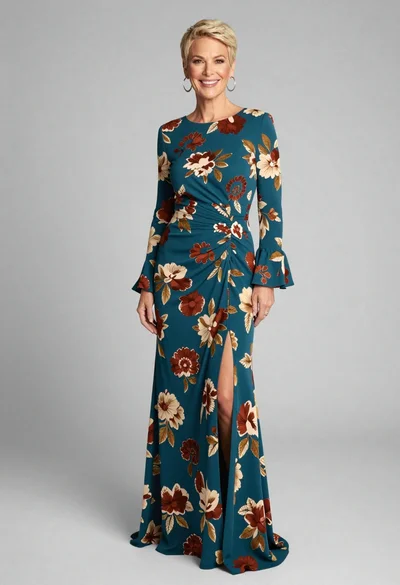
Full body portrait of smiling woman in teal floral evening gown
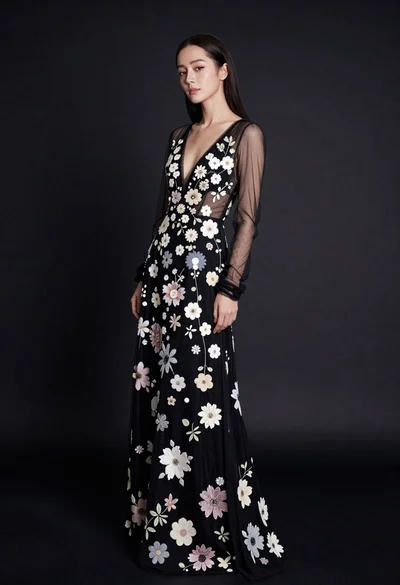
Full body portrait of woman in embellished black gown against dark studio
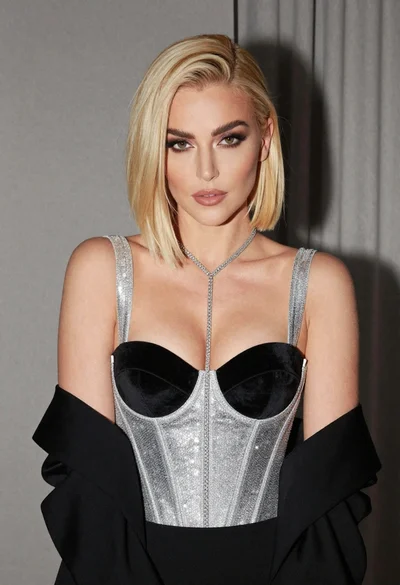
Glamorous portrait of woman with platinum blonde hair in silver corset top
