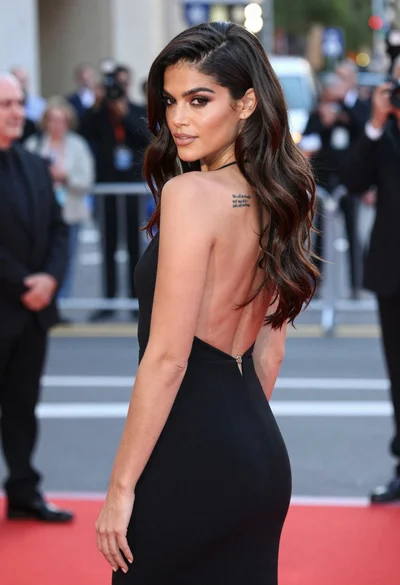
Glamorous portrait of woman in blue gown at red carpet event
Prompt
A glamorous close-up portrait of a woman with long dark hair and striking makeup at a red carpet event.

Subject: A beautiful woman with long straight dark brown hair parted in the middle, featuring prominent arched eyebrows, defined eyeliner, and glossy mauve lipstick. Her expression is poised with her mouth slightly open as she looks upward.

Clothing: She wears an elegant light blue off-the-shoulder gown featuring intricate floral lace embroidery and a deep plunging neckline that reveals her collarbones.

Action: The subject stands facing forward with a confident, serene expression, her head tilted slightly back while gazing into the distance.

Environment: The background is a blurred crowd of photographers and onlookers holding cameras, indicating a high-profile public event or premiere.

Camera: A tight medium close-up shot with a shallow depth of field that keeps the subject sharp while rendering the busy background as soft bokeh.

Lighting: Soft, diffused lighting illuminates her face evenly, highlighting her skin texture and the shimmer on her dress without harsh shadows.

Style Details: High-fashion photography style with rich color saturation and a polished, cinematic aesthetic typical of celebrity press coverage.
Description
This prompt is useful for creating high-end magazine editorials, celebrity profile spreads, and luxury brand advertising campaigns. The combination of 'soft, diffused lighting' and the 'shallow depth of field' ensures that while the background suggests a busy premiere, the focus remains entirely on the subject's 'intricate floral lace embroidery' and poised expression without distracting visual noise.
Suggestions
- Change 'glossy mauve lipstick' to 'deep oxblood lipstick' for a more dramatic feel.
- Add 'Canon EOS R5, 85mm f/1.
- 2' to specify the lens quality.
Category
Tags
BrunetteFemaleRealistic
Date added
June 19, 2026
Added by
PromptDexter Team
Related Prompts
More prompts with similar categories and tags.

Poised woman in elegant white gown on blurred red carpet steps

Glamorous woman in gold sequin gown holding white cup in modern kitchen
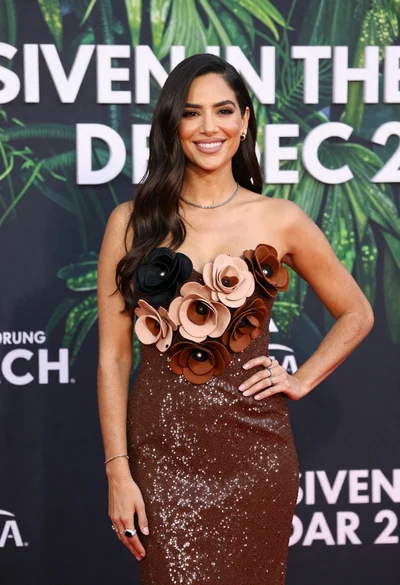
Poised woman smiling on red carpet with sparkly brown strapless dress

Woman seated on mid century chair wearing beige suit
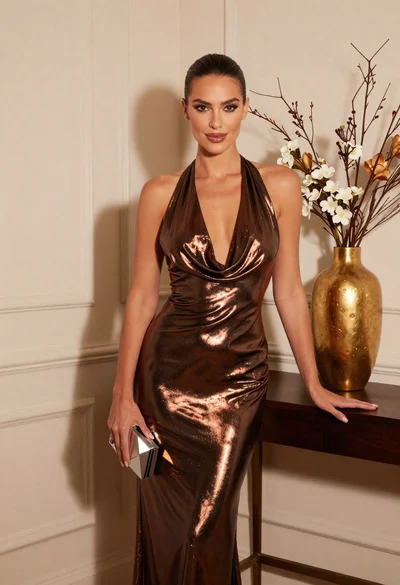
Glamorous woman in metallic bronze gown standing indoors at an elegant setting
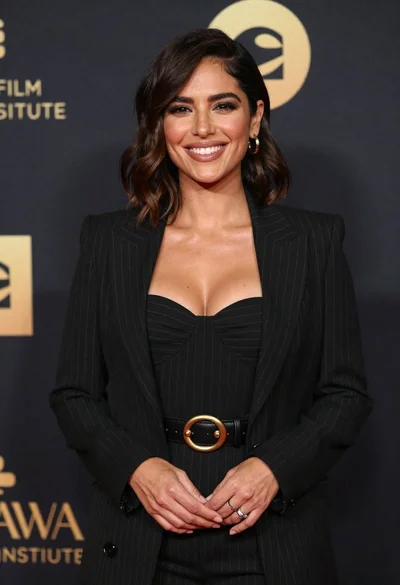
Smiling woman in black pinstripe suit jacket against dark backdrop

Blonde woman looking back over shoulder against white wall

Poised woman in black blazer sitting on stool against blue gradient background

Fair skinned woman with red hair in brown satin dress against gray

Glamorous woman on balcony overlooking city skyline at night