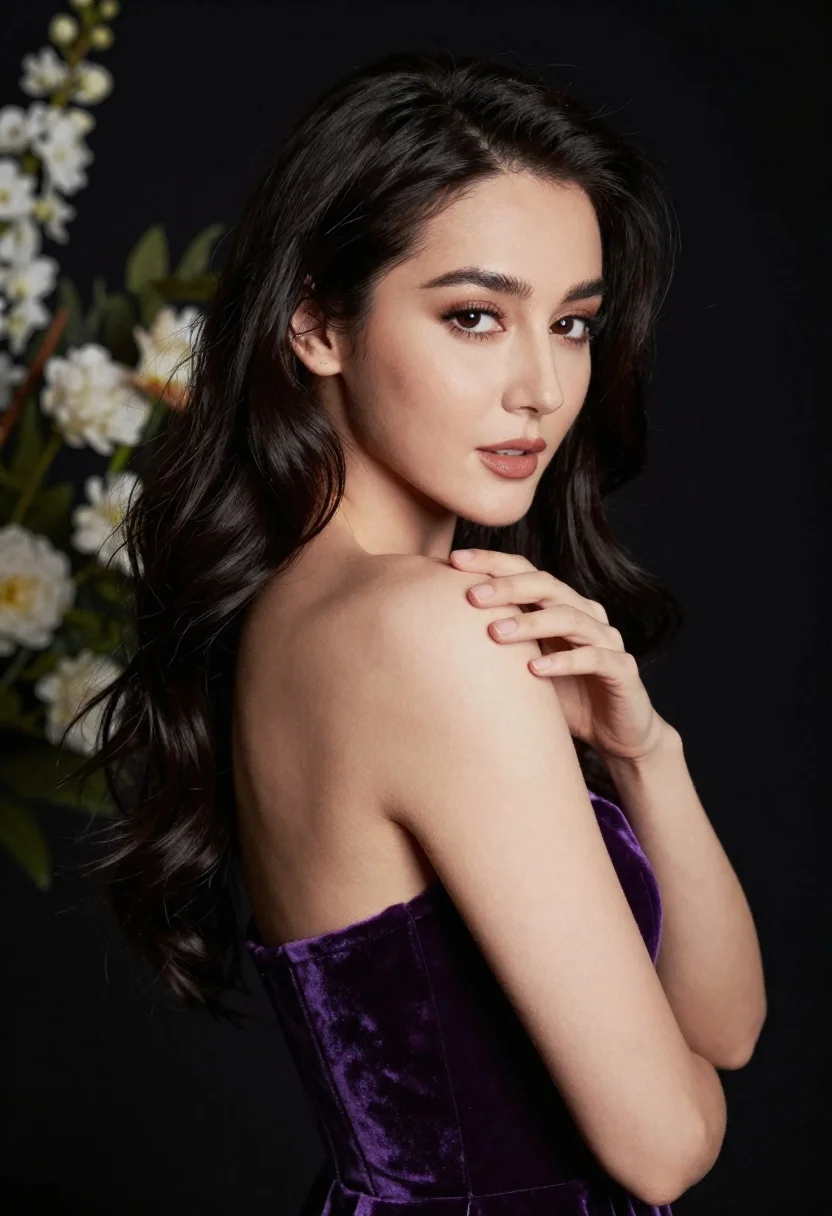
Glamorous portrait of woman with dark hair touching shoulder studio lighting
Prompt
A glamorous portrait of a woman with long dark wavy hair and striking eyes looking back over her shoulder.

Subject: A beautiful woman with deep brown eyes, defined eyebrows, and glossy lips, featuring smooth skin and flowing black hair cascading down her back.

Clothing: She wears a deep purple velvet strapless gown that reveals her shoulders and collarbone.

Action: Her right hand is raised gently to touch the bare skin of her shoulder, while she gazes directly at the viewer with a soft expression.

Environment: The background is dark and out of focus, featuring blurred white flowers and green foliage on the left side.

Lighting: Dramatic studio lighting highlights her face and shoulder against a deep black backdrop, creating high contrast and emphasizing her features.

Style Details: High-fashion photography style with sharp focus on the subject, soft bokeh in the background, and rich color saturation.
Description
This prompt is useful for creating high-end beauty advertisements, dramatic character portraits, and luxury editorial spreads requiring intense focus on texture. The combination of 'deep purple velvet' against a 'deep black backdrop' maximizes the contrast needed for advertising impact, while specifying 'soft bokeh in the background' ensures that the viewer's attention remains fixed on the subject's face and the delicate gesture of her hand.
Suggestions
- Change 'deep purple velvet' to 'emerald green silk' for a different jewel tone.
- Adjust 'gazing directly at the viewer' to 'looking slightly off-camera' for a more candid feel.
- Replace 'soft bokeh in the background' with 'subtle geometric patterns' to change the environment.
Category
Tags
Back ViewBlack HairBrown SkinBrunetteFemalePortrait ShotRealisticStudio
Date added
June 19, 2026
Added by
PromptDexter Team
Related Prompts
More prompts with similar categories and tags.
Glamorous woman posing in embellished top against dark chandelier background
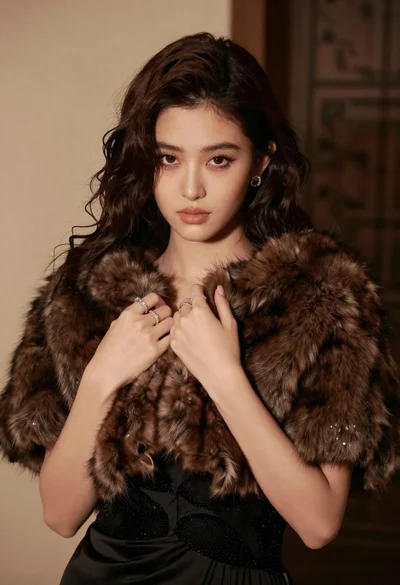
Glamorous portrait of woman in dark fur stole and black gown
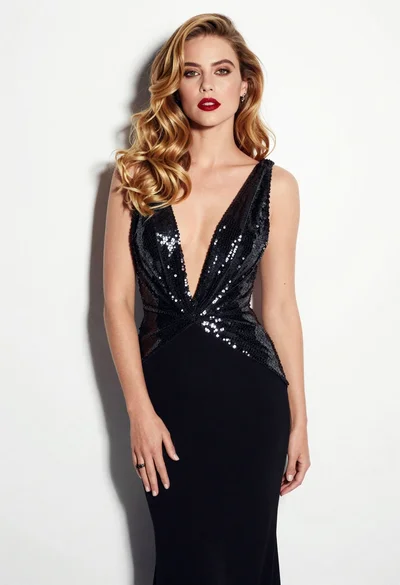
Glamorous woman in black sequined gown against a white studio background
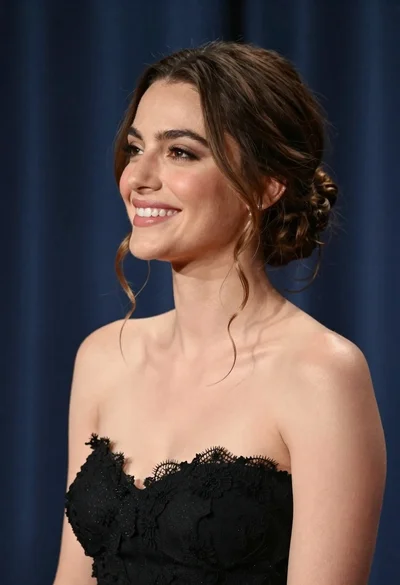
Smiling woman in black strapless gown against dark blue draped curtains
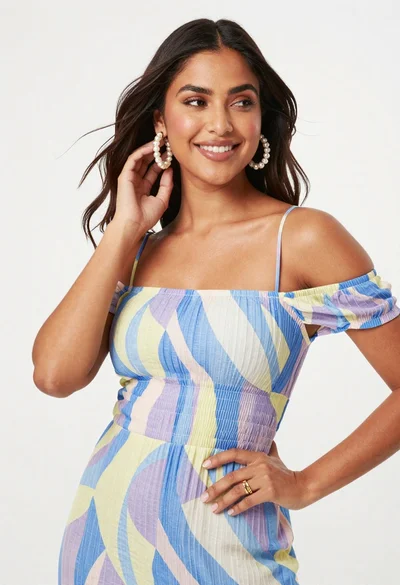
Smiling woman in patterned off shoulder dress against white studio backdrop
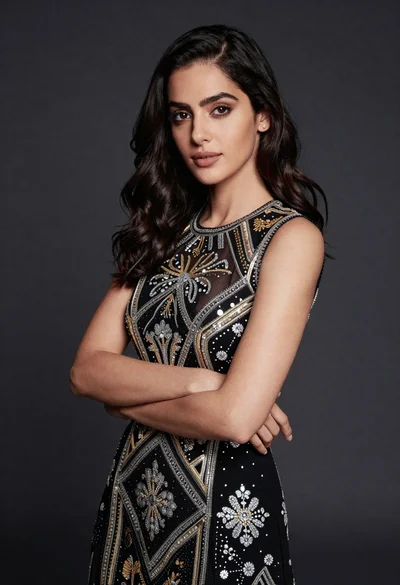
Confident woman in black embroidered dress against dark grey studio backdrop
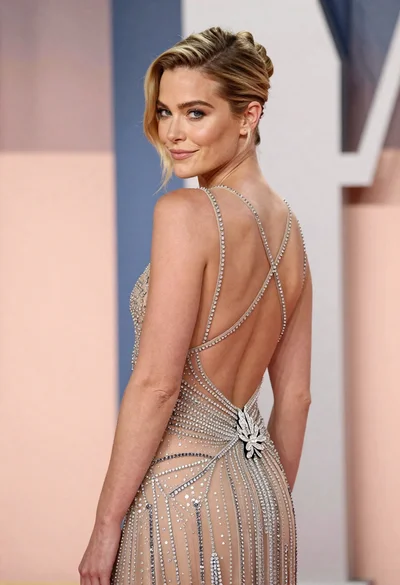
Woman in sheer crystal gown looking over shoulder at event backdrop
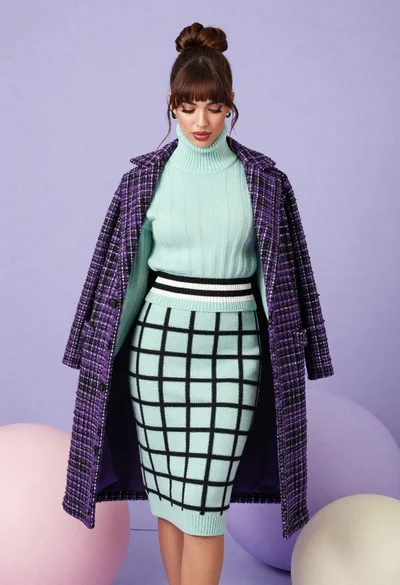
Brunette woman in mint green knit set against pastel purple spheres
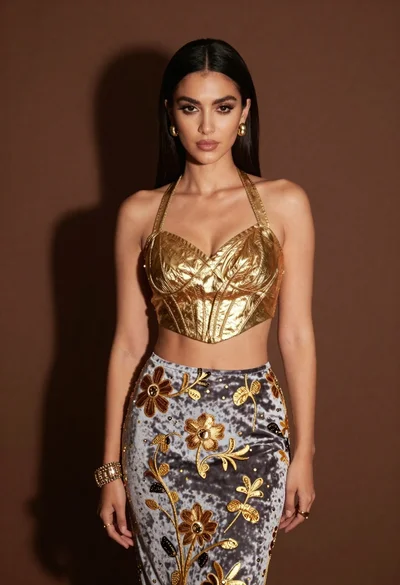
Glamorous woman in gold crop top and velvet skirt studio portrait
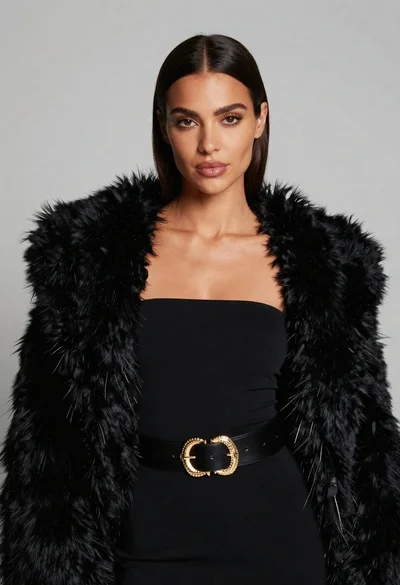
Poised woman in black fur stole against a plain light grey studio