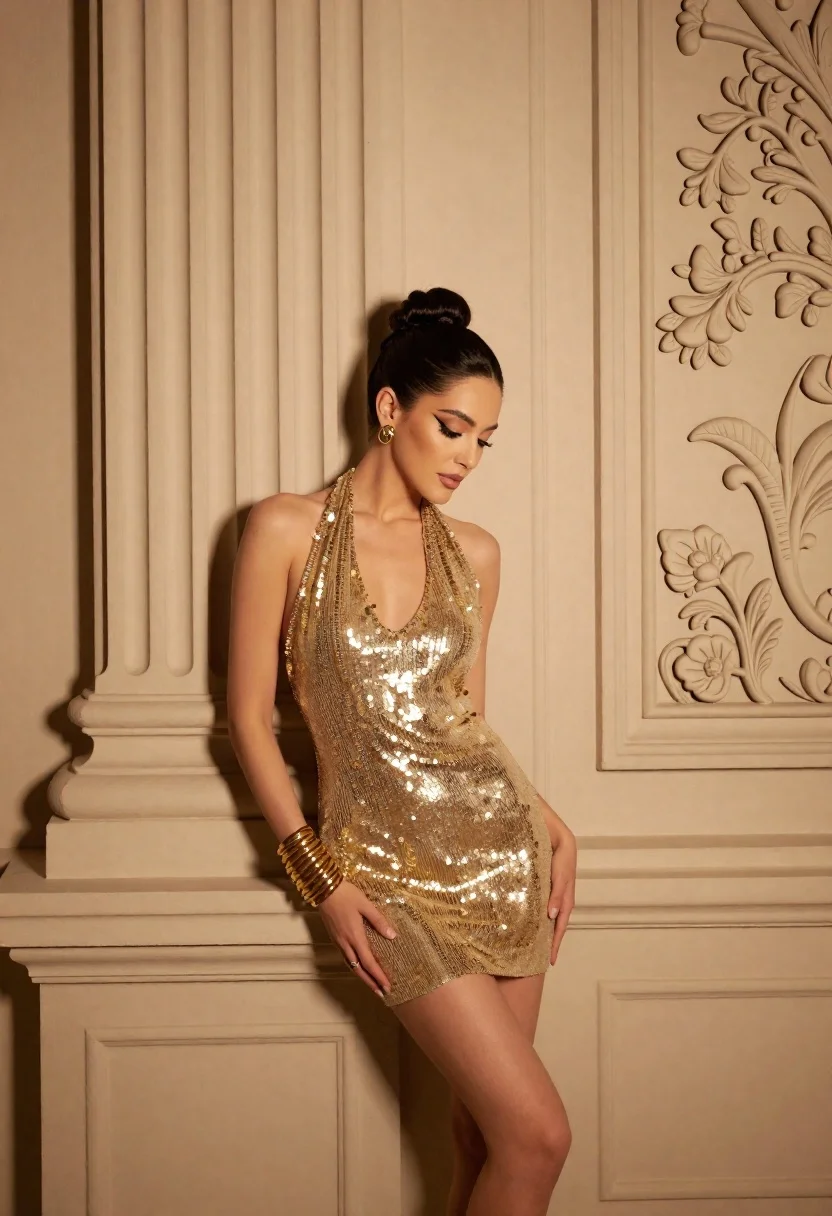
Glamorous woman in gold dress against ornate classical architectural wall
Prompt
A glamorous woman stands confidently against an ornate, textured wall with classical architectural details.

Subject: A woman with dark hair styled in a high bun, featuring defined winged eyeliner and a soft, contemplative expression while looking downward.

Clothing: She wears a shimmering gold halter-neck mini dress made of sequins that catch the light, paired with multiple thick gold bangles on her wrist and matching gold earrings.

Action: Her body is angled slightly to the side, leaning against the wall with one hand resting near her hip and the other hanging by her thigh in a relaxed pose.

Environment: The background consists of tall, cream-colored walls featuring vertical fluted columns and intricate floral relief carvings on the right panel.

Lighting: Warm, directional lighting highlights the metallic texture of the dress and casts soft shadows against the architectural details, creating a golden-hour atmosphere.

Camera: A medium shot captures the subject from the thighs up, utilizing a shallow depth of field to keep the focus sharp on her while softly blurring the background textures.

Style Details: High-fashion editorial photography with a rich color palette dominated by gold and cream tones, emphasizing texture and elegance.
Description
This prompt is useful for creating high-end magazine editorials, character concept art for period dramas, and luxury product advertisements featuring human elements. The combination of 'shimmering gold halter-neck mini dress' against the 'ornate, textured wall' ensures that the metallic sheen catches the 'warm, directional lighting,' preventing the sequins from looking flat while allowing the shallow depth of field to isolate her elegance.
Suggestions
- Change 'high bun' to 'loose waves' for a softer overall look.
- Swap 'gold halter-neck mini dress' for 'sequined gold gown' to increase formality.
- Adjust 'golden-hour atmosphere' to 'studio spotlighting' for more controlled drama.
Category
Tags
BrunetteFemaleFormal WearIndoorsMedium ShotPortrait ShotRealistic
Date added
June 19, 2026
Added by
PromptDexter Team
Related Prompts
More prompts with similar categories and tags.

Poised woman in black gown posing indoors with dramatic low key lighting
Woman in silver gown against warm draped curtain backdrop medium shot
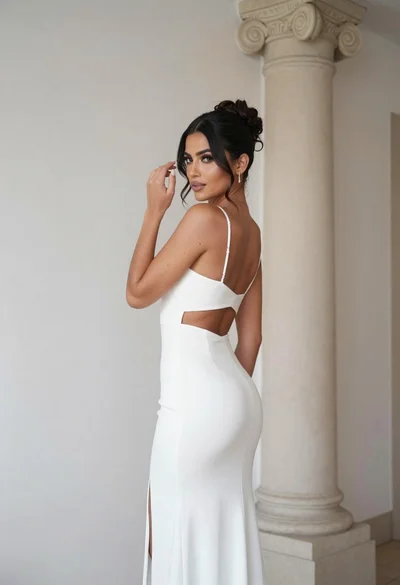
Woman in white gown posing near classical column interior setting
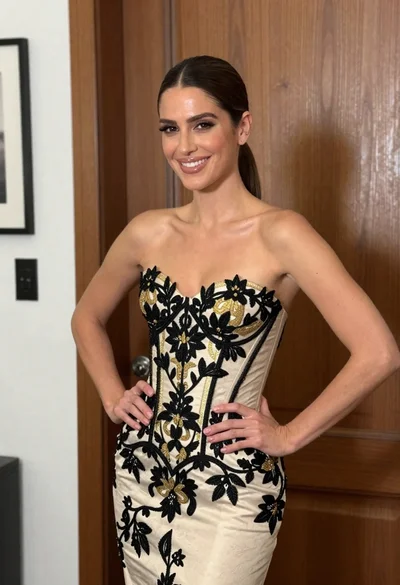
Smiling woman in embroidered strapless gown against wooden paneled wall
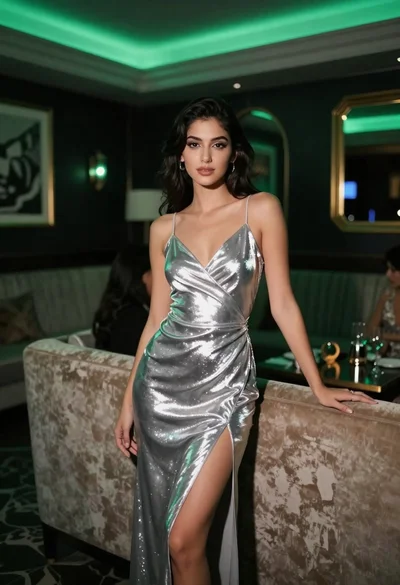
Woman in silver slip dress leaning on sofa at upscale lounge
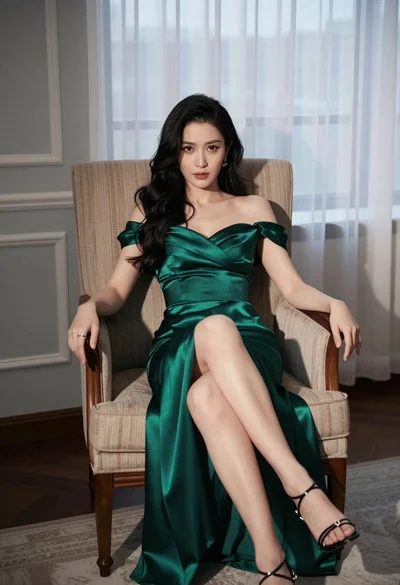
Woman in emerald green satin gown seated in an armchair indoors
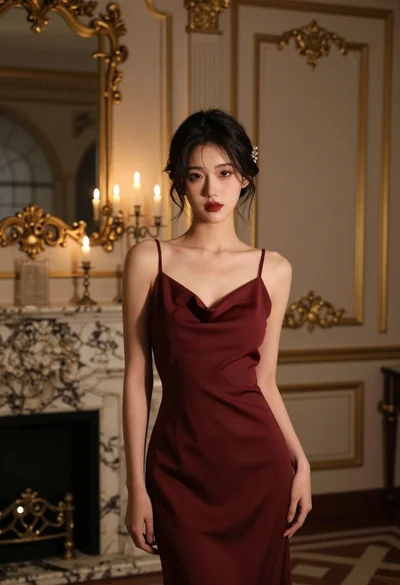
Young woman in maroon slip dress standing in luxurious dimly lit room
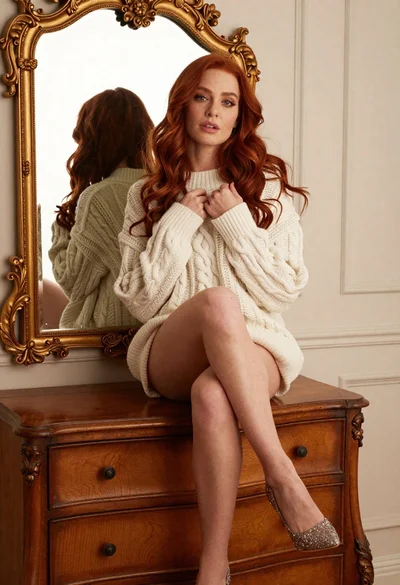
Woman with red hair sitting on dresser before ornate gold mirror
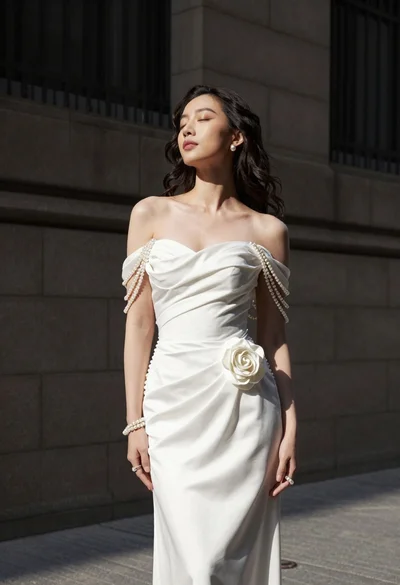
Woman in white gown standing against dark stone architectural wall outdoors

Blonde woman in striped swimsuit seated on sofa indoors studio shot