Smiling woman in embroidered strapless gown against wooden paneled wall
Prompt
A smiling woman with dark hair pulled back stands confidently in a strapless gown against a wooden wall.

Subject: A woman with long dark brown hair styled in a sleek low ponytail, featuring a radiant complexion and a bright, engaging smile that reveals her teeth. Her makeup includes defined eyebrows, subtle eyeshadow, and glossy lips. She has a small stud earring visible on her left ear.

Clothing: She wears an elegant strapless gown with a fitted bodice featuring intricate black and gold floral embroidery or beading over a cream-colored fabric. The dress has a structured corset-style silhouette that highlights her shoulders and collarbones.

Action: She stands with both hands placed firmly on her hips in a confident pose, leaning slightly back against the wall while looking directly at the camera.

Environment: The background consists of a vertical wood-paneled wall behind her and a white wall to the left featuring a framed picture and a black light switch panel.

Camera: A medium shot captures the subject from the waist up with a shallow depth of field that keeps her in sharp focus while softly blurring the wooden background.

Lighting: The scene is lit by soft, flattering indoor lighting that creates gentle highlights on her skin and emphasizes the texture of the dress without harsh shadows.

Style Details: The image has a polished, high-quality portrait aesthetic with natural color tones and a clean composition typical of professional event photography.
Description
This prompt is useful for creating formal event portraits, bridal lookbooks featuring cultural attire, and editorial fashion spreads requiring structured posing. The combination of the 'intricate black and gold floral embroidery' on the gown against the 'wooden paneled wall' grounds the subject while the 'soft, flattering indoor lighting' ensures that the metallic details catch light without producing distracting hot spots.
Suggestions
- Change 'black and gold floral embroidery' to 'deep jewel-toned velvet appliqué' for a richer look.
- Adjust 'medium shot' to 'full body shot' to better showcase the gown's length.
- Swap 'wooden paneled wall' for 'dark marble backdrop' to modernize the setting.
Category
Tags
BrunetteFemaleFormal WearIndoorsMedium ShotPortrait ShotRealistic
Date added
June 19, 2026
Added by
PromptDexter Team
Related Prompts
More prompts with similar categories and tags.
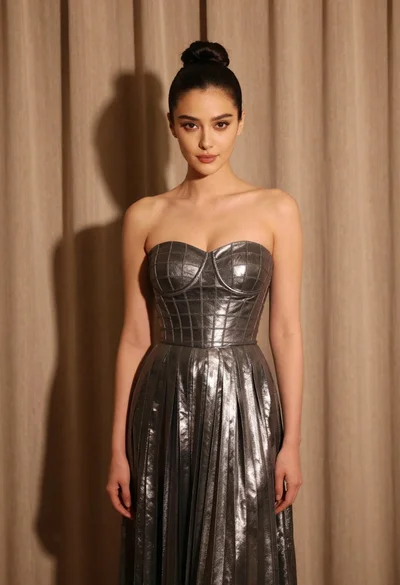
Woman in silver gown against warm draped curtain backdrop medium shot
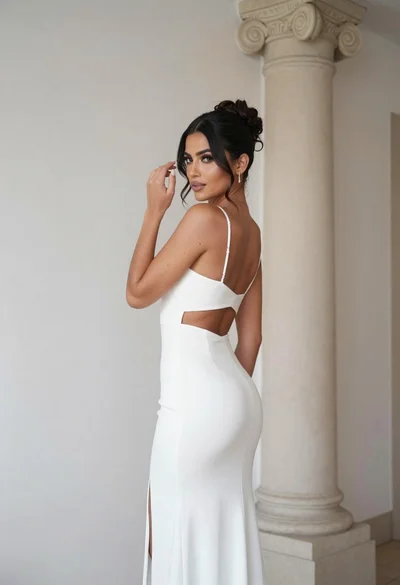
Woman in white gown posing near classical column interior setting
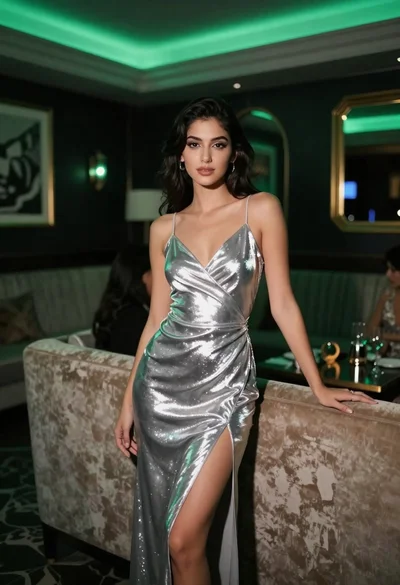
Woman in silver slip dress leaning on sofa at upscale lounge
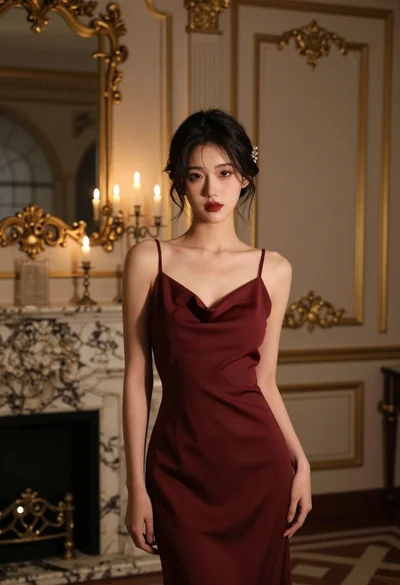
Young woman in maroon slip dress standing in luxurious dimly lit room
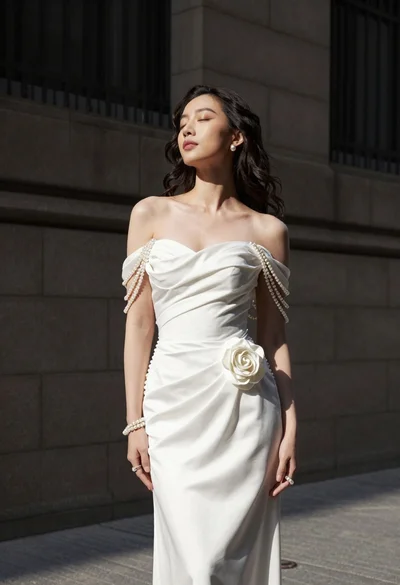
Woman in white gown standing against dark stone architectural wall outdoors

Blonde woman in striped swimsuit seated on sofa indoors studio shot
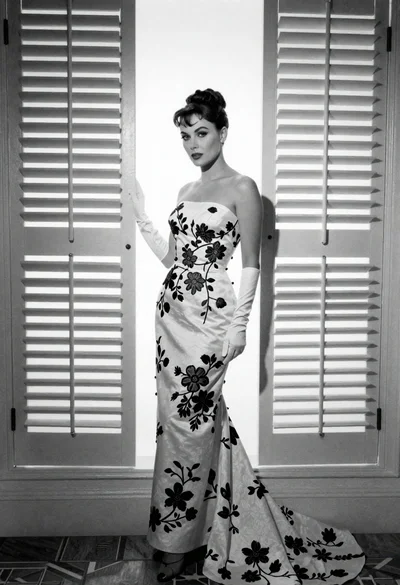
Full length portrait of woman in gown near tall window shutters
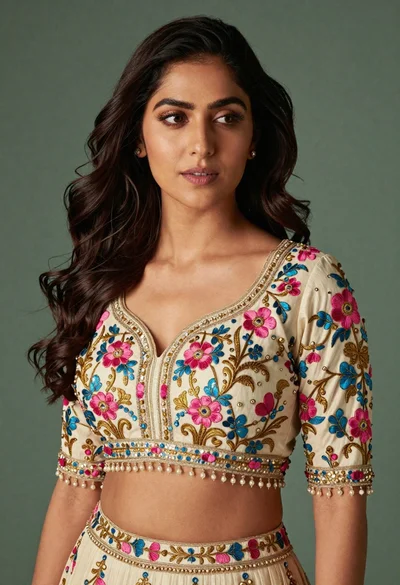
Medium close up portrait of woman in ornate cream lehenga choli

Young woman in black graphic tshirt against white paneled wall
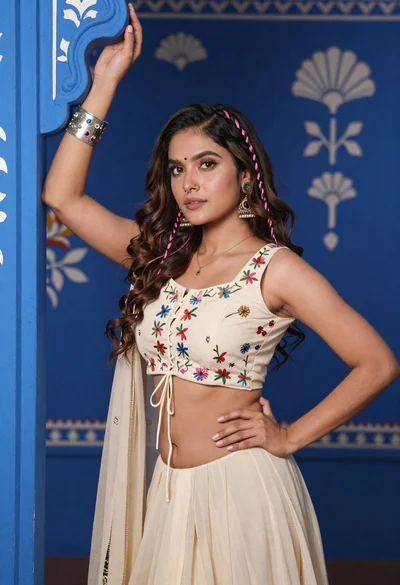
Young woman with brown hair posing by blue floral patterned wall