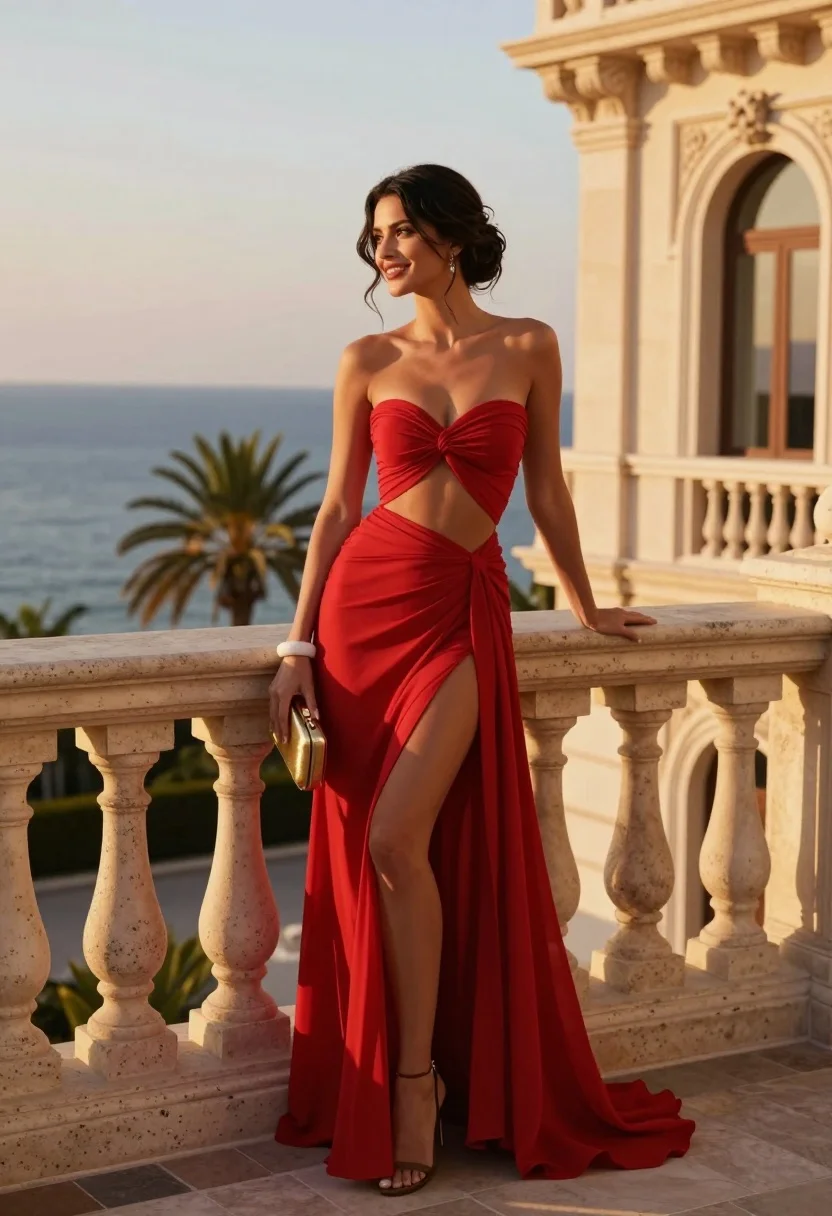
Glamorous woman in red gown on stone balcony overlooking blue ocean at
Prompt
A glamorous woman in a flowing red dress stands elegantly on a stone balcony overlooking the ocean at sunset.

Subject: A beautiful woman with dark hair styled in an elegant updo, featuring loose tendrils framing her face and a radiant smile as she gazes off to the side.

Clothing: She wears a vibrant red strapless gown with a twisted bodice detail, a cutout at the waist, and a high-slit skirt made of sheer fabric that reveals her leg.

Action: She leans casually against the stone balustrade with one hand resting on a gold clutch held in place by a white bracelet.

Environment: The setting is an opulent terrace with classical architecture featuring ornate columns and windows, overlooking a calm blue sea with palm trees visible in the background under a soft sky.

Camera: Shot from a medium-full angle with a shallow depth of field that keeps the subject sharp while softly blurring the distant ocean and architectural details.

Lighting: Warm golden hour sunlight bathes the scene, casting soft highlights on her skin and dress while creating gentle shadows that enhance the romantic atmosphere.

Style Details: High-fashion editorial photography with rich color saturation, smooth skin texture, and a polished cinematic aesthetic reminiscent of luxury travel magazines.
Description
This prompt is useful for creating high-end destination wedding editorials, luxury resort advertising campaigns, and dramatic fashion lookbooks. The combination of 'vibrant red strapless gown' against the 'calm blue sea' under 'warm golden hour sunlight' maximizes color contrast while the 'shallow depth of field' ensures the subject remains the sharp focal point despite the ornate background elements.
Suggestions
- Change 'flowing red dress' to 'velvet red gown' for a heavier texture.
- Add 'dramatic sidelight' to enhance the silhouette.
- Swap 'gold clutch' for 'crystal clutch' for more sparkle.
Category
Tags
BrunetteFemaleFormal WearMedium ShotOutdoorsRealistic
Date added
August 5, 2026
Added by
PromptDexter Team
Related Prompts
More prompts with similar categories and tags.

Blonde woman in swimsuit by yacht window overlooking blue sea

Woman in teal dress leaning against ancient sandstone pillar outdoors
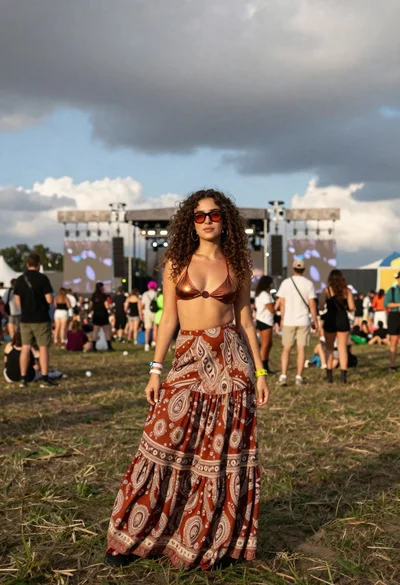
Young woman in copper top and paisley skirt at outdoor music festival

Young woman in green dress on rooftop by water feature under cloudy
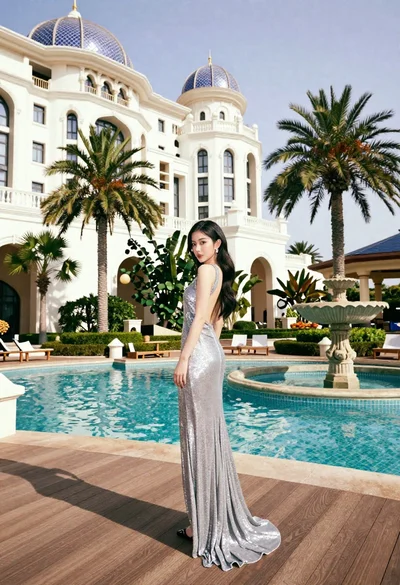
Woman in silver gown on wooden deck by turquoise pool at palace

Woman in striped crochet set posing on boat deck at sunset
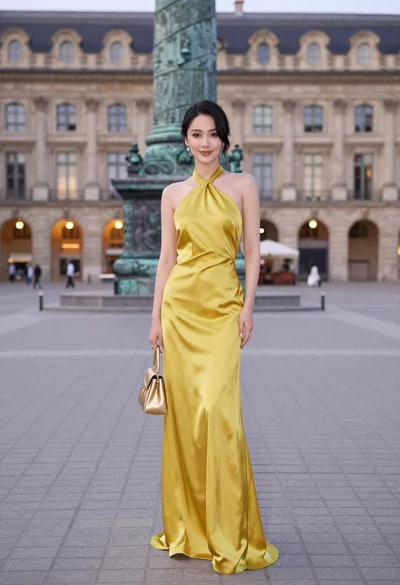
Confident woman in yellow halter gown standing in grand european plaza

Glamorous woman in black satin dress on balcony at night with eiffel

Young east asian woman by railing on rocky coastal path at sunset

Woman in red dress leaning on balcony overlooking blue ocean at sunset