
Woman with reddish hair posing on red tufted sofa indoors
Prompt
A woman with reddish-brown hair sits on a plush red tufted sofa, posing with both hands raised to her head as she runs fingers through her hair while looking directly at the camera.

Subject: A woman with fair skin and reddish-brown hair styled in a voluminous updo with loose strands framing her face.

Clothing: She wears a black sheer lace bodysuit featuring floral embroidery, paired with a long gold chain necklace adorned with a large yellow cross pendant and silver bracelets on both wrists.

Action: Her arms are raised with hands placed in her hair, creating an open posture, while she maintains direct eye contact with the viewer.

Environment: The setting is an indoor room featuring a bright red velvet sofa with diamond tufting and crystal buttons, set against white walls with a large arched window visible in the background.

Lighting: Bright natural light floods the scene from the left side, casting soft highlights on her skin and creating a high-contrast look against the deep red of the furniture.

Camera: The shot is framed as a medium close-up at eye level, utilizing a shallow depth of field to keep the subject sharp while softly blurring the background elements.

Style Details: The image exhibits a polished, high-definition aesthetic with vibrant color saturation and smooth skin textures typical of modern portrait photography.
Description
This prompt is useful for creating editorial beauty shots, luxury catalog imagery, and dramatic character portraits. The combination of 'bright natural light' from the side and the 'black sheer lace bodysuit' against the deep red velvet sofa establishes a high-contrast drama that focuses attention on the subject's face and hands, preventing the rich background color from overwhelming the delicate embroidery.
Suggestions
- Change 'reddish-brown hair' to 'auburn waves' for more movement.
- Swap 'black sheer lace bodysuit' for 'velvet slip dress' to match the sofa texture.
- Adjust 'bright natural light' to 'dramatic chiaroscuro lighting' for a moodier feel.
Category
Tags
BrunetteFair SkinFemaleIndoorsRealisticRed Hair
Date added
June 19, 2026
Added by
PromptDexter Team
Related Prompts
More prompts with similar categories and tags.
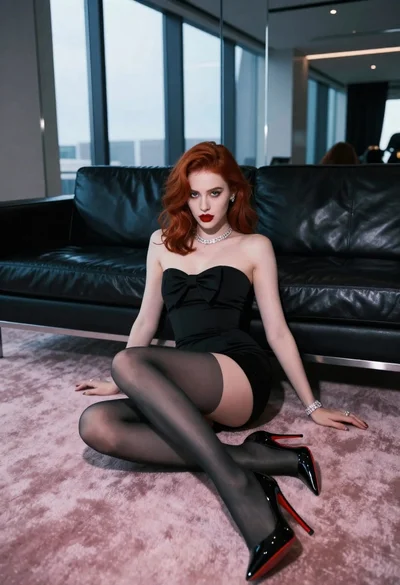
Glamorous woman with red hair sitting on pink carpet near black sofa

Glamorous woman taking mirror selfie in sheer sequined top

Portrait of woman with red hair in navy blouse and green skirt

Woman with red hair sitting on dresser before ornate gold mirror

Blonde woman in striped swimsuit seated on sofa indoors studio shot
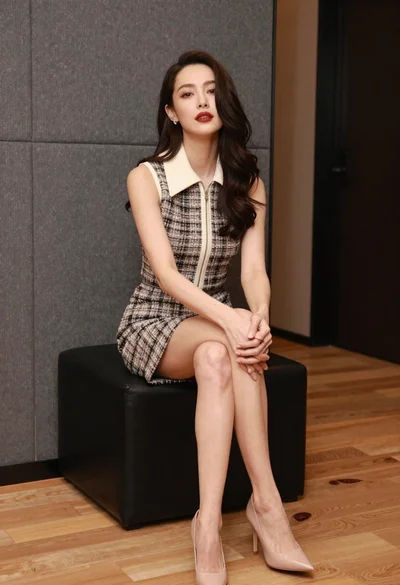
Woman in tweed dress seated elegantly on black ottoman indoors
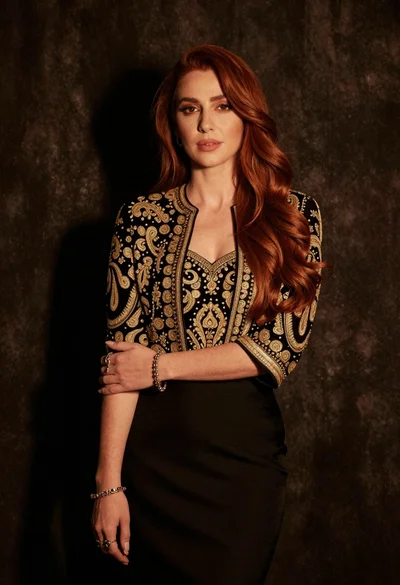
Medium close up portrait of woman in black embroidered jacket studio

Two women in red mini dresses posing indoors at an opulent setting
Woman in shimmering silver pink gown seated in blue armchair indoors
Young woman in black outfit with tiara standing in purple lit bedroom
