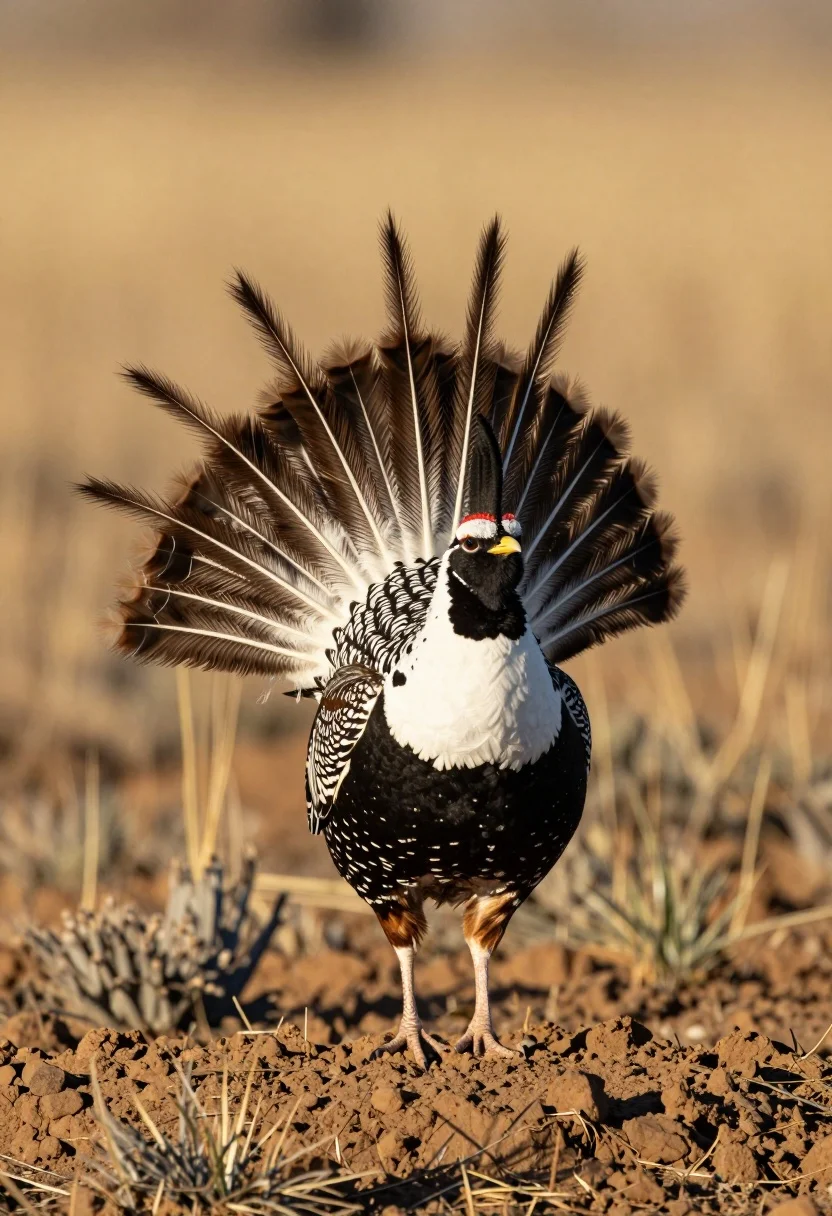
Greater prairie chicken mating display on reddish brown earth mound
Prompt
A male Greater Prairie-Chicken performing a mating display on a mound of earth.

Subject: A Greater Prairie-Chicken with intricate black and white plumage, featuring a large inflated white neck pouch, a dark face mask, and a fan of long, spiky tail feathers that are raised in a dramatic arc.

Action: The bird is standing still but displaying its full courtship posture with the neck expanded and tail fanned out.

Environment: The bird stands on a textured mound of reddish-brown soil or dirt, set against a soft-focus background of dry, golden-brown grasses and shrubs typical of a prairie landscape.

Camera: A close-up shot taken from a low angle looking slightly up at the bird, utilizing a shallow depth of field to blur the background and emphasize the subject's details.

Lighting: Warm, directional sunlight illuminates the scene from the side, casting soft shadows and highlighting the texture of the feathers and the earthy tones of the environment.

Style Details: Naturalistic wildlife photography with high detail on the bird's plumage and a warm color palette dominated by golds, browns, and blacks.
Description
This prompt is useful for creating natural history illustrations, scientific field guides, and dramatic nature documentary stills. The combination of 'low angle looking slightly up' with 'warm, directional sunlight' sculpts the bird's plumage by casting soft shadows that define the texture of the feathers against the 'reddish-brown soil', preventing the subject from appearing flat or pasted onto a background.
Suggestions
- Change 'mound of earth' to 'dry clay mound' for more saturated tones.
- Add 'telephoto lens, 200mm' to enhance compression and separation.
- Swap 'golden-brown grasses' for 'sagebrush scrub' to alter the background color.
Category
Tags
AnimalClose UpFull BodyLow AngleOutdoorsRealistic
Date added
July 12, 2026
Added by
PromptDexter Team
Related Prompts
More prompts with similar categories and tags.
Young man with brown hair embracing a german shepherd in forest

Black and white ink sketch of young woman with poodle on sketchbook

Silhouette of two elephants with riders walking across grassy plain at sunset
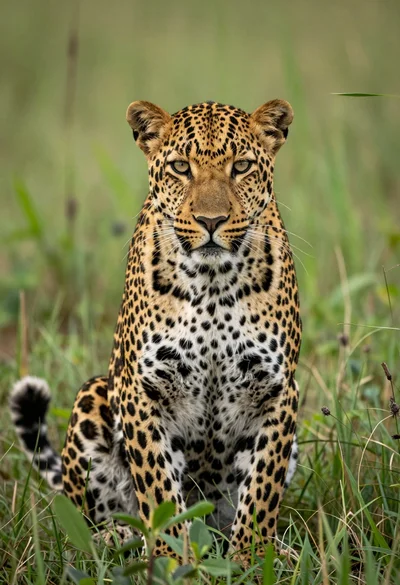
Majestic leopard sitting alert in lush green savanna grassland close up
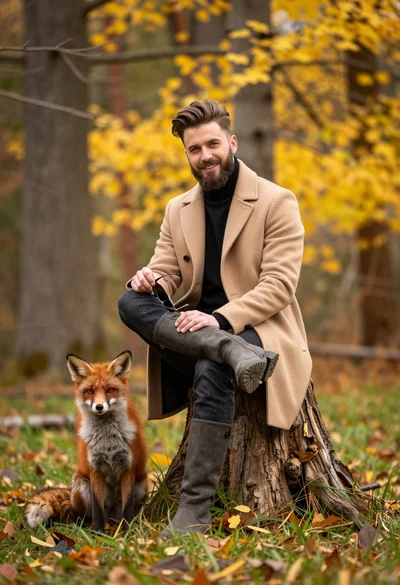
Man in beige coat and boots sitting by red fox in autumn
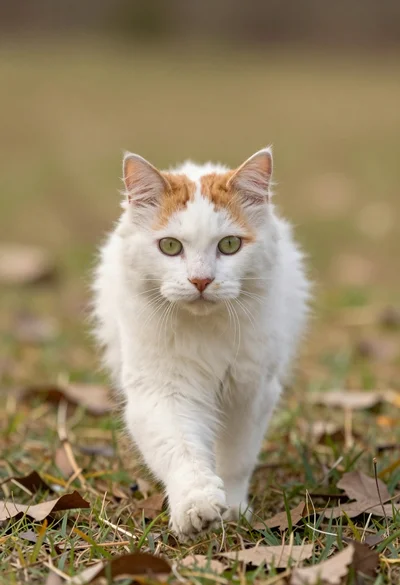
Fluffy white and ginger cat running toward camera on grassy patch
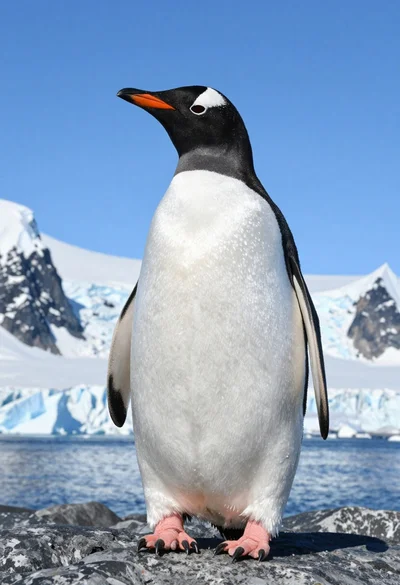
Majestic gentoo penguin standing on dark rock against snowy mountains
Close up of baby goat standing in lush green field under bright
Large seabird soaring through clear blue sky from a low angle view
Majestic whitetailed eagle soaring through lush green forest landscape