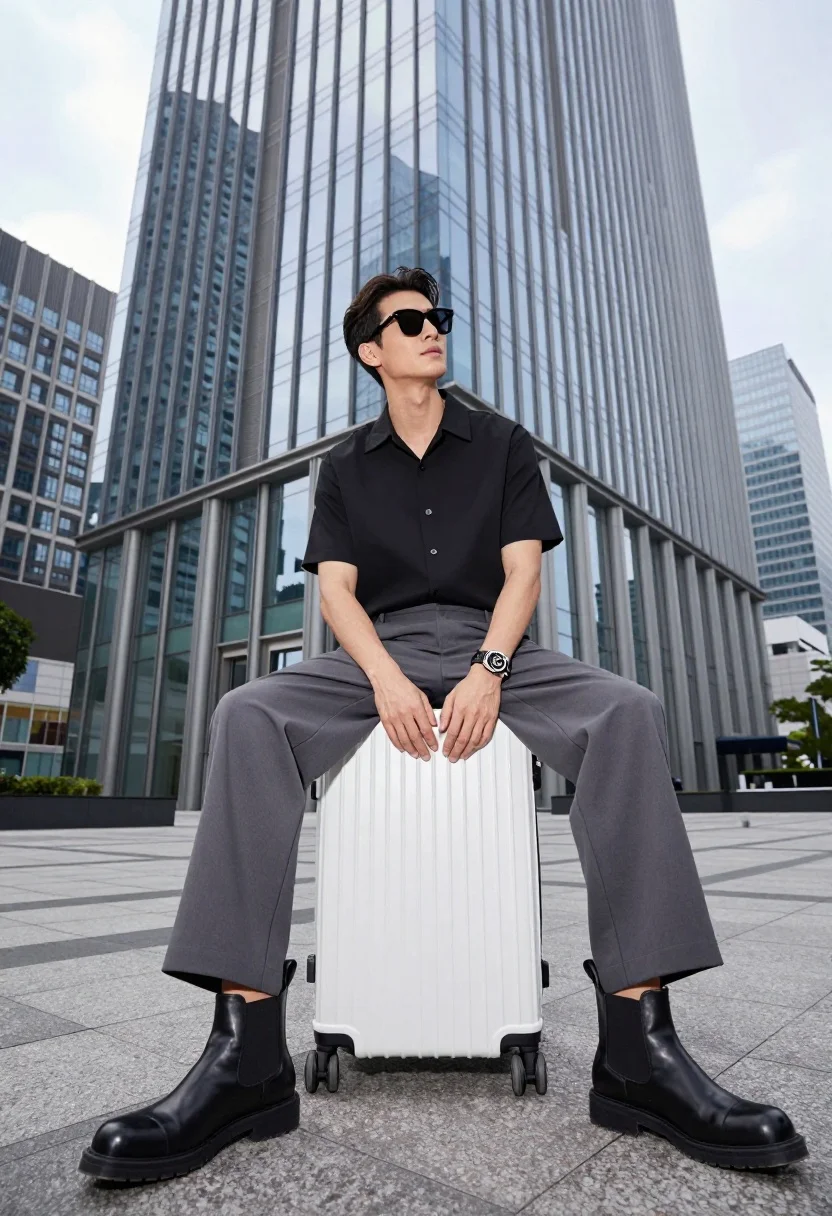
Handsome man sitting on suitcase before modern glass skyscraper in urban plaza
Prompt
A stylish man sits confidently atop a white hard-shell suitcase in front of a modern glass skyscraper.

Subject: A handsome man with dark hair and sunglasses, looking upward with a relaxed expression.

Clothing: He wears a black short-sleeved button-up shirt, grey wide-leg trousers, and black leather Chelsea boots.

Action: He is seated on the suitcase with his legs spread apart, hands resting on his knees, exuding a cool demeanor.

Environment: The setting is an urban plaza paved with stone tiles, backed by towering glass buildings reflecting the sky.

Objects: A white hard-shell rolling suitcase serves as his seat.

Lighting: Bright daylight illuminates the scene, creating sharp reflections on the glass architecture and casting soft shadows.

Camera: Low-angle shot looking up at the subject, emphasizing his height against the skyscraper backdrop with a wide field of view.

Style Details: High-resolution commercial photography with crisp details, cool color grading, and a sleek modern aesthetic.
Description
This prompt is useful for creating architectural concept visualizations, high-end travel magazine spreads, and streetwear lookbook editorials. The combination of 'low-angle shot looking up' and the 'modern glass skyscraper' ensures the subject appears monumental against the vertical lines, while the 'cool color grading' unifies the disparate elements—the man, the suitcase, and the architecture—into a cohesive, sleek composition.
Suggestions
- Change 'black short-sleeved button-up shirt' to 'light blue linen shirt' for contrast.
- Swap 'white hard-shell rolling suitcase' for 'vintage leather trunk' to alter the mood.
- Add 'cinematic depth of field' to soften the background reflections.
Category
Tags
Full BodyLow AngleMaleRealisticStreetwearUrbanWide Shot
Date added
July 3, 2026
Added by
PromptDexter Team
Related Prompts
More prompts with similar categories and tags.
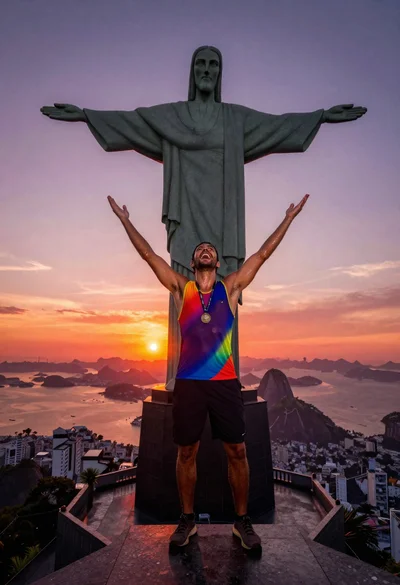
Triumphant man summiting christ the redeemer statue at sunset
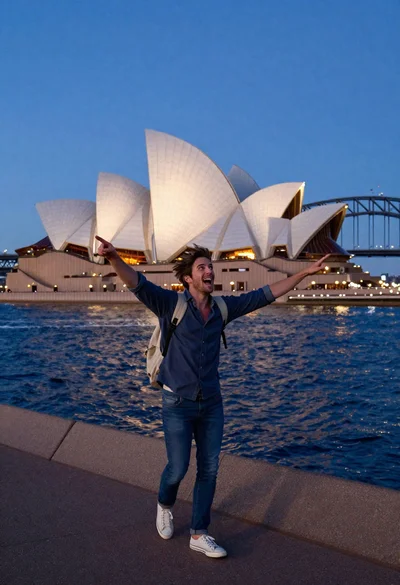
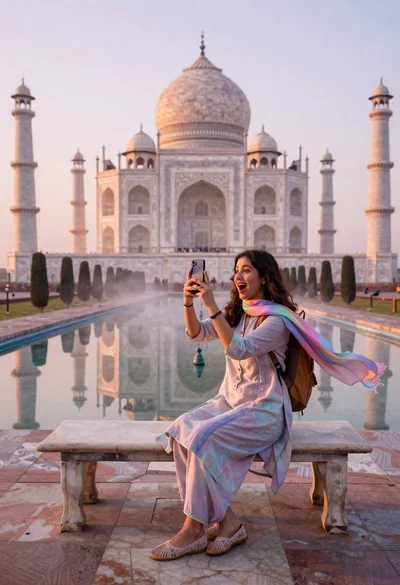
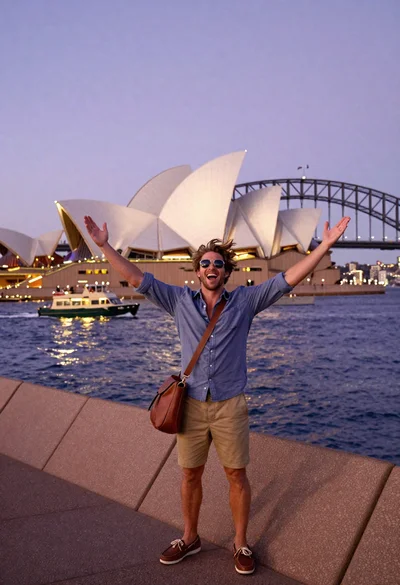
Awestruck young man pointing at sydney opera house at dusk
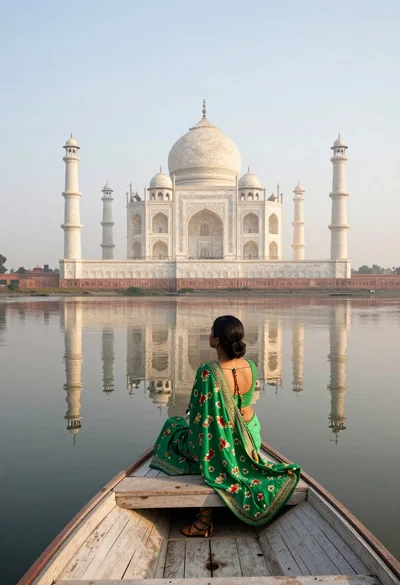
Woman in green sari sitting on boat facing taj mahal across calm
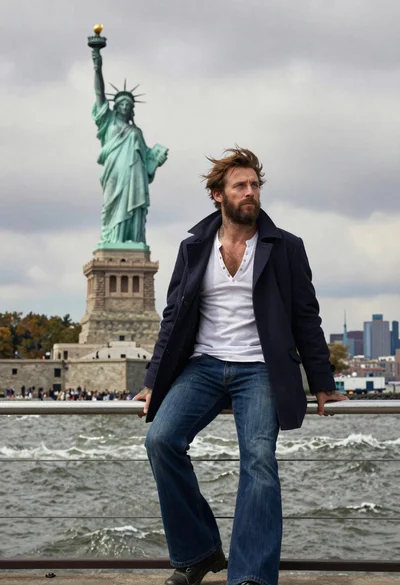
Seafaring man leaning against statue of liberty torch on island
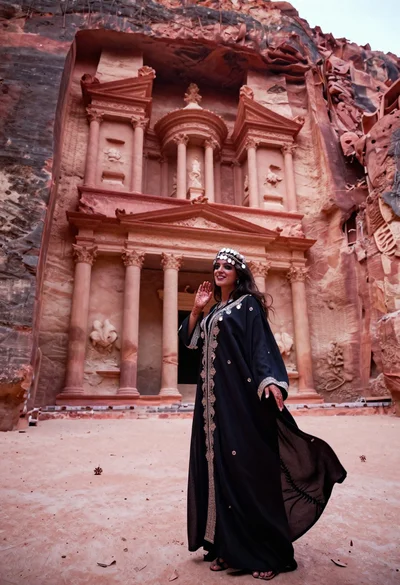
Veiled nomadic woman at petra treasury facade during rose gold dawn
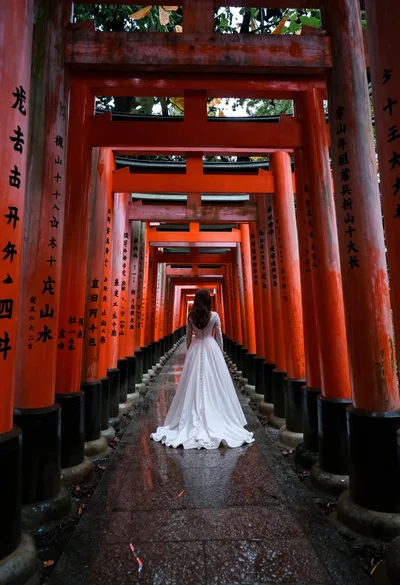
Woman in white dress at vermilion torii gate tunnel
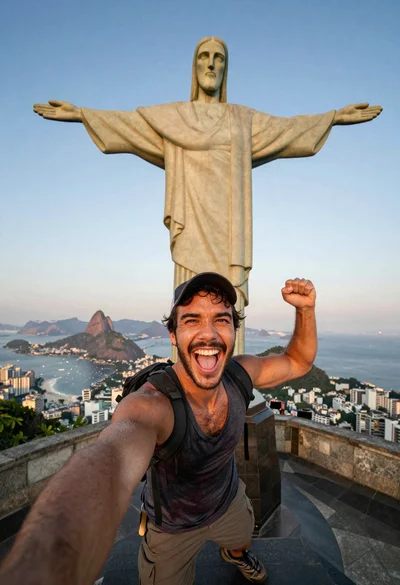
Exhilarated tourist man at christ the redeemer statue in rio
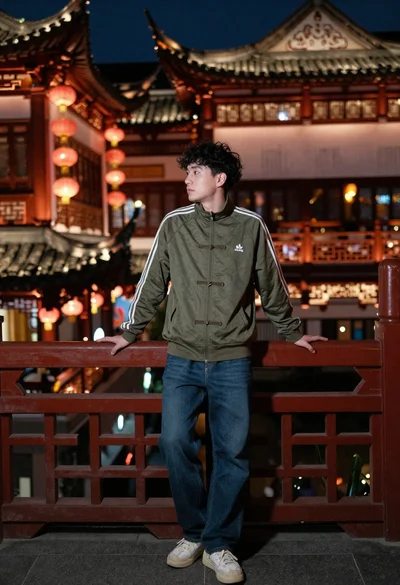
Young man leaning on bridge railing near chinese architecture at night
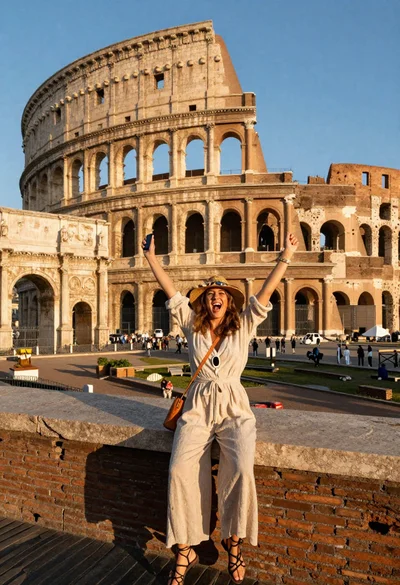
Exhilarated tourist woman taking selfie at the colosseum in rome
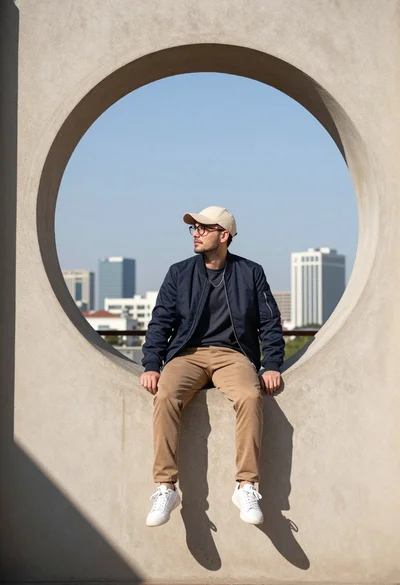
Young man sitting on window ledge overlooking modern city skyline