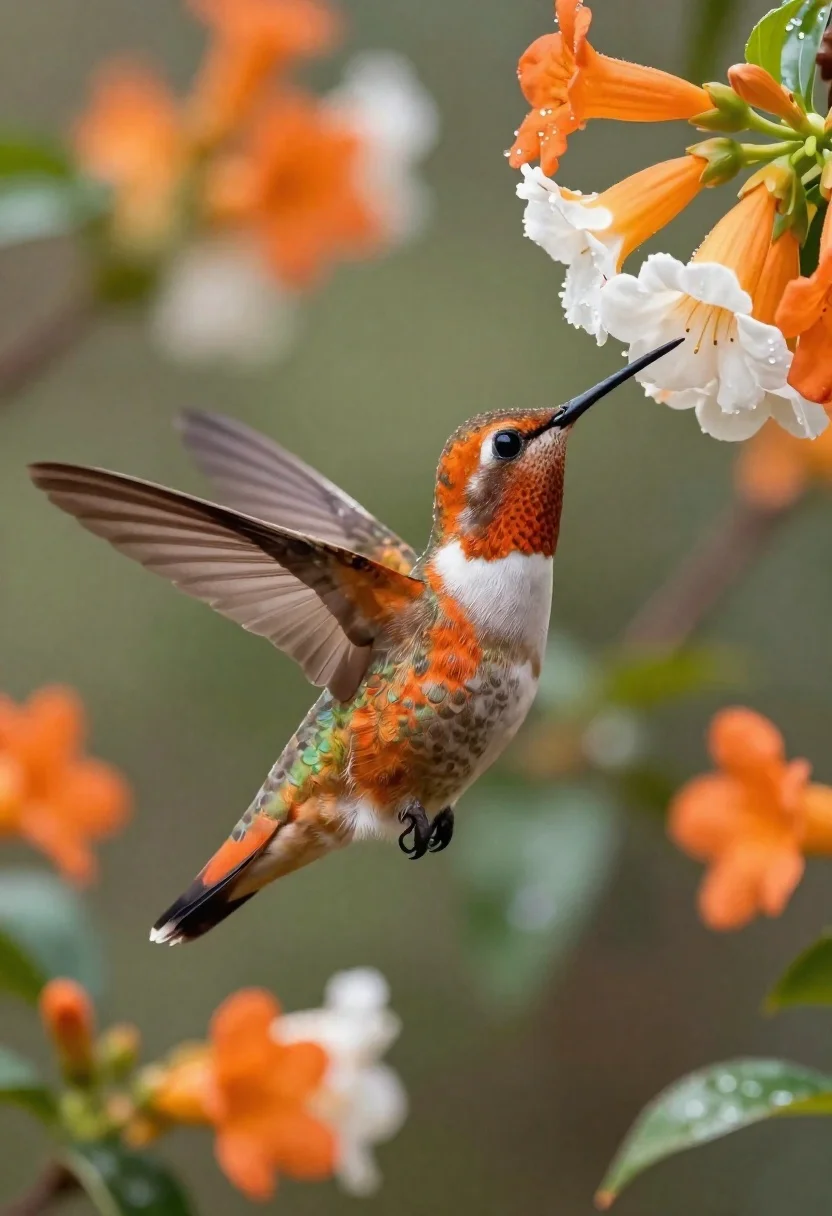
Hummingbird hovering near orange and white flowers
Prompt
A hyper-realistic close-up of a hummingbird in mid-flight hovering near vibrant orange and white flowers.

Subject: A hummingbird with iridescent rust-orange feathers on its head, neck, wings, and tail; white chest with intricate brown scalloped scales; long needle-like black beak pointed upward at the blossoms; dark eye visible behind fine facial markings; translucent wing structure showing detailed feather layers in motion.

Action: Hovering mid-flight with one wing fully extended to show transparency and layered feathers, head tilted up toward flowers, legs tucked beneath body gripping air as if stabilizing for feeding approach.

Environment: Lush garden setting with clusters of orange-and-white trumpet-shaped blossoms on green leaves; soft-focus background filled with blurred floral shapes in warm tones suggesting depth and natural habitat.

Camera: Tight shallow depth-of-field composition emphasizing the bird against bokeh-filled backdrop, slightly elevated angle looking down at flowers while capturing full body profile from side-front perspective.

Lighting: Soft diffused daylight filtering through canopy creating gentle highlights on wings and feathers; subtle specular reflections on flower petals and leaf edges enhancing realism without harsh shadows.

Style Details: Photorealistic digital art style with painterly brushstroke textures blended into high-resolution detail, luminous color palette evoking morning dew freshness and botanical elegance.
Description
This prompt is useful for creating nature documentary stills, fine art wildlife prints, and detailed botanical illustrations. The combination of 'soft diffused daylight' and the 'tight shallow depth-of-field composition' ensures that the hummingbird remains the sharp focal point while the 'bokeh-filled backdrop' provides context without distracting from the bird's intricate feather layers.
Suggestions
- Change 'iridescent rust-orange feathers' to 'deep sapphire blue plumage' for a contrasting color study.
- Adjust 'trumpet-shaped blossoms' to 'small star-shaped blooms' for a different floral texture.
- Modify 'slightly elevated angle looking down' to 'eye-level perspective' for more direct engagement.
Category
Tags
AnimalsClose UpFull BodyMacro ShotNatureOutdoorsRealistic
Date added
June 19, 2026
Added by
PromptDexter Team
Related Prompts
More prompts with similar categories and tags.
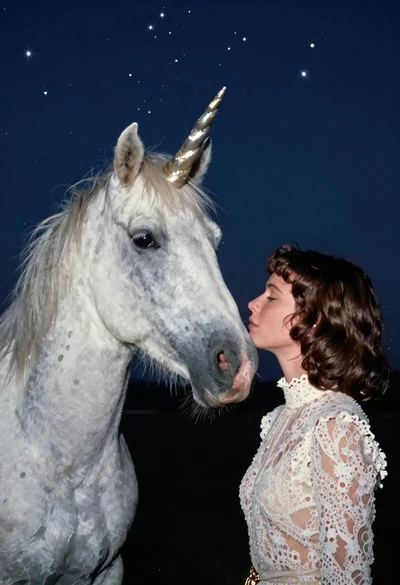
Woman kissing unicorn nose under starry night sky
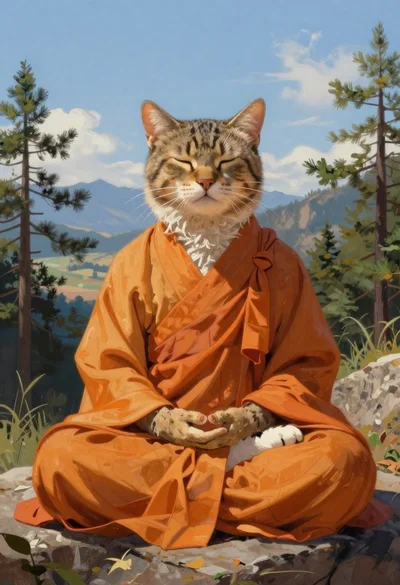
Tabby cat monk meditating on mountain rock
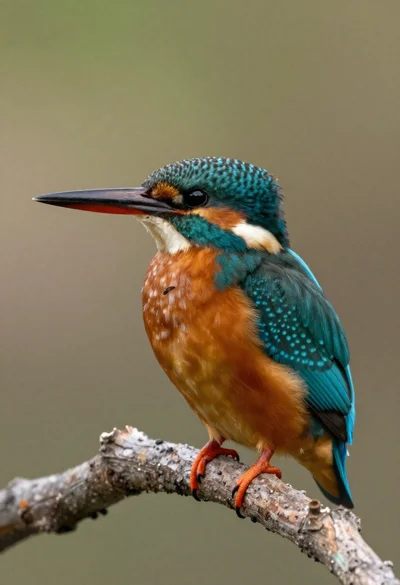
Kingfisher bird perched on a branch in nature

Young woman with dog sitting on green grass in a garden setting
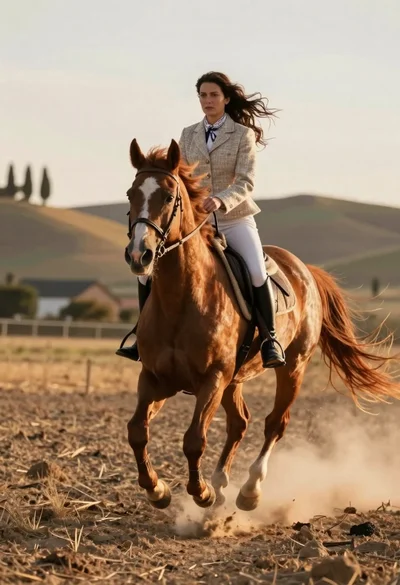
Woman riding chestnut horse galloping across dusty rural field at golden hour
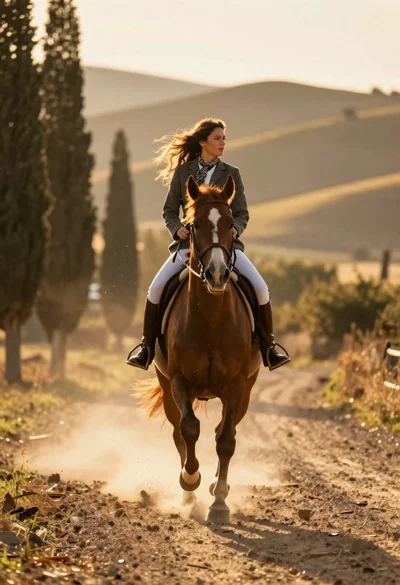
Woman riding chestnut horse galloping on dusty country road at golden hour
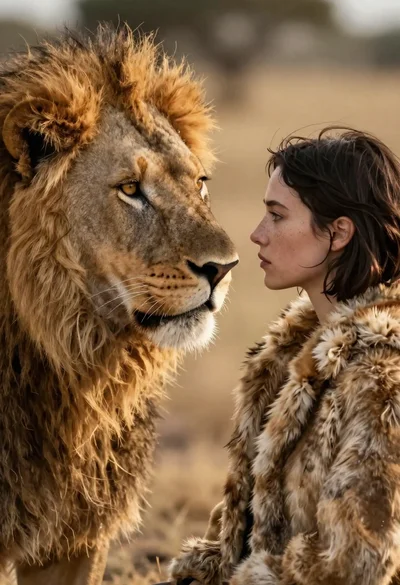
Cinematic close up of lion and woman profiles touching noses on savannah
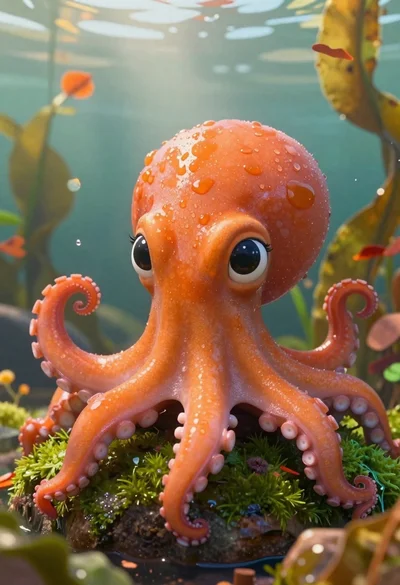
Cartoon octopus portrait on mossy rock in shallow water