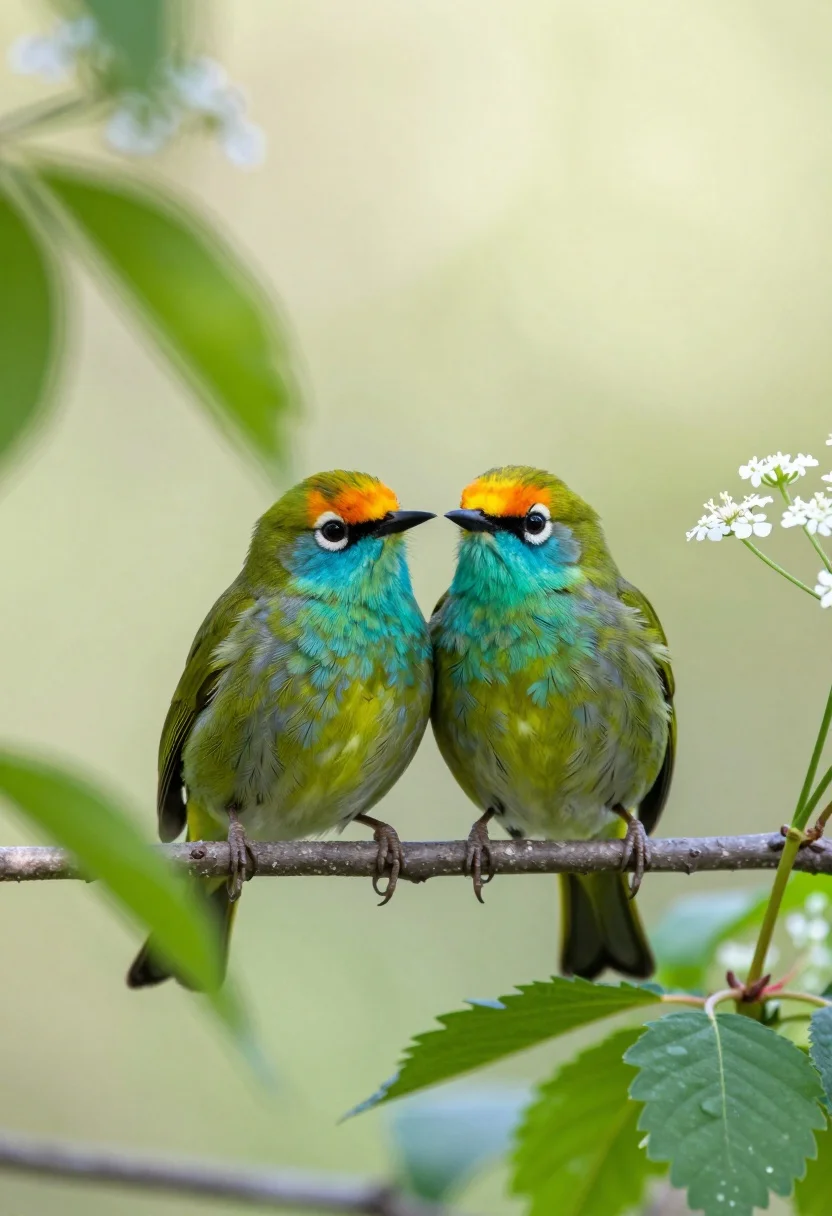
Two vibrant green birds perched closely on a twig amidst soft foliage
Prompt
Two vibrant green birds with turquoise throats and orange-capped heads perch closely together on a thin twig amidst soft-focus foliage.

Subject: Two small passerine birds featuring bright emerald green plumage, turquoise throat patches, and distinct orange-yellow crowns perched side-by-side on a slender branch.

Action: The birds are stationary, resting quietly with their bodies angled slightly towards each other in an intimate pose.

Environment: A natural outdoor setting filled with lush greenery, including blurred leaves and delicate white wildflowers on the right side of the frame.

Camera: Close-up telephoto shot with a shallow depth of field that renders the background into a smooth, creamy bokeh while keeping the birds in sharp focus.

Lighting: Bright, natural sunlight filtering through the canopy to create a high-key, airy atmosphere with soft highlights on the feathers and leaves.

Style Details: Naturalistic wildlife photography style characterized by vivid color saturation and a dreamy, ethereal quality derived from the heavy background blur.
Description
This prompt is useful for creating nature documentary stills, vibrant botanical illustrations, and high-end editorial spreads focused on wildlife intimacy. The combination of 'bright emerald green plumage' against 'soft-focus foliage' achieves a painterly quality that keeps the focus tightly on the birds while preventing the background from becoming distracting noise, which would happen with harsh, unmanaged bokeh.
Suggestions
- Change 'vibrant green' to 'iridescent blue' for a different color palette.
- Swap 'thin twig' for 'moss-covered branch' to add texture.
- Adjust 'soft highlights on the feathers' to 'sharp specular reflections' for more drama.
Category
Tags
AnimalClose UpMacro ShotNatureOutdoorsRealistic
Date added
July 12, 2026
Added by
PromptDexter Team
Related Prompts
More prompts with similar categories and tags.
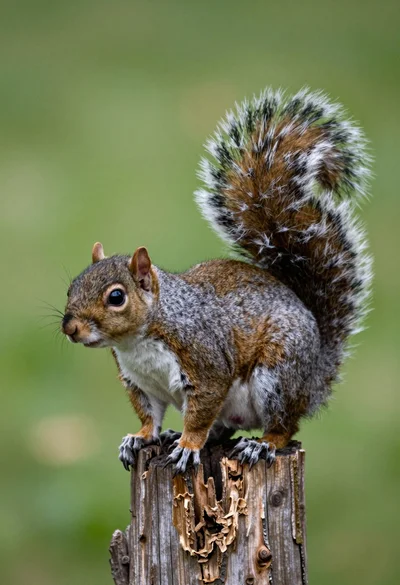
Close up photograph of a grey squirrel on a wooden stump against
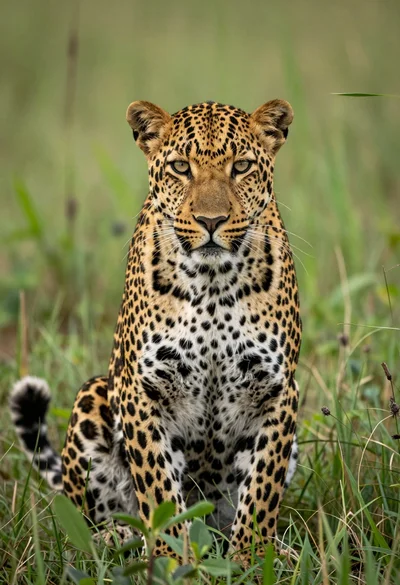
Majestic leopard sitting alert in lush green savanna grassland close up
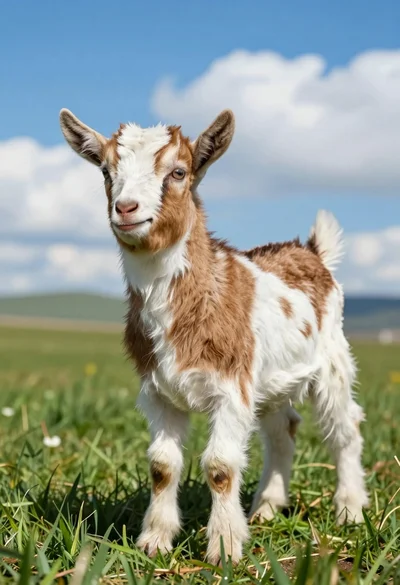
Close up of baby goat standing in lush green field under bright
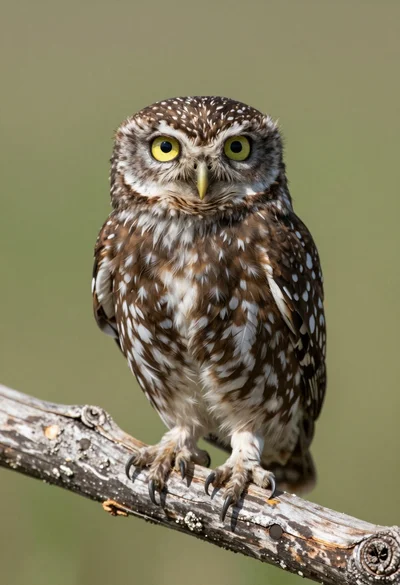
Close up portrait of a small owl perched on weathered wood branch
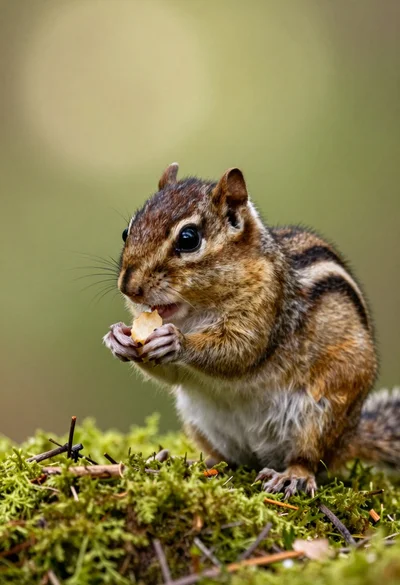
Close up portrait of a chipmunk eating on vibrant green mossy forest
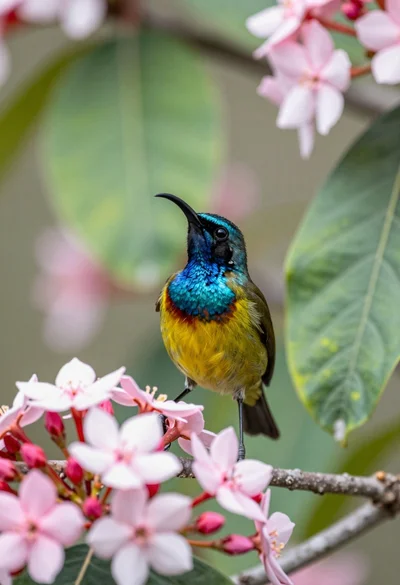
Close up of sunbird perched on pink red flowers with green leaf
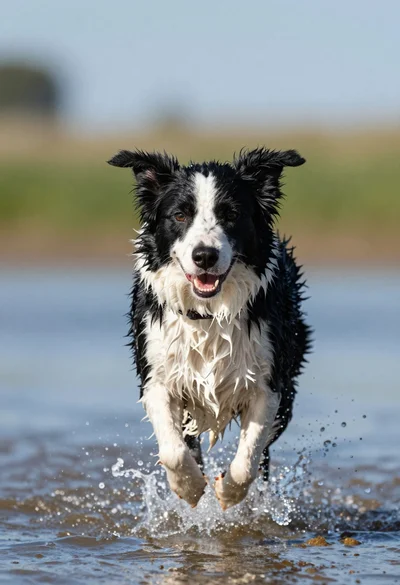
Wet black and white border collie running through splashing water close up
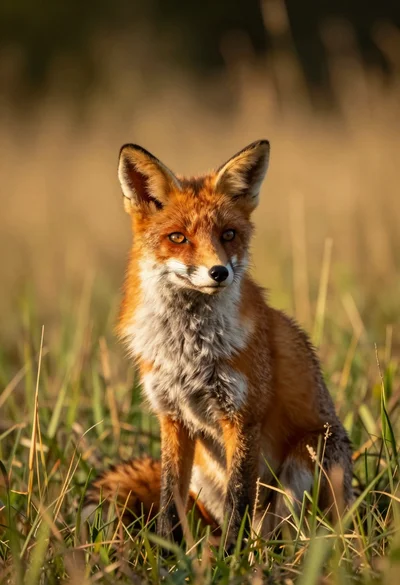
Close up portrait of a red fox sitting in tall golden grass
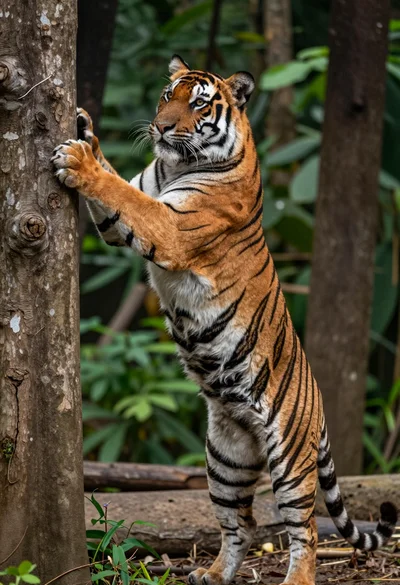
Majestic bengal tiger standing upright gripping tree trunk in dense forest

Young woman with brown hair and golden retriever under pine tree