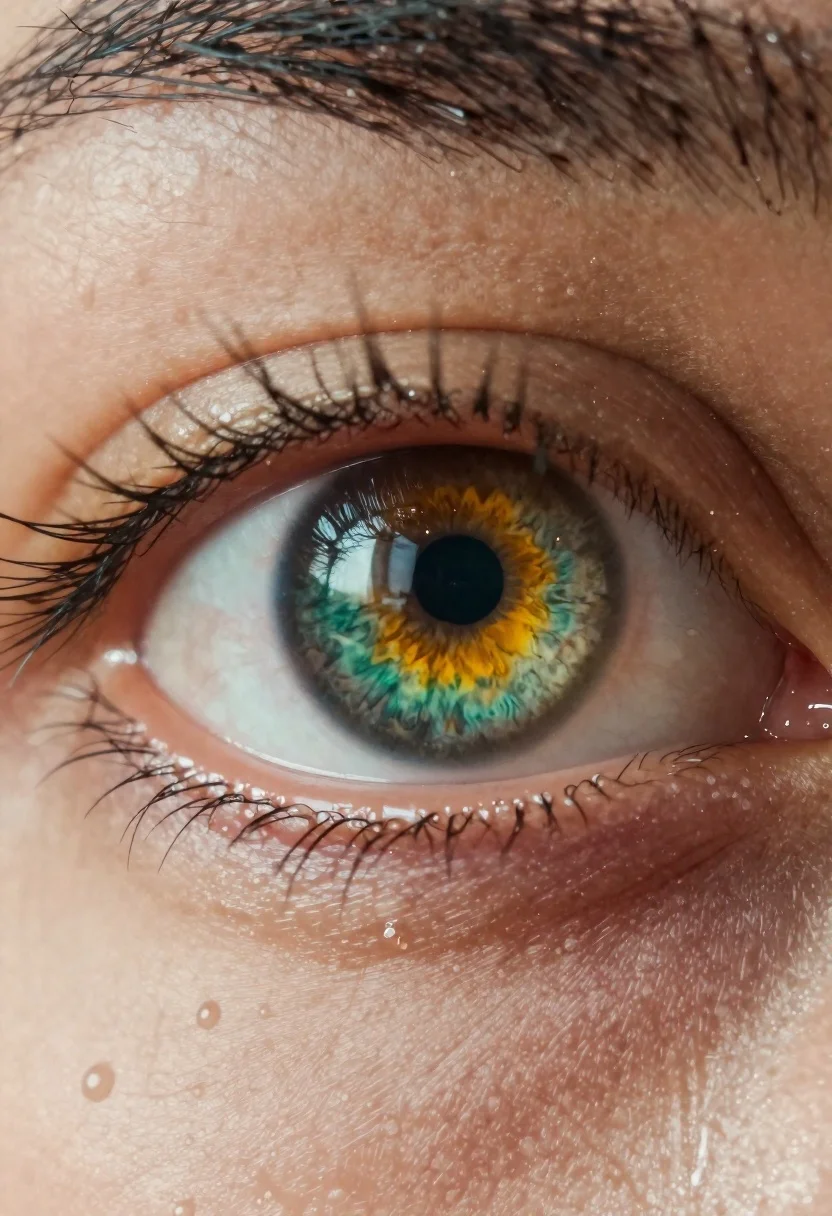
Hyperrealistic close up portrait of a human eye
Prompt
Extreme close-up portrait of a human eye with an intensely detailed iris featuring vibrant swirls of green and yellow

Subject: A single human eye dominating the frame with dark lashes, visible capillaries in pale skin around the rim

Lighting: High-contrast lighting creating sharp highlights on wet surface textures and deep shadows within folds of eyelids

Environment: Intimate macro setting focused entirely on ocular anatomy without background context

Style Details: Hyper-realistic rendering emphasizing microscopic details like individual droplets, moisture glistening under light rays piercing through liquid film coating skin.
Description
This prompt is useful for creating medical textbook illustrations, high-end cosmetic advertising campaigns, and scientific visualization art. The combination of 'high-contrast lighting' and the focus on 'visible capillaries in pale skin around the rim' ensures that the model renders sharp specular highlights on wet surfaces while simultaneously allowing deep shadows to articulate the subtle topography of the eyelid folds, preventing a flat, uniform appearance.
Suggestions
- Change 'vibrant swirls of green and yellow' to 'iridescent blue and gold' for a different color focus.
- Add 'oil painting texture' to the style details for an artistic interpretation.
- Specify 'wet surface textures' with 'dew drops' for more immediate detail.
Category
Tags
Extreme Close UpMacro ShotPortrait ShotRealistic
Date added
June 19, 2026
Added by
PromptDexter Team
Related Prompts
More prompts with similar categories and tags.
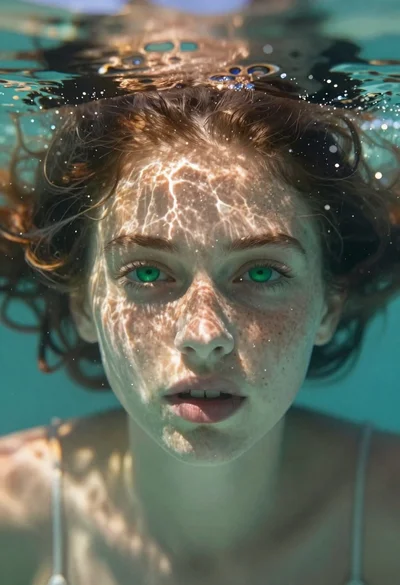
Portrait of a girl submerged underwater with sunlight filtering through
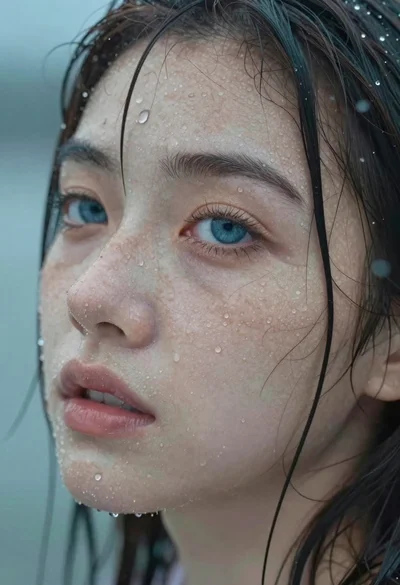
Close up portrait of wet woman with blue eyes
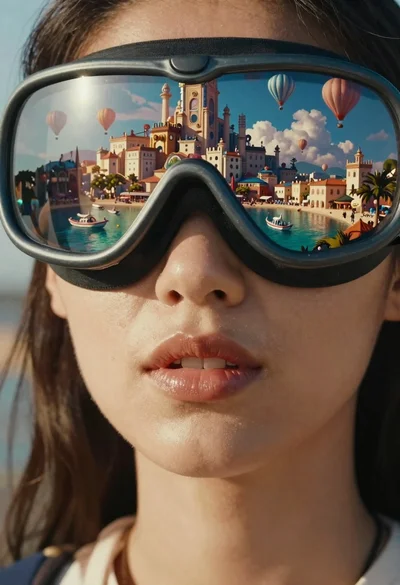
Woman wearing goggles reflecting cityscape over coastal town
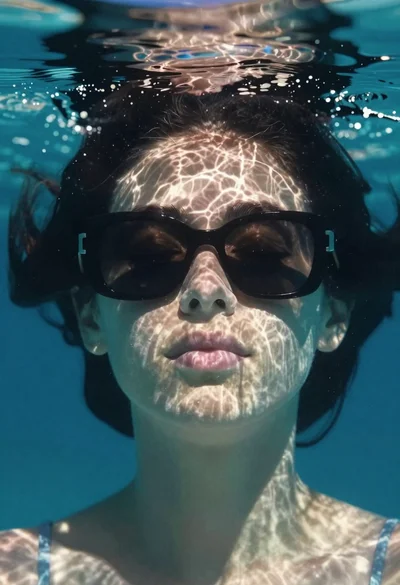
Underwater portrait of woman with sunglasses below surface

Portrait of woman with glowing light projections on skin

Close up portrait of young east asian woman with ethereal glow

Double exposure photograph of a woman and autumn landscape
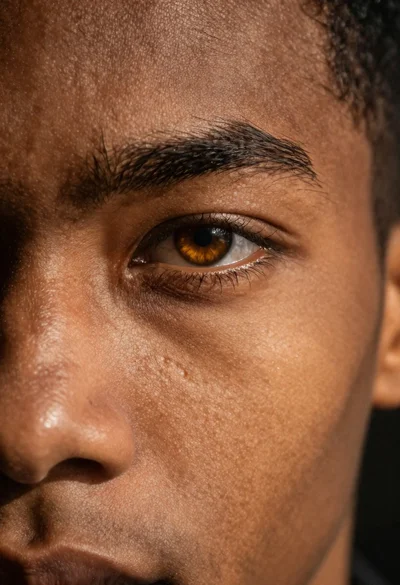
Photorealistic close up portrait of an amber eye