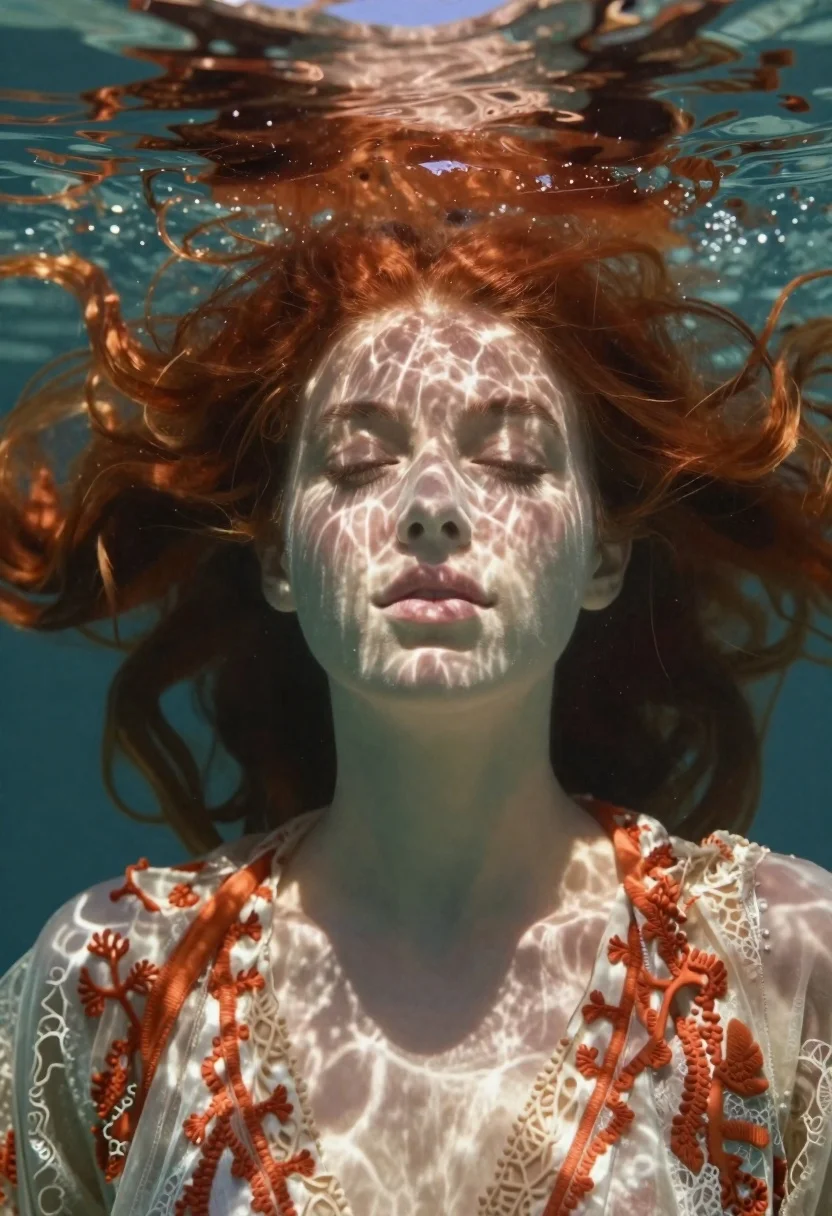
Underwater portrait of woman with red hair in dappled light
Prompt
Soft-focus underwater portrait of a young woman with long flowing red hair drifting weightlessly beneath the surface, eyes gently closed as sunlight filters through rippling water creating ethereal dreamlike atmosphere

Subject: young female with fair skin and delicate facial features, long flowing red hair drifting around her head

Clothing: ornate translucent fabric resembling coral or lace, clinging to shoulders and neck in pale cream tones accented by warm rust-orange patterns

Action: eyes gently closed and lips slightly parted as she floats weightlessly beneath the surface

Environment: rippling water above her face with dappled light filtering down from sunlight hitting the surface creating caustic patterns on skin, deep shadowy depths of ocean interior

Camera: close-up framing focusing tightly on facial expression while background dissolves into deep shadowy depths

Lighting: strong directional sun rays penetrating through water producing shimmering textures across forehead and cheekbones enhancing dreamlike atmosphere

Style Details: rendered with hyper-realistic detail blending organic beauty with ethereal underwater photography aesthetics.
Description
This prompt is useful for creating fine art editorial spreads, conceptual album covers, and high-end perfume advertising visuals. The combination of 'dappled light' filtering through 'rippling water' ensures that the subject's 'fair skin' catches shimmering highlights across her cheekbones, preventing a flat look while maintaining the necessary mystery suggested by the deep shadowy depths.
Suggestions
- Change 'ornate translucent fabric' to 'sheer silk chiffon' for less coral resemblance.
- Add 'bokeh effect' to enhance the background dissolution.
- Swap 'warm rust-orange patterns' for 'iridescent pearl accents' for a cooler tone.
Category
Tags
Close UpFair SkinFemaleLingerieMacro ShotPortrait ShotRealisticRed HairUnderwater
Date added
June 19, 2026
Added by
PromptDexter Team
Related Prompts
More prompts with similar categories and tags.
Portrait of a girl submerged underwater with sunlight filtering through
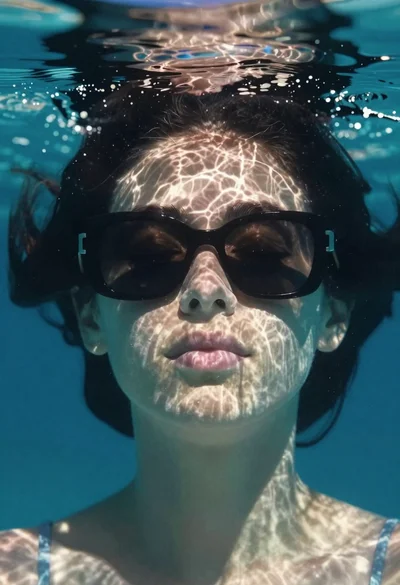
Underwater portrait of woman with sunglasses below surface
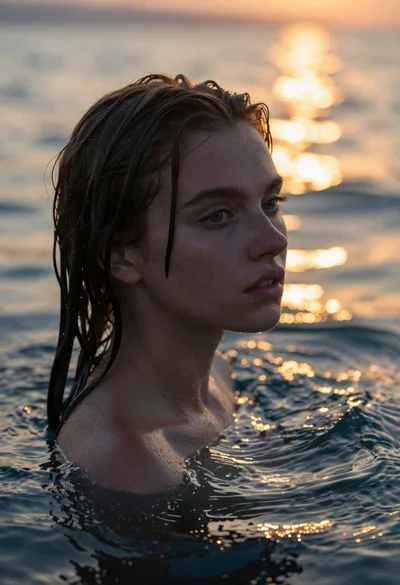
Womans portrait in deep water at sunset
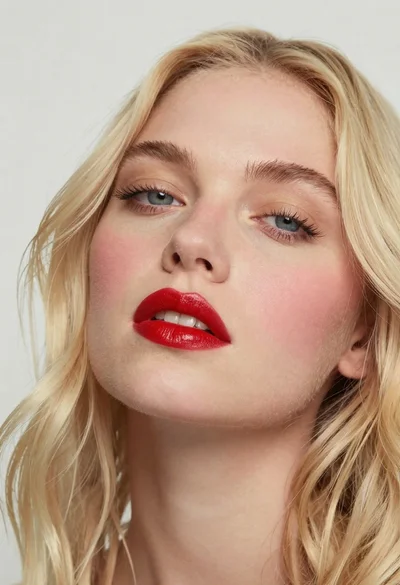
Close up portrait of woman with blonde hair and blue eyes
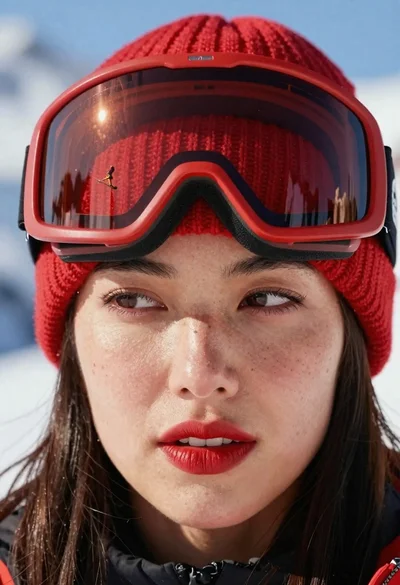
Closeup portrait of woman with red ski goggles reflecting snowy mountains

Young woman painting miniature village diorama with red hair
Close up portrait of young woman with bindi framing face
Underwater portrait of female diver with blue eyes