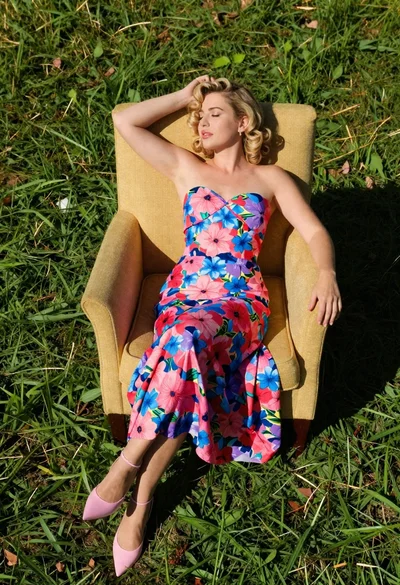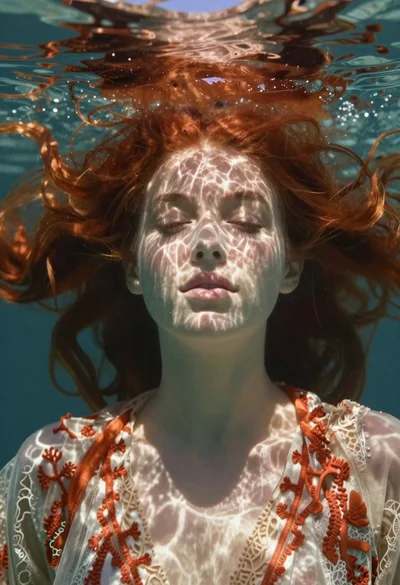

Portrait of a girl submerged underwater with sunlight filtering through
Prompt
A surreal close-up portrait of a girl submerged underwater with her face near the water's surface

Subject: A young woman with fair skin covered in freckles and striking emerald green eyes, looking directly at the viewer with an open mouth as if breathing or just surfaced.

Action: Submerged head-first beneath rippling water, surrounded by suspended floating particles and light refractions dancing across her features.

Lighting: Warm golden sunlight filtering through the surface above, creating dappled highlights on her face and shimmering caustic patterns on skin and eyes; soft ambient glow with cool turquoise undertones from surrounding water.

Environment: Underwater setting, slightly blurred background suggesting depth and movement of aquatic space around her head.

Style Details: Dreamy ethereal digital art style, high-detail photorealistic rendering with magical bokeh effects and sparkling dust-like particles floating in the frame; soft focus edges blending into translucent water textures.
Description
This prompt is useful for creating surreal fine art prints, conceptual beauty editorials, and fantasy character concept art. The combination of 'warm golden sunlight filtering through' with 'cool turquoise undertones' establishes a high-contrast, otherworldly palette that prevents the scene from looking uniformly blue, while specifying 'caustic patterns on skin and eyes' grounds the magic in believable physics.
Suggestions
- Change 'freckles' to 'delicate algae growth' for a more aquatic feel.
- Swap 'golden sunlight' for 'moonlight shafts' to shift the mood entirely.
- Add 'macro lens, 100mm' to emphasize the extreme close-up detail.
Category
Tags
Digital ArtExtreme Close UpFair SkinFemaleMacro ShotNaturePortrait ShotRealisticUnderwater
Date added
June 19, 2026
Added by
PromptDexter Team
Related Prompts
More prompts with similar categories and tags.
High contrast black and white close up of womans face
Blonde woman in black hat standing in misty green rolling hills

Young woman in olive saree leaning on railing outdoors during golden hour

Young woman with dark hair at wooden table in open air setting
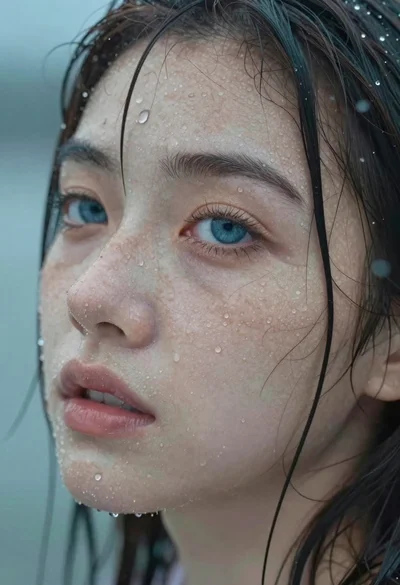
Close up portrait of wet woman with blue eyes
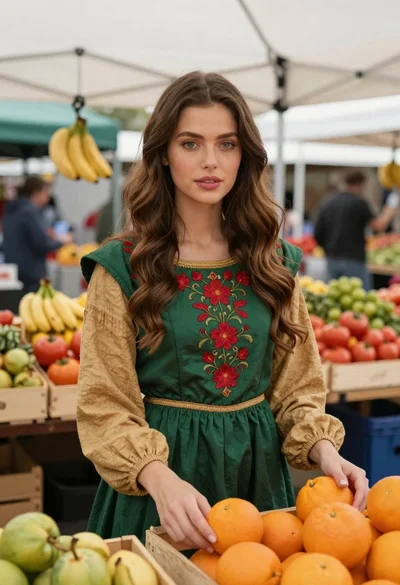
Woman in green dress at outdoor fruit market

Woman wearing goggles reflecting cityscape over coastal town
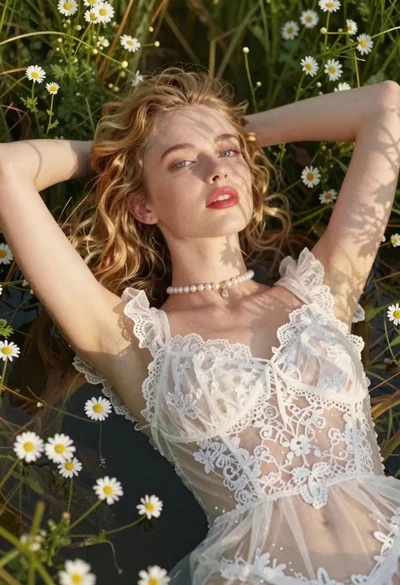
Young woman in lace bodysuit lying in daisies