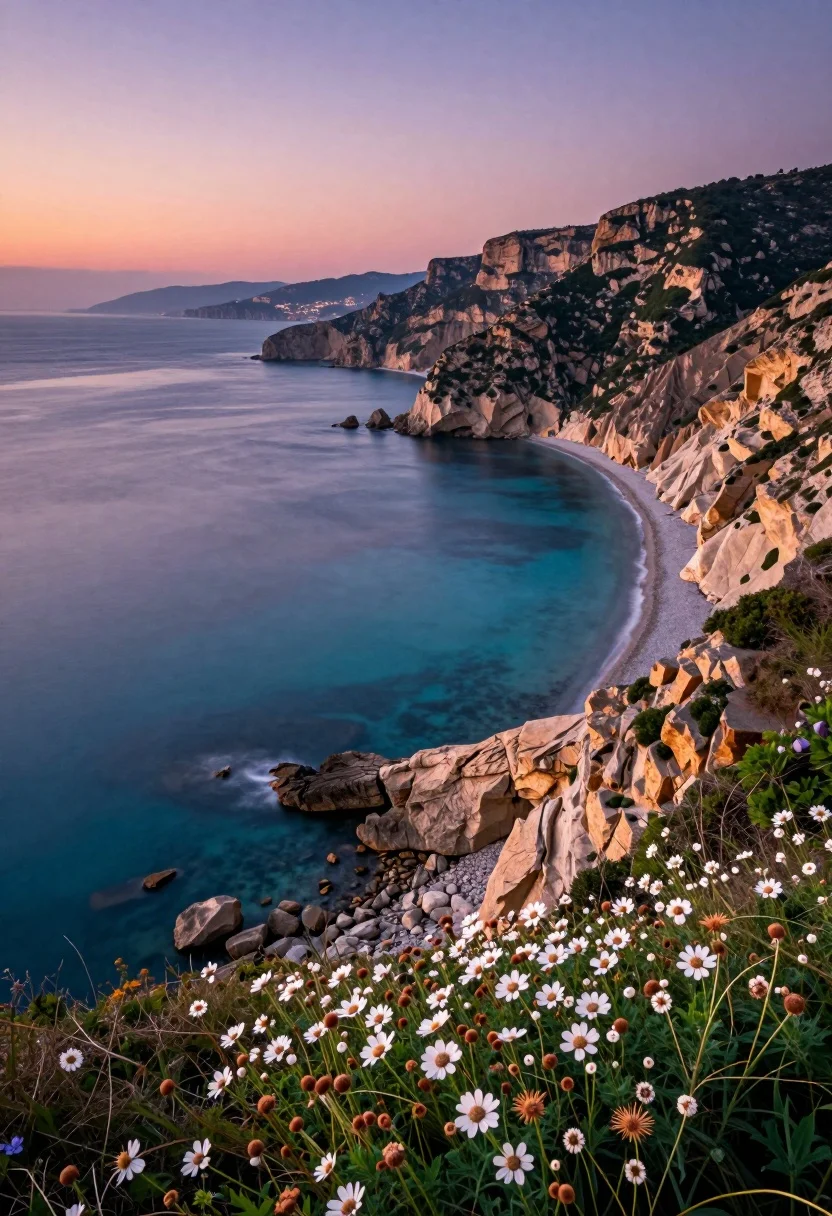
Hyperrealistic view of coastal bay at twilight between cliffs and city
Prompt
A breathtaking coastal landscape at twilight featuring a sweeping bay with turquoise water nestled between rugged cliffs and a distant shoreline.

Subject: A vast expanse of calm, deep blue ocean water curving into a sheltered bay, bordered by steep, eroded cliffs on the right side and a distant cityscape visible across the horizon on the left.

Action: The scene is static with no movement, capturing a serene moment where the water appears smooth and glassy.

Environment: The setting includes high, tan-colored cliffs covered in patches of green scrub vegetation, a rocky shoreline at the base of the cliffs, and a foreground filled with dense wildflowers featuring white petals and brownish seed heads growing on a grassy slope.

Camera: A high-angle wide shot looking down from an elevated vantage point on the cliffside, utilizing a telephoto lens to compress the distance between the foreground flowers and the distant bay.

Lighting: Soft, warm ambient light characteristic of dusk or sunset, casting a gentle glow on the cliffs and creating a gradient in the sky that transitions from soft pink and orange near the horizon to a deeper purple above.

Style Details: The image has a hyper-realistic quality with highly saturated colors, particularly in the turquoise water and the vibrant foreground flora, giving it a polished, cinematic look.
Description
This prompt is useful for creating travel magazine spreads, architectural concept art featuring natural integration, and dramatic landscape wallpapers. The combination of 'high-angle wide shot' with a telephoto lens effectively compresses the distance between the foreground wildflowers and the distant cityscape, while the 'soft, warm ambient light' ensures that the transition from soft pink and orange to deep purple provides visual interest without washing out the saturated turquoise water.
Suggestions
- Change 'tan-colored cliffs' to 'slate grey cliffs' for a cooler contrast.
- Swap 'white petals' for 'deep purple flowers' to match the sky gradient.
- Adjust 'telephoto lens' to 'wide-angle lens' if you want more visible foreground space.
Category
Tags
BeachHigh AngleNatureOutdoorsRealisticWide Shot
Date added
August 5, 2026
Added by
PromptDexter Team
Related Prompts
More prompts with similar categories and tags.
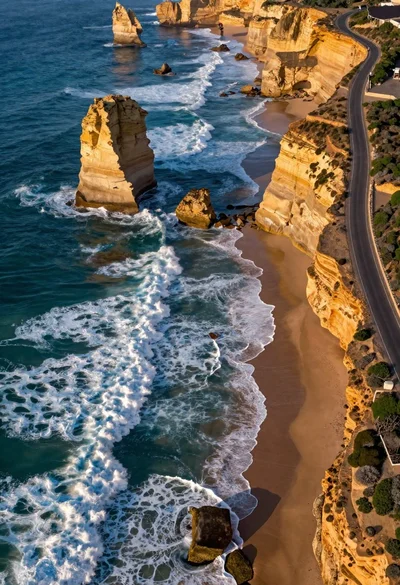
Aerial view of rugged coastline with turquoise waves
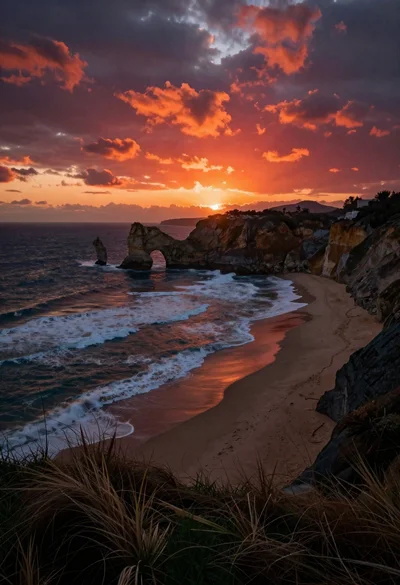
Dramatic coastal landscape at sunset with sea arch and rolling waves
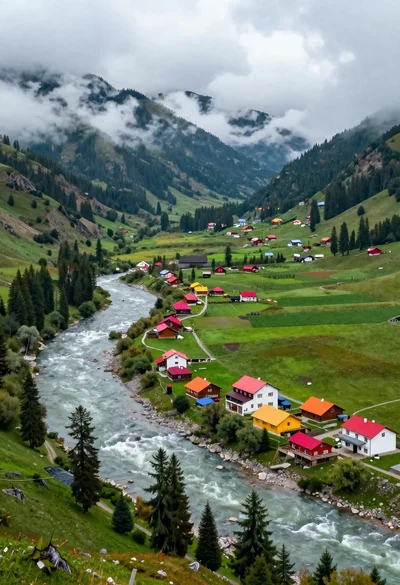
Aerial view of lush mountain valley with colorful houses and winding river
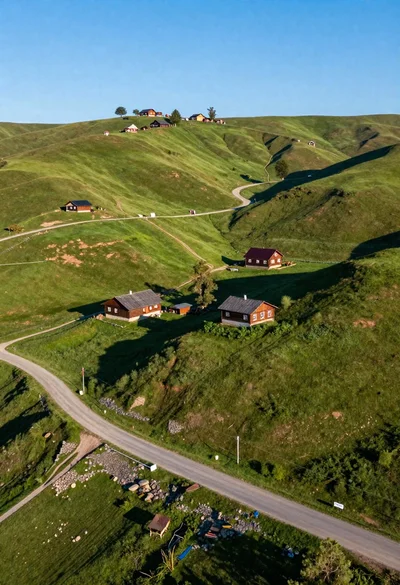
Aerial view of rolling green hills with traditional wooden houses under blue
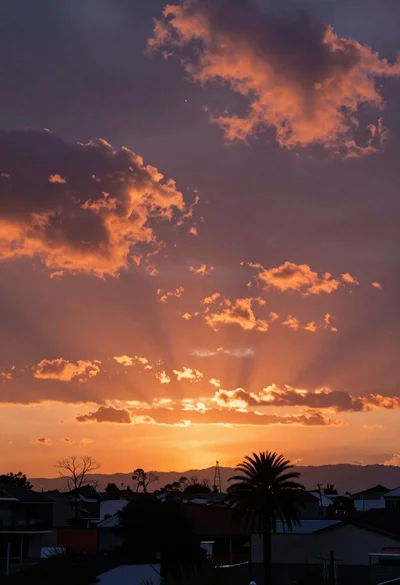
Dramatic sunset over rural landscape with vibrant orange pink clouds

High angle wide shot of a majestic waterfall cascading into lush green
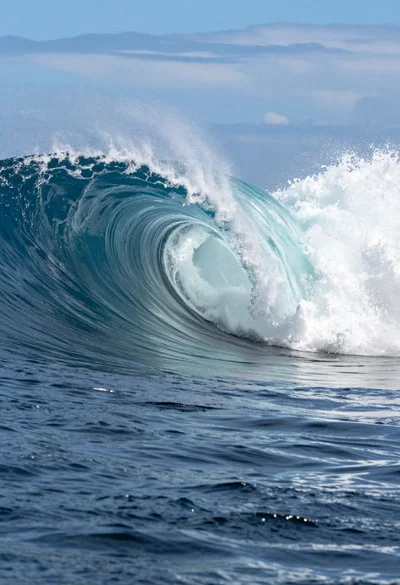
Hyperrealistic view of massive ocean wave forming a perfect barrel at sea
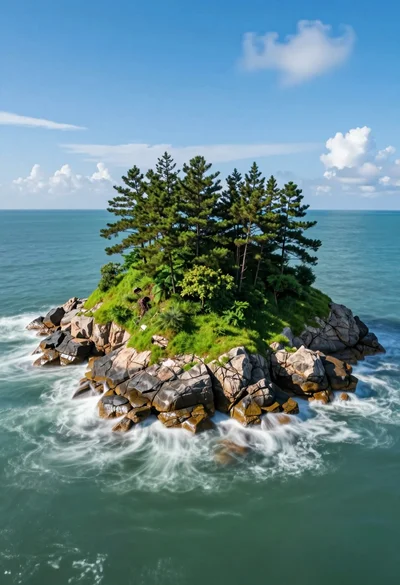
Hyperrealistic wide view of lush green island in calm turquoise ocean waters
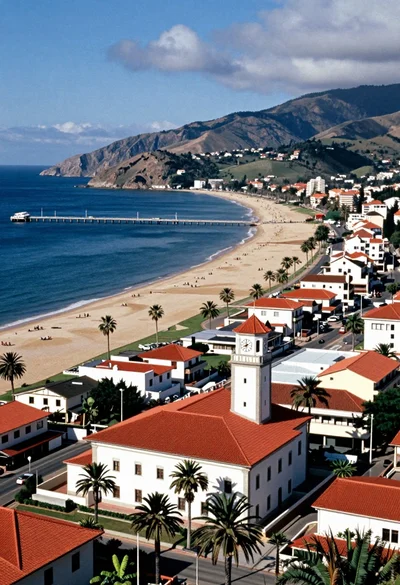
Aerial view of coastal town with white building red roof and blue
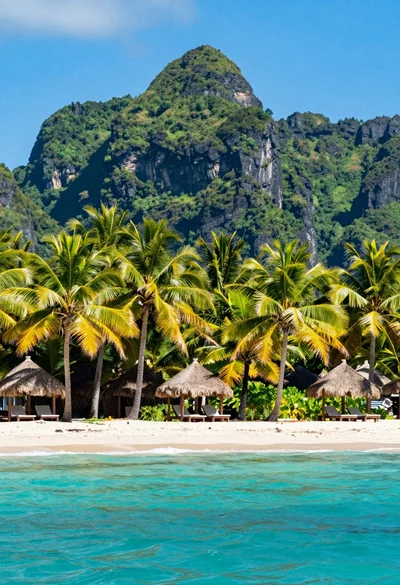
Wide view of tropical beach with turquoise ocean mountain and palm trees