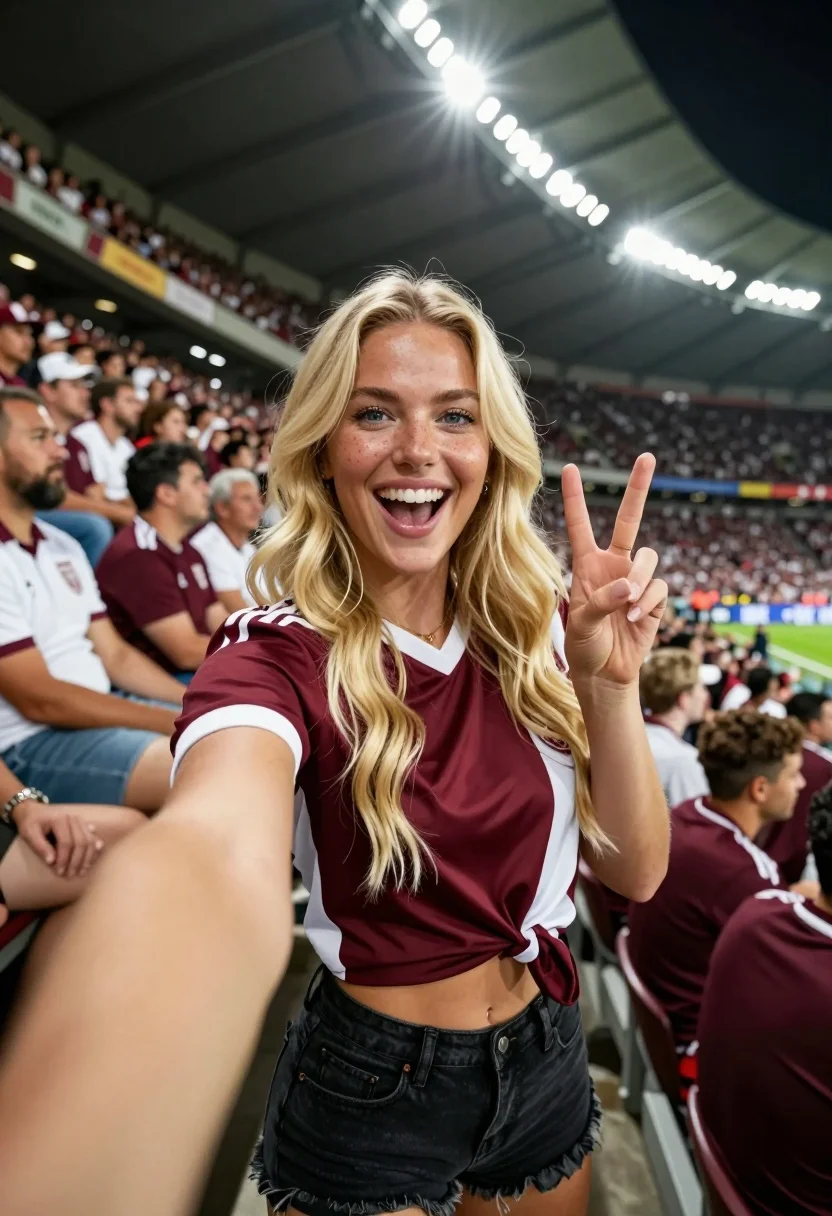
Joyful blonde woman taking a selfie in packed stadium stands during football
Prompt
A joyful blonde woman takes a selfie in the stands of a packed stadium during a football match.

Subject: A smiling young woman with long wavy blonde hair and blue eyes making a peace sign with her fingers while holding the camera for a selfie.

Clothing: She wears a maroon and white short-sleeved sports jersey tied at the waist, revealing her midriff, paired with black denim shorts.

Action: The subject is smiling broadly with her mouth open, looking directly into the camera lens, while extending one arm forward to take a photo.

Environment: A crowded stadium filled with spectators in the background, many wearing maroon and white team colors, with bright floodlights illuminating the upper tiers of the stands.

Camera: Close-up selfie perspective with a wide-angle distortion effect typical of front-facing smartphone cameras.

Lighting: Bright artificial stadium lighting creates a high-contrast scene with strong highlights on the subject's face and hair against the darker crowd background.

Style Details: High-resolution, vibrant colors, realistic texture, and dynamic composition capturing the excitement of a live sports event.
Description
This prompt is useful for creating energetic social media posts documenting live events, personal travel blogs about sporting atmospheres, and candid lifestyle photography featuring group activities. The combination of 'wide-angle distortion effect' and 'bright artificial stadium lighting' mimics the immediate, slightly exaggerated perspective of a phone camera capturing high energy, while specifying 'maroon and white team colors' grounds the subject within the specific context of the crowd.
Suggestions
- Change 'wide-angle distortion effect' to 'telephoto lens compression' for a more flattering portrait.
- Swap 'maroon and white sports jersey' for 'team logo t-shirt' to focus on branding.
- Adjust 'bright artificial stadium lighting' to 'dramatic underlighting' for moodier shots.
Category
Tags
BlondeCasual WearClose UpFemaleLight SkinOutdoorsRealisticSelfieSportswearWide Shot
Date added
July 12, 2026
Added by
PromptDexter Team
Related Prompts
More prompts with similar categories and tags.
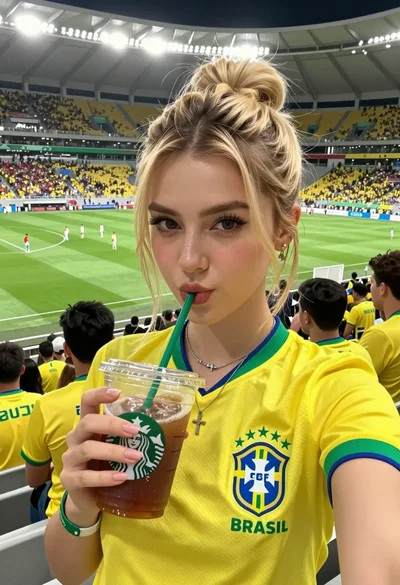
Young blonde woman taking a selfie in crowded stadium drinking iced coffee
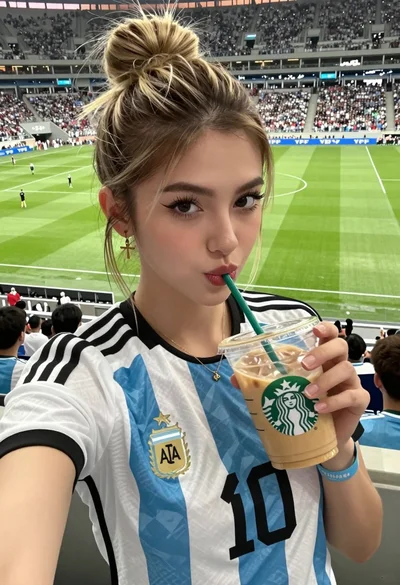
Close up selfie of young woman in argentina jersey at football stadium
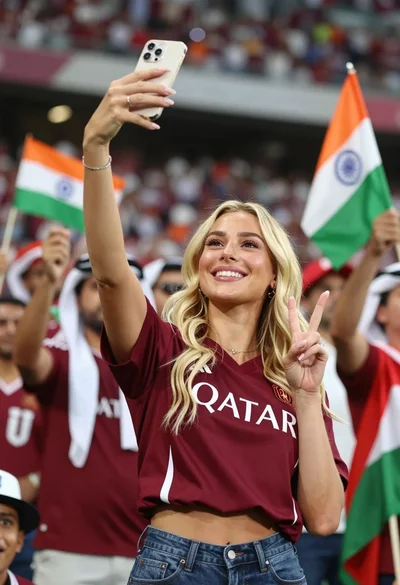
Smiling blonde woman taking a selfie at a crowded stadium event
Young blonde woman taking mirror selfie in bright indoor gym setting
Blonde woman taking mirror selfie with gold medal in white jacket
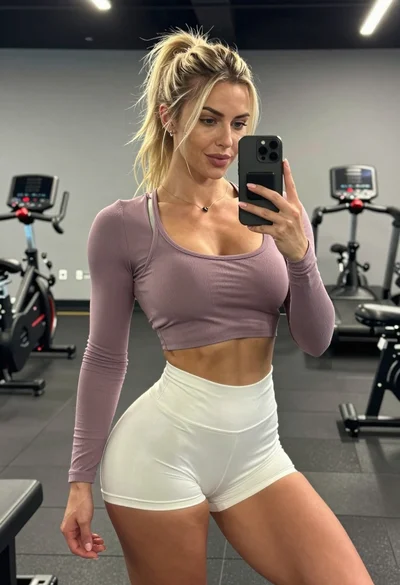
Fit blonde woman taking mirror selfie in modern gym setting
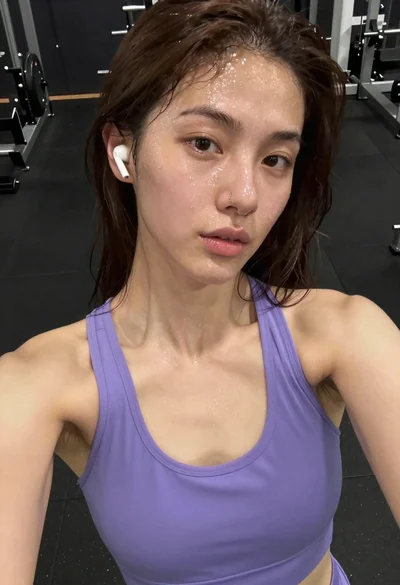
Close up selfie of young woman with brown hair sweating in gym
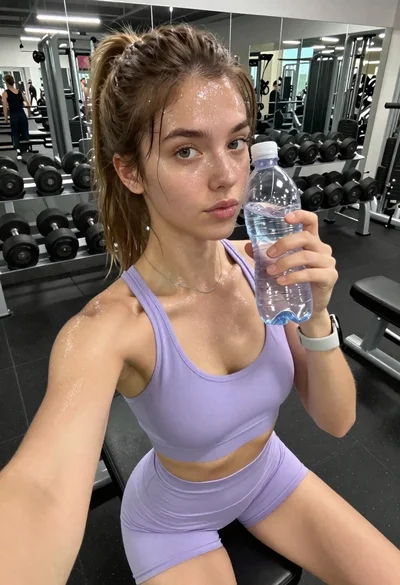
Young woman taking a sweaty selfie in a gym setting
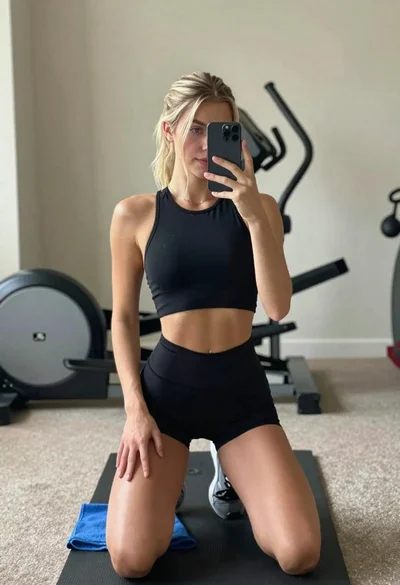
Young woman taking mirror selfie in athletic wear at home gym
Blonde woman taking athletic wear mirror selfie in bright bedroom