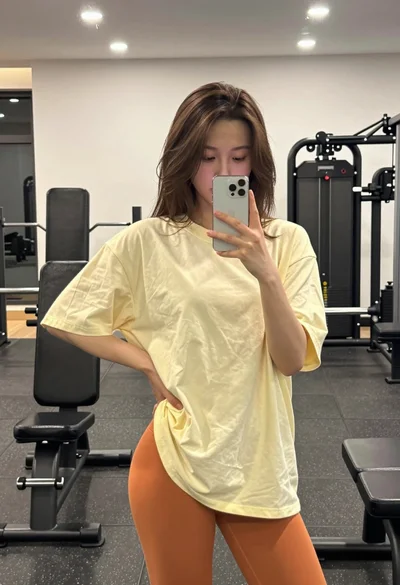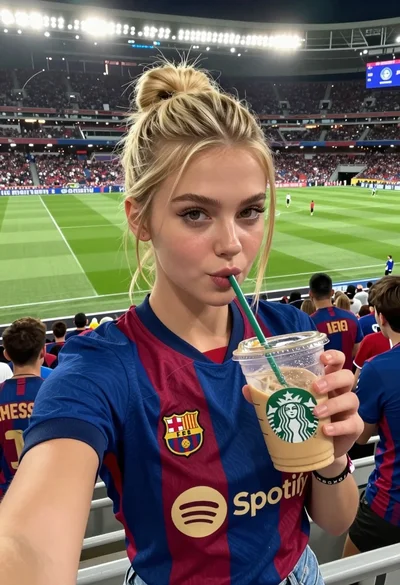

Young woman taking a sweaty selfie in a gym setting
Prompt
A young woman with a sweaty face takes a selfie in a gym while holding a plastic water bottle to her cheek.

Subject: A young woman with light brown hair pulled back into a high ponytail, fair skin glistening with sweat, and green eyes looking directly at the camera.

Clothing: She wears a matching lavender athletic set consisting of a sports bra and biker shorts, along with a thin silver necklace and a smartwatch on her wrist.

Action: She is seated in a black gym chair, holding a clear plastic water bottle against her cheek with one hand while extending her arm to take the photo.

Environment: The setting is a gym interior featuring rows of dumbbells on racks behind her, dark rubber flooring, and mirrors reflecting the equipment.

Camera: A close-up selfie angle taken from a slightly low perspective, capturing the subject's upper body and immediate surroundings.

Lighting: Bright, cool-toned artificial overhead lighting creates strong highlights on the sweat on her skin and casts soft shadows in the background.

Style Details: High-resolution, realistic photography with a focus on texture details like moisture on the skin and plastic bottle.
Description
This prompt is useful for creating fitness blog content, athletic portraiture, and lifestyle mood boards documenting post-workout routines. The combination of 'bright, cool-toned artificial overhead lighting' and the focus on 'texture details like moisture on the skin and plastic bottle' ensures that the sweat appears tangible rather than glossy, grounding the selfie in a believable, high-effort moment.
Suggestions
- Change 'lavender athletic set' to 'charcoal grey athletic set' for a more muted palette.
- Adjust 'sweaty face' to 'slightly flushed face' if you want less overt moisture.
- Swap 'black gym chair' for 'chrome weight bench' to change the background material.
Category
Tags
Brown HairClose UpFair SkinFemaleIndoorsRealisticSelfieSportswear
Date added
June 19, 2026
Added by
PromptDexter Team
Related Prompts
More prompts with similar categories and tags.
Close up selfie of young woman in argentina jersey at football stadium
Young woman taking mirror selfie squatting in a modern gym setting
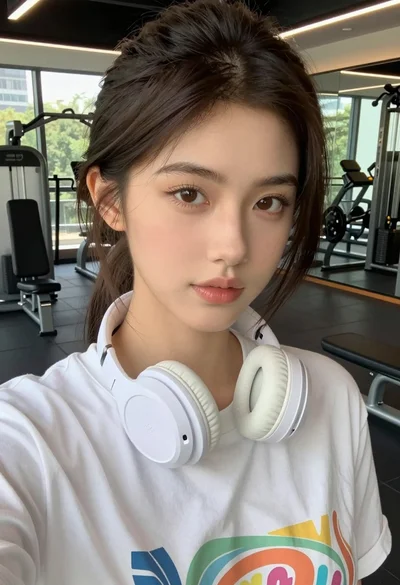
Close up selfie of young woman in white t shirt at modern
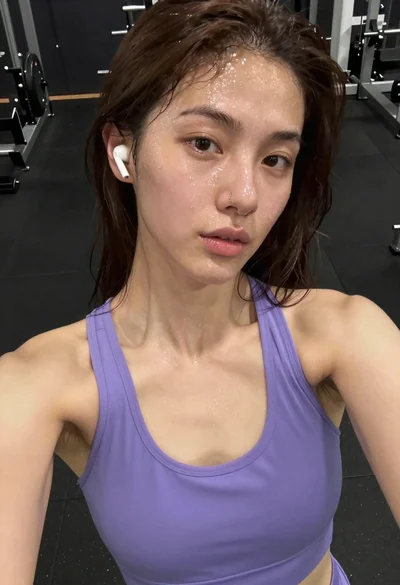
Close up selfie of young woman with brown hair sweating in gym
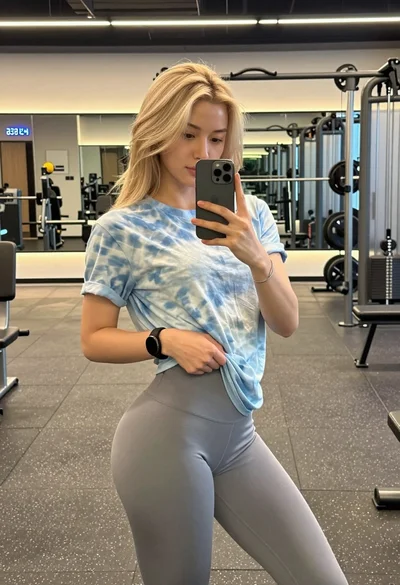
Blonde woman taking mirror selfie in modern gym setting
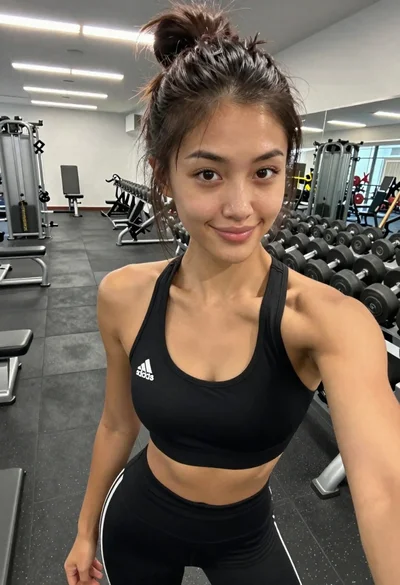
Young woman taking a selfie in a modern gym
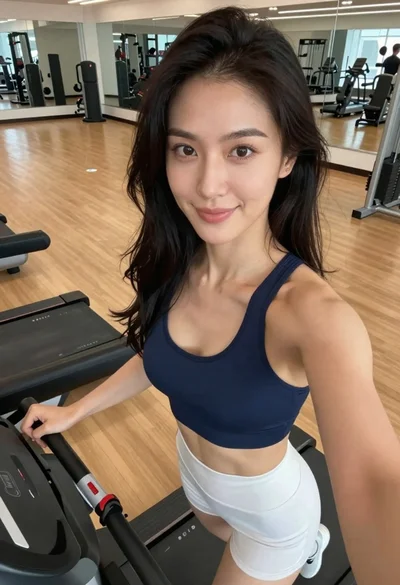
Woman taking a selfie on treadmill in modern gym setting
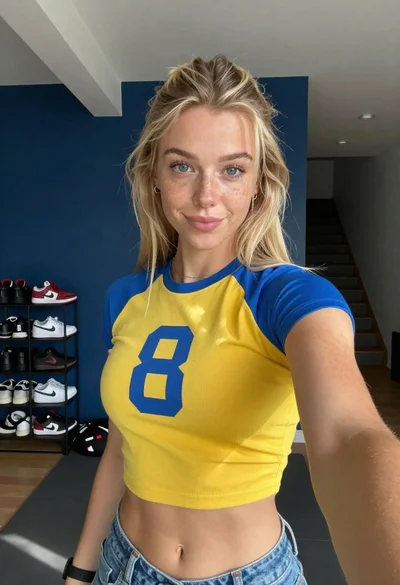
Selfie of blonde woman in yellow crop top at home gym
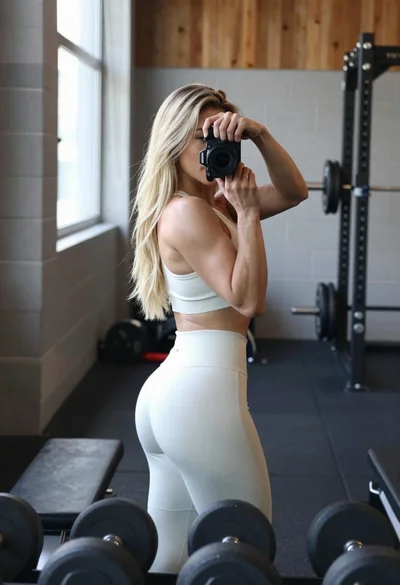
Fit blonde woman taking mirror selfie in bright gym setting
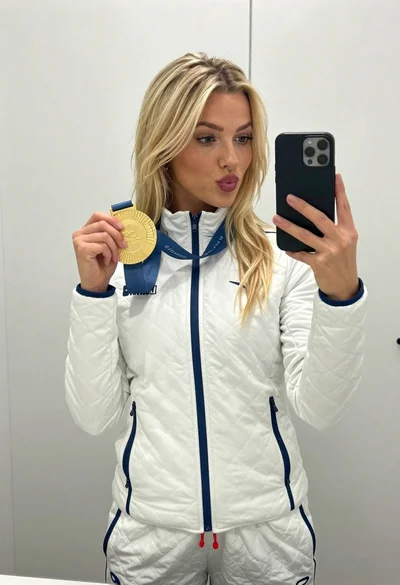
Blonde woman taking mirror selfie with gold medal in white jacket