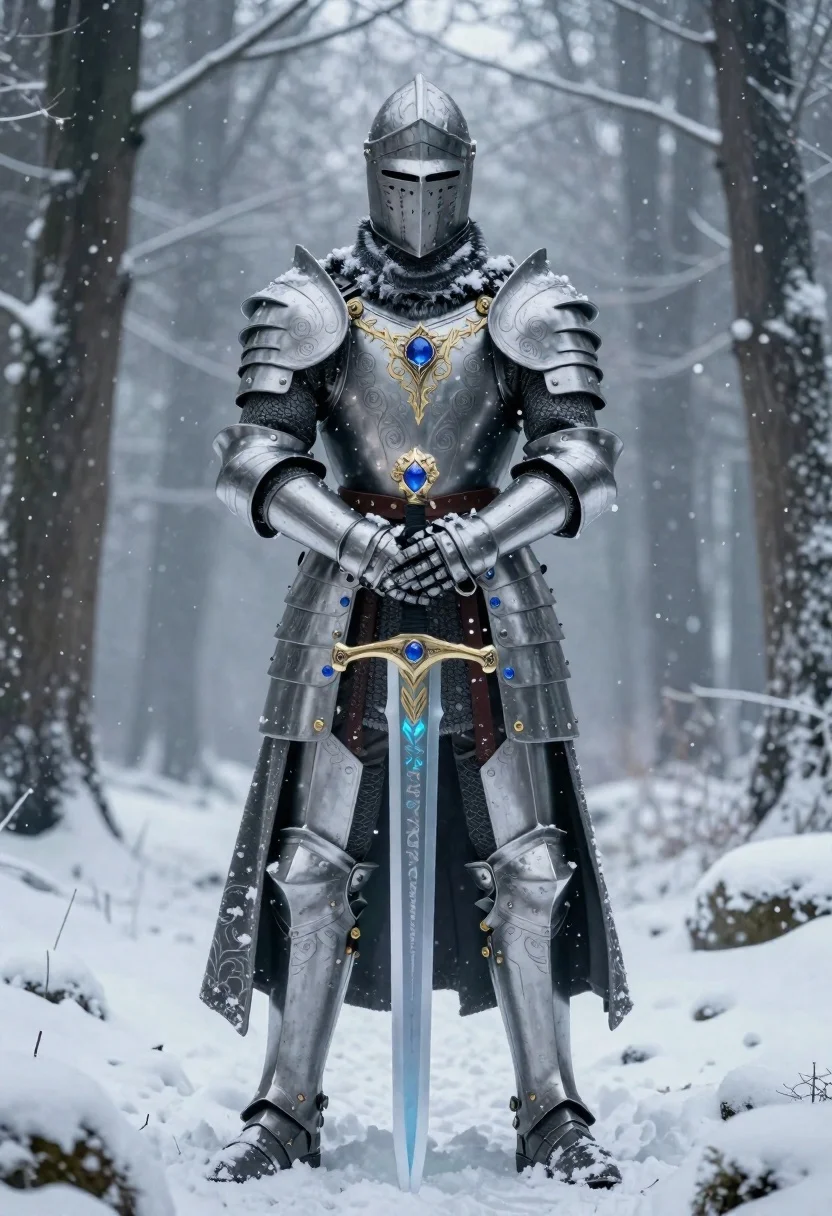
Knight in silver armor holding sword in snowy forest
Prompt
A full-body shot of a majestic knight clad in ornate silver armor with intricate gold filigree and glowing blue gemstones set at the chest, waist, sword hilt, and shoulder pauldrons

Subject: A towering armored figure wearing an imposing helmet with narrow eye slits and fur lining around the neck guard.

Clothing: Heavy plate armor detailed with swirling engravings, reinforced gauntlets, greaves, and a long flowing cloak dusted with snow draped over one shoulder.

Action: Standing firmly in place holding a massive sword embedded vertically into the snowy ground; gaze is fixed forward through narrow visor slits.

Environment: A dense wintry forest setting with tall tree trunks receding into misty atmospheric fog under falling light snowflakes covering all surfaces including boots and armor edges.

Lighting: Soft diffused ambient winter daylight creating cool blue tones across the scene while highlighting metallic textures of silver steel against dark shadows in crevices; subtle glow emanates from embedded sapphires adding magical luminescence to otherwise cold surroundings.

Objects: Ornate sword with dragon-head pommel and translucent icy blade glowing faintly azure, standing upright planted firmly in snow-covered earth at knight's feet forming central focal point alongside armored silhouette dominating composition within depth-filled woodland backdrop.
Description
This prompt is useful for creating epic fantasy concept art, book cover illustrations, and video game key art depicting high-fantasy conflict. The combination of 'soft diffused ambient winter daylight' with the 'subtle glow emanates from embedded sapphires' ensures that while the scene maintains a cold, natural palette suitable for a forest setting, the magical elements are clearly visible against the dark shadows in crevices.
Suggestions
- Change 'ornate silver armor' to 'battle-worn blackened steel' for a grittier feel.
- Add 'volumetric god rays breaking through canopy' for more dramatic lighting.
- Swap 'misty atmospheric fog' for 'heavy snowfall blizzard' to increase action.
Category
Tags
ArmorDigital ArtForestFull Body
Date added
June 19, 2026
Added by
PromptDexter Team
Related Prompts
More prompts with similar categories and tags.
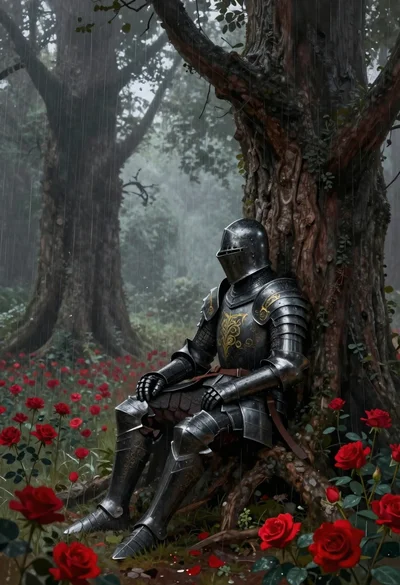
Knight in armor against tree trunk in rainy forest
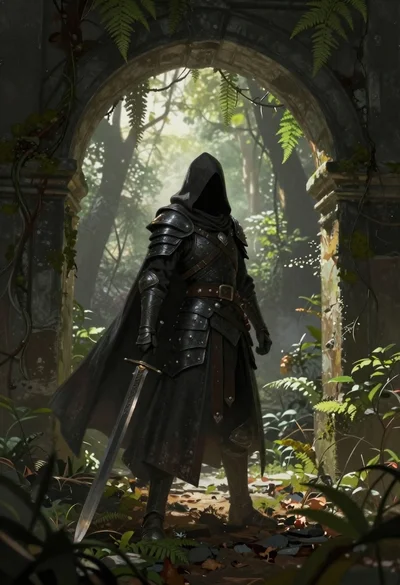
Warrior in dark armor within ancient overgrown stone archway
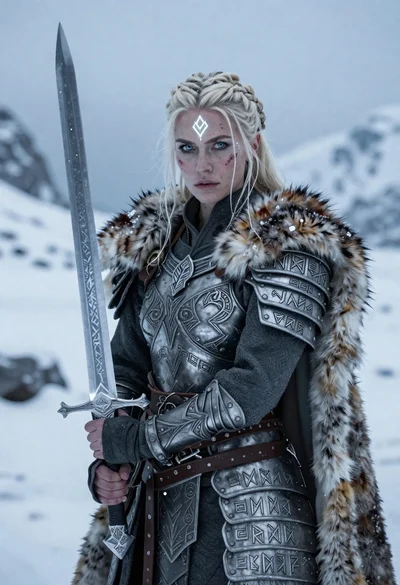
Warrior woman in ornate armor on icy mountain landscape
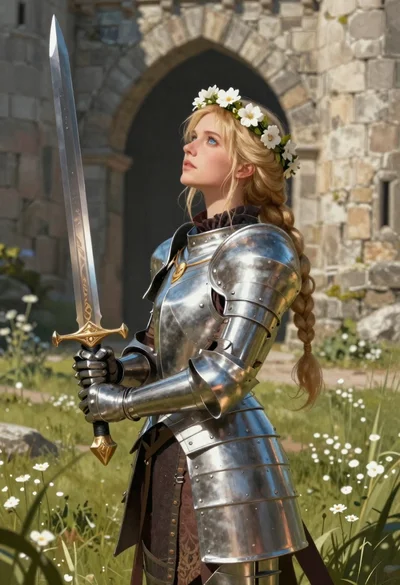
Blonde woman in steel armor before ancient stone castle
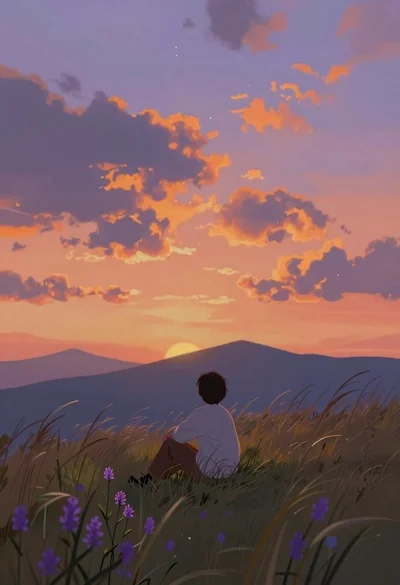
Lone figure sitting in meadow at twilight under dramatic sky
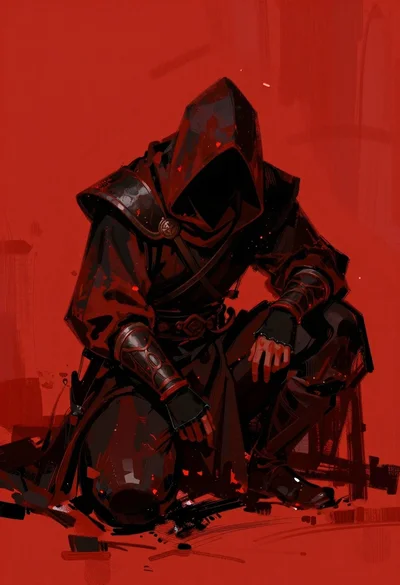
Hooded warrior crouching against abstract red background
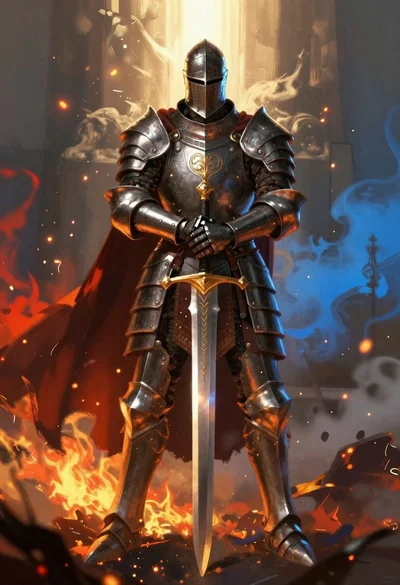
Armored knight standing amidst fire and blue mist
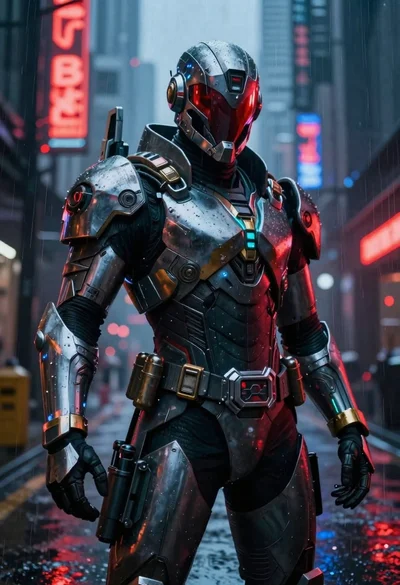
Cyberpunk warrior in rainy neon lit city alleyway
