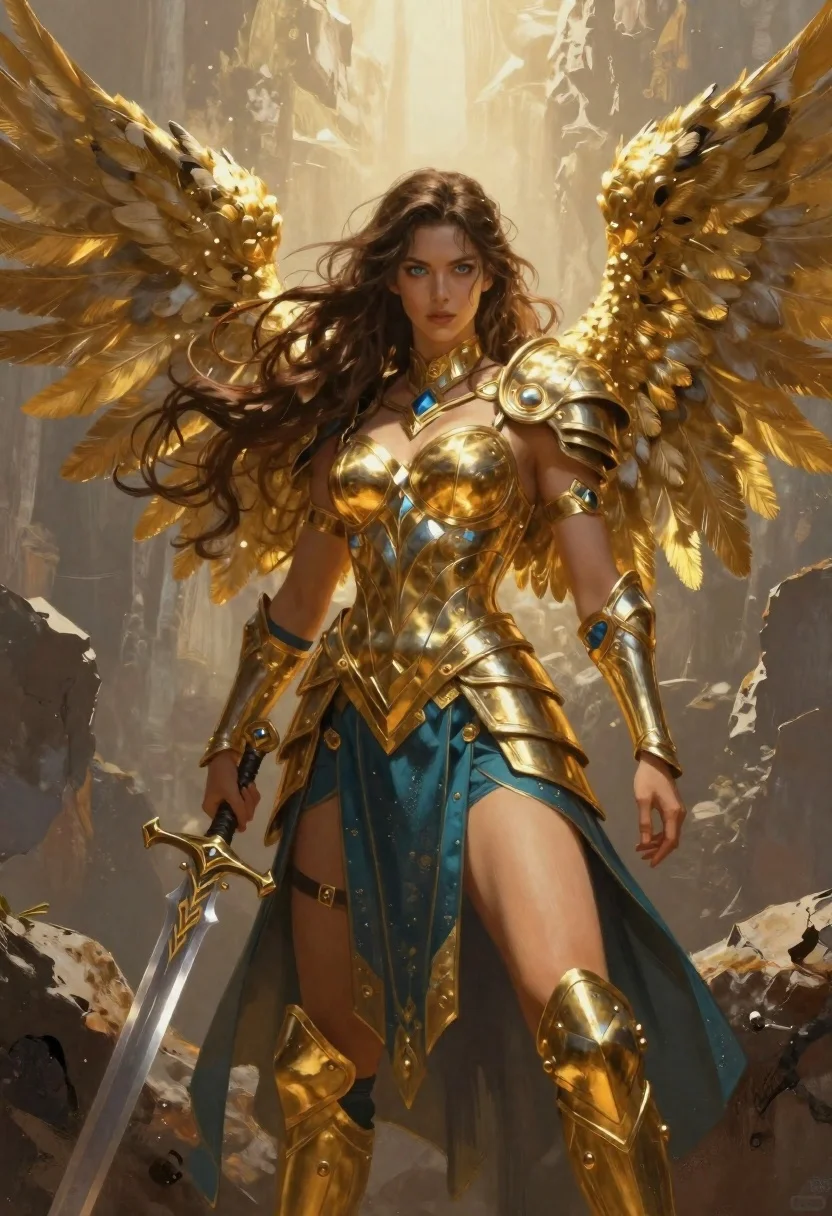
Female warrior angel in gold armor on rocky cliff
Prompt
Digital painting of a majestic female warrior angel with long wavy brown hair and large golden feathered wings spread wide behind her

Subject: A fierce but composed woman with striking blue eyes, defined facial features, and flowing dark hair cascading over shoulders

Clothing: Wearing ornate gold armor covering chest, abdomen, and arms paired with a teal-blue skirt featuring metallic accents and layered fabric textures; accessorized with golden shoulder pauldrons, gauntlets on forearms, thigh guards, neck collar, and wrist cuffs in matching blue leather tones

Action: Standing confidently while gripping an intricately carved sword at her side with one hand extended downward holding the hilt firmly

Environment: Set against a dramatic rocky cliff face bathed in warm golden sunlight filtering through misty atmosphere creating soft ethereal glow around figure

Lighting: Dominated by radiant backlight emanating from above casting subtle shadows across armor surfaces enhancing depth and metallic highlights while maintaining balanced contrast between light skin tones and darker background elements

Style Details: Rendered with painterly brushwork blending realistic anatomy with fantasy aesthetics emphasizing rich material textures like polished metal, flowing fabric feathers, and atmospheric lighting effects.
Description
This prompt is useful for creating epic fantasy concept art, character splash pages for role-playing games, and dramatic book cover illustrations. The combination of 'radiant backlight' and the specified 'polished metal' texture ensures that the gold armor catches light dramatically, while the 'misty atmosphere' softens the harsh edges of the 'rocky cliff face', preventing the composition from feeling too static or overly sharp for a grand fantasy scene.
Suggestions
- Change 'golden feathered wings' to 'iridescent crystalline wings' for a different material feel.
- Swap 'teal-blue skirt' for 'deep emerald velvet' to shift the color palette.
- Add 'dynamic contrapposto pose' to make the stance less rigid.
Category
Tags
ArmorBrown HairDigital ArtFemaleFull BodyNaturePortrait Shot
Date added
June 19, 2026
Added by
PromptDexter Team
Related Prompts
More prompts with similar categories and tags.
Warrior woman in dark armor seated with ornate sword
Young woman reading by river under cherry blossoms

Portrait of a witch in black corset and hat
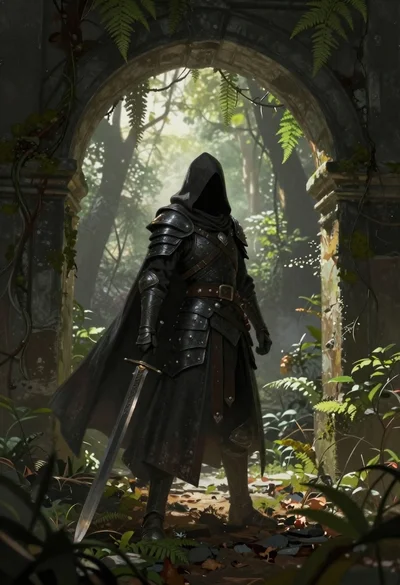
Warrior in dark armor within ancient overgrown stone archway
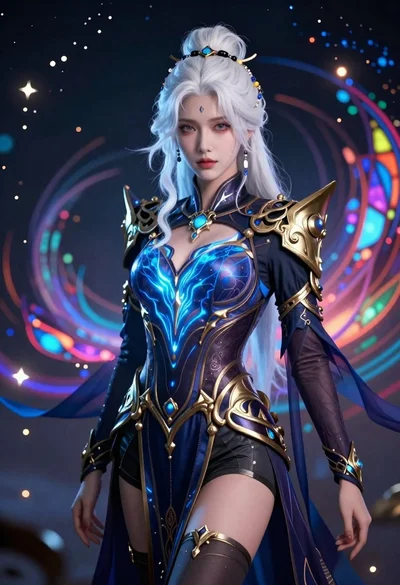
Ethereal woman portrait with white hair and fantasy attire

Cosmic spirit standing in water viewed by small child
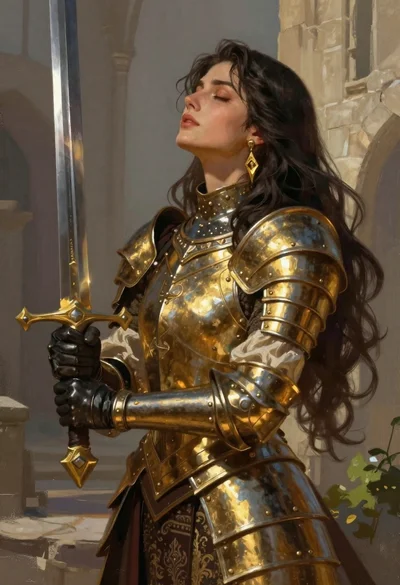
Fantasy warrior woman with ornate sword in stone courtyard

Futuristic android woman in metallic corridor