
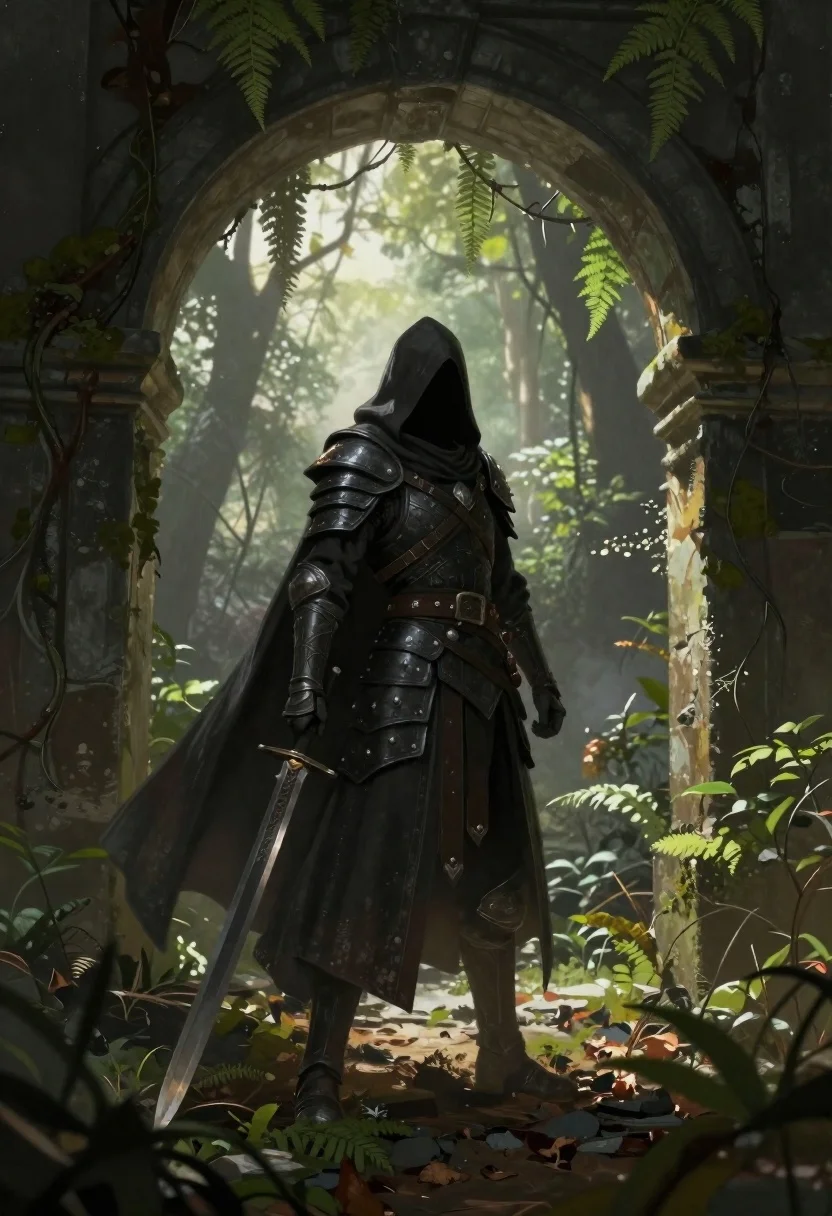
Warrior in dark armor within ancient overgrown stone archway
Prompt
Digital painting of a hooded warrior standing within an ancient stone archway surrounded by lush overgrown foliage and mist.

Subject: A lone figure clad in dark, intricately detailed armor with layered plates covering the torso and arms; they wear a deep shadowy cloak draped over their shoulders that flows down to mid-calf length while their face remains entirely concealed beneath the hood's heavy fabric draping forward.

Clothing: Heavy black leather straps crisscross across chest and waist area, reinforced metal pauldrons on both shoulder blades catching faint glimmers of light, armored gauntlets gripping weapon hilt tightly around thick wrist guards extending up forearms; long flowing cloak extends down past knees made from heavy dark fabric with subtle folds creating depth against armor pieces.

Action: Standing still facing away slightly turned left side toward viewer holding large broadsword in right hand resting tip near ground while left arm hangs loosely at side gripping sword hilt firmly, posture confident yet grounded showing readiness for movement without active motion blur or dynamic gesture.

Environment: Ancient weathered stone archway framing entire scene with thick moss-covered pillars supporting curved overhead structure covered partially by creeping vines and ferns hanging down from top edges creating natural border around figure; beyond immediate foreground lies dense forest filled with soft diffused sunlight filtering through canopy above casting gentle highlights onto ground littered with fallen leaves, twigs, small rocks forming uneven path leading deeper into misty background where distant trees fade gradually into atmospheric haze.

Camera: Medium shot capturing full body of central character framed symmetrically within archway creating sense of depth and perspective drawing eye inward toward figure standing centrally under bright but soft illumination coming from behind slightly above head level illuminating silhouette effect while foreground elements remain darker emphasizing contrast between subject and surroundings; shallow depth-of-field blurs immediate foliage closest to lens keeping focus sharp on armored form against more softly focused backdrop.

Lighting: Soft directional backlight emanates from forest beyond archway creating rim-lighting effect outlining edges of cloak, armor plates catching gentle glimmers along contours while shadows fall inward toward center mass giving three-dimensional volume without harsh contrasts; overall mood melancholic mysterious enhanced by muted color palette dominated by greens browns grays with subtle warm tones peeking through mist.

Style Details: Hyper-detailed fantasy realism blending realistic textures like rough stone surfaces, metallic sheen on armor, organic growth patterns of plants with painterly brushwork evident especially in atmospheric effects and soft transitions between light/dark zones creating cinematic quality reminiscent of high-end concept art for video games or film productions.
Description
This prompt is useful for creating dark fantasy concept art, immersive game environment key art, and moody character portraits for book covers. The combination of 'soft directional backlight' producing a rim-lighting effect on the cloak and armor, paired with the 'muted color palette dominated by greens browns grays,' establishes a melancholic atmosphere that grounds the warrior within the overgrown ruins.
Suggestions
- Change 'dark, intricately detailed armor' to 'battle-worn obsidian armor' for a different metallic feel.
- Swap 'creeping vines and ferns' for 'thick hanging moss' to increase the sense of decay.
- Adjust 'soft directional backlight' to 'dramatic volumetric shafts of light' for higher contrast.
Category
Tags
ArmorDigital ArtForestFull BodyLow AngleMedium ShotNaturePortrait ShotRealisticRooftopRuinsSide ProfileWide Shot
Date added
June 19, 2026
Added by
PromptDexter Team
Related Prompts
More prompts with similar categories and tags.
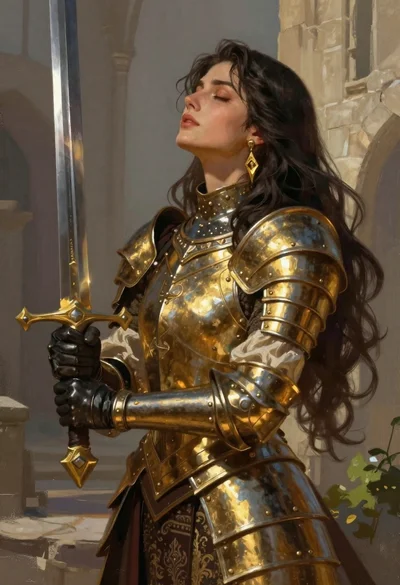
Fantasy warrior woman with ornate sword in stone courtyard
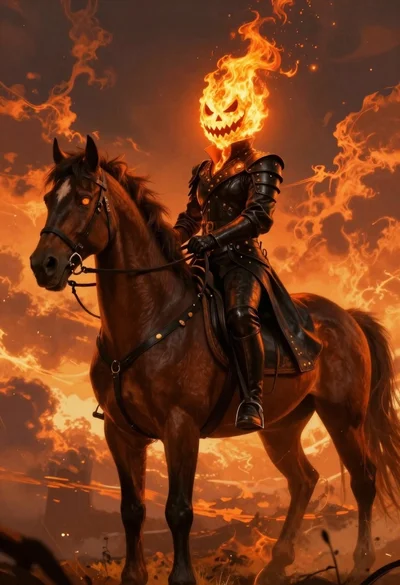
Fiery rider on horseback against apocalyptic sky
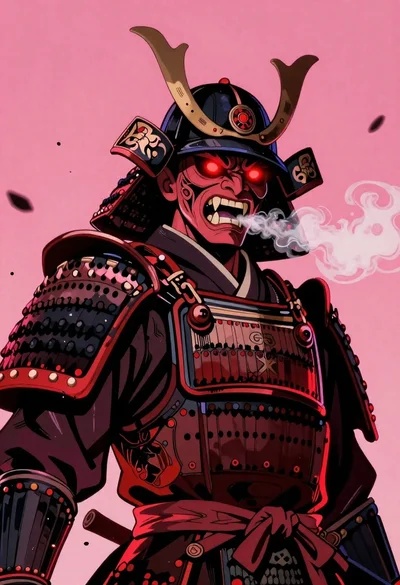
Samurai warrior roaring in dark armor against pink background

Cosmic spirit standing in water viewed by small child
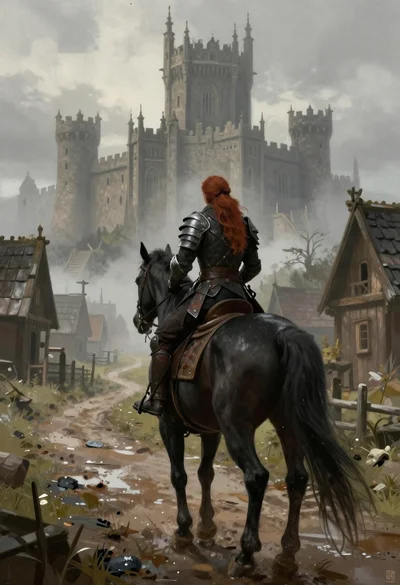
Warrior on black horse approaching gothic castle in fog
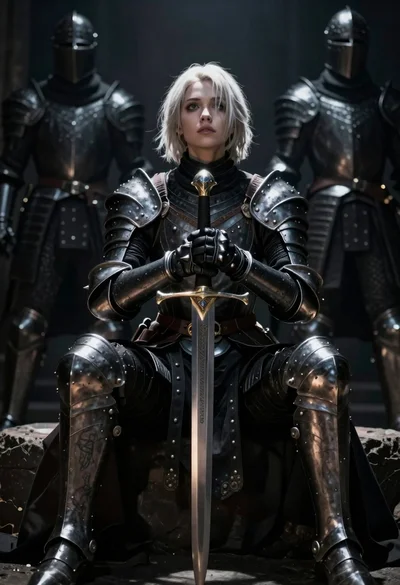
Warrior woman in dark armor seated with ornate sword
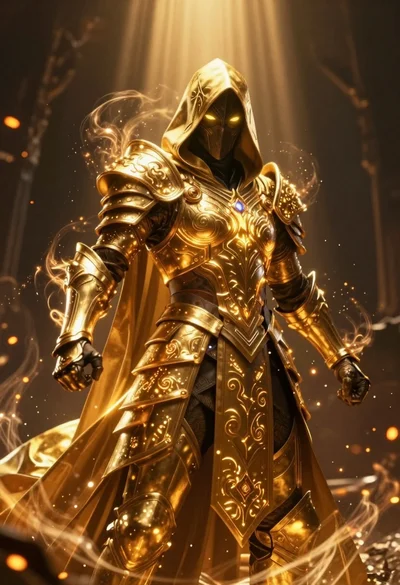
Mysterious armored warrior standing amidst swirling magical energy and embers

Futuristic android woman in metallic corridor
