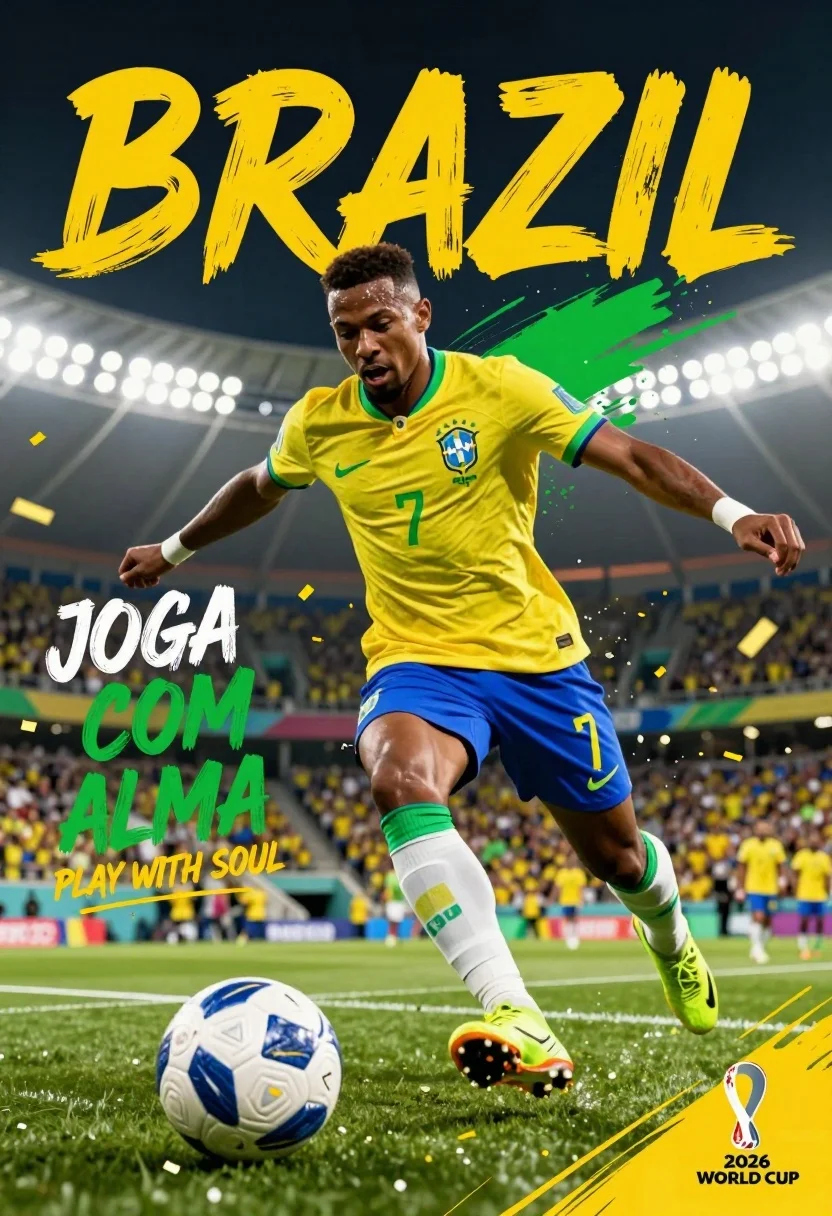
Low angle action shot of black soccer player striking ball at night
Prompt
A dynamic, low-angle action shot of a Black male soccer player mid-stride on a green pitch, wearing the Brazil national team kit with number 7, focused intensely as he prepares to strike a white and blue soccer ball.

Clothing: The subject wears a bright yellow jersey with green trim, blue shorts, white socks with green bands, and neon yellow cleats; the jersey features the Nike swoosh, the Brazilian crest, and the number 7 in green.

Action: The player is captured in motion with arms extended for balance, mouth open in exertion, and gaze fixed forward on the ball, conveying high energy and athletic power.

Environment: A packed stadium at night with blurred spectators in yellow shirts, bright floodlights illuminating the field, and golden confetti falling through the air.

Camera: Low-angle perspective emphasizing the player’s dominance, shallow depth of field blurring the background crowd, dynamic composition with motion blur streaks enhancing speed.

Lighting: Dramatic stadium lighting from above and behind, creating highlights on the player’s skin and jersey, with strong contrast between light and shadow to enhance drama.

Style Details: Bold graphic design elements including large yellow brush-stroke text reading “BRAZIL” and “BRASIL,” stylized green and yellow paint splashes, and a vibrant color palette dominated by Brazil’s national colors; high-contrast digital art style with energetic motion effects and celebratory atmosphere.

Text/Graphics: Large yellow text at top reads “BRAZIL,” white and green text on left says “JOGA COM ALMA” with English translation “PLAY WITH SOUL” below, bottom right shows “2026 WORLD CUP” logo with trophy icon.
Description
This prompt is useful for creating sports advertising campaigns, dramatic action photography mockups, and promotional material for athletic events. The combination of 'low-angle perspective' and 'dramatic stadium lighting from above and behind' emphasizes the player’s physical dominance and power by casting deep shadows that sculpt musculature, while the 'motion blur streaks' visually communicate extreme speed necessary for high-energy sports promotion.
Suggestions
- Change 'bright yellow jersey with green trim' to a specific shade like 'vibrant canary yellow' for better color consistency.
- Replace 'golden confetti falling through the air' with 'rain of blue and yellow streamers' to match the kit colors.
- Adjust 'large yellow brush-stroke text reading “BRAZIL”' to be more subtle, perhaps using only white lettering.
Category
Tags
Full BodyLow AngleMaleOutdoorsRealisticSportswear
Date added
July 3, 2026
Added by
PromptDexter Team
Related Prompts
More prompts with similar categories and tags.
Snowboarder jumping off slope in metallic green suit against bright snow
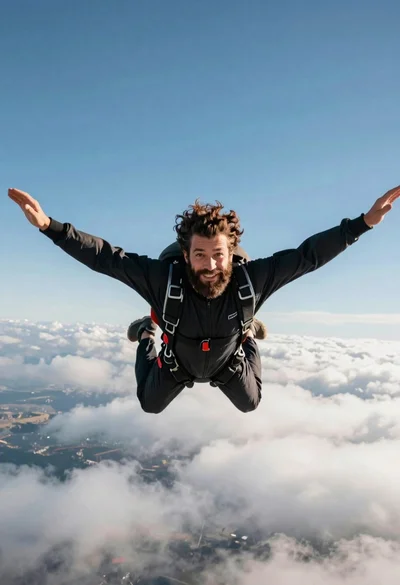
Bearded man with curly hair skydiving in freefall against blue sky
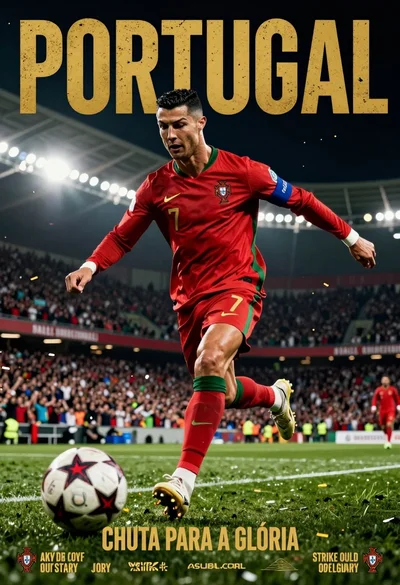
Low angle action shot of male soccer player kicking ball in stadium
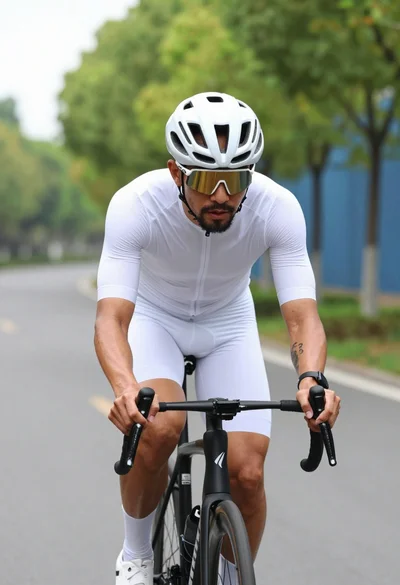
Muscular male cyclist riding white bike down paved road lined with green
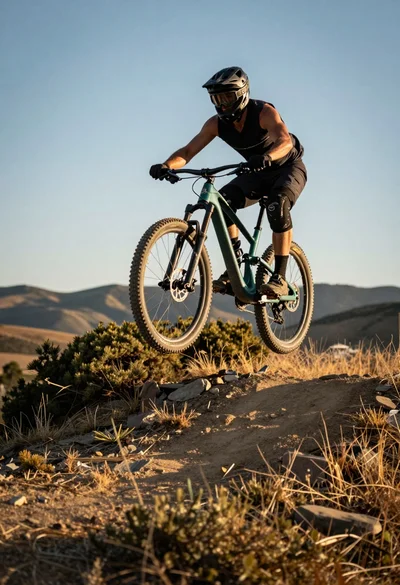
Mountain biker airborne mid jump over rugged trail under golden sunlight
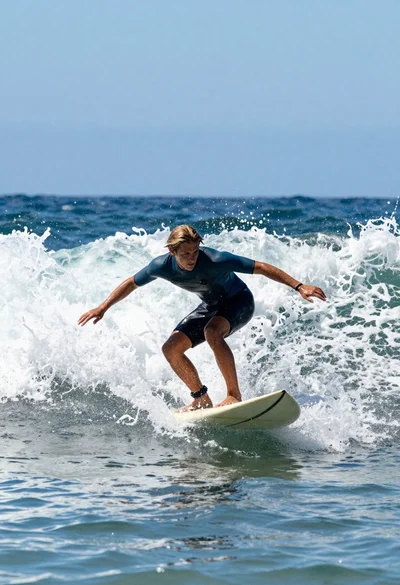
Young male surfer riding a powerful ocean wave on a light surfboard
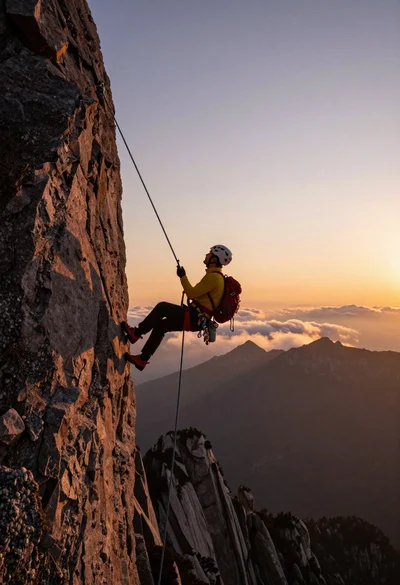
Male rock climber suspended on rope overlooking mountain peaks at sunset
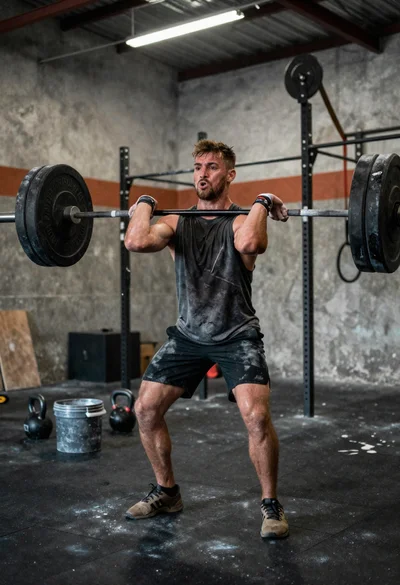
Low angle close shot of male athlete deadlifting in gritty gym
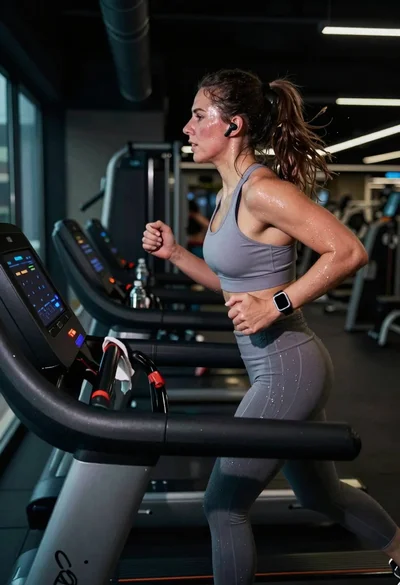
Exhausted female athlete sprinting on treadmill in dim modern gym
Muscular man in blue pool splashing water under sunlight