
Low angle action shot of male soccer player kicking ball in stadium
Prompt
A dynamic low-angle action shot of a male soccer player in mid-stride kicking a ball on a grass field inside a stadium filled with spectators.

Subject: A muscular male soccer player with short dark hair and intense facial expression, wearing the number 7 jersey.

Clothing: Red long-sleeved jersey with green collar trim, red shorts with green side stripes, red socks with green tops, white cleats, and a captain's armband on the left arm.

Action: The player is captured in a powerful kicking motion, leaning forward with one leg extended toward a soccer ball that shows motion blur, while his arms are positioned for balance.

Environment: A large stadium packed with spectators under bright floodlights, with confetti or debris floating in the air around the player.

Camera: Low angle perspective emphasizing the player's height and power, with shallow depth of field blurring the background crowd slightly to focus on the athlete.

Lighting: Dramatic high-contrast lighting with strong highlights on the player’s muscles and jersey, casting deep shadows that enhance the intensity of the scene.

Text/Graphics: Large bold text reading "PORTUGAL" across the top in a distressed gold font, smaller Portuguese phrases like "CHUTA PARA A GLÓRIA" and English translation "STRIKE FOR GLORY", along with national crest logos and motivational slogans at the bottom.

Style Details: Cinematic poster-style composition with vibrant red and green color grading matching the Portuguese flag, gritty texture overlay on text elements, and a heroic, high-energy visual tone reminiscent of sports advertising campaigns.
Description
This prompt is useful for creating sports marketing posters, athletic achievement editorials, and stadium event promotional materials. The combination of 'low angle perspective' and 'dramatic high-contrast lighting' exaggerates the player's power and verticality, while the specified 'vibrant red and green color grading' ensures immediate brand recognition suitable for advertising campaigns.
Suggestions
- Change 'Red long-sleeved jersey' to a specific team kit name for accuracy.
- Adjust 'confetti or debris floating in the air' to 'sweat droplets visible under floodlights' for more visceral action.
- Modify 'distressed gold font' to 'chrome metallic font' for a futuristic feel.
Category
Tags
Full BodyLow AngleMaleOutdoorsRealisticSportswear
Date added
July 3, 2026
Added by
PromptDexter Team
Related Prompts
More prompts with similar categories and tags.
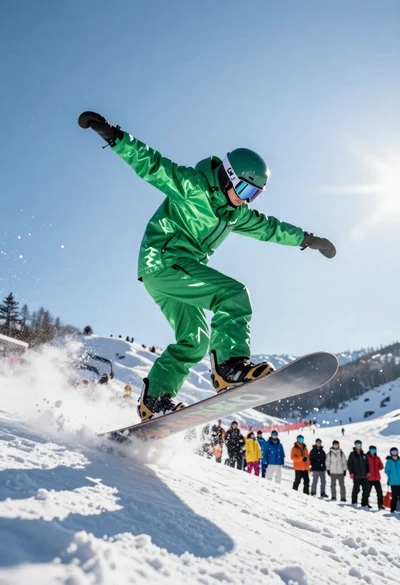
Snowboarder jumping off slope in metallic green suit against bright snow
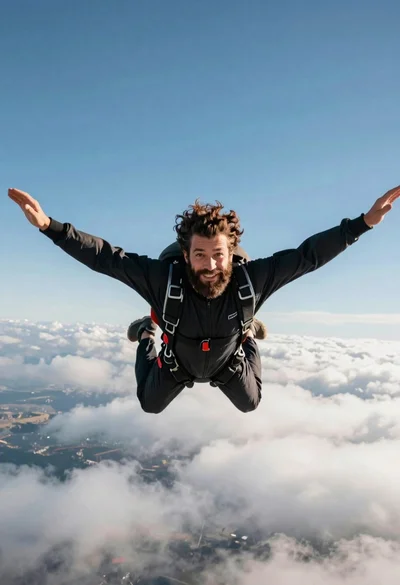
Bearded man with curly hair skydiving in freefall against blue sky

Low angle action shot of black soccer player striking ball at night
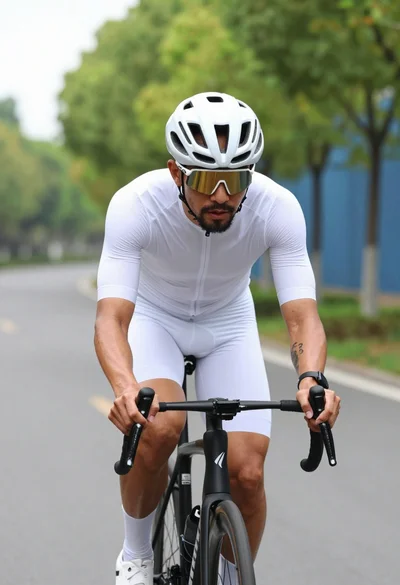
Muscular male cyclist riding white bike down paved road lined with green
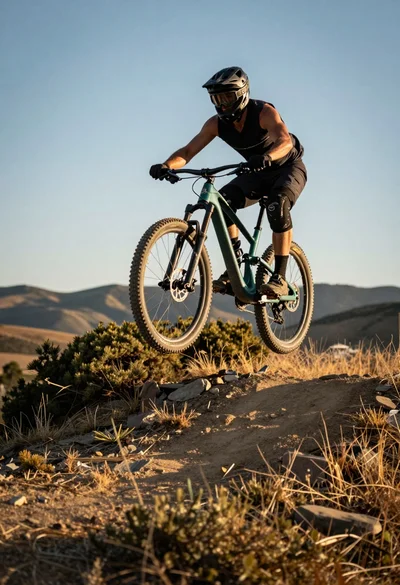
Mountain biker airborne mid jump over rugged trail under golden sunlight
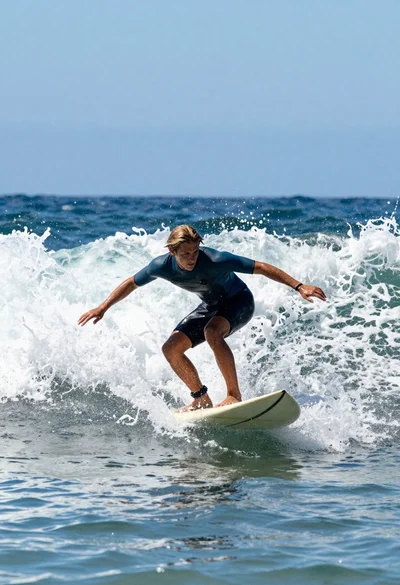
Young male surfer riding a powerful ocean wave on a light surfboard
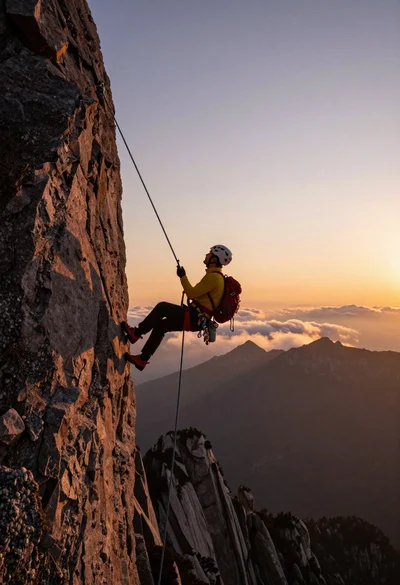
Male rock climber suspended on rope overlooking mountain peaks at sunset
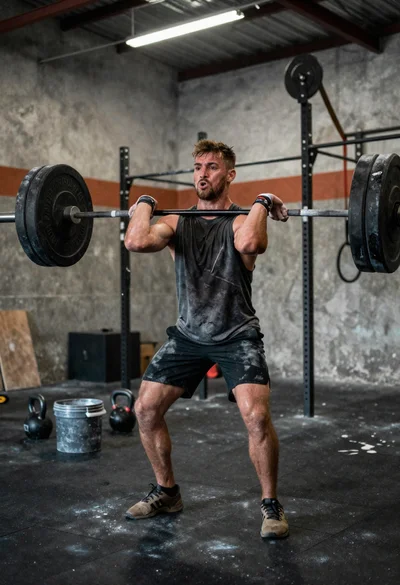
Low angle close shot of male athlete deadlifting in gritty gym
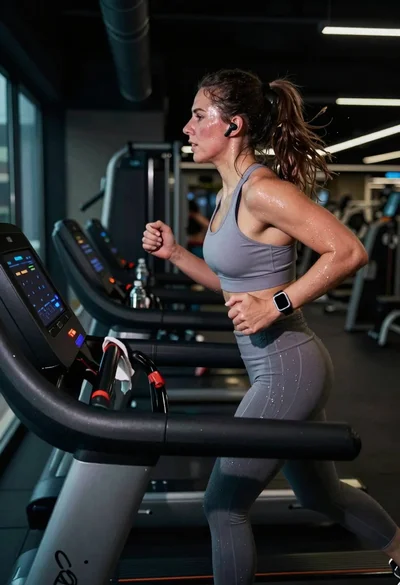
Exhausted female athlete sprinting on treadmill in dim modern gym
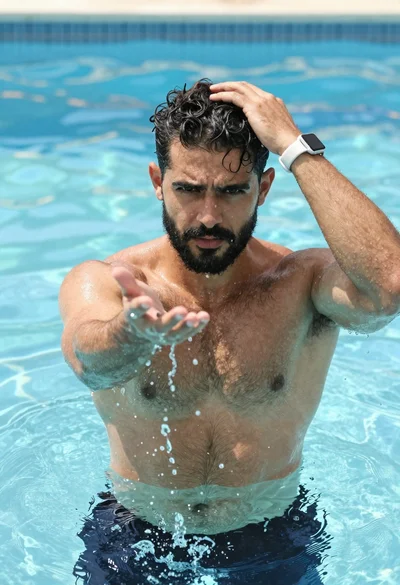
Muscular man in blue pool splashing water under sunlight