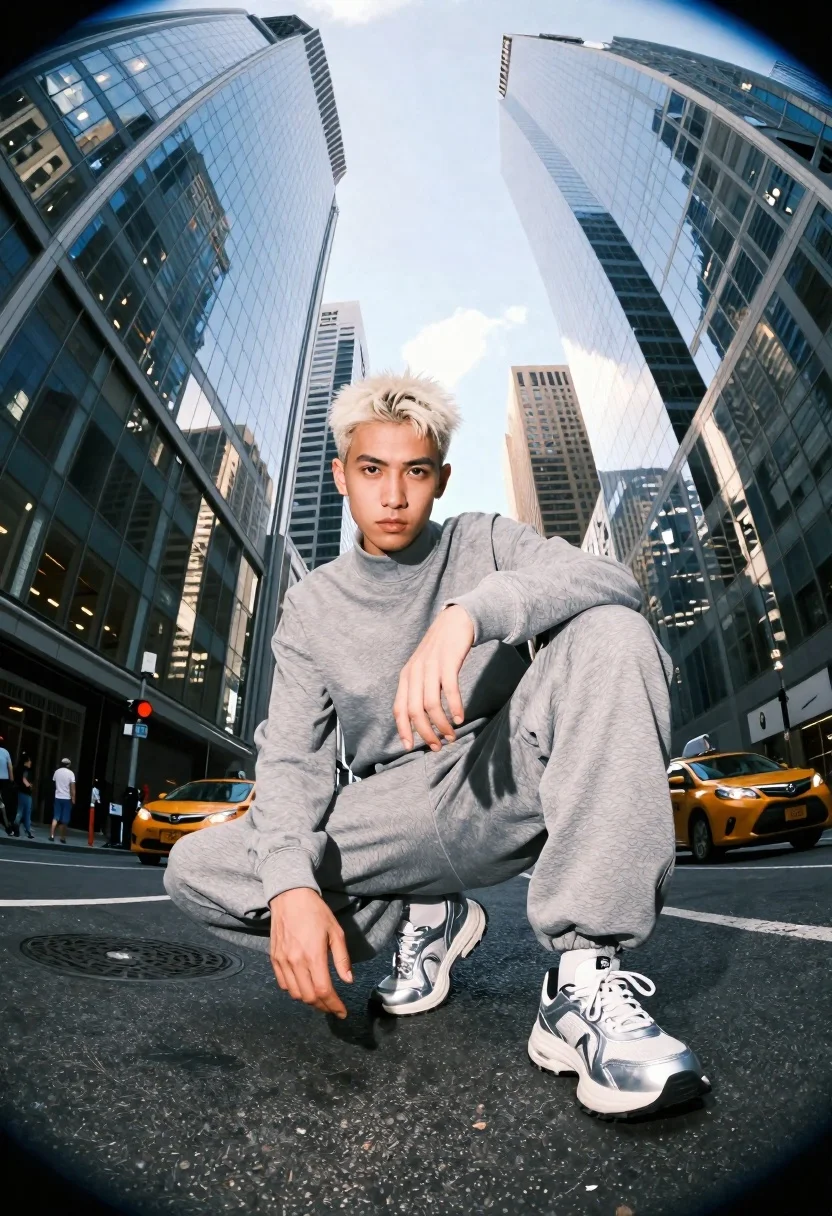
Low angle shot of young man in tracksuit among towering city skyscrapers
Prompt
A low-angle shot of a young man with platinum blonde hair crouching in the middle of a city street surrounded by towering skyscrapers.

Subject: A young man with short, styled platinum blonde hair and a serious expression looking directly at the camera.

Clothing: He is wearing a matching grey athletic tracksuit consisting of a high-neck long-sleeved top and loose-fitting sweatpants, paired with chunky silver sneakers with white soles.

Action: The subject is in a deep crouch with his knees bent and feet planted firmly on the asphalt, one arm resting on his knee while the other hangs loosely by his side.

Environment: A dense urban canyon formed by massive glass skyscrapers reflecting the sky, with yellow taxis visible in the background traffic and pedestrians walking on sidewalks at street level.

Camera: Shot from a very low angle looking up to emphasize the height of the buildings, utilizing a wide-angle or fisheye lens that creates a slight curvature around the edges of the frame.

Lighting: Bright daylight with strong overhead sunlight creating distinct shadows on the ground and highlighting the texture of the subject's clothing and hair.

Style Details: High-contrast photography with vivid colors, sharp focus on the foreground subject, and a dynamic composition that uses the converging lines of the buildings to draw the eye upward.
Description
This prompt is useful for creating cinematic streetwear editorials, architectural fashion spreads, and dramatic movie poster concepts. The combination of 'low-angle shot' and 'wide-angle or fisheye lens' exaggerates the verticality of the 'towering skyscrapers,' making the subject appear monumental against the converging lines, while 'high-contrast photography' ensures the texture of the tracksuit remains visible despite the strong overhead sunlight.
Suggestions
- Change 'platinum blonde hair' to 'wet black hair' for a grittier look.
- Swap 'grey athletic tracksuit' for 'black nylon bomber jacket and cargo pants' for more edge.
- Adjust 'yellow taxis' to 'neon signs' to shift the time of day.
Category
Tags
Low AngleMaleOutdoorsRealisticStreetwearWide Shot
Date added
June 19, 2026
Added by
PromptDexter Team
Related Prompts
More prompts with similar categories and tags.
Rugged young man in black coat leaning on muscle car in desert
Glamorous woman in black gold outfit posing in concrete subway tunnel
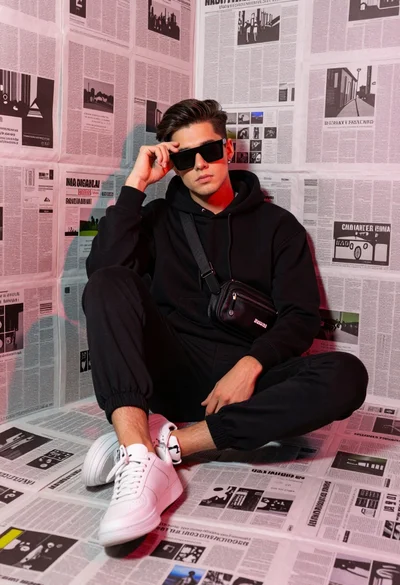
Stylish young man sitting in newspaper corner with colorful ambient reflections
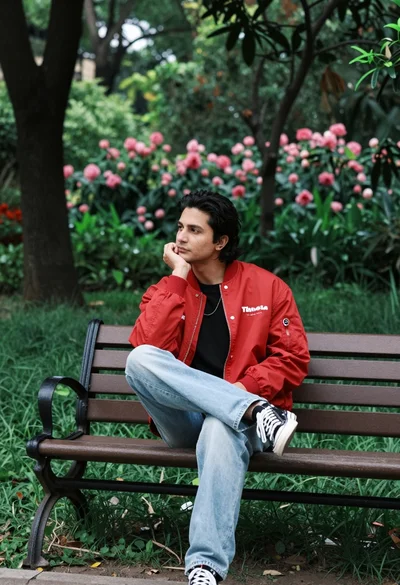
Man in red bomber jacket sitting thoughtfully on park bench surrounded by
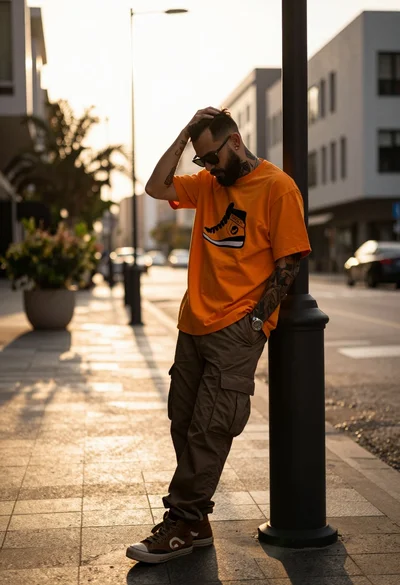
Man leaning against dark bollard on city street at golden hour
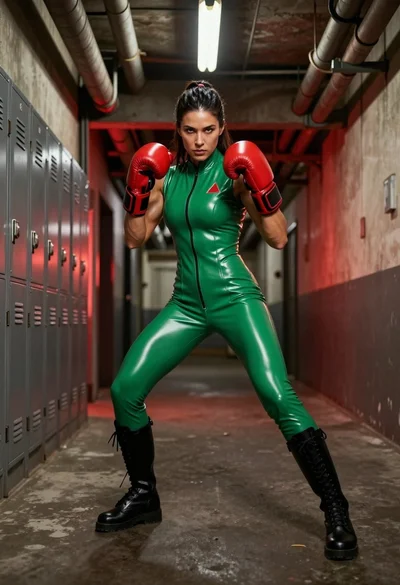
Muscular woman in green latex bodysuit fighting stance in industrial hallway
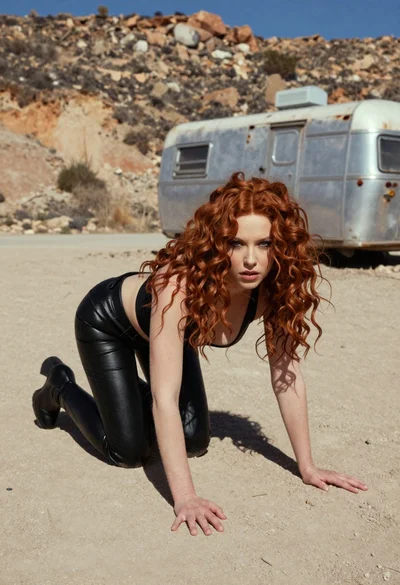
Woman crawling on dusty hillside in black leather outfit low angle
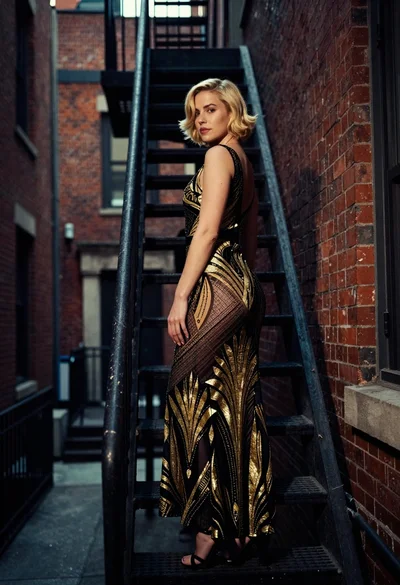
Woman in art deco gown on fire escape looking back over shoulder
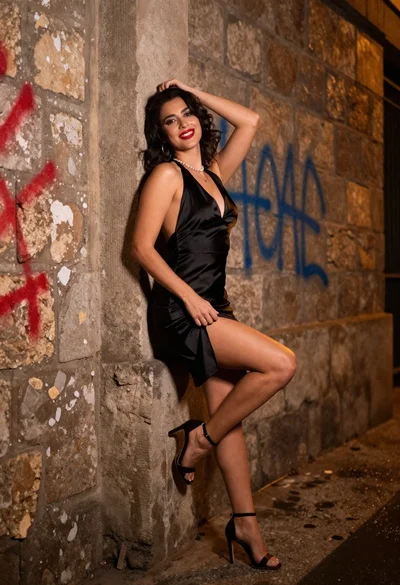
Confident woman in black satin slip dress against weathered stone alley wall
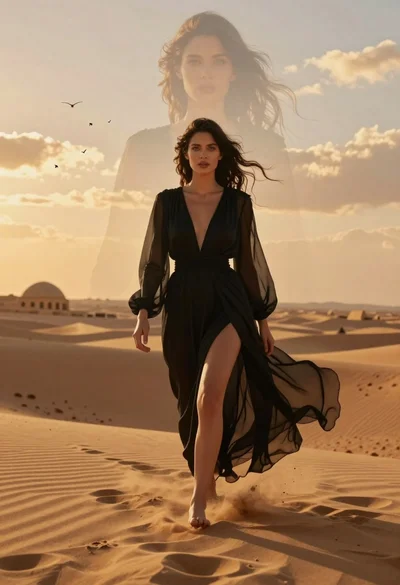
Woman walking through golden desert dunes with ghostly face overlay
