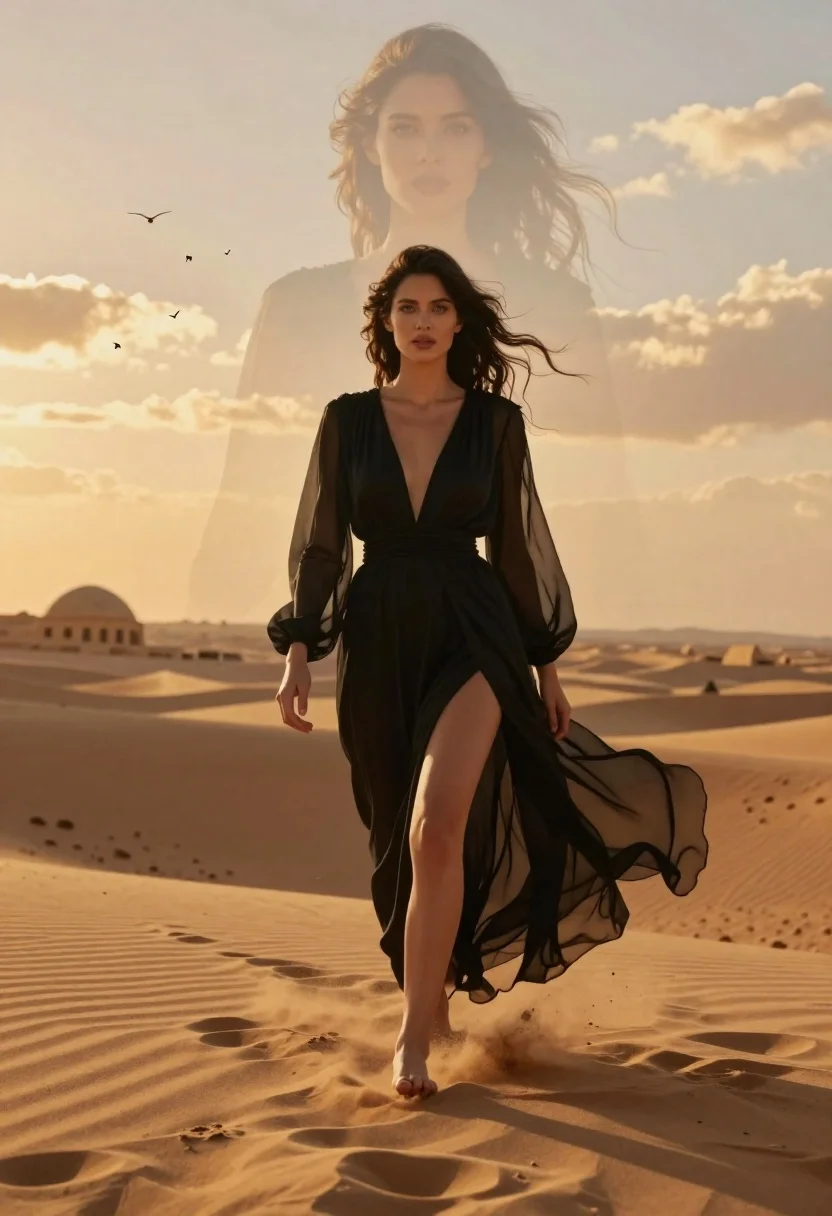
Woman walking through golden desert dunes with ghostly face overlay
Prompt
A cinematic portrait of a woman walking barefoot through golden sand dunes with a translucent, ghostly overlay of her own face looming in the sky behind her.

Subject: A young woman with long dark wavy hair and striking blue eyes, wearing an elegant black sheer dress with a high slit that flows around her legs as she walks.

Clothing: She wears a floor-length black gown made of translucent fabric with long sleeves, featuring a deep V-neckline and a cinched waist, appearing ethereal against the warm background.

Action: The woman walks forward confidently with one leg lifted mid-step, kicking up sand, while her hair and dress billow in the wind; she gazes directly at the viewer with a calm expression.

Environment: A vast desert landscape under a golden sunset sky filled with scattered clouds and small birds flying overhead, with ancient domed ruins visible on the horizon.

Camera: Shot from a low angle to emphasize the subject’s height and presence, with soft depth of field blurring distant elements slightly while keeping the foreground sharp.

Lighting: Warm golden hour lighting bathes the scene in rich amber tones, casting gentle shadows and highlighting the texture of the sand and fabric.

Style Details: Dreamlike double-exposure effect blending reality with fantasy, cinematic color grading, high detail rendering, atmospheric haze, and a sense of mystical elegance.
Description
This prompt is useful for creating surreal editorial fashion spreads, cinematic concept art for film trailers, and ethereal portrait photography series. The combination of 'translucent, ghostly overlay' with the 'warm golden hour lighting' establishes a dreamlike double-exposure effect that prevents the scene from feeling like a standard landscape shot, while the low angle emphasizes the subject’s imposing presence against the vast desert.
Suggestions
- Change 'black sheer dress' to 'deep emerald silk gown' for a richer color contrast.
- Add 'anamorphic lens flare' to enhance the cinematic quality of the sunset.
- Swap 'golden sand dunes' for 'ochre patterned salt flats' to alter the ground texture.
Category
Tags
DesertFemaleFull BodyLow AngleOutdoorsPortrait ShotRealistic
Date added
June 19, 2026
Added by
PromptDexter Team
Related Prompts
More prompts with similar categories and tags.
Woman crawling on dusty hillside in black leather outfit low angle

Woman in fur coat holding handgun in luxurious interior setting
Woman in art deco gown on fire escape looking back over shoulder

Woman in brown corduroy sitting in golden dry grass at sunset
Young woman in red sari sitting on sand dunes at golden hour
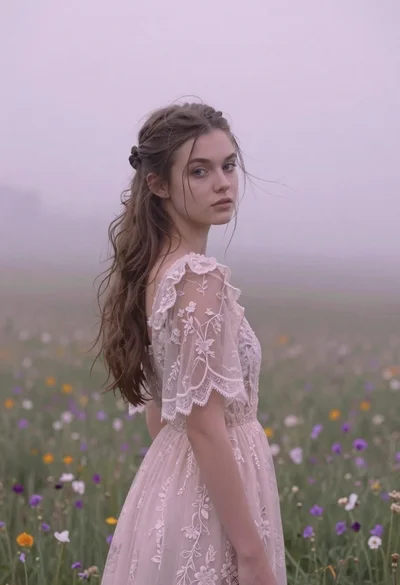
Young woman in pink lace gown standing in misty wildflower field
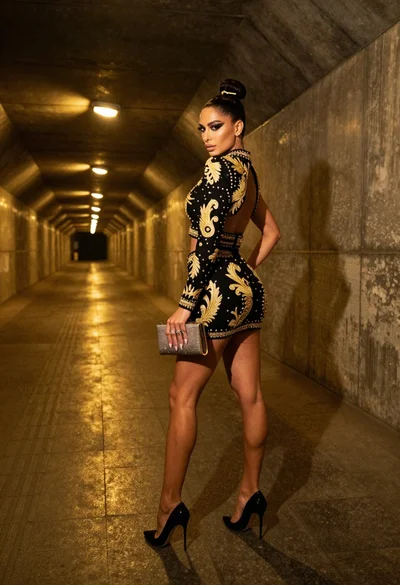
Glamorous woman in black gold outfit posing in concrete subway tunnel

Confident woman in red satin gown holding a pistol against dark background

Stylish woman in black halter dress on wet subway platform at night

Woman in red ballgown spinning in elegant museum hall