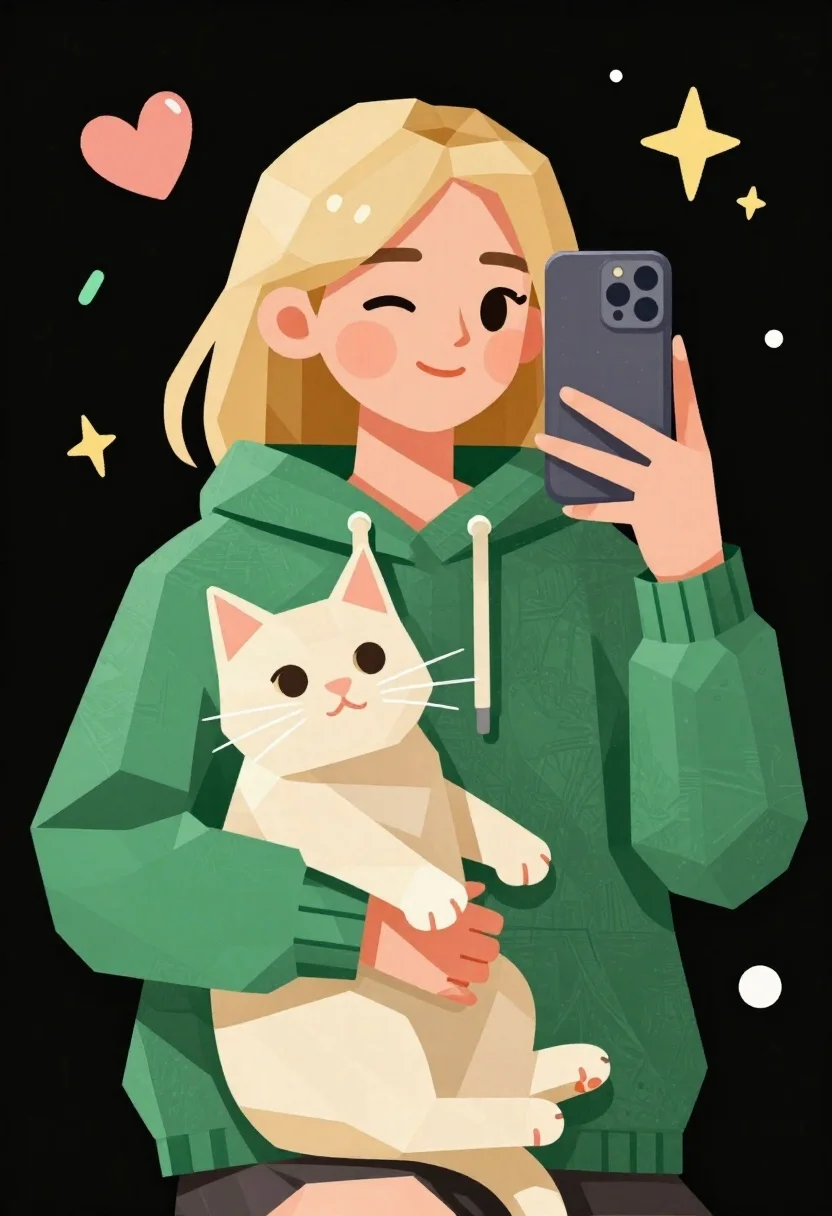
Low poly illustration of girl taking selfie with cat on black background
Prompt
A low-poly illustration of a girl taking a selfie while holding a cat in her lap.

Subject: A young woman with shoulder-length blonde hair and rosy cheeks winking at the camera while holding a smartphone to take a mirror selfie.

Clothing: She wears a textured green hoodie with visible drawstrings.

Action: The girl holds a smartphone up to capture a photo of herself and the cat, while cradling a cream-colored cat in her arms.
Second

Subject: A cream-colored cat with pink inner ears and long white whiskers sits calmly in the girl's lap, looking upward.

Objects: A modern smartphone with a triple-lens camera module is held in the girl's hand.

Environment: The background is solid black, decorated with floating doodles including a pink heart, a yellow starburst, green dashes, and scattered dots.

Lighting: Flat, even lighting illuminates the subjects against the dark backdrop to emphasize the geometric shapes.

Style Details: Low-poly geometric art style using faceted polygons, textured paper-like surfaces, and vibrant colors with a hand-drawn aesthetic.
Description
This prompt is useful for creating stylized character concept sheets, whimsical digital stickers, and modern social media profile illustrations. The combination of 'low-poly geometric art style' with 'solid black' background ensures that the vibrant colors and faceted polygons remain highly visible, preventing any detail from getting lost against a busy or complex backdrop.
Suggestions
- Change 'textured green hoodie' to 'sky blue knit sweater' for a different color pop.
- Add 'vaporwave aesthetic' to the style details for more neon elements.
- Swap 'floating doodles' for 'geometric constellations' to unify the background.
Category
Tags
AnimalBlondeCasual WearDigital ArtFemaleFull BodyOutdoorsSelfie
Date added
June 23, 2026
Added by
PromptDexter Team
Related Prompts
More prompts with similar categories and tags.
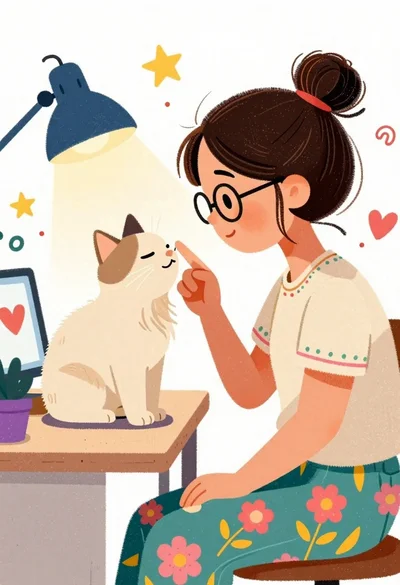
Young woman with glasses gently touching nose of fluffy cream cat indoors
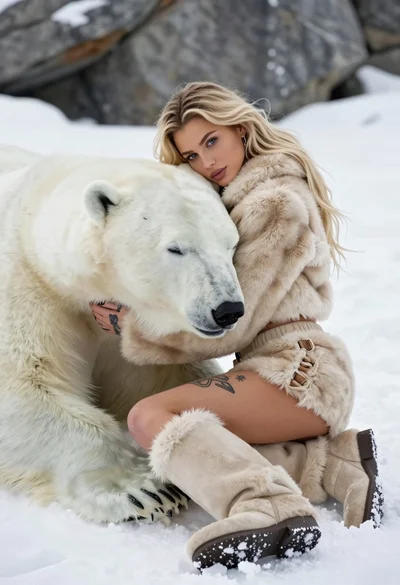
Blonde woman in beige fur suit cuddling a sleeping polar bear on
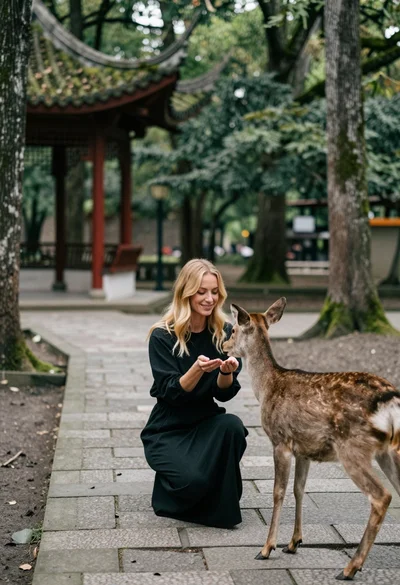
Woman feeding deer on stone path near asian pavilion in lush forest
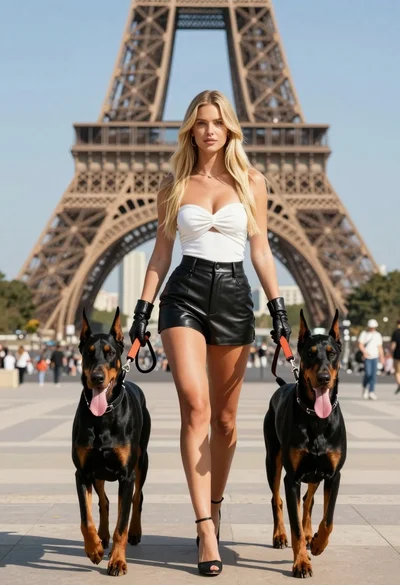
Confident blonde woman walking with two doberman dogs near eiffel tower
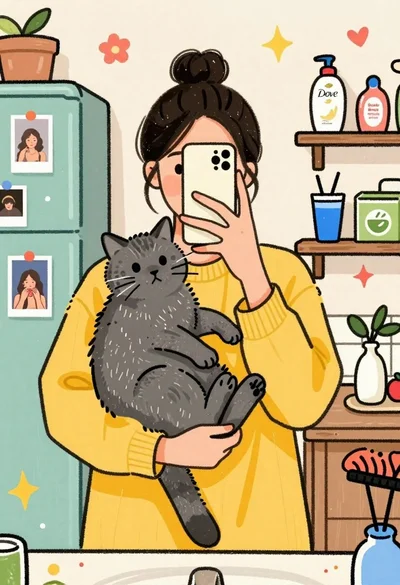
Young woman taking mirror selfie with grey cat in cozy bathroom
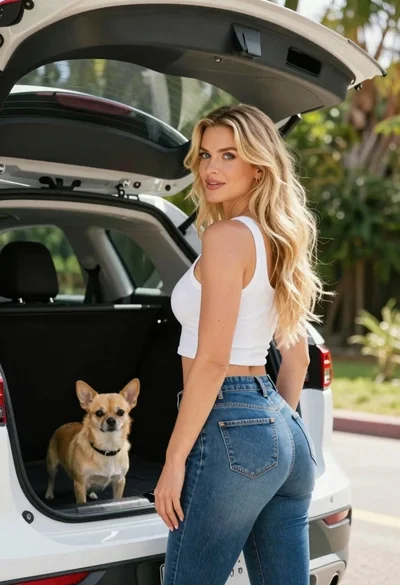
Blonde woman by white suv looking back at camera with dog

Woman riding horse in dark forest portrait

Young woman in pink gown standing in cherry blossom pavilion at golden