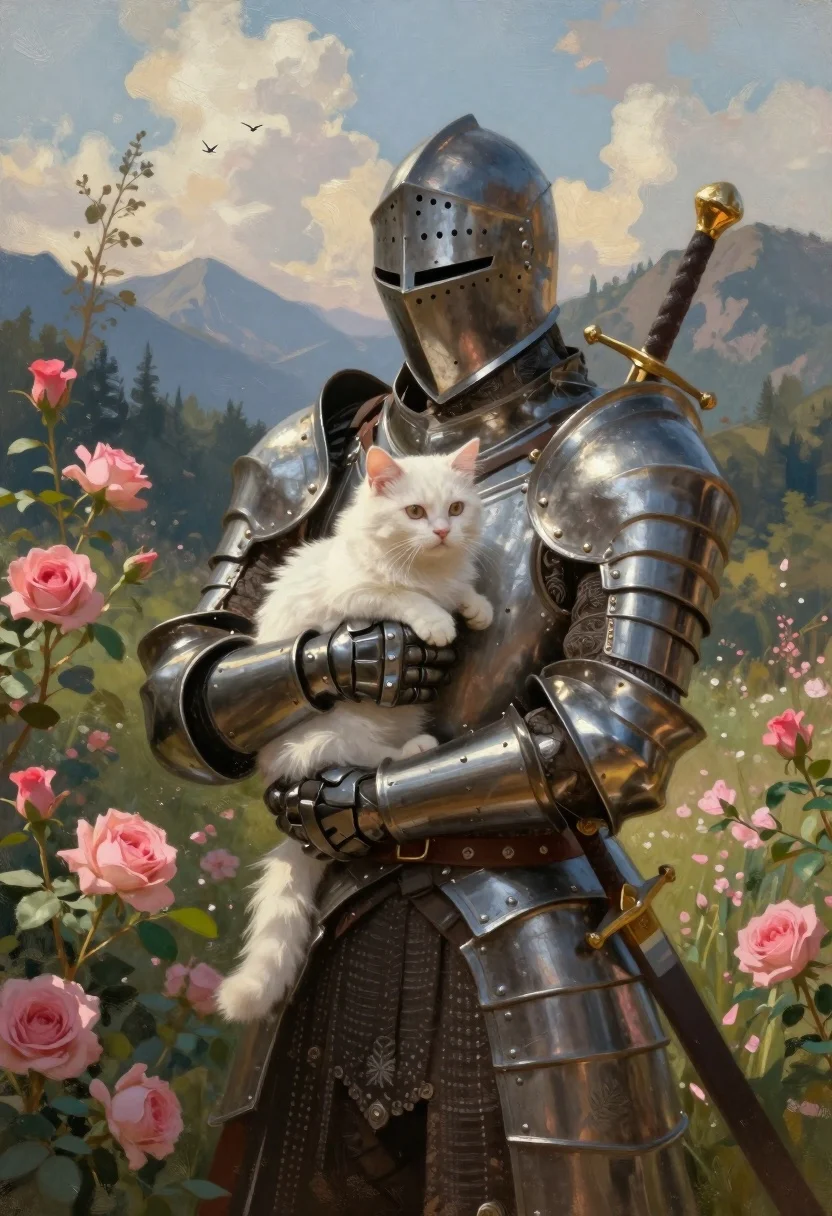
Knight in dark armor holding white cat amidst pink flowers and mountains
Prompt
A full-body shot of a knight in ornate dark steel armor tenderly holding a small white cat against a backdrop of pink flowers and a distant mountain landscape.

Subject: A knight clad in detailed, dark metallic plate armor with an integrated helmet featuring a narrow eye slit, gently cradling a fluffy white cat in their gloved arms.

Clothing: Intricate, embossed steel armor plates covering the torso and limbs, with a sword hilt visible protruding from the back of the shoulder.

Action: The knight stands still in a protective embrace, looking forward with a stoic expression while holding the cat securely against their chest.

Environment: A lush garden setting filled with vibrant pink roses and green foliage on the left, transitioning to a scenic background of distant mountains, a forested hillside, and a cloudy sky with birds flying overhead.

Camera: Medium shot framing the knight from head to waist, utilizing a slightly low angle to emphasize the figure against the expansive landscape.

Lighting: Soft, warm sunlight filtering through the clouds, casting gentle highlights on the armor's curves and illuminating the cat's fur while leaving deep shadows within the folds of the metal.

Style Details: Painterly digital art style with visible brushstrokes, rich color saturation, a romanticized fantasy aesthetic, and a textured finish reminiscent of oil painting.
Description
This prompt is useful for creating high-fantasy character concept art, narrative book covers, and dramatic digital illustration pieces. The combination of 'ornate dark steel armor' contrasted with the soft subject matter—the white cat and pink roses—is enhanced by the 'painterly digital art style' which ensures that even the hard metal retains a visible brushstroke texture rather than appearing like flat CGI.
Suggestions
- Change 'dark steel armor' to 'verdigris bronze armor' for an aged look.
- Add 'volumetric fog' to the distant mountain landscape for more atmosphere.
- Adjust 'soft, warm sunlight' to 'dramatic chiaroscuro lighting' for higher contrast.
Category
Tags
AnimalArmorDigital ArtFemaleFull BodyLow AngleMedium ShotMountainsNatureOutdoors
Date added
August 5, 2026
Added by
PromptDexter Team
Related Prompts
More prompts with similar categories and tags.

Young woman with brown hair and golden retriever under pine tree
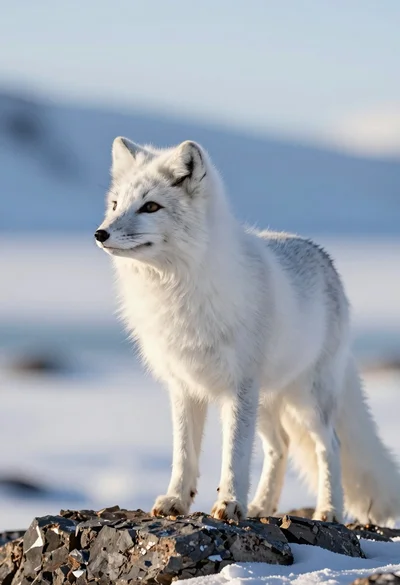
Majestic arctic fox standing alert on dark rocks in snowy landscape
Vibrant hummingbird flying among blooming flowers illustration
Surreal split level view of iceberg ocean ecosystem with marine life

Low poly illustration of girl taking selfie with cat on black background

Romantic couple feeding strawberries on picnic blanket in forest near lake

Silhouette of two elephants with riders walking across grassy plain at sunset
Majestic tiger walking through tall green and dry savanna grass
Majestic giraffe standing in golden savanna landscape at sunset
Majestic mountain goat standing on rugged rock formation against deep blue background