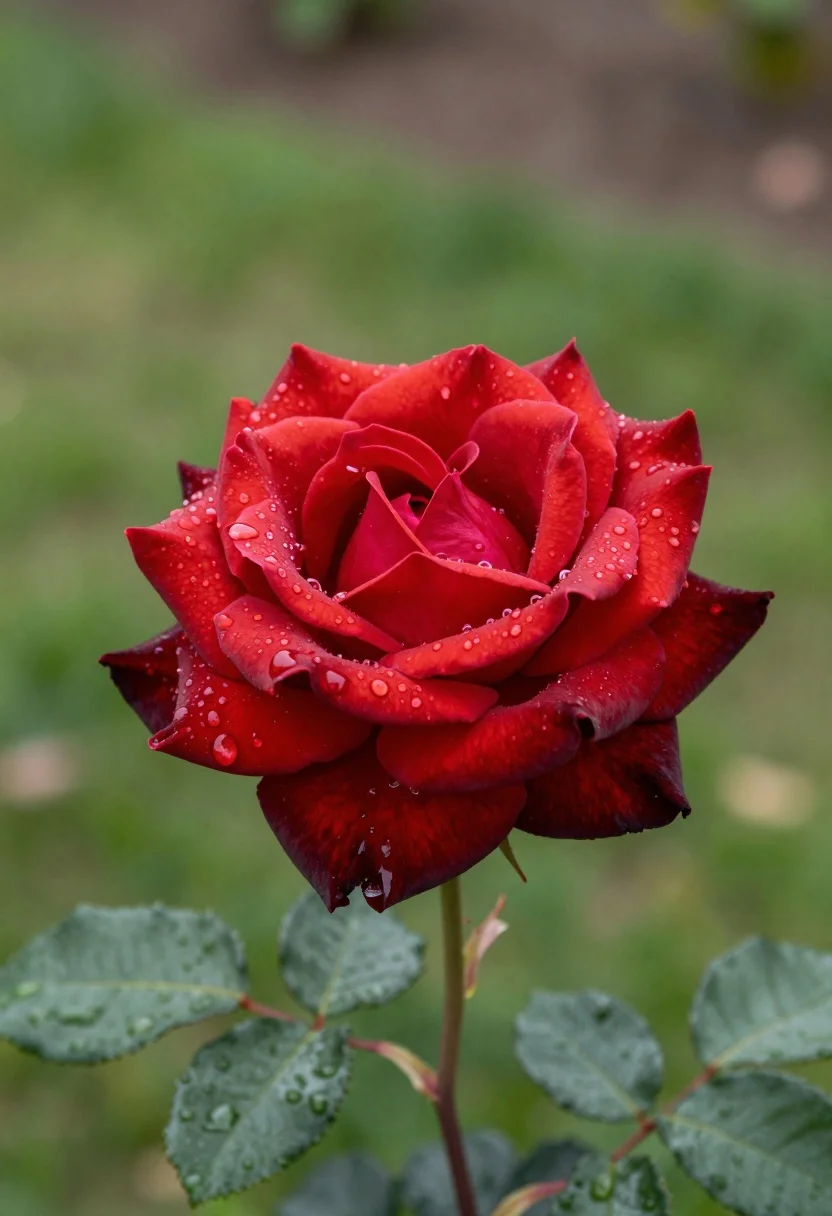
Macro photograph of deep crimson rose petals covered in glistening water droplets
Prompt
A close-up portrait of a vibrant red rose with glistening water droplets on its petals and leaves.

Subject: A fully bloomed deep crimson rose with richly layered petals that transition to dark maroon at the edges, surrounded by glossy green leaves speckled with raindrops.

Action: The flower is still, showcasing the texture of wet surfaces where water beads cling to the delicate curves of the petals and the veins of the foliage.

Environment: A lush garden setting with a soft-focus background of blurred green grass and hints of brown earth or stone, creating a shallow depth of field that isolates the bloom.

Camera: Tight macro framing with a wide aperture lens that renders the foreground in sharp detail while blurring the background into a creamy bokeh.

Lighting: Soft, diffused natural light illuminating the scene evenly, highlighting the translucency of the wet petals and creating gentle specular reflections on the water droplets.

Style Details: High-resolution macro photography with vivid color saturation and a clean, realistic aesthetic emphasizing texture and moisture.
Description
This prompt is useful for creating botanical close-ups for fine art prints, high-end perfume advertisements, or nature documentary stills. The combination of 'soft, diffused natural light' with the specified 'glistening water droplets' ensures that the model captures specular reflections on the wet surfaces, preventing the petals from looking flat and instead emphasizing their delicate curves.
Suggestions
- Change 'deep crimson rose' to 'black baccara rose' for a darker tone.
- Add 'dewy morning mist' to the environment description.
- Swap 'creamy bokeh' for 'bokeh with visible light orbs' to enhance the background.
Category
Tags
Macro ShotNatureRealistic
Date added
July 12, 2026
Added by
PromptDexter Team
Related Prompts
More prompts with similar categories and tags.
Close up macro photograph of blue and white columbine flowers on forest
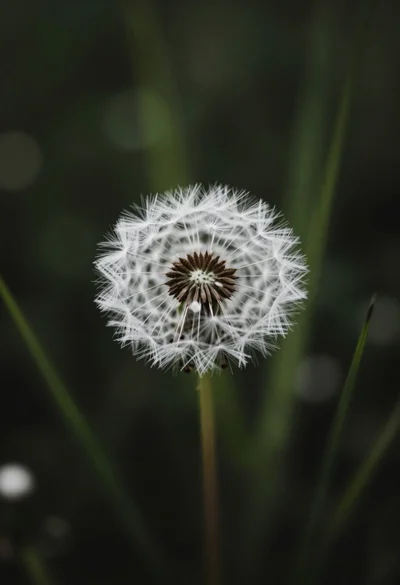
Close up macro shot of solitary white dandelion seed head against dark
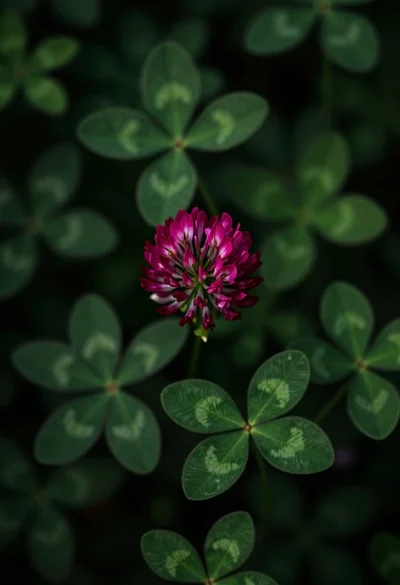
Close up view of vibrant magenta clover flowers in dense green foliage
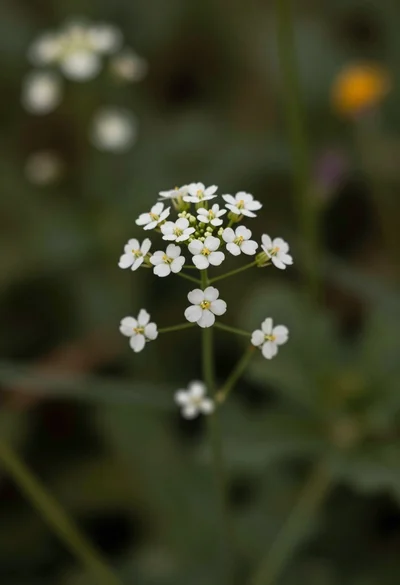
Macro photograph of delicate white wildflowers with yellow centers on dark green
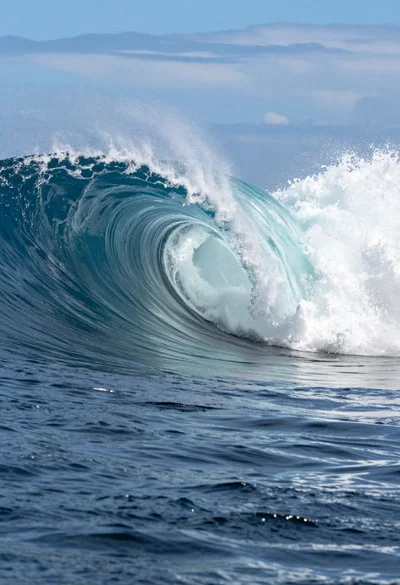
Hyperrealistic view of massive ocean wave forming a perfect barrel at sea
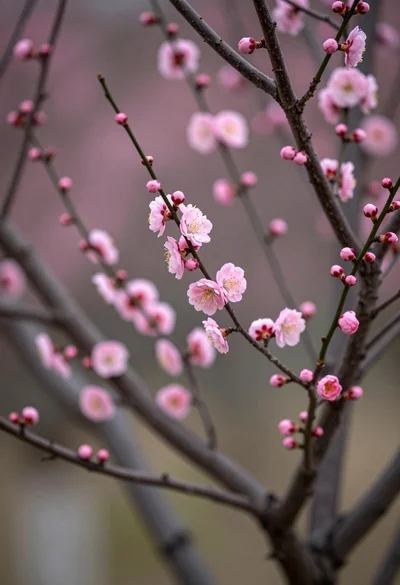
Close up view of delicate pink blossoms blooming on dark slender branches
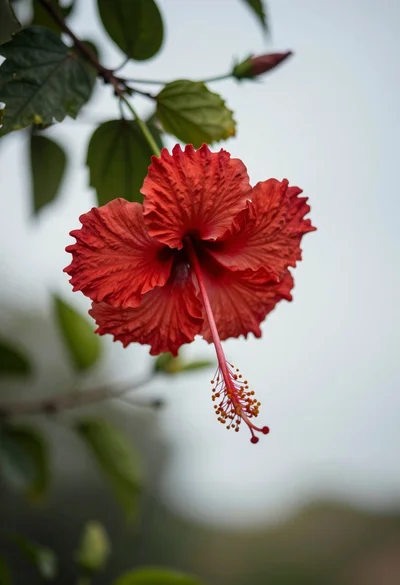
Close up photograph of vibrant red hibiscus flower against soft green bokeh
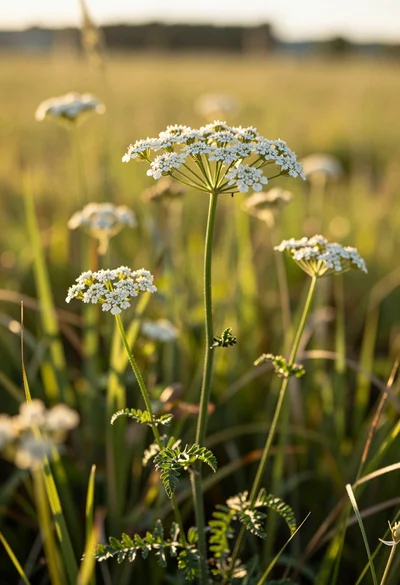
Close up view of white wildflowers in a sunlit grassy meadow field
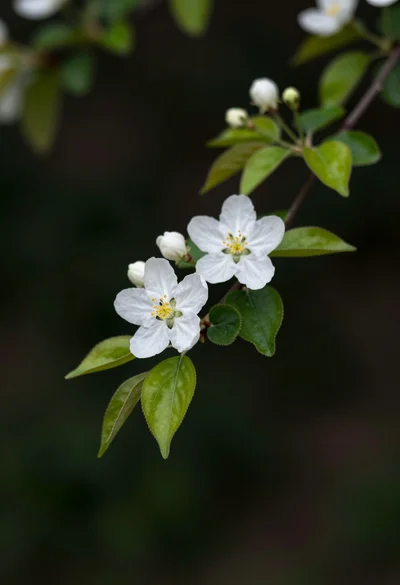
Close up of white blossoms on a branch against a dark blurred
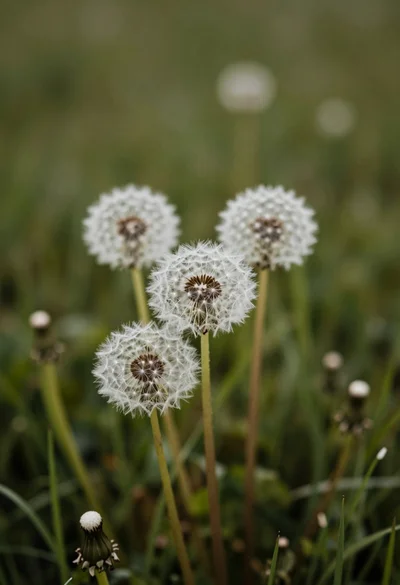
Close up of three fluffy white dandelion seed heads in a lush