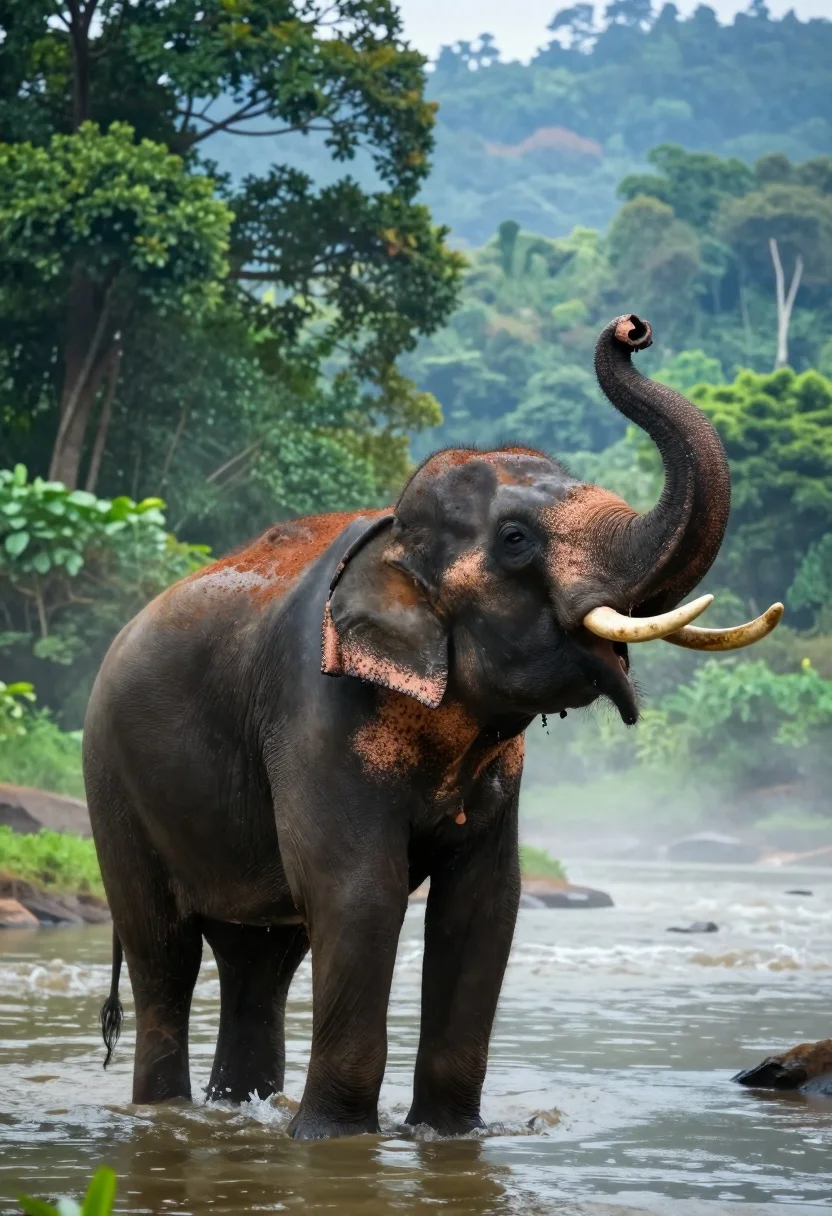
Majestic asian elephant standing in misty river amidst lush tropical rainforest foliage
Prompt
A majestic Asian elephant stands in a misty river with its trunk curled upward and tusks visible against a lush forest backdrop.

Subject: A large Asian elephant with dark grey wrinkled skin, prominent curved ivory tusks, and reddish-brown mud or clay covering its back and ears.

Action: The elephant is standing still in the water with its trunk raised high in a playful or spraying gesture.

Environment: A dense tropical rainforest with vibrant green foliage on the left and a blue-green forested hillside in the background, surrounded by calm misty river water.

Camera: Medium shot capturing the full body of the elephant from the side, with a shallow depth of field that blurs the distant trees to emphasize the animal.

Lighting: Soft diffused natural light filtering through the canopy, creating a hazy atmosphere with gentle highlights on the elephant’s wet skin and trunk.

Style Details: Hyper-realistic digital painting style with vivid saturated colors, smooth gradients, and a dreamlike quality enhanced by atmospheric mist and soft focus in the background.
Description
This prompt is useful for creating nature documentary concept art, immersive fantasy book covers, and high-end travel advertisement visuals. The combination of 'soft diffused natural light' with 'atmospheric mist' achieves a dreamlike quality that prevents harsh shadows on the elephant’s wet skin, while specifying 'vivid saturated colors' ensures the lush foliage remains vibrant enough to frame the subject without looking flat.
Suggestions
- Change 'dark grey wrinkled skin' to 'deep charcoal textured hide' for more visual interest.
- Swap 'reddish-brown mud or clay' for 'golden ochre dust' to change the color palette.
- Adjust 'shallow depth of field' to 'bokeh effect' for a more pronounced background blur.
Category
Tags
AnimalDark SkinForestFull BodyMedium ShotNatureOutdoorsRealisticWide Shot
Date added
August 5, 2026
Added by
PromptDexter Team
Related Prompts
More prompts with similar categories and tags.
Bald man and german shepherd dog sitting on wooden dock overlooking serene
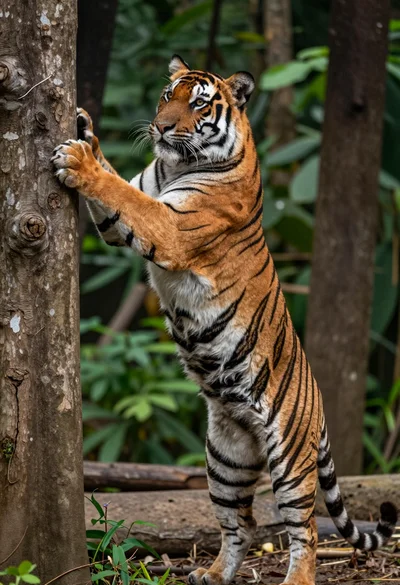
Majestic bengal tiger standing upright gripping tree trunk in dense forest
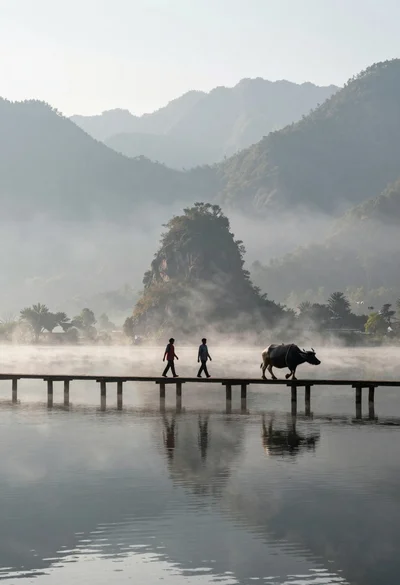
Two figures and buffalo walking across wooden pier over misty lake mountains
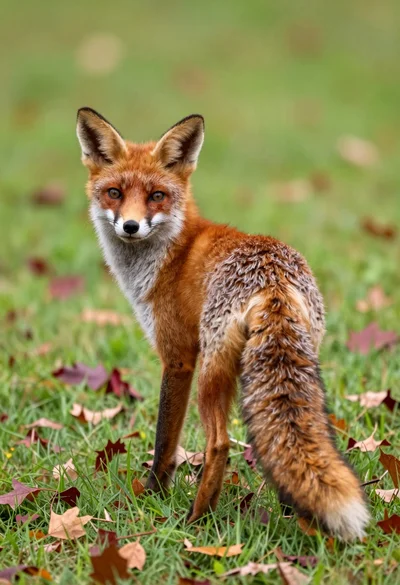
Red fox looking back over shoulder in a lush autumn meadow setting
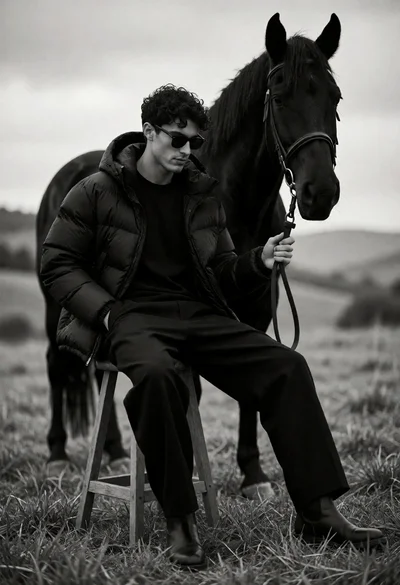
Man seated on stool with black horse in open grassy field

Young woman with brown hair and golden retriever under pine tree
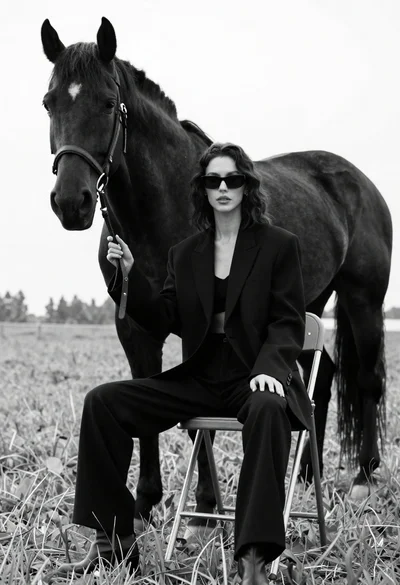
Woman in black outfit sitting on stool with large horse in field
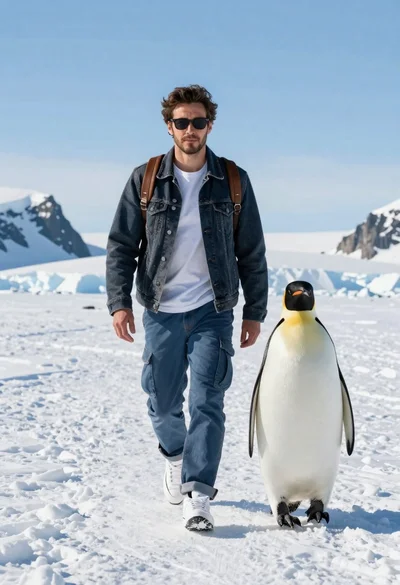
Man and emperor penguin walking together through snowy arctic landscape
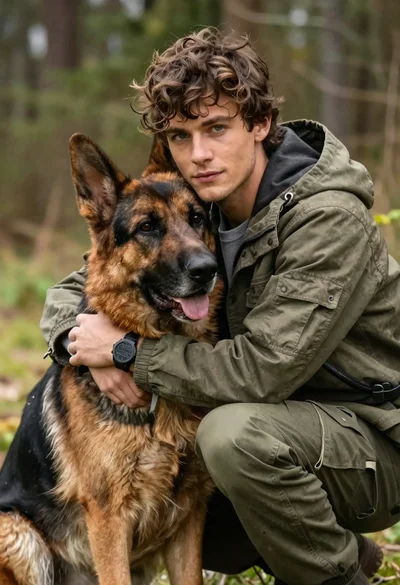
Young man with brown hair embracing a german shepherd in forest

Silhouette of two elephants with riders walking across grassy plain at sunset