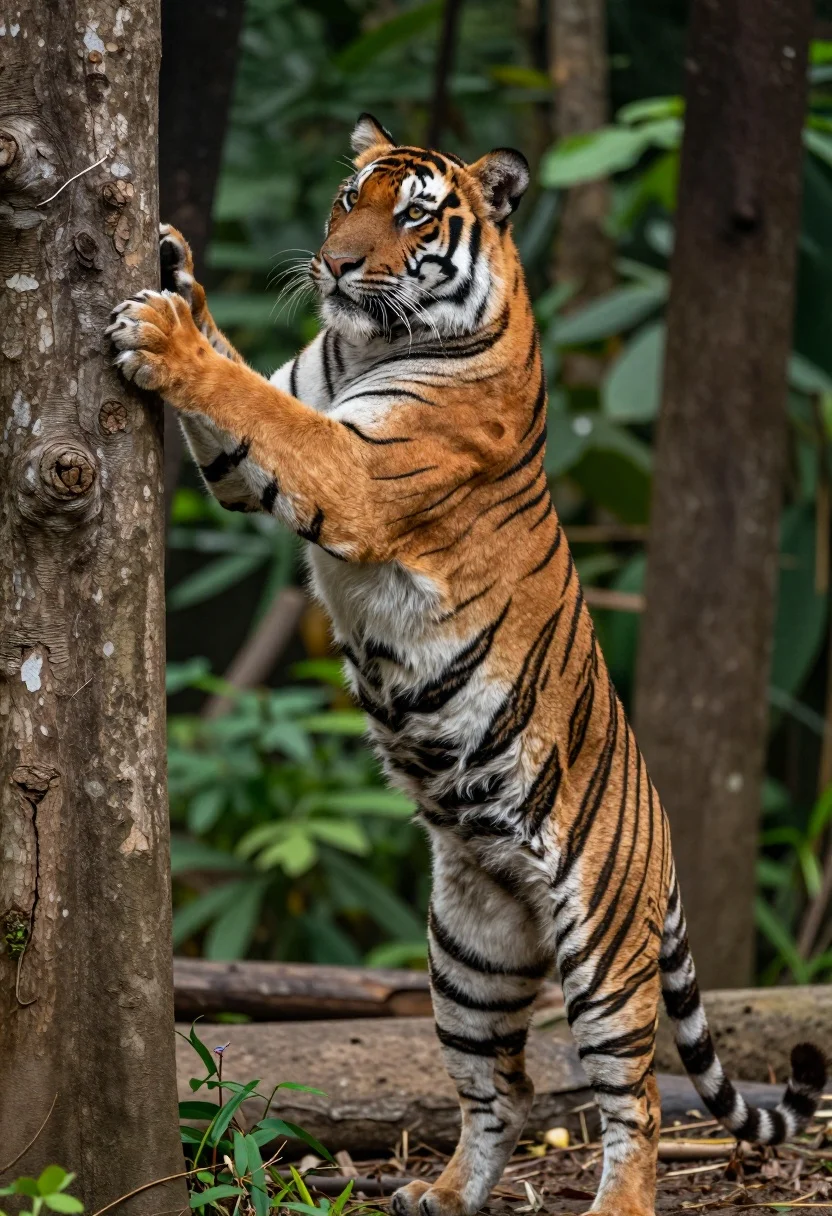
Majestic bengal tiger standing upright gripping tree trunk in dense forest
Prompt
A majestic tiger stands upright on its hind legs, gripping a rough tree trunk with its front paws while looking intently to the side.

Subject: A large adult Bengal tiger with vibrant orange fur and bold black stripes, featuring a white underbelly, long whiskers, and piercing yellow eyes.

Action: The tiger is standing vertically on its hind legs, leaning forward to hold onto a tree trunk with both front paws as if climbing or investigating the bark.

Environment: A dense forest setting with blurred green foliage in the background and dark tree trunks surrounding the subject.

Camera: Close-up medium shot with a shallow depth of field that keeps the tiger in sharp focus while blurring the background trees.

Lighting: Natural daylight illuminating the scene from above, highlighting the texture of the fur and casting soft shadows on the ground.

Style Details: High-resolution wildlife photography with realistic textures and natural color grading.
Description
This prompt is useful for creating dramatic nature documentary stills, high-end wildlife book covers, and immersive jungle concept art. The combination of 'natural daylight illuminating the scene from above' paired with a 'shallow depth of field' ensures the tiger remains the sharp focal point against the blurred green foliage, preventing visual distraction while emphasizing the raw texture of its fur.
Suggestions
- Change 'vibrant orange fur' to 'weathered tawny coat' for an older look.
- Add 'misty atmosphere' to the environment for more drama.
- Swap 'piercing yellow eyes' for 'slitted amber eyes' to change the intensity.
Category
Tags
AnimalClose UpForestFull BodyMedium ShotNatureOutdoorsRealistic
Date added
July 12, 2026
Added by
PromptDexter Team
Related Prompts
More prompts with similar categories and tags.

Young woman with brown hair and golden retriever under pine tree
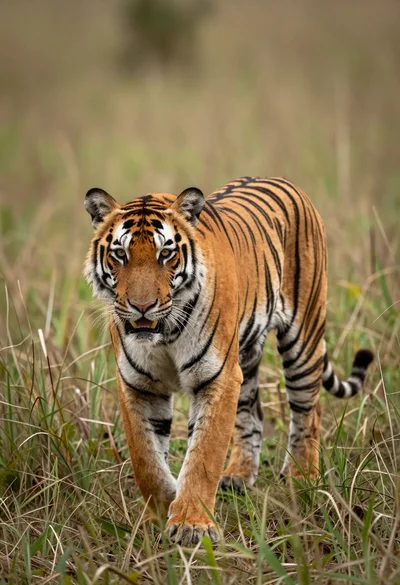
Majestic tiger walking through tall green and dry savanna grass
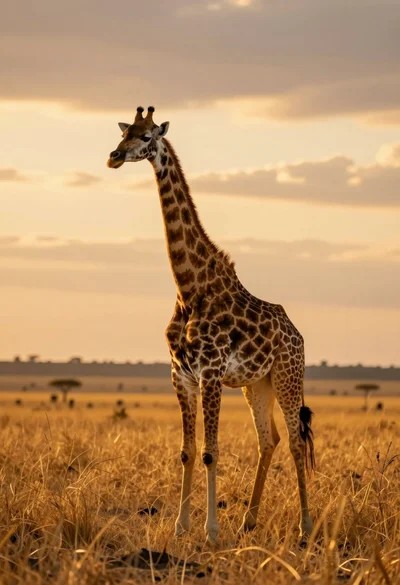
Majestic giraffe standing in golden savanna landscape at sunset
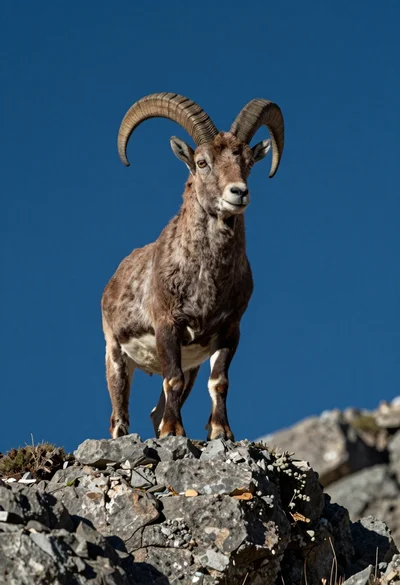
Majestic mountain goat standing on rugged rock formation against deep blue background
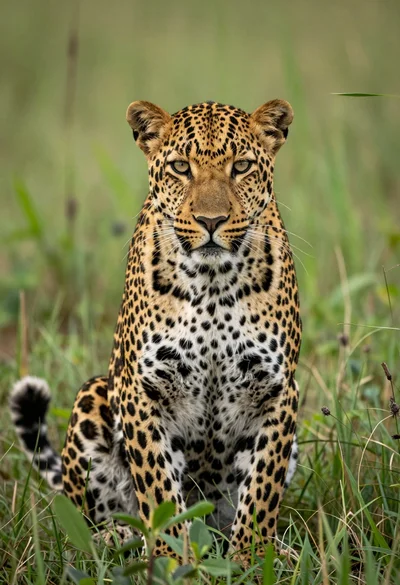
Majestic leopard sitting alert in lush green savanna grassland close up
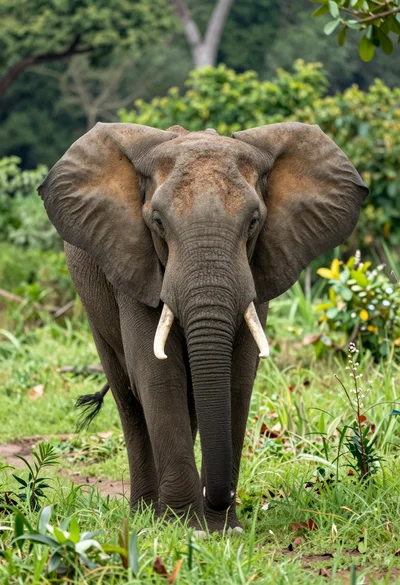
Majestic african elephant walking through lush green jungle foliage in medium shot
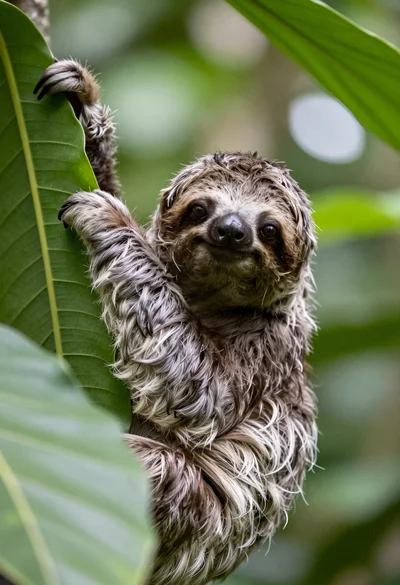
Close up portrait of baby sloth on large green leaf in lush
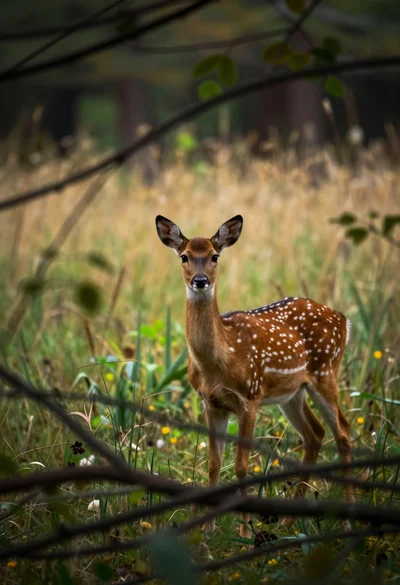
Young spotted fallow deer standing alert in a dense woodland clearing
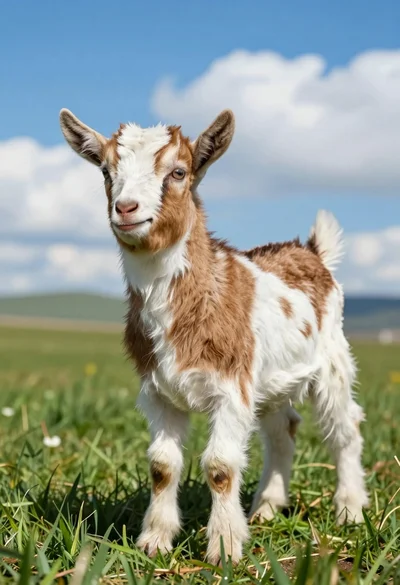
Close up of baby goat standing in lush green field under bright
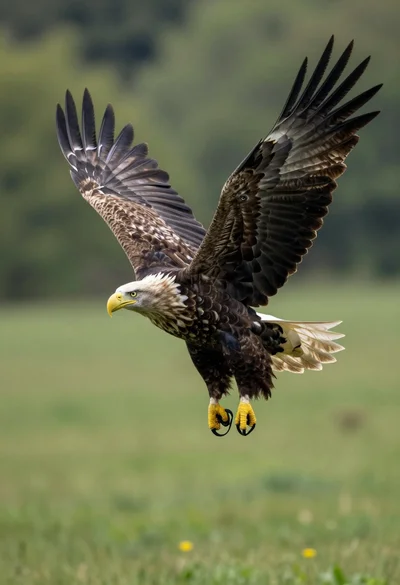
Majestic whitetailed eagle soaring through lush green forest landscape