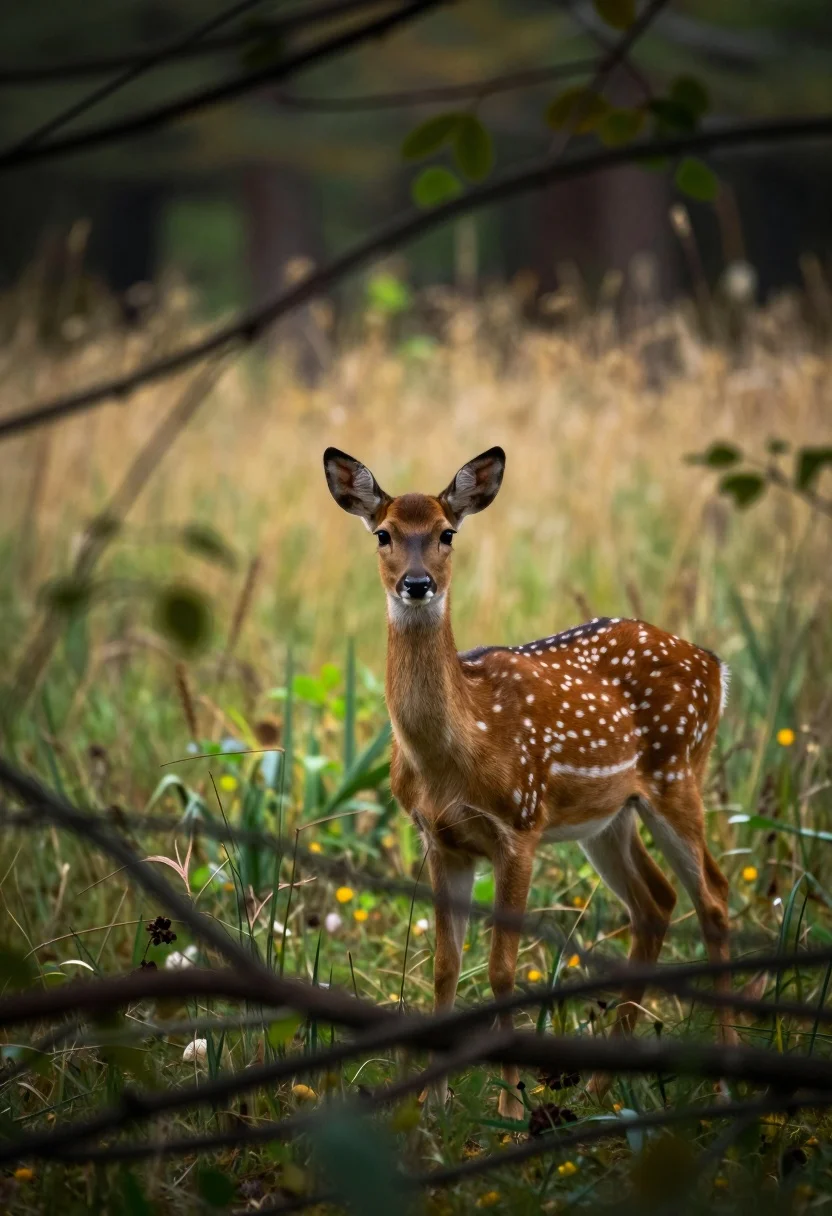
Young spotted fallow deer standing alert in a dense woodland clearing
Prompt
A young spotted deer stands alert in a forest clearing, gazing directly at the viewer with large dark eyes and perked ears.

Subject: A young fallow deer with a rich reddish-brown coat covered in white spots, standing in profile but turning its head to face forward.

Action: The deer is standing still in a calm posture, looking attentively towards the camera through the foreground foliage.

Environment: A dense woodland setting with blurred green and yellow grassy background suggesting late summer or autumn, framed by dark out-of-focus branches and twigs in the immediate foreground.

Camera: Shot through natural framing using foreground branches to create depth, utilizing a shallow depth of field that keeps the deer sharp while blurring the background into soft bokeh.

Lighting: Soft, diffused natural light filters through the canopy, creating gentle highlights on the deer's fur and casting subtle shadows in the darker areas of the forest.

Style Details: Naturalistic wildlife photography with a focus on texture and depth, featuring a cinematic color palette that emphasizes earthy tones and vibrant greens.
Description
This prompt is useful for creating nature documentary stills, fine art wildlife prints, and editorial seasonal mood boards. The combination of 'soft, diffused natural light' filtering through the canopy ensures gentle highlights on the fur without harsh contrast, while using foreground branches with a shallow depth of field directs all focus onto the deer's alert gaze.
Suggestions
- Change 'rich reddish-brown coat' to 'tawny brown coat' for a more autumnal feel.
- Add 'bokeh effect from autumn leaves' to enhance the background suggestion.
- Swap 'gazing directly at the viewer' for 'looking slightly off-camera' to create a more candid moment.
Category
Tags
AnimalForestFull BodyNatureOutdoorsRealistic
Date added
July 12, 2026
Added by
PromptDexter Team
Related Prompts
More prompts with similar categories and tags.
Majestic whitetailed eagle soaring through lush green forest landscape
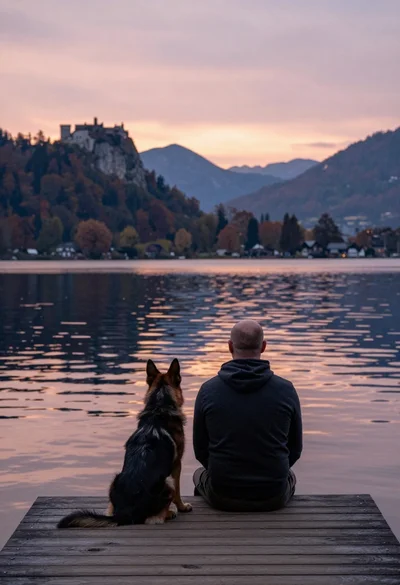
Bald man and german shepherd dog sitting on wooden dock overlooking serene
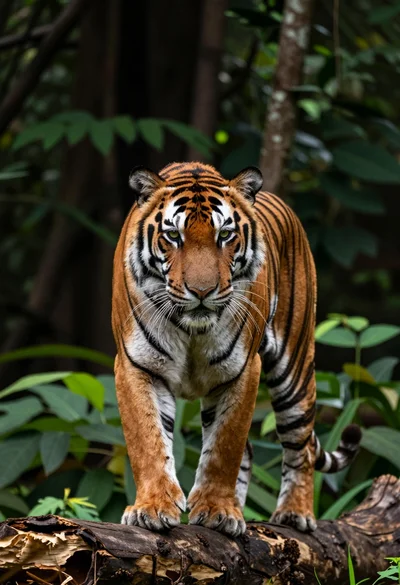
Majestic tiger midstride on a weathered log in a dense forest setting
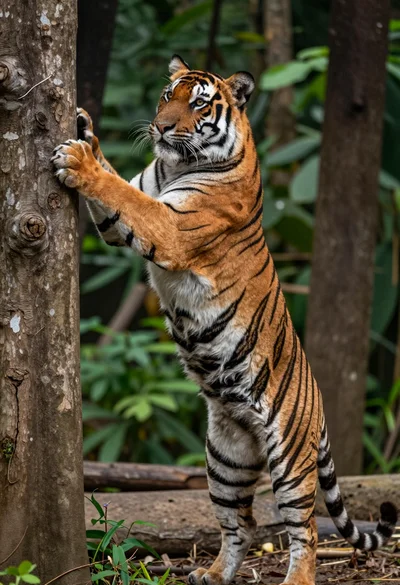
Majestic bengal tiger standing upright gripping tree trunk in dense forest

Young woman with brown hair and golden retriever under pine tree

Silhouette of two elephants with riders walking across grassy plain at sunset
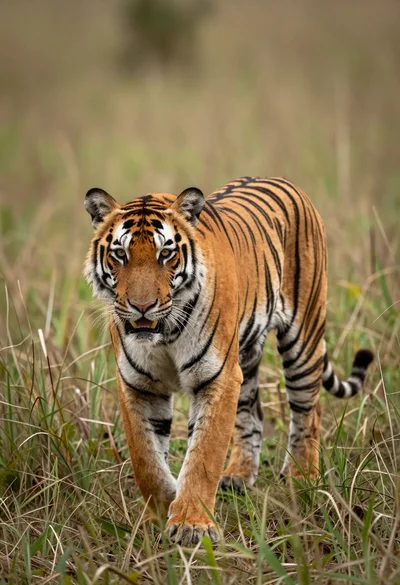
Majestic tiger walking through tall green and dry savanna grass
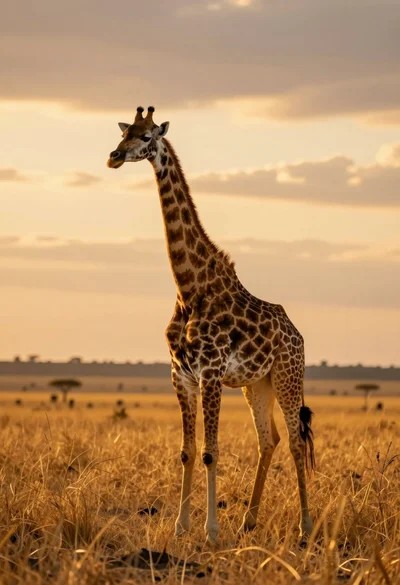
Majestic giraffe standing in golden savanna landscape at sunset
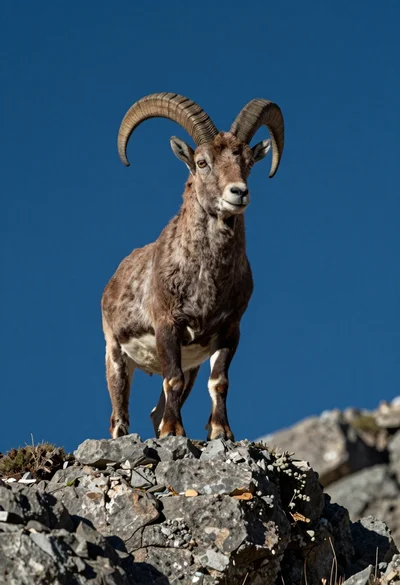
Majestic mountain goat standing on rugged rock formation against deep blue background
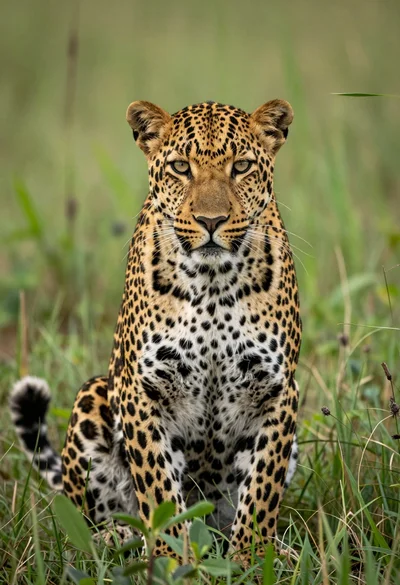
Majestic leopard sitting alert in lush green savanna grassland close up