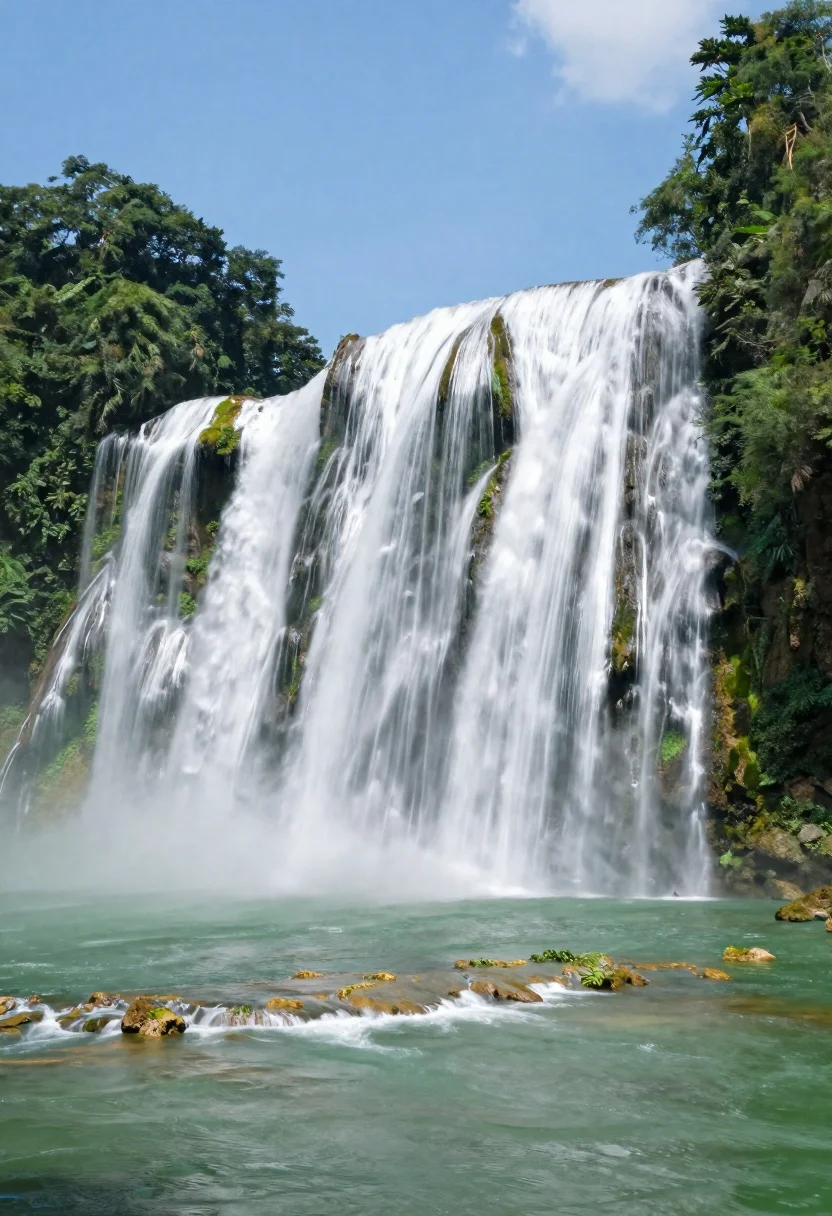
Majestic multitiered waterfall cascading into an emerald pool in tropical forest
Prompt
A majestic multi-tiered waterfall cascades down moss-covered cliffs into a serene emerald pool below.

Subject: A powerful and wide waterfall flowing in multiple streams over rugged rock faces, with dense green vegetation clinging to the cliff edges and trees framing the top of the scene.

Action: The water flows rapidly downward creating a smooth, silky texture due to long exposure, while mist rises gently from the base where the water crashes into the pool.

Environment: A lush tropical landscape featuring a calm emerald-green river in the foreground with small rocky outcrops breaking the surface, surrounded by dense forest canopy and mossy cliffs under a bright blue sky.

Camera: Wide-angle perspective capturing the full breadth of the waterfall, low angle shot looking up at the cascading water to emphasize its height and power, with soft focus on distant elements to enhance depth.

Lighting: Bright natural daylight illuminating the scene evenly, creating soft highlights on the white water and casting gentle shadows within the forest canopy, producing a fresh and vibrant atmosphere.

Style Details: Long exposure photography technique giving the water a smooth, ethereal flow, vivid color saturation with rich greens and blues, high dynamic range preserving detail in both bright sky and shadowed areas.
Description
This prompt is useful for creating nature documentary stills, fantasy landscape concept art, and immersive travel photography backdrops. The combination of 'long exposure' on the water and a 'low angle shot looking up' exaggerates the waterfall's verticality and power, while specifying 'vivid color saturation with rich greens and blues' ensures the tropical setting remains vibrant against the bright daylight.
Suggestions
- Change 'emerald pool' to 'turquoise pool' for a different hue.
- Add 'volumetric light rays' to enhance the forest canopy effect.
- Swap 'wide-angle perspective' for 'ultra-wide angle' to increase perceived scale.
Category
Tags
ForestLow AngleNatureOutdoorsRealisticWide Shot
Date added
August 5, 2026
Added by
PromptDexter Team
Related Prompts
More prompts with similar categories and tags.

Muscular man standing before massive waterfall in lush jungle setting
Vast snowy forest landscape at sunset with evergreen silhouettes against vibrant sky
Majestic wide waterfall cascading over a rocky cliff into deep blue pool
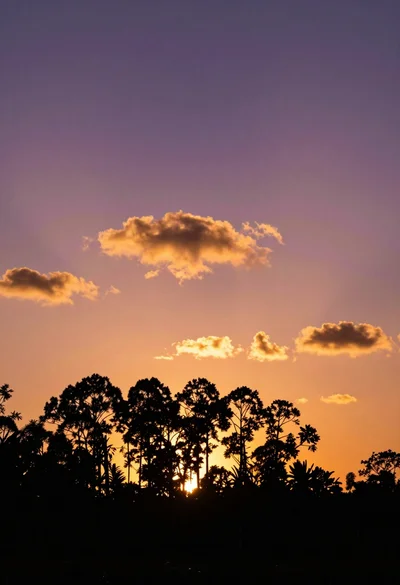
Dark tree silhouettes against vibrant sunset sky wide angle view
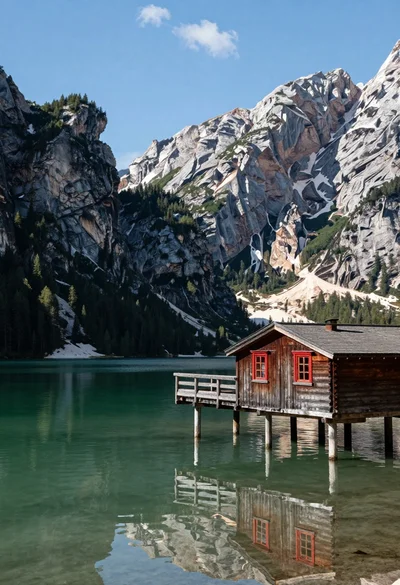
Rustic wooden cabin on stilts reflected in serene emerald mountain lake
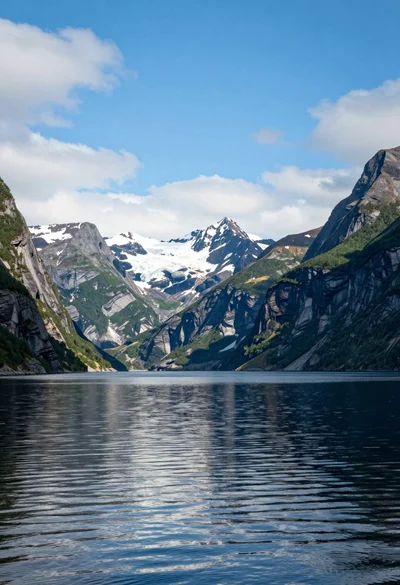
Serene fjord landscape with towering mountains and reflective calm water under bright
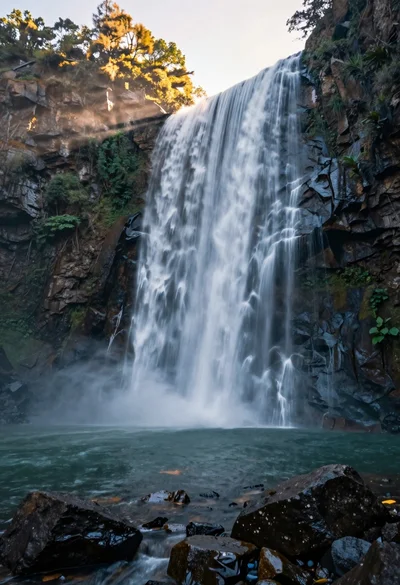
Majestic waterfall cascading over rugged cliff face into serene pool
Serene misty lake at sunrise framed by vibrant autumn foliage and snow

Couple in white rowboat gazing at each other during vibrant sunset over
Majestic waterfall plunging into a deep pool surrounded by lush greenery