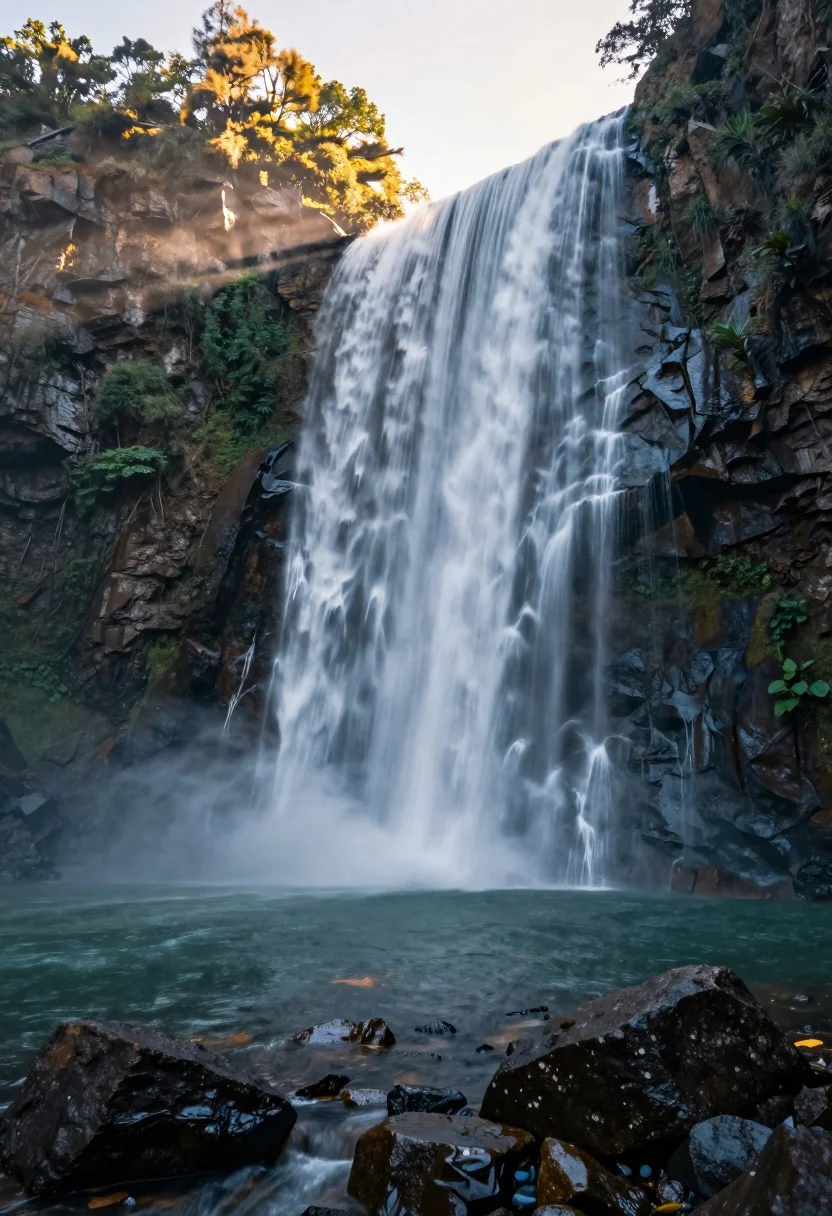
Majestic waterfall cascading over rugged cliff face into serene pool
Prompt
A majestic waterfall cascading down a rugged cliff face into a serene pool below.

Subject: A powerful waterfall flowing in smooth, silky white ribbons over dark, textured rock formations, with mist rising from the base where the water crashes into the pool.

Action: The water flows continuously and smoothly, creating a soft, ethereal motion blur effect as it descends and splashes into the calm water below.

Environment: A rocky landscape featuring steep cliffs, scattered boulders in the foreground and midground, lush green vegetation clinging to the rocks, and a tranquil pool of water reflecting the sky.

Camera: Wide-angle perspective capturing the full scale of the waterfall and surrounding terrain, with a low angle emphasizing the height of the cliff and depth of the scene.

Lighting: Warm golden sunlight illuminating the upper left side of the cliffs and mist, contrasting with cooler blue tones in the shadowed water and foreground rocks.

Style Details: Long exposure photography style rendering smooth water textures, vibrant natural colors, high dynamic range, and a cinematic composition.
Description
This prompt is useful for creating dramatic landscape wallpapers, nature documentary stills, and immersive travel posters emphasizing scale. The combination of 'long exposure photography style' with the 'smooth, silky white ribbons' effect captures movement while the 'low angle' perspective exaggerates the height of the cliff face against the contrasting 'warm golden sunlight' illuminating the mist.
Suggestions
- Change 'lush green vegetation' to 'moss-covered ferns' for a different texture.
- Adjust 'Warm golden sunlight' to 'overcast diffused light' for a moodier feel.
- Swap 'Wide-angle perspective' for 'telephoto lens view' to compress the background.
Category
Tags
ForestLow AngleMountainsNatureOutdoorsRealisticWide Shot
Date added
August 5, 2026
Added by
PromptDexter Team
Related Prompts
More prompts with similar categories and tags.
Majestic waterfall plunging into a deep pool surrounded by lush greenery
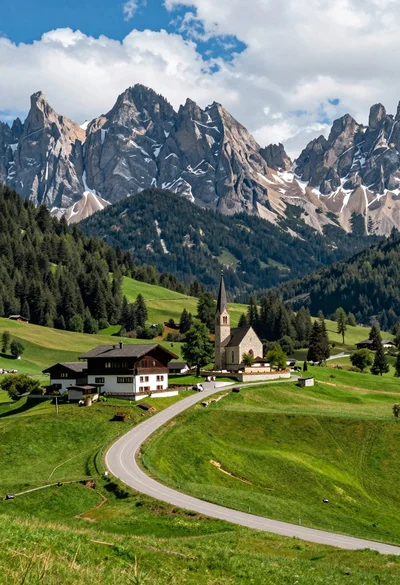
Winding road through alpine meadow toward stone buildings and mountain church
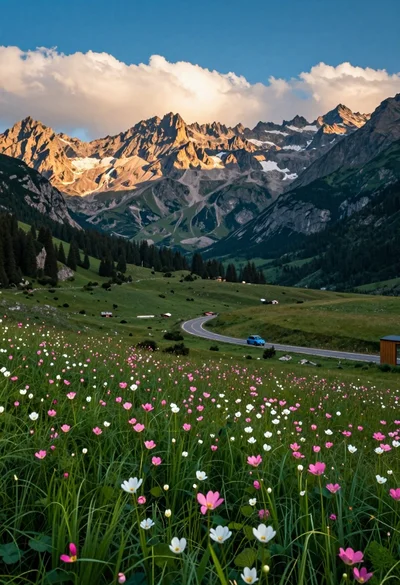
Panoramic view of mountain valley meadow road and towering rocky peaks
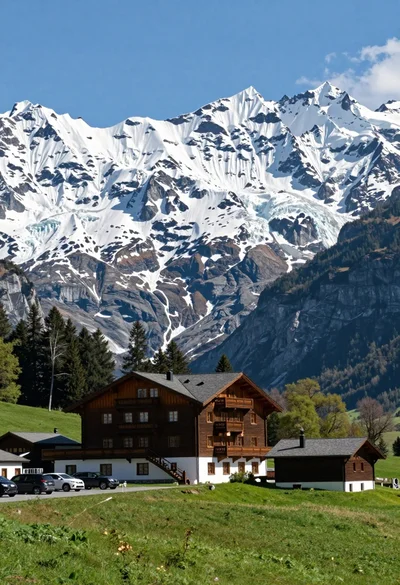
Low angle wide shot of hotel cabin in meadow beneath massive glacier

High angle wide shot of a majestic waterfall cascading into lush green

Low angle view looking up into the canopy of a flowering tree against a clear sky

Muscular man standing before massive waterfall in lush jungle setting
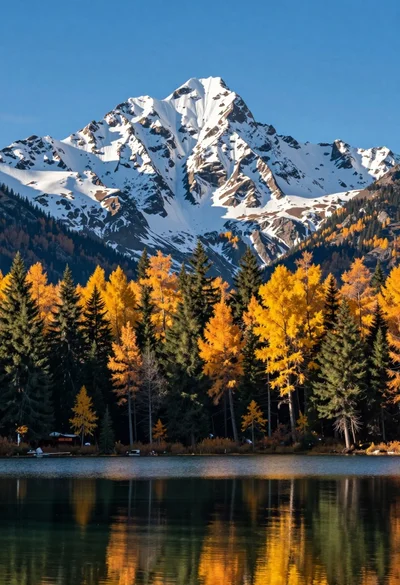
Majestic snow capped mountain range reflected in a calm autumn lake

Solitary hiker silhouette atop mountain peak above sea of clouds at sunrise
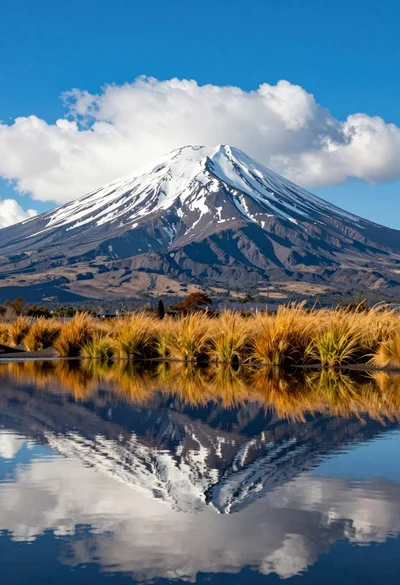
Majestic snowcapped volcano reflected in calm water under vivid blue sky