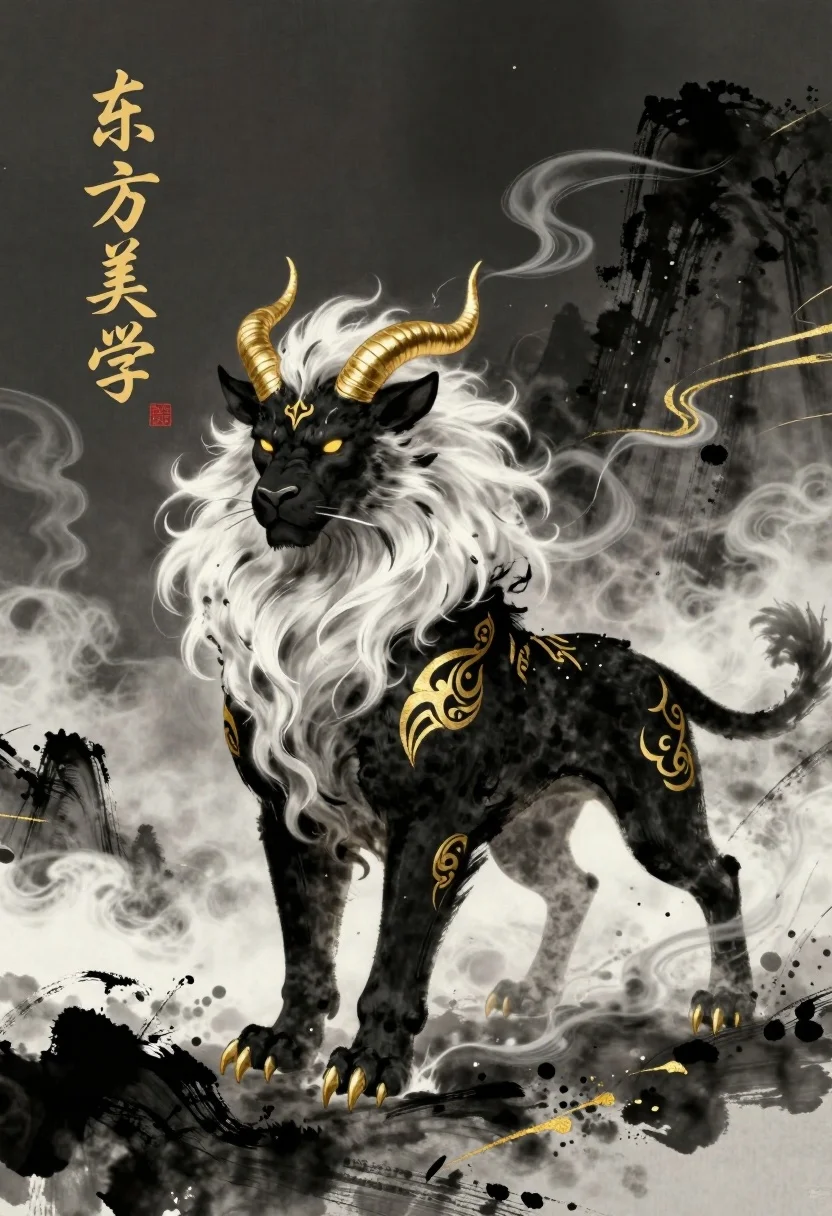
Majestic mythical beast with golden horns in dark mountains mist
Prompt
A majestic black mythical beast with golden horns and intricate gold patterns stands amidst swirling white mist and dark mountains.

Subject: A powerful four-legged creature resembling a lion-dog hybrid with a fierce expression, glowing yellow eyes, and a voluminous white mane and tail that flows like smoke.

Clothing: The creature is adorned with ornate golden tribal-style markings on its shoulders, legs, and flank, along with golden claws on its feet.

Action: The beast stands in a low, prowling stance with its head turned slightly to the side, exuding an aura of intense energy and movement through the swirling mist around it.

Environment: A mystical landscape featuring dark, ink-wash style mountains in the background, surrounded by thick white clouds and golden streaks that suggest magical energy or wind.

Camera: The view is a medium shot capturing the full body of the creature from a slightly low angle to emphasize its power and dominance over the scene.

Lighting: Dramatic lighting highlights the creature's black fur and gold accents against a dark, moody background, with soft illumination on the white mist creating high contrast and depth.

Text/Graphics: Vertical calligraphy text in gold ink reading "东方美学" (Eastern Aesthetics) appears on the upper left side, accompanied by a small red seal stamp below it.

Style Details: Traditional Chinese ink wash painting style blended with digital art, featuring bold brushstrokes, dynamic composition, and a rich palette of black, white, and metallic gold.
Description
This prompt is useful for creating fantasy book covers, concept art for video games, and dramatic mythological illustrations. The combination of 'Traditional Chinese ink wash painting style' with 'dramatic lighting' ensures the beast's black fur and gold accents pop against the dark mountains, while the low angle composition emphasizes its raw power suitable for epic storytelling.
Suggestions
- Change 'lion-dog hybrid' to 'panther-wolf hybrid' for a different silhouette.
- Swap 'golden tribal-style markings' for 'jade inlaid armor' to alter the material feel.
- Adjust 'medium shot' to 'full body, cinematic view' to maximize environmental impact.
Category
Tags
AnimalBlack HairCreatureDigital ArtForestFull BodyLow AngleMountainsTraditional ArtWide Shot
Date added
July 3, 2026
Added by
PromptDexter Team
Related Prompts
More prompts with similar categories and tags.
Lone figure sitting in meadow at twilight under dramatic sky
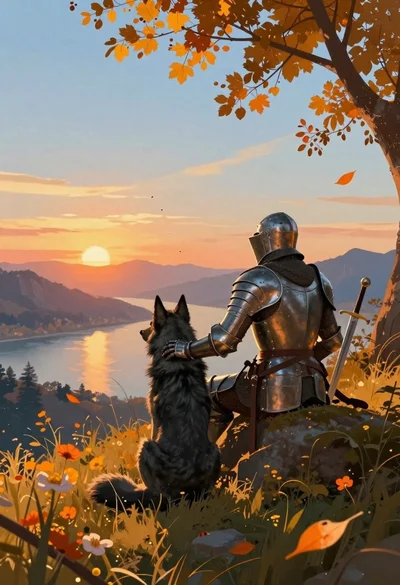
Knight and wolf on grassy hill overlooking sunset mountains
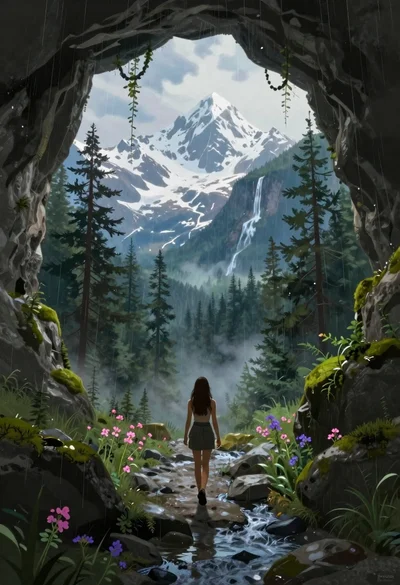
Woman walking from mossy cave to mountain landscape
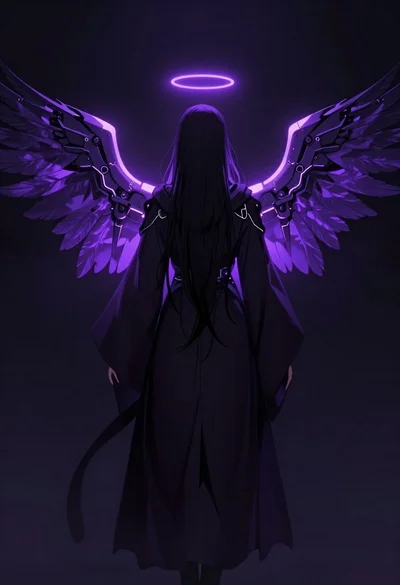
Mysterious figure with glowing mechanical wings in void
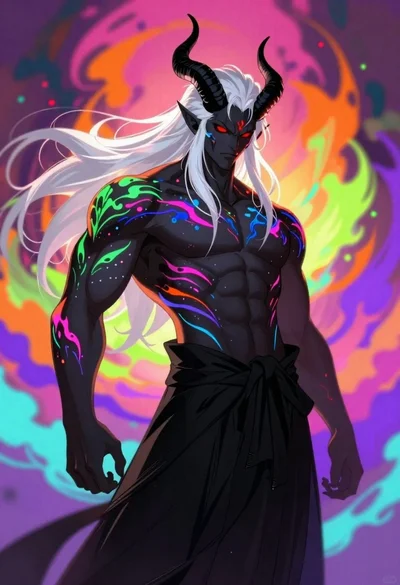
Demon with bioluminescent tattoos in smoke vortex
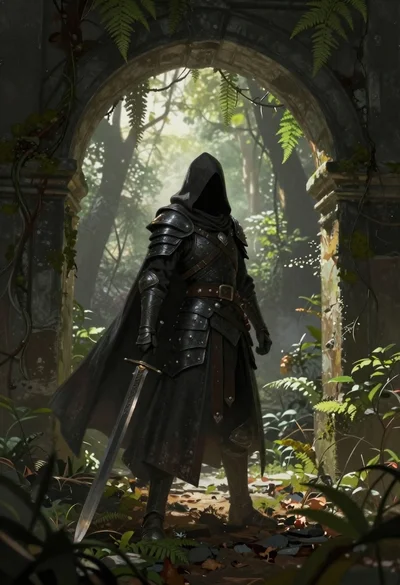
Warrior in dark armor within ancient overgrown stone archway

Cosmic spirit standing in water viewed by small child
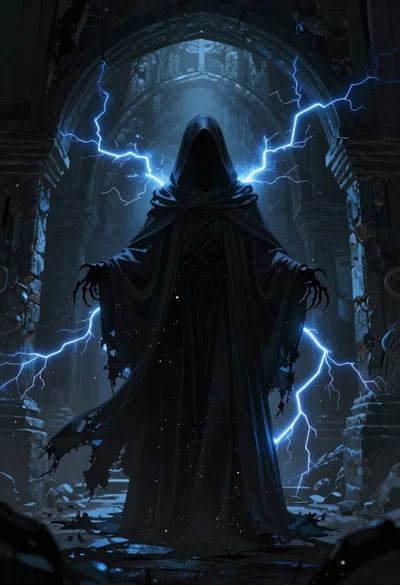
Supernatural entity in stone archway with blue lightning

Warrior woman riding wolf through snowy mountains
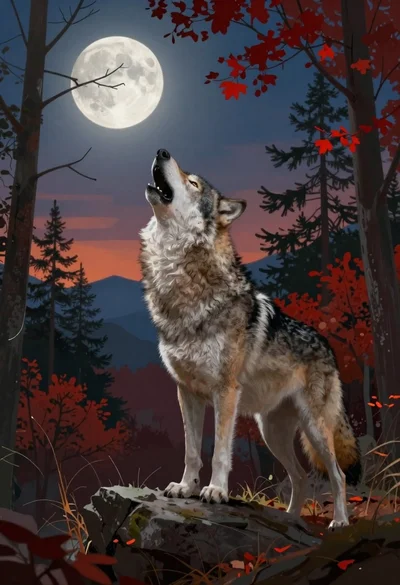
Wolf howling at the moon in an autumn forest