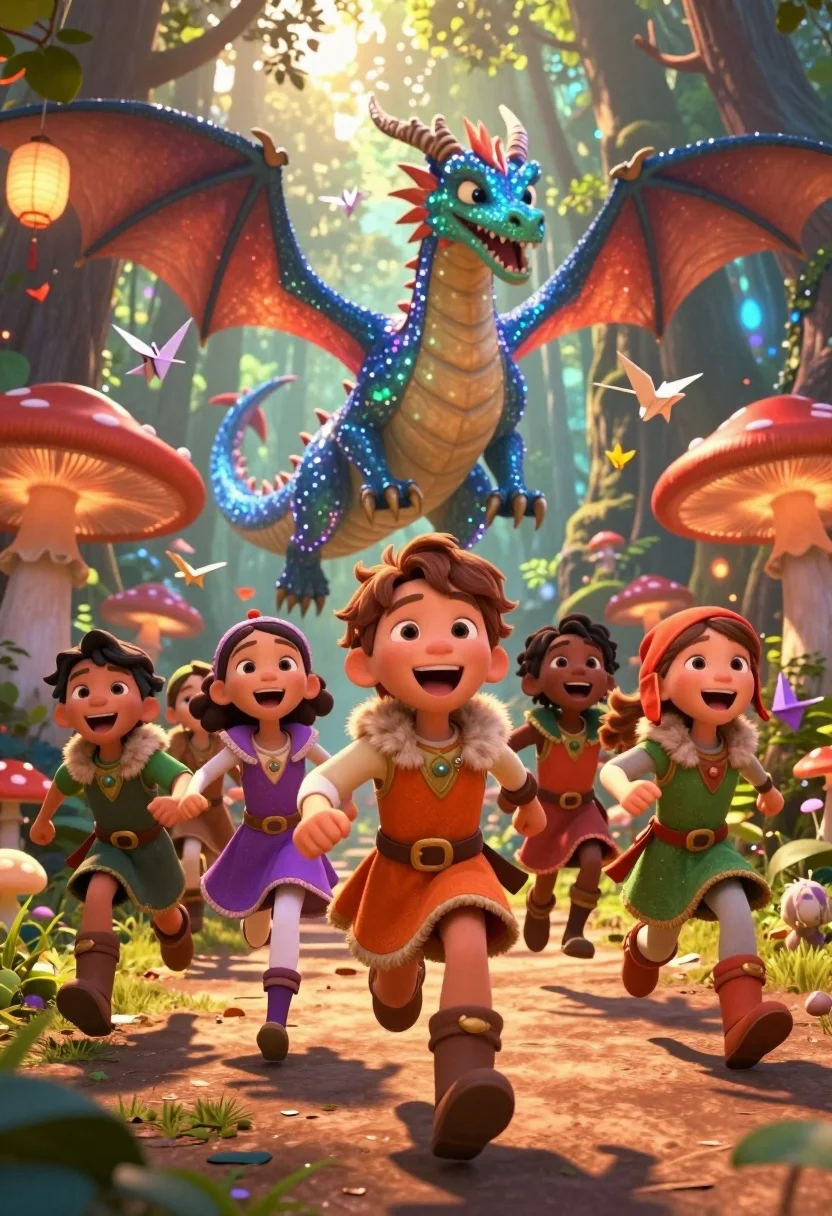
Diverse children running through magical forest near giant sparkling dragon
Prompt
A group of diverse children running joyfully through a magical forest with a giant sparkling dragon in the background.

Subject: A boy with brown hair leading the pack in an orange tunic with fur trim, followed by a girl in a purple dress and another girl in a green tunic, all laughing with open mouths.

Clothing: Colorful medieval-style tunics featuring fur collars, gold accents, belts, and boots on the children.

Action: The group is sprinting forward along a dirt path with dynamic poses, clenched fists, and expressions of pure excitement and wonder.

Environment: A lush enchanted forest filled with giant glowing red mushrooms, hanging paper lanterns, and floating origami cranes in the air.

Camera: Low angle shot looking up at the children to emphasize their speed and height, with a shallow depth of field blurring the background slightly.

Lighting: Warm golden sunlight filtering through the trees mixed with magical bioluminescent glows from the dragon and mushrooms creating a high-contrast, dreamy atmosphere.
Second

Subject: A massive blue and green dragon covered in glittering stars hovering behind the children with its mouth open and wings spread wide.

Objects: Giant glowing red mushrooms acting as totem poles, floating paper lanterns, and scattered origami cranes drifting through the air.

Interaction: The children are running together in a unified group towards the viewer while the dragon watches them from above with a friendly expression.

Style Details: 3D animated movie style with vibrant saturated colors, soft cinematic lighting, high detail textures, and a whimsical fantasy aesthetic.
Description
This prompt is useful for creating children's book illustrations, concept art for family adventure films, and immersive digital backgrounds for role-playing games. The combination of 'low angle shot looking up' with the 'warm golden sunlight filtering through the trees mixed with magical bioluminescent glows' emphasizes the scale difference between the running children and the massive dragon, while the 'vibrant saturated colors' ensure the scene feels whimsically energetic rather than muted.
Suggestions
- Change 'orange tunic' to 'deep blue tunic' for better contrast against the forest.
- Add 'bokeh effect' to enhance the shallow depth of field.
- Replace 'giant glowing red mushrooms' with 'luminescent crystal formations' for a different magical element.
Category
Tags
AnimalBrown HairDigital ArtFemaleForestFull BodyLow AngleMaleNatureWide Shot
Date added
July 12, 2026
Added by
PromptDexter Team
Related Prompts
More prompts with similar categories and tags.
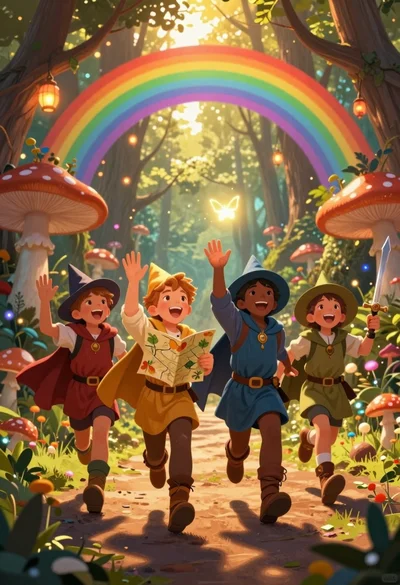
Four children adventurers running through magical forest path under rainbow archway
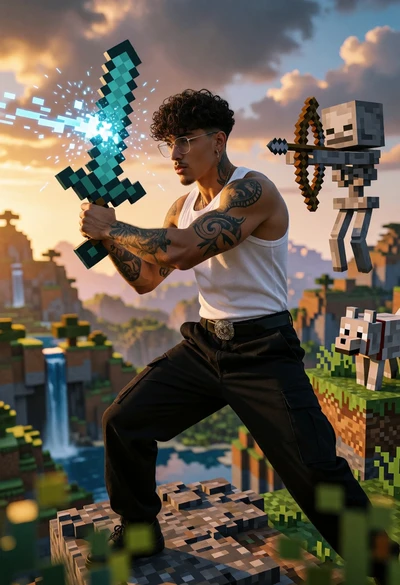
Muscular man in combat stance on cliff edge with pixelated sword
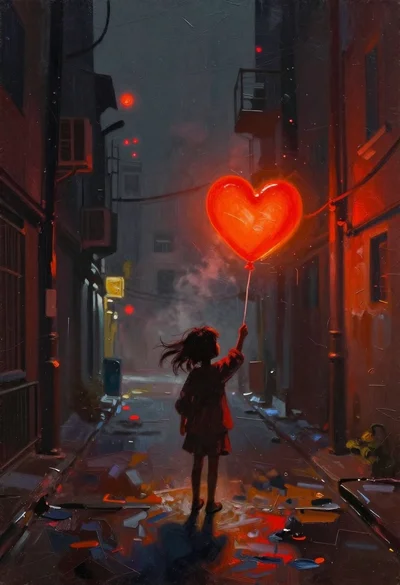
Child holding glowing balloon in dimly lit alleyway
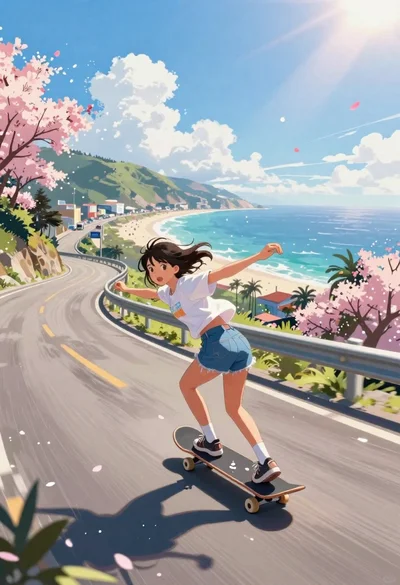
Girl skateboarding on coastal highway with cherry blossoms
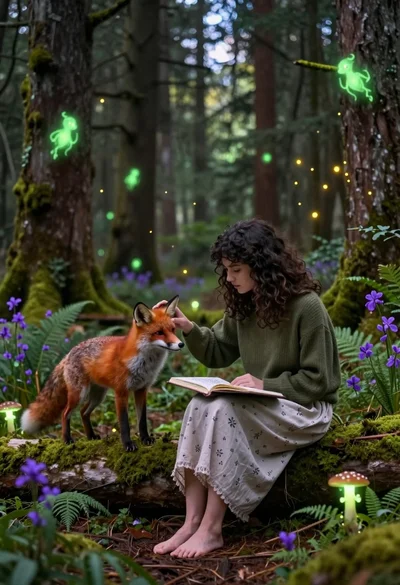
Young woman sketching red fox on mossy log in magical forest setting
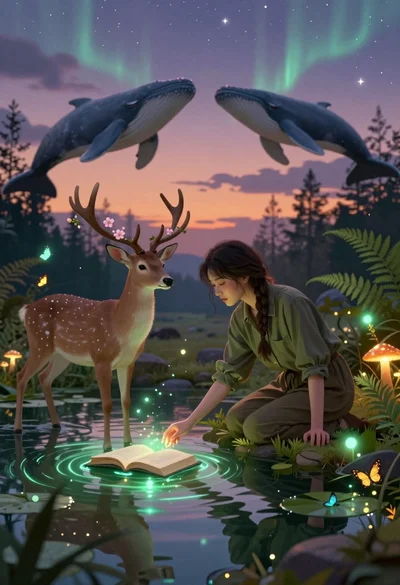
Young woman kneeling by mystical pond with deer and whales in forest
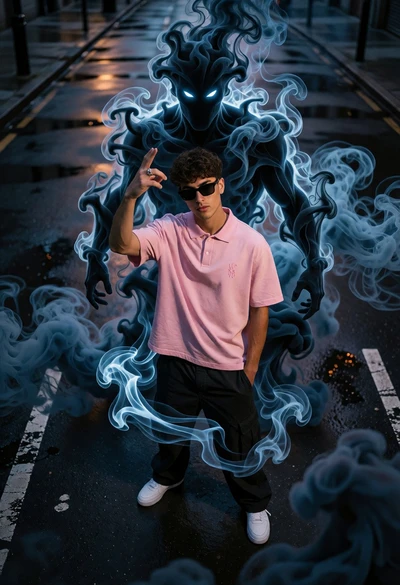
Young man on wet city street surrounded by blue spectral smoke entity
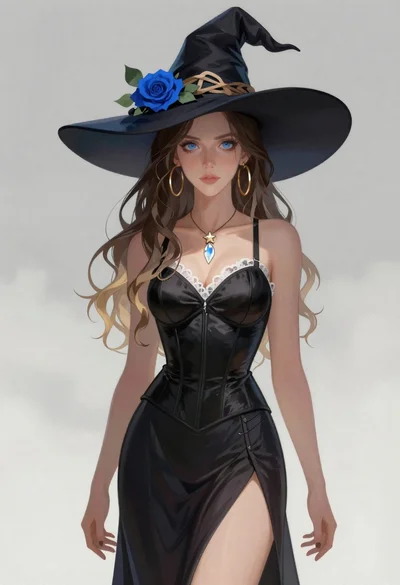
Portrait of a witch in black corset and hat
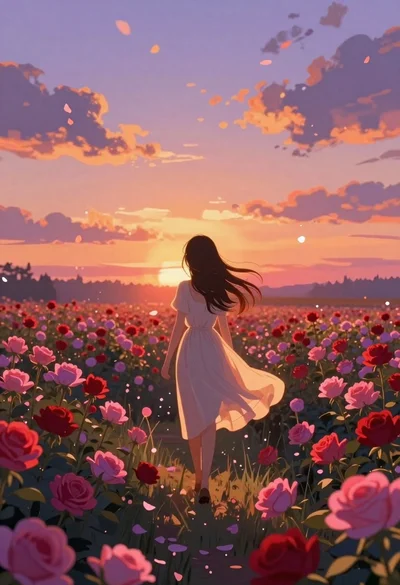
Anime girl in vast rose garden at sunset
Anime pagoda on mountain peak with cherry blossoms