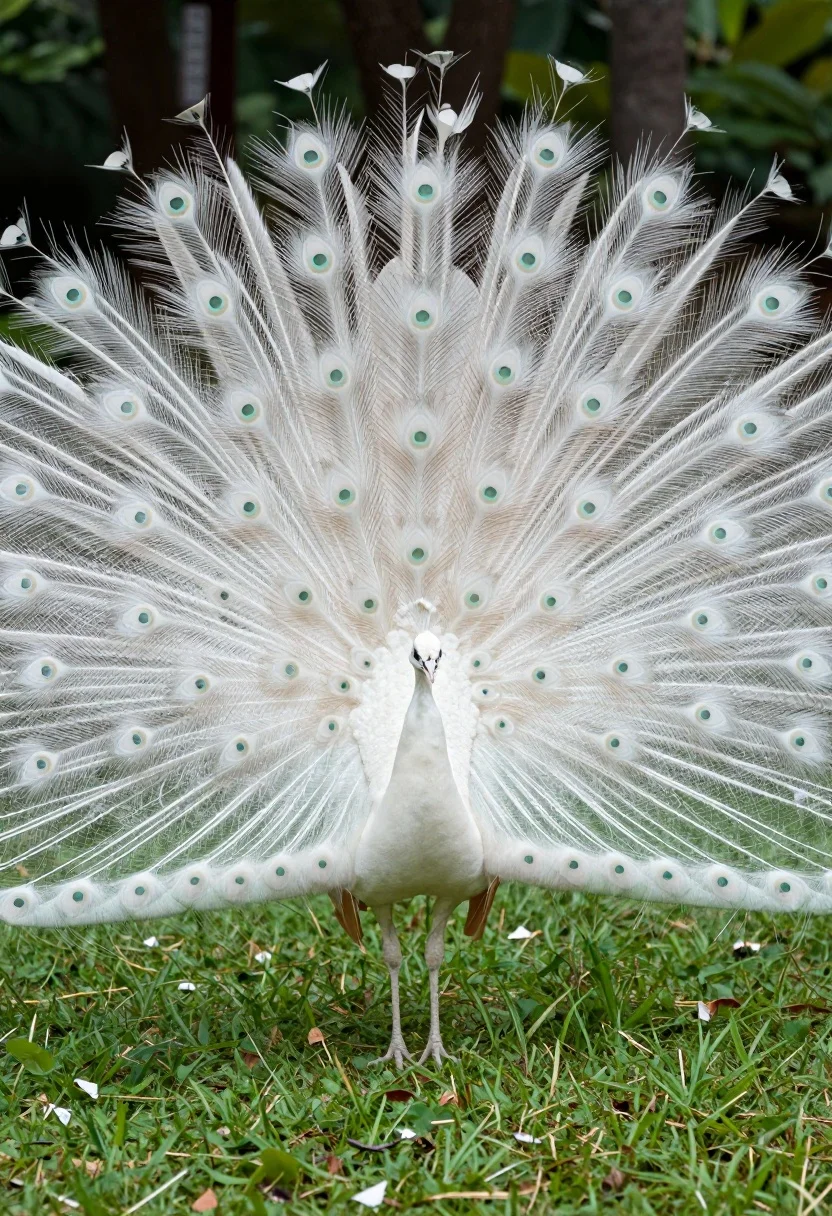
Majestic white peacock displaying its full tail feathers in a lush green
Prompt
A majestic white peacock stands in a lush green field with its tail feathers fully fanned out in a spectacular display.

Subject: A pristine white peacock with an elaborate, expansive fan of long, delicate tail feathers featuring subtle eye-like patterns.

Action: The bird is standing still while displaying its full plumage in a wide, symmetrical arc.

Environment: A vibrant green grassy lawn with blurred dark foliage and trees in the background suggesting a garden or park setting.

Camera: Medium shot capturing the full spread of the tail feathers with a shallow depth of field that keeps the bird sharp while softening the background.

Lighting: Natural daylight illuminating the scene evenly, highlighting the texture of the white feathers against the green surroundings.

Style Details: High-resolution wildlife photography with vivid colors and a clean composition emphasizing the contrast between the white plumage and green environment.
Description
This prompt is useful for creating nature documentary stills, fine art wildlife prints, and exotic garden centerpiece visuals. The combination of 'shallow depth of field' and 'natural daylight illuminating the scene evenly' ensures that the intricate detail of the peacock's plumage remains sharp while the background foliage recedes softly, preventing visual competition with the main subject.
Suggestions
- Change 'vibrant green grassy lawn' to 'moss-covered forest floor' for a different ground texture.
- Add 'bokeh effect' to the camera section for more pronounced background blur.
- Swap 'pristine white peacock' for 'iridescent blue and gold peacock' to change the color focus.
Category
Tags
AnimalFull BodyMedium ShotNatureOutdoorsRealistic
Date added
July 12, 2026
Added by
PromptDexter Team
Related Prompts
More prompts with similar categories and tags.
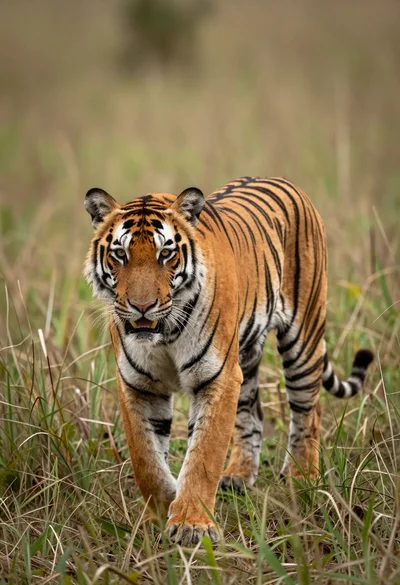
Majestic tiger walking through tall green and dry savanna grass
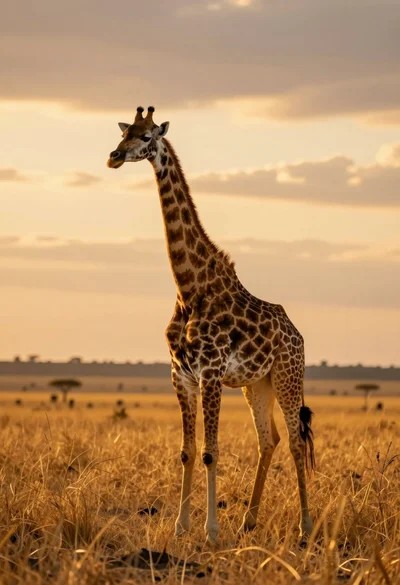
Majestic giraffe standing in golden savanna landscape at sunset
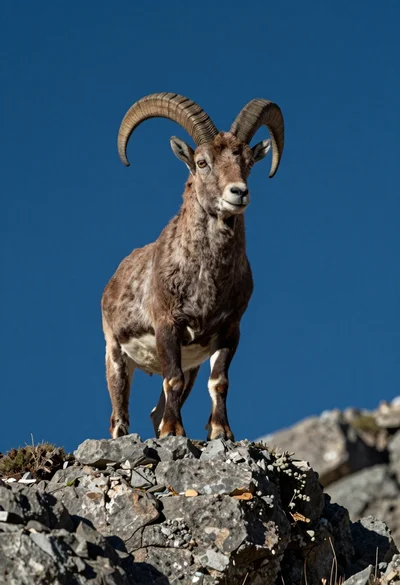
Majestic mountain goat standing on rugged rock formation against deep blue background
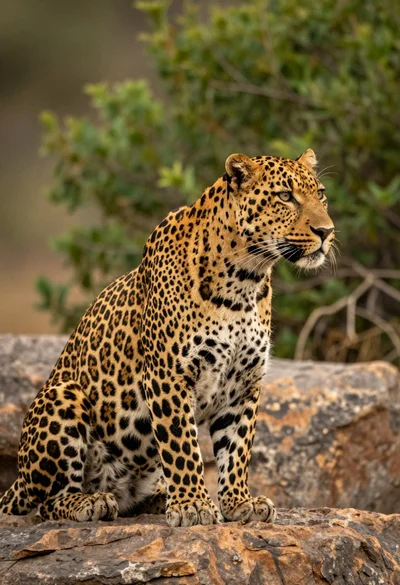
Majestic leopard sitting in profile on rocks overlooking green jungle foliage
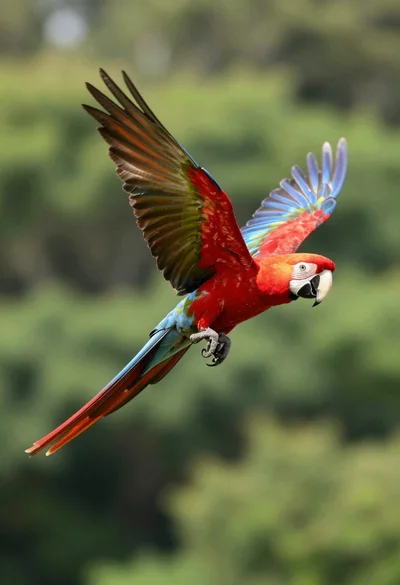
Vibrant scarlet macaw in midflight against a lush green forest backdrop
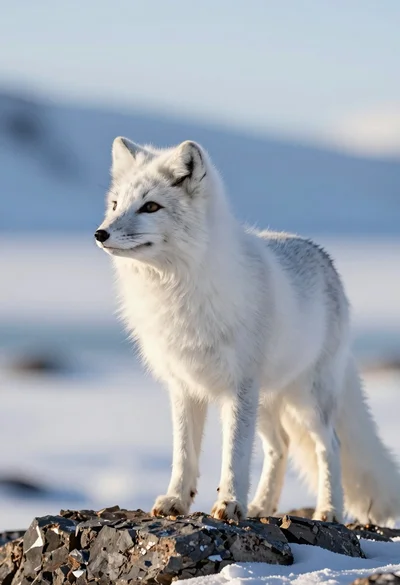
Majestic arctic fox standing alert on dark rocks in snowy landscape
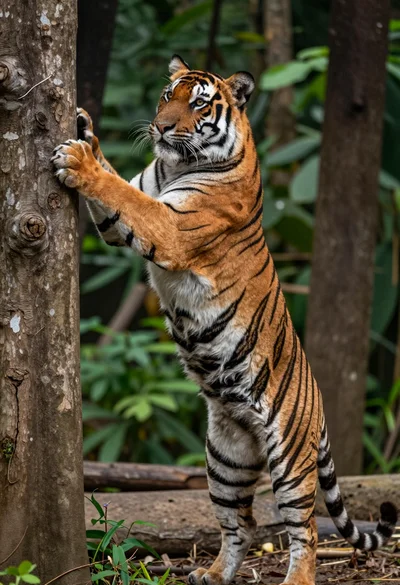
Majestic bengal tiger standing upright gripping tree trunk in dense forest
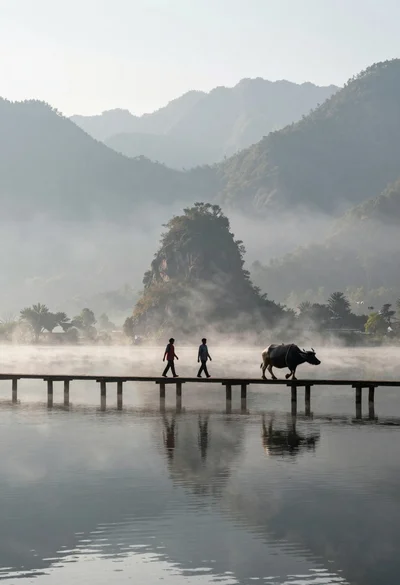
Two figures and buffalo walking across wooden pier over misty lake mountains

Silhouette of two elephants with riders walking across grassy plain at sunset
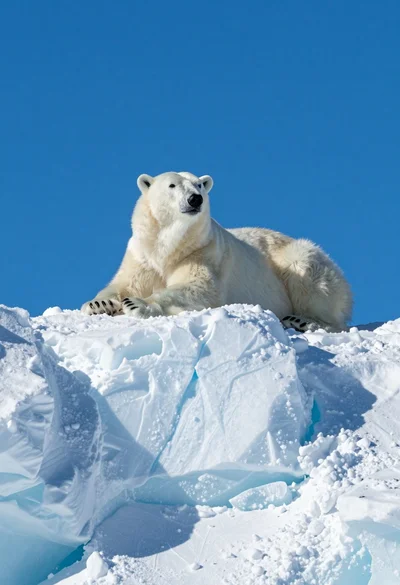
Majestic polar bear resting on rugged snow covered ice formation under deep