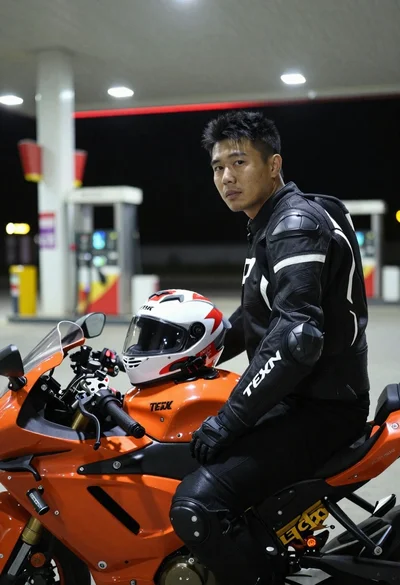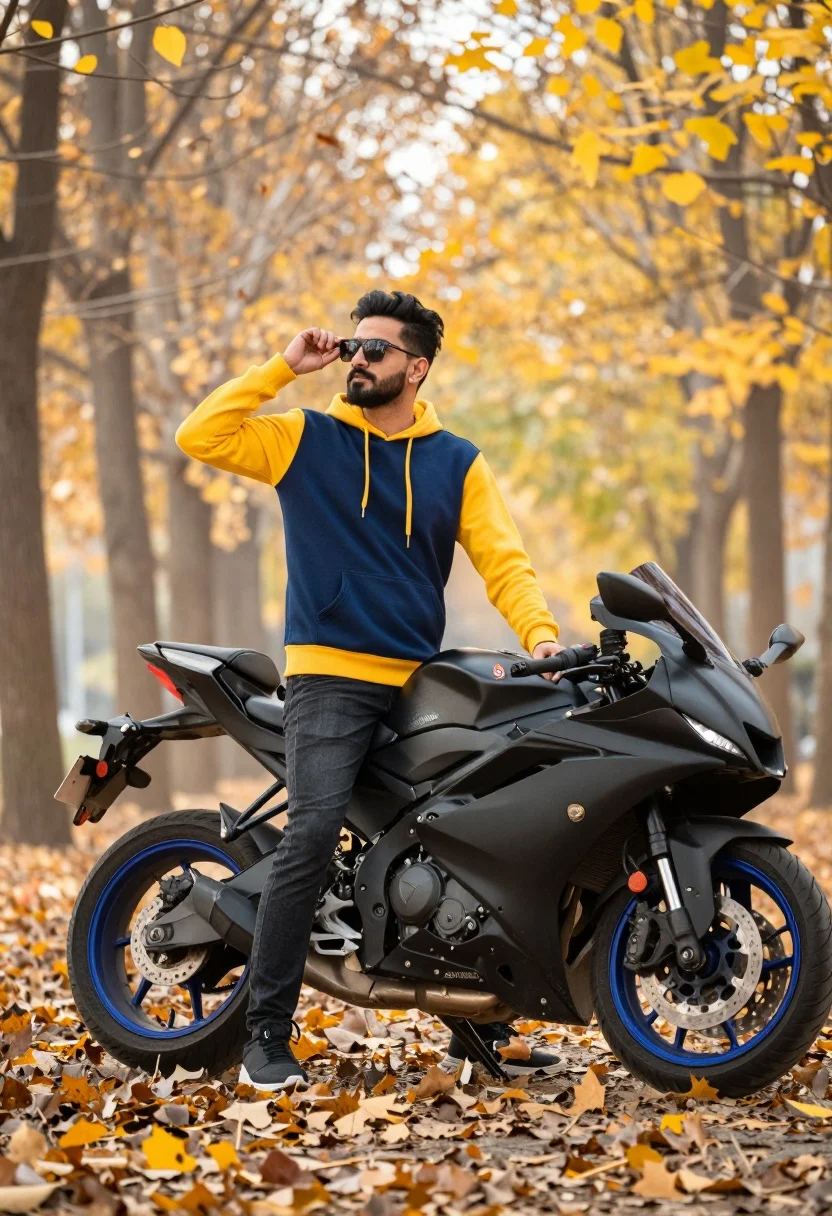
Man adjusting sunglasses next to sport motorcycle in autumnal park setting
Prompt
A man stands confidently next to a sporty motorcycle in an autumnal park setting.

Subject: A man with a beard and sunglasses is the main focus of the image.

Clothing: He wears a two-tone hoodie featuring a navy blue body with yellow sleeves and hood, paired with dark jeans and black sneakers.

Action: The man stands upright while holding his hand up to adjust his sunglasses, looking off into the distance.

Environment: The scene is set in a park during autumn, characterized by trees with yellow leaves and a ground covered in fallen foliage.

Camera: The shot utilizes a shallow depth of field that renders the background as a soft, creamy blur, keeping the sharp focus entirely on the man and the motorcycle.

Lighting: Warm, golden sunlight filters through the trees, creating a soft glow and highlighting the subject against the blurred backdrop.

Objects: A black sportbike with blue wheels is parked beside him, featuring visible branding on the tail section.

Style Details: The image exhibits a cinematic color grading style with high contrast and vibrant saturation, emphasizing the warm tones of the fall season.
Description
This prompt is useful for creating automotive lifestyle advertisements, seasonal menswear lookbooks, and narrative scene illustrations featuring travel or leisure themes. The combination of 'warm, golden sunlight' filtering through the trees and the 'shallow depth of field' ensures that the vibrant colors of the 'yellow leaves' and the subject remain sharply defined while the background recedes into a soft blur, preventing visual competition with the motorcycle.
Suggestions
- Change 'two-tone hoodie' to 'leather jacket' for a tougher streetwear edge.
- Swap 'blue wheels' on the bike for 'matte black wheels' to unify the palette.
- Adjust 'cinematic color grading' to 'Kodak Portra 400 film emulation' for a specific nostalgic tone.
Category
Tags
Full BodyMaleMedium ShotRealisticStreetwear
Date added
August 5, 2026
Added by
PromptDexter Team
Related Prompts
More prompts with similar categories and tags.
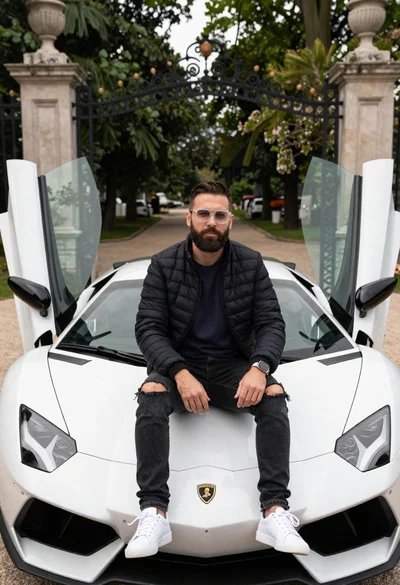
Bearded man sitting on white sports car at estate gate
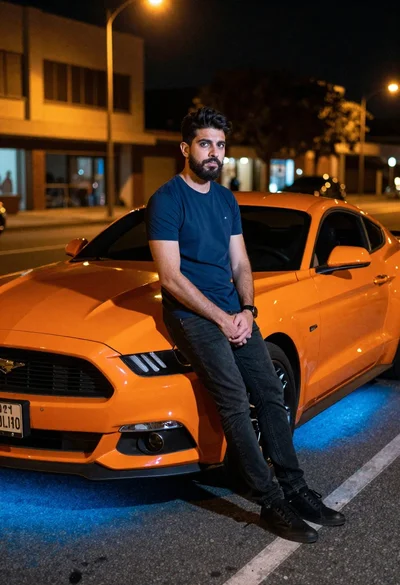
Man leaning on orange mustang at night city street
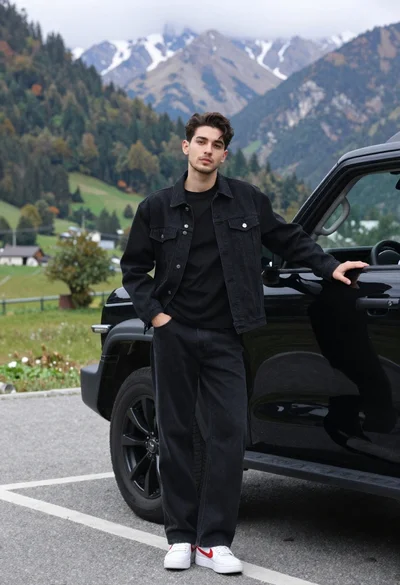
Stylish young man in black denim jacket leaning on suv in mountain
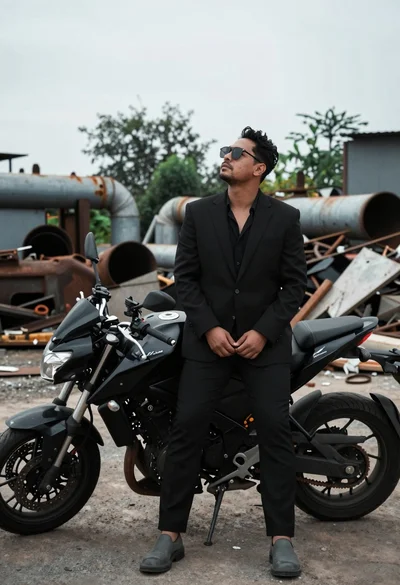
Man in black suit standing beside motorcycle in industrial junkyard setting
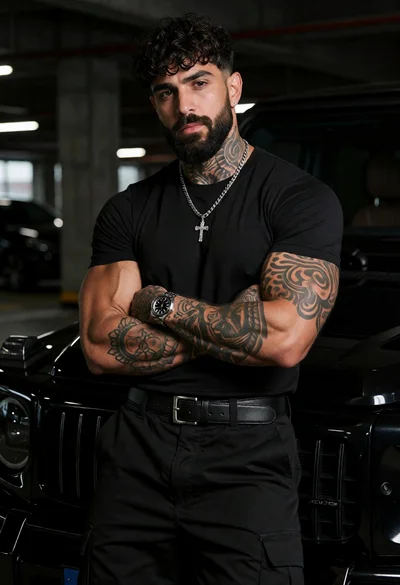
Muscular man with beard leaning on black luxury suv in garage
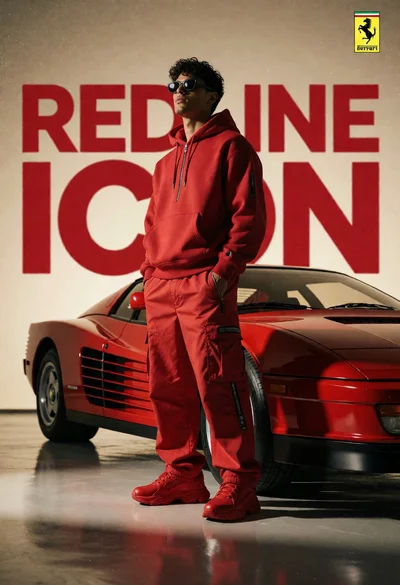
Man in red outfit beside classic ferrari testarossa in studio setting
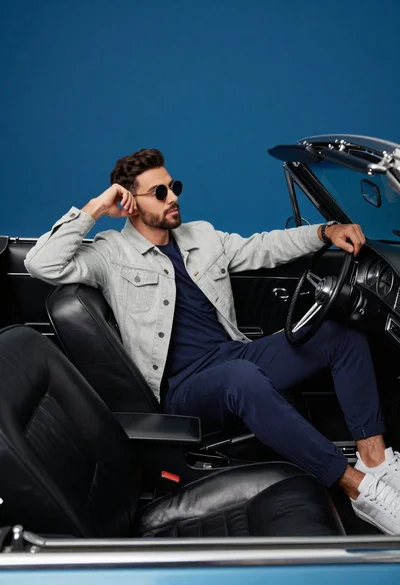
Stylish man in vintage convertible against blue background
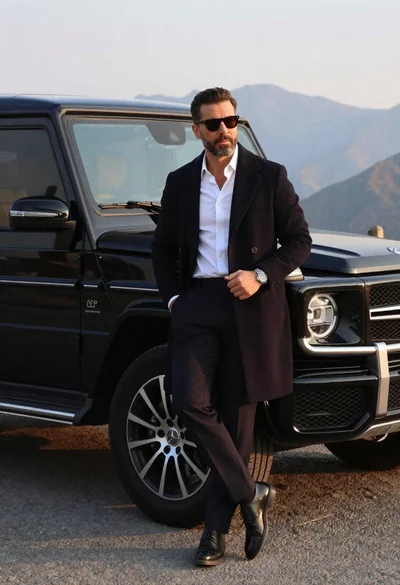
Man in overcoat posing by luxury suv near mountains
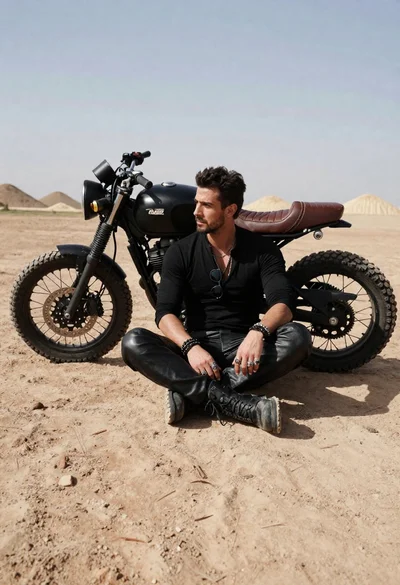
Rugged man sitting by black motorcycle in dusty lot
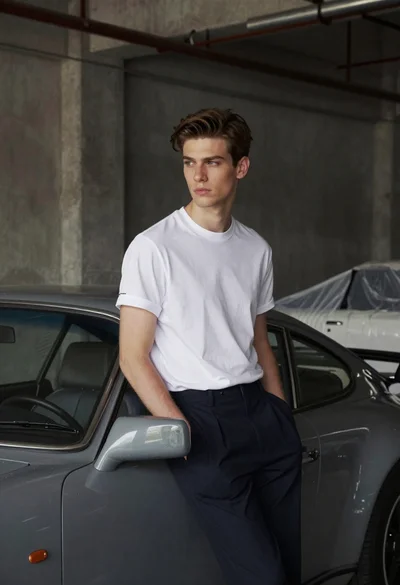
Young man leaning against grey sports car in industrial warehouse setting