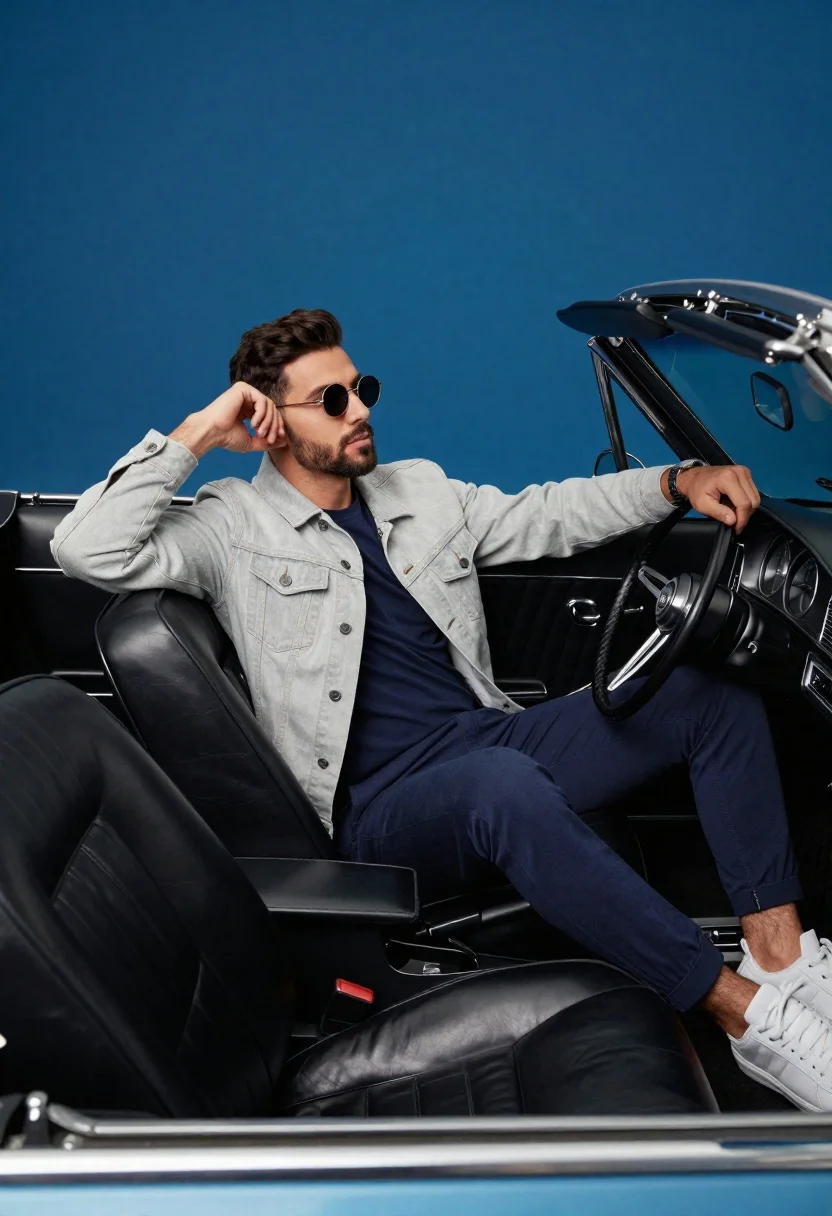
Stylish man in vintage convertible against blue background
Prompt
Studio photography of a stylish man leaning back in the driver's seat of a vintage convertible against a solid royal blue background

Subject: confident young man with dark hair and beard, wearing round sunglasses

Clothing: light grey denim jacket over navy t-shirt, matching slim-fit trousers, white sneakers

Action: one hand on head near ear, other gripping steering wheel, relaxed seated posture facing forward

Environment: classic car interior with black leather seats, chrome dashboard accents, open convertible top

Camera: medium shot framing subject and upper cabin details from slightly low angle.
Description
This prompt is useful for creating automotive advertising campaigns, vintage lifestyle editorials, and stylized portraiture featuring vehicles. The combination of 'slightly low angle' perspective with the 'chrome dashboard accents' ensures that the car's hardware catches highlights effectively, while the 'solid royal blue background' isolates the subject and vehicle details without distracting environmental clutter.
Suggestions
- Change 'light grey denim jacket' to 'olive green bomber jacket' for a different streetwear feel.
- Add 'Kodak Portra 400 film grain' to enhance the vintage photographic quality.
- Modify 'medium shot framing' to 'close-up on hands and steering wheel' for more focus.
Category
Tags
Casual WearLow AngleMaleMedium ShotRealisticStreetwearStudioVehicleVehicles
Date added
June 19, 2026
Added by
PromptDexter Team
Related Prompts
More prompts with similar categories and tags.
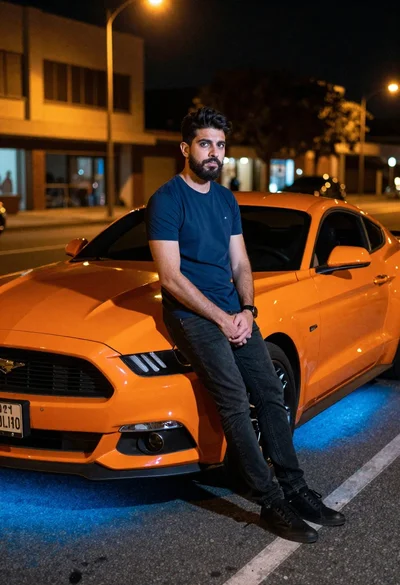
Man leaning on orange mustang at night city street
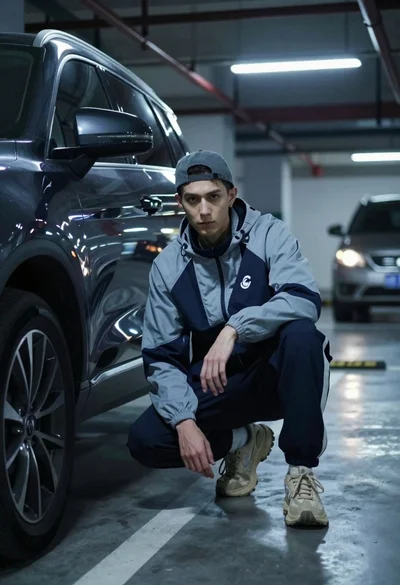
Young man crouching by dark suv in dimly lit underground parking garage
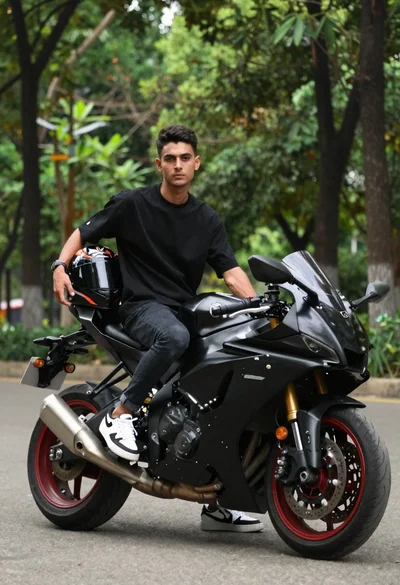
Man sitting on a sportbike in a lush green park

Woman leaning on silver sports car in showroom
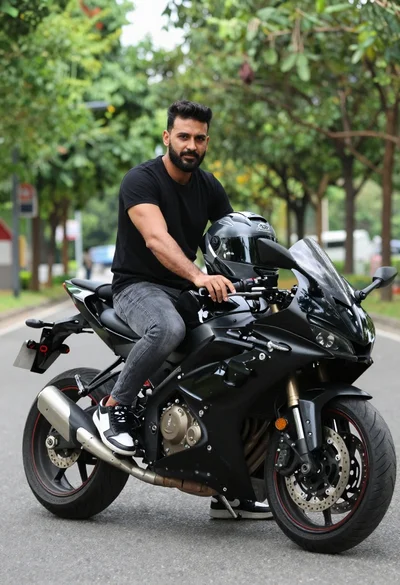
Man sitting on black sport motorcycle on asphalt road
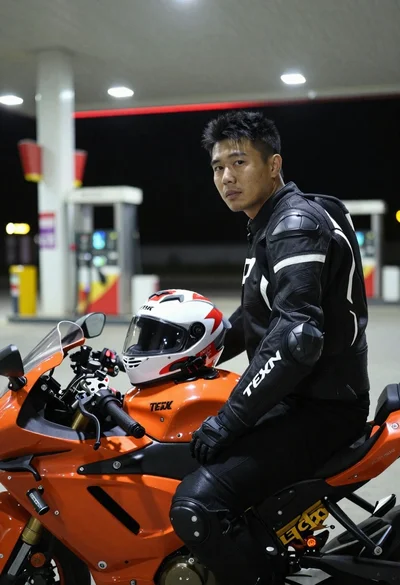
Man on sportbike at gas station at night
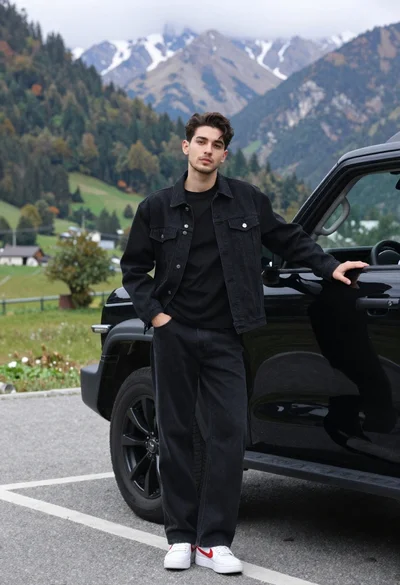
Stylish young man in black denim jacket leaning on suv in mountain

Man in suit sitting on classic red car outdoors