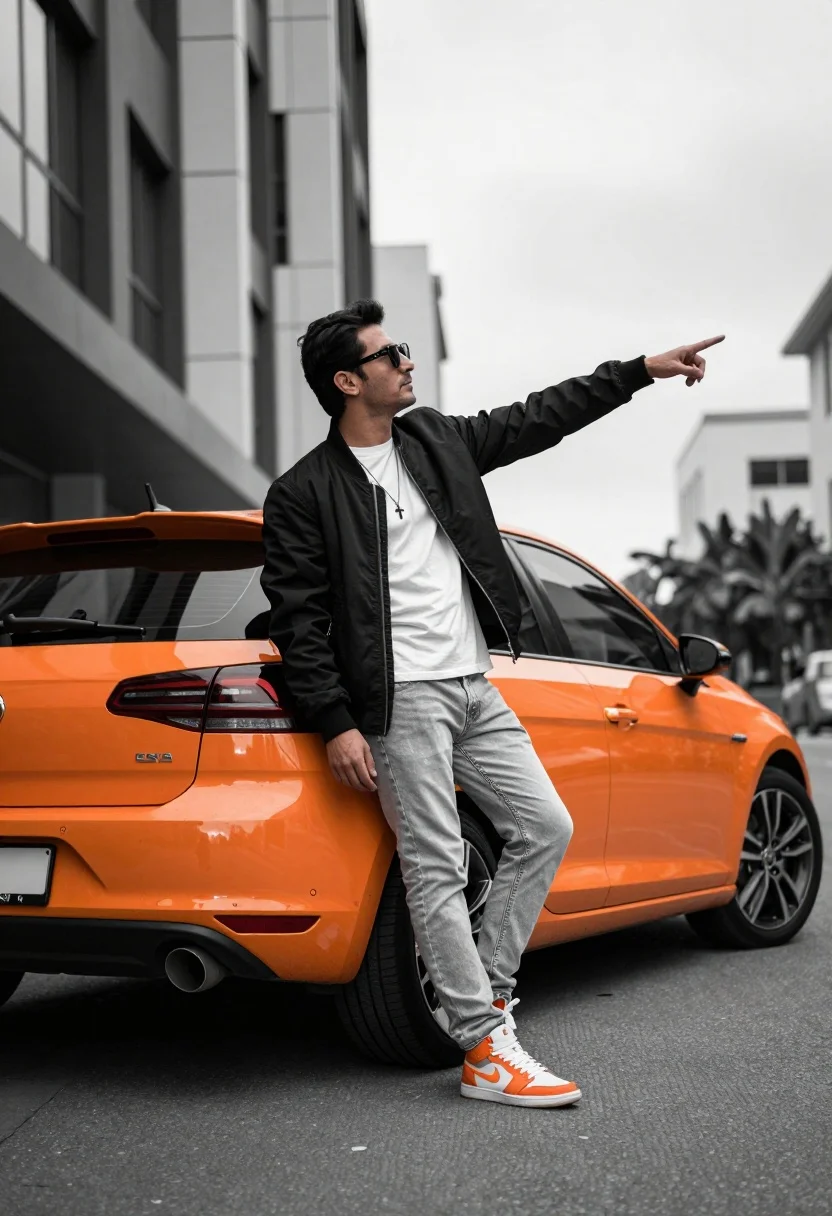
Man leaning against orange hatchback car on urban street low angle shot
Prompt
A man poses confidently leaning against the rear of a bright orange hatchback car on an urban street.

Subject: A man with dark hair and sunglasses stands in a dynamic pose, pointing forward with one hand while resting his other arm along the car's roofline. He wears a necklace with a cross pendant.

Clothing: He is dressed in a black bomber jacket worn open over a white t-shirt, paired with light-colored jeans and high-top sneakers featuring orange accents.

Action: The man leans casually against the vehicle with one leg crossed over the other, extending his arm to point towards the distance while looking off to the side.

Environment: The setting is a paved city street with modern buildings featuring glass windows in the background under an overcast sky.

Camera: The shot is taken from a low angle looking up at the subject and car, emphasizing their stature against the urban backdrop with a shallow depth of field blurring the distant background.

Lighting: The scene is lit by diffuse natural light typical of an overcast day, creating soft shadows and a cool color temperature that contrasts with the warm orange of the car.

Objects: A bright orange hatchback car serves as the central prop, displaying a visible license plate on its rear bumper.

Style Details: The image features a selective color effect where the background is desaturated to grayscale while the subject's sneakers and the car retain vibrant colors.
Description
This prompt is useful for creating streetwear lookbooks, automotive lifestyle advertising, and cinematic character portraits set in modern cities. The combination of 'low angle looking up' with a 'selective color effect where the background is desaturated to grayscale' powerfully isolates the subject and the 'bright orange hatchback car,' ensuring that the viewer's focus remains intensely on the man's pose and the vehicle's vibrant accents against a muted backdrop.
Suggestions
- Change 'black bomber jacket' to 'olive green bomber jacket' for more tonal variation.
- Swap 'overcast sky' for 'late afternoon diffused light' to warm up the overall mood.
- Adjust 'shallow depth of field' to 'deep focus' if you want all background details visible.
Category
Tags
Low AngleMaleRealisticStreetStreetwearUrbanVehicle
Date added
July 12, 2026
Added by
PromptDexter Team
Related Prompts
More prompts with similar categories and tags.

Young man leaning on a modified sports car in city night
Young man leaning against black off road vehicle in paved lot
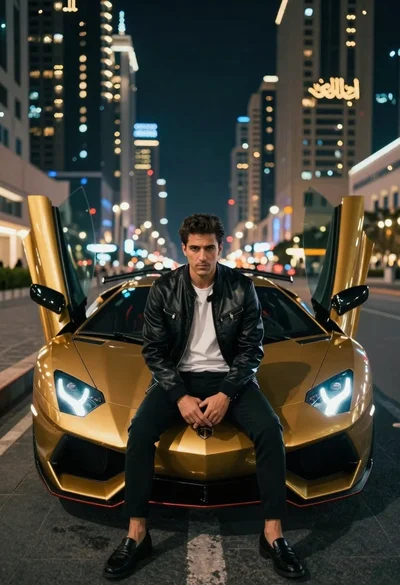
Man in leather jacket sitting on golden sports car at night
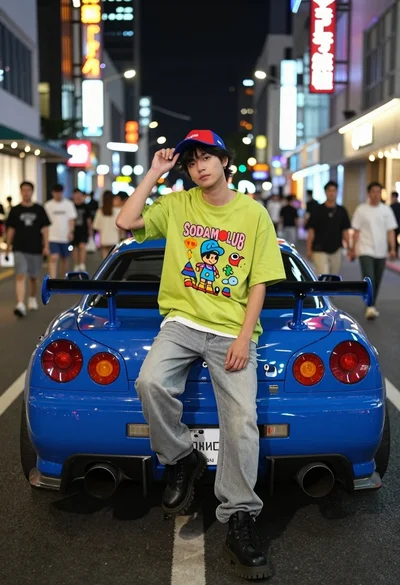
Young man sitting on blue sports car bumper in neon lit city
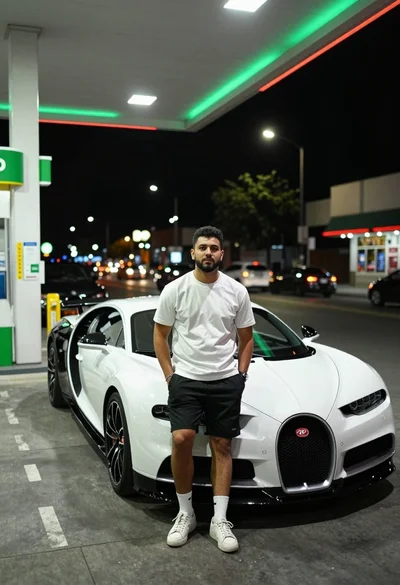
Young man leaning against white bugatti at brightly lit gas station at
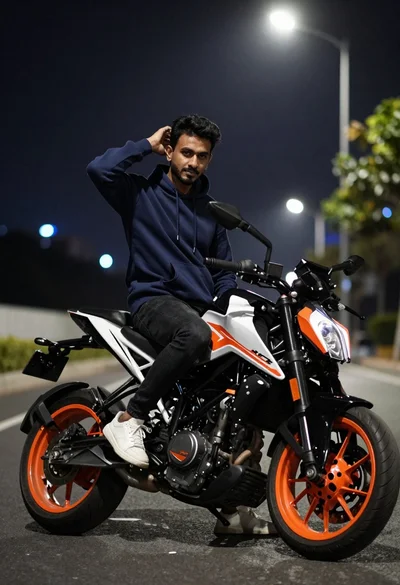
Man sitting on sport motorcycle at night with blurred city lights background
Man on black motorcycle in narrow brick alleyway at low angle
Man with dark curly hair sitting on black motorcycle in brick city
Young man sitting cross legged on street at night near white sedan
Man in suit with classic car on wet neon street