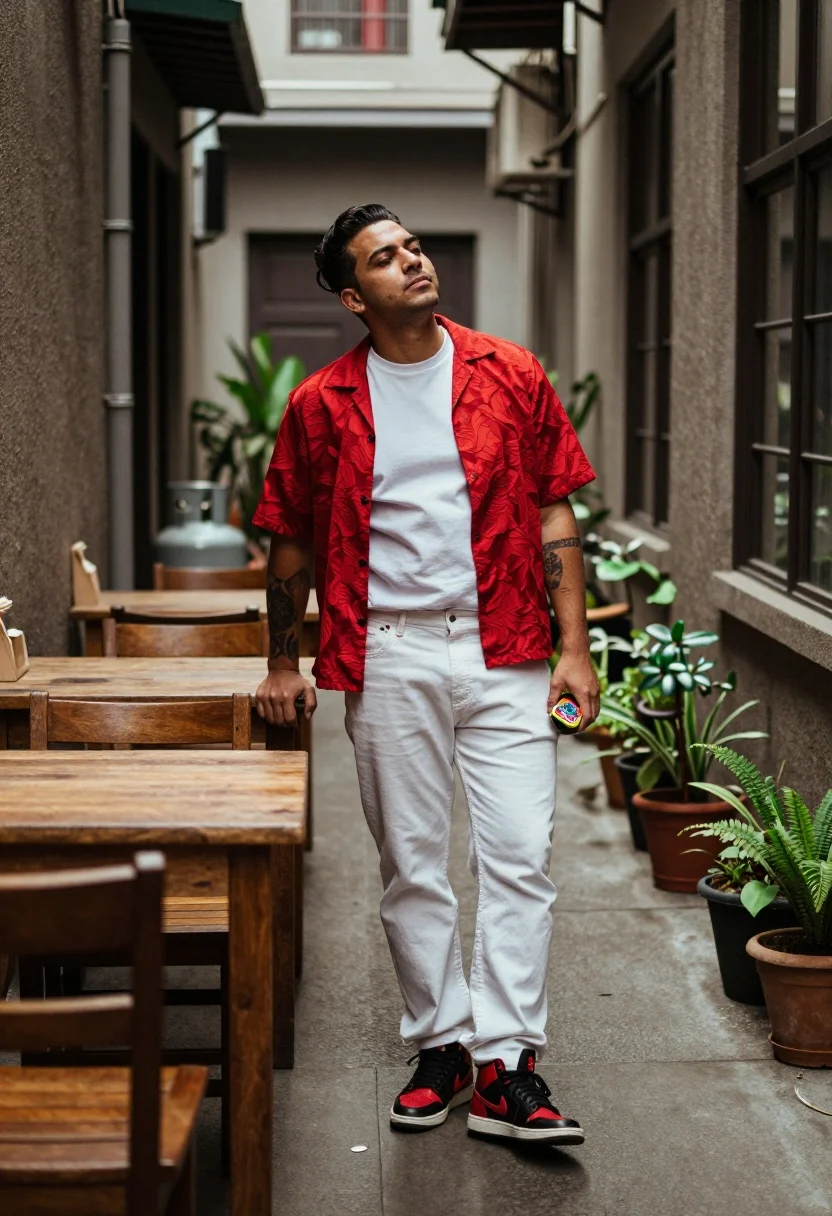
Man leaning against wooden tables in narrow outdoor alleyway setting
Prompt
A man stands in a narrow alleyway between wooden tables on the left and a windowed wall on the right.

Subject: A man with dark hair styled upwards, wearing a red patterned short-sleeved shirt over a white t-shirt, white jeans, and black high-top sneakers with red swooshes. He has visible tattoos on his forearms and is holding a small colorful object in one hand.

Clothing: Red patterned button-up shirt worn open over a plain white t-shirt, loose-fitting white jeans, and black and red high-top sneakers.

Action: The man leans casually against the wooden tables with one arm resting behind him, his head tilted back slightly with eyes closed or looking upward in a relaxed pose.

Environment: A narrow outdoor corridor lined with wooden furniture on the left and a dark windowed wall on the right, with potted plants along the base of the wall.

Camera: Medium shot capturing the full body from head to toe, with shallow depth of field blurring the foreground tables and background slightly.

Lighting: Soft natural daylight illuminating the subject from above and the front, casting gentle shadows and highlighting the red shirt against the muted surroundings.

Objects: Wooden tables and chairs on the left, a row of potted plants along the right wall, and a metal gas cylinder visible in the background.

Style Details: Photorealistic photography with warm color grading, slight film grain texture, and high contrast between the vibrant subject and the darker environment.
Description
This prompt is useful for creating editorial street style features, character concept art for narrative scenes, and moody urban lifestyle photography. The combination of 'soft natural daylight' with a 'warm color grading' ensures the vibrant red shirt pops against the muted wood and dark wall, while the 'shallow depth of field' isolates the subject from the cluttered background elements like the gas cylinder.
Suggestions
- Change 'red patterned button-up shirt' to 'navy patterned linen shirt' for a more subdued palette.
- Adjust 'soft natural daylight' to 'harsh midday sun' for stronger shadows.
- Replace 'wooden tables' with 'graffiti-covered brick walls' to alter the texture.
Category
Tags
AlleyFull BodyMaleMedium ShotOutdoorsRealisticUrban
Date added
July 12, 2026
Added by
PromptDexter Team
Related Prompts
More prompts with similar categories and tags.
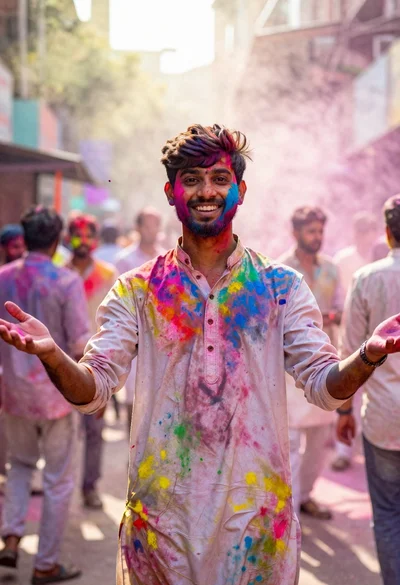
Joyful young man covered in colorful powder during an outdoor festival
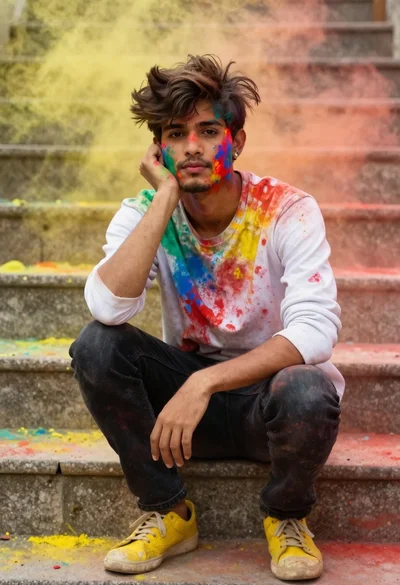
Young man with dark hair covered in colored powder on stone steps
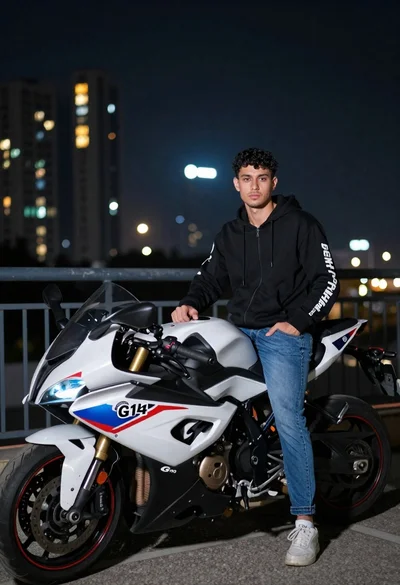
Young man with curly hair standing by motorcycle on balcony at night
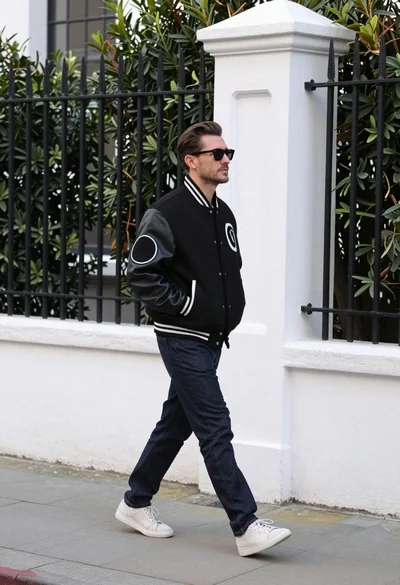
Man in black varsity jacket walking down urban sidewalk by white wall
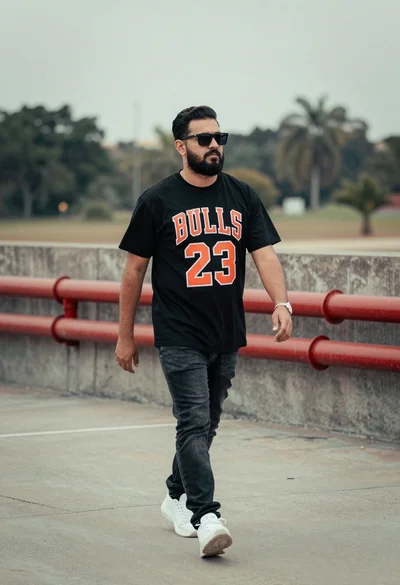
Man walking confidently in urban setting against industrial pipes background
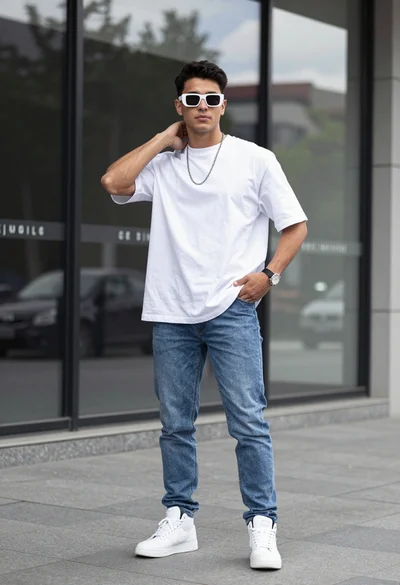
Stylish young man in white tshirt and jeans against modern glass storefront
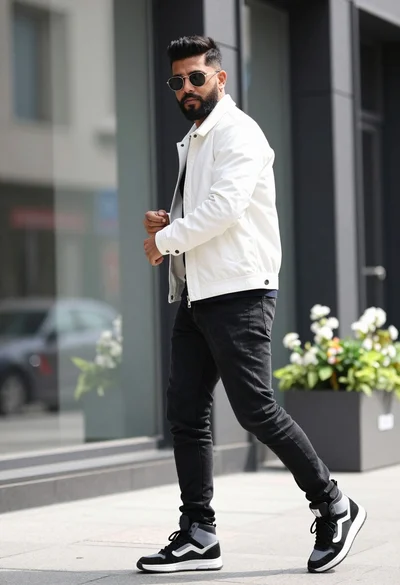
Man in white jacket walking on urban street against modern glass building

Man standing by black motorcycle on urban street with greenery backdrop
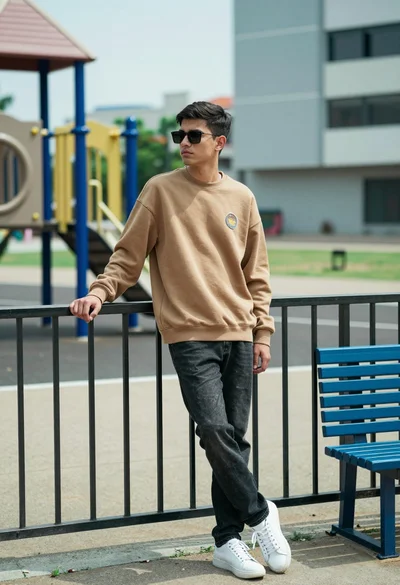
Young man leaning on metal railing in an urban park setting outdoors
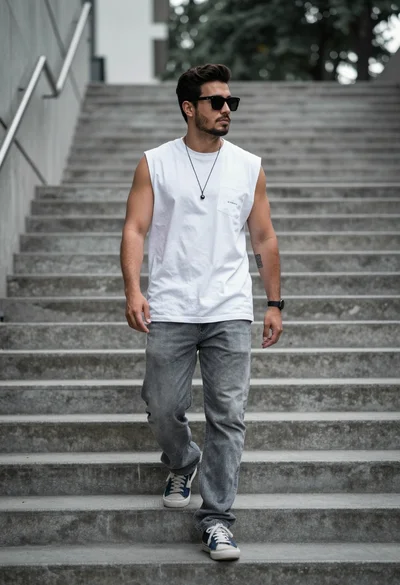
Man walking down concrete stairs in urban setting with white tshirt