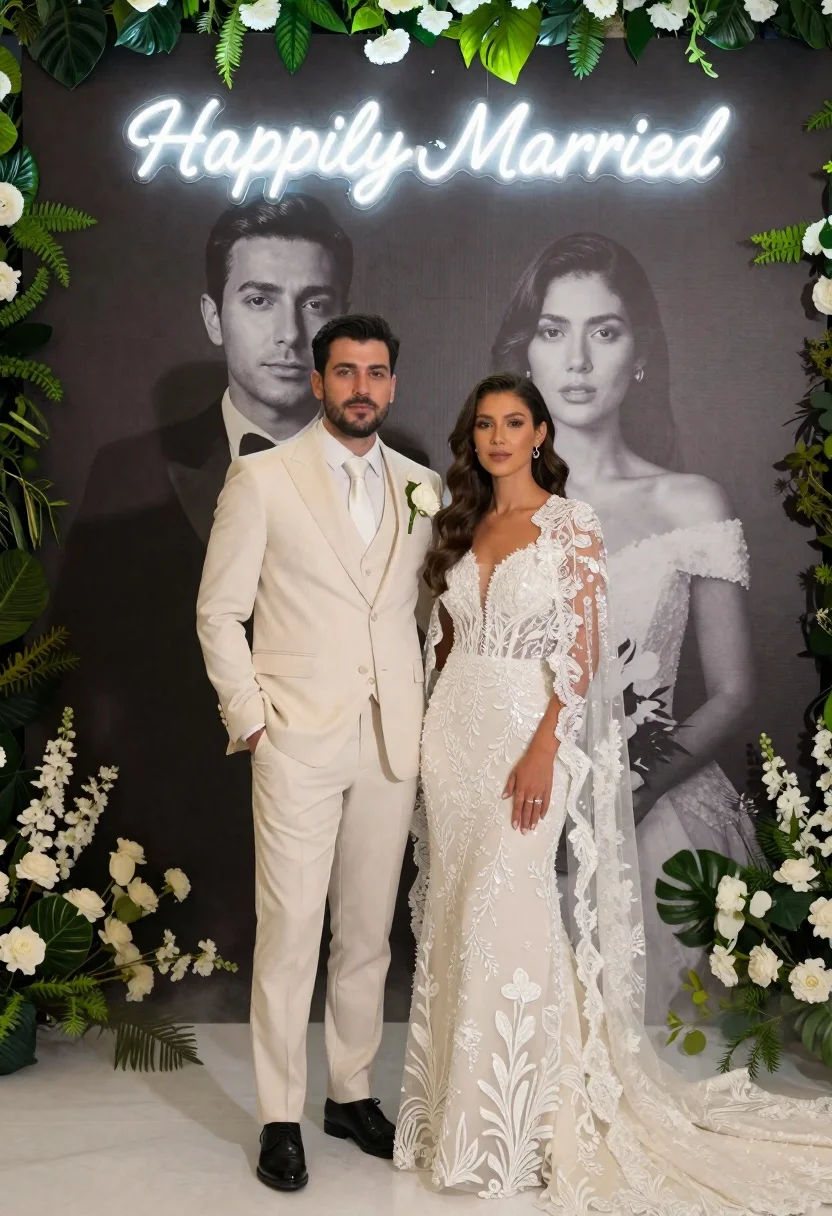
Bride and groom in wedding attire standing before large portrait wall
Prompt
A couple stands in the foreground wearing elegant white wedding attire against a large backdrop featuring their own black and white portraits with a glowing neon sign above them.

Subject: A groom with dark hair and stubble standing next to a bride with long wavy brown hair, both looking directly at the camera with calm expressions.

Clothing: The groom wears a tailored cream three-piece suit with a matching tie and a single white rose boutonniere on his lapel. The bride wears an elaborate floor-length gown featuring intricate floral embroidery, sequin detailing, and a sheer lace capelet draped over her shoulders.

Action: The couple stands side by side in a formal pose with the groom's left hand in his pocket and the bride standing close to him, creating a composed and celebratory stance.

Environment: A large dark grey wall serves as the background, framed on all sides by lush green foliage and clusters of white flowers at the top and bottom edges.

Camera: The shot is taken from a straight-on eye-level perspective with a medium-full frame composition that captures the couple's full bodies and the entire backdrop.

Lighting: Soft, diffused lighting illuminates the subjects evenly to highlight the texture of their outfits while casting gentle shadows on the dark background.

Text/Graphics: A glowing white neon sign at the top center displays the text "Happily Married" in a cursive script font.

Style Details: The image features high-definition realism with a polished, cinematic aesthetic and a subtle mist effect near the floor.
Description
This prompt is useful for creating wedding album covers, engagement announcement graphics, and styled editorial portraiture showcasing couple narratives. The combination of 'soft, diffused lighting' against the 'large dark grey wall' ensures that the intricate details of the bride's embroidery and the groom's suit texture remain visible without harsh highlights, which is crucial for a polished, cinematic aesthetic.
Suggestions
- Change 'cream three-piece suit' to 'charcoal three-piece suit' for higher contrast.
- Swap 'glowing white neon sign' for 'gold neon sign' to match warmer tones.
- Adjust the 'subtle mist effect near the floor' to 'slight bokeh effect' for a more controlled look.
Category
Tags
Black HairBrown HairFemaleFormal WearFull BodyMaleMedium ShotOutdoorsRealisticTraditional ArtUrban
Date added
June 21, 2026
Added by
PromptDexter Team
Related Prompts
More prompts with similar categories and tags.
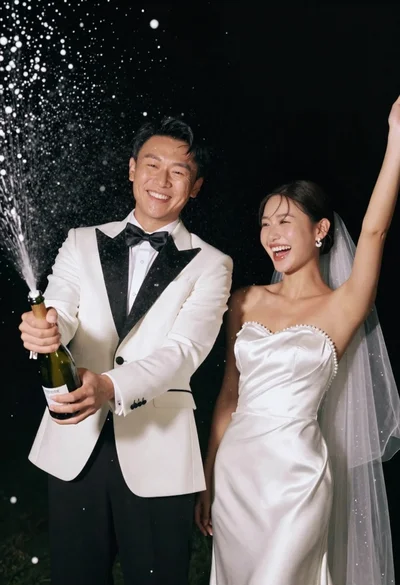
Joyful wedding couple celebrating with spraying champagne in studio
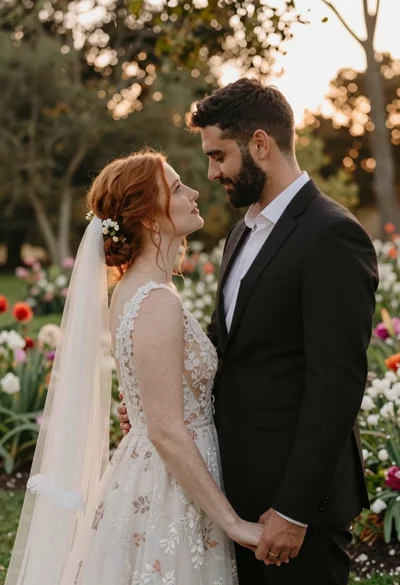
Redhaired bride and groom embracing in garden at golden hour
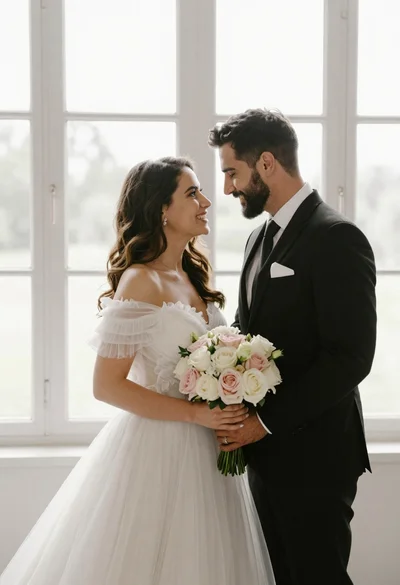
Bride and groom holding rose bouquet together in front of large window
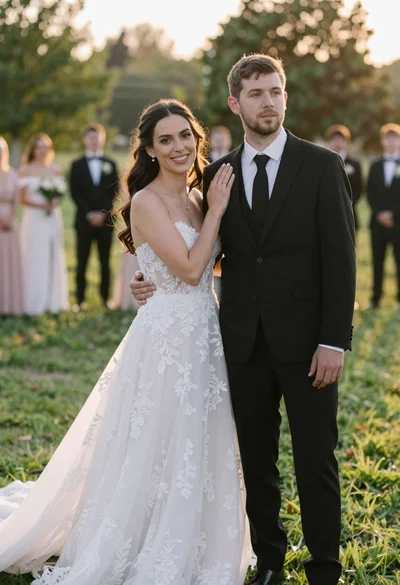
Romantic outdoor wedding portrait of bride and groom in grassy field
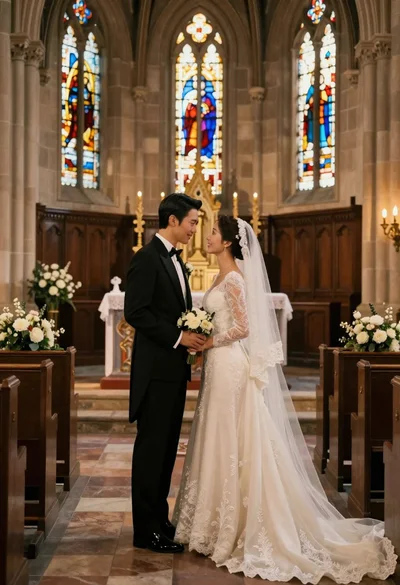
Bride and groom exchanging loving glances at a grand historic church altar
Wedding couple embracing in formal garden at golden hour
Smiling bride in white hijab and groom in navy suit holding hands

Romantic wedding couple on beach at sunset in three vertical panels