

Medium close up portrait of blonde woman in purple dress by window
Prompt
A portrait of a young woman with long straight platinum blonde hair and deep red lipstick looking directly at the camera.

Subject: A fair-skinned woman with long straight platinum blonde hair parted in the middle, wearing bold dark red lipstick and subtle eye makeup.

Clothing: She wears a sheer translucent purple dress with thin straps and matching long sheer purple gloves that extend past her elbows, accessorized with a gold ring on her right hand and dangling earrings.

Action: She is seated with her arms crossed over her chest in a relaxed pose, gazing forward with a calm expression.

Environment: The background consists of soft pink fabric drapes illuminated by warm sunlight filtering through window panes, casting geometric shadows across the scene.

Lighting: Warm natural light enters from the right side, creating soft highlights on her hair and face while casting gentle shadows that add depth to the composition.

Camera: Shot with a medium close-up framing that emphasizes facial features and upper body, using a shallow depth of field to blur the background slightly.

Style Details: The image has a cinematic and ethereal quality with soft focus, pastel color grading, and a dreamy atmosphere reminiscent of high-fashion editorial photography.
Description
This prompt is useful for creating intimate portrait studies, luxury catalog imagery, and ethereal fashion editorials. The combination of 'sheer translucent purple dress' against the backdrop of 'soft pink fabric drapes illuminated by warm sunlight' establishes a delicate, romantic mood that complements the direct gaze, while the 'shallow depth of field' ensures the viewer focuses solely on her features rather than distracting background details.
Suggestions
- Change 'platinum blonde hair' to 'honey blonde hair' for a warmer tone.
- Swap 'deep red lipstick' for 'berry stained lips' for a softer pop of color.
- Adjust 'warm natural light' to 'diffused window light' for less harsh highlights.
Category
Tags
BlondeFair SkinFemaleMedium ShotRealistic
Date added
June 19, 2026
Added by
PromptDexter Team
Related Prompts
More prompts with similar categories and tags.

Portrait of woman with red hair in navy blouse and green skirt
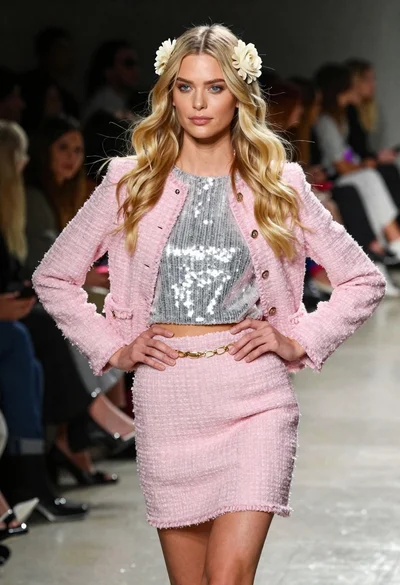
Blonde woman walking fashion runway in pink tweed ensemble

Blonde woman in silver gown with fur stole studio portrait

Blonde woman in striped swimsuit seated on sofa indoors studio shot
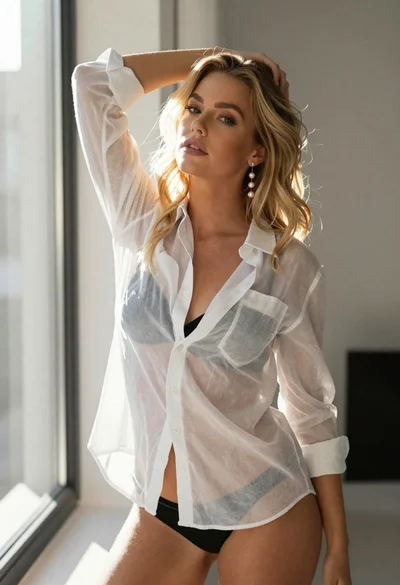
Blonde woman in sheer white shirt by large sunlit window indoors

Fair blonde woman in black corset and denim shorts studio portrait

Blonde woman in black leather jacket standing in modern marble bathroom

Smiling blonde woman in sports bra sitting on outdoor lounge chair
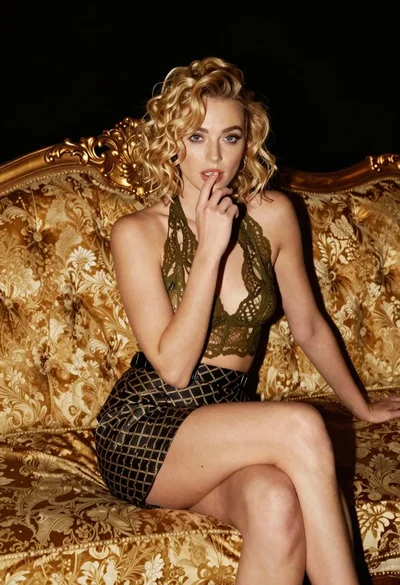
Fair blonde woman sitting on vintage gold sofa in dimly lit room
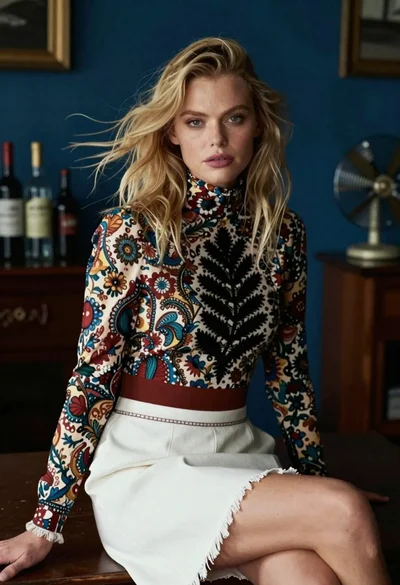
Blonde woman in floral blouse seated in moody blue interior setting
