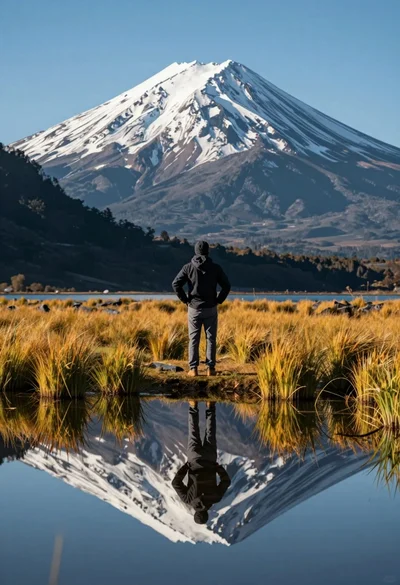
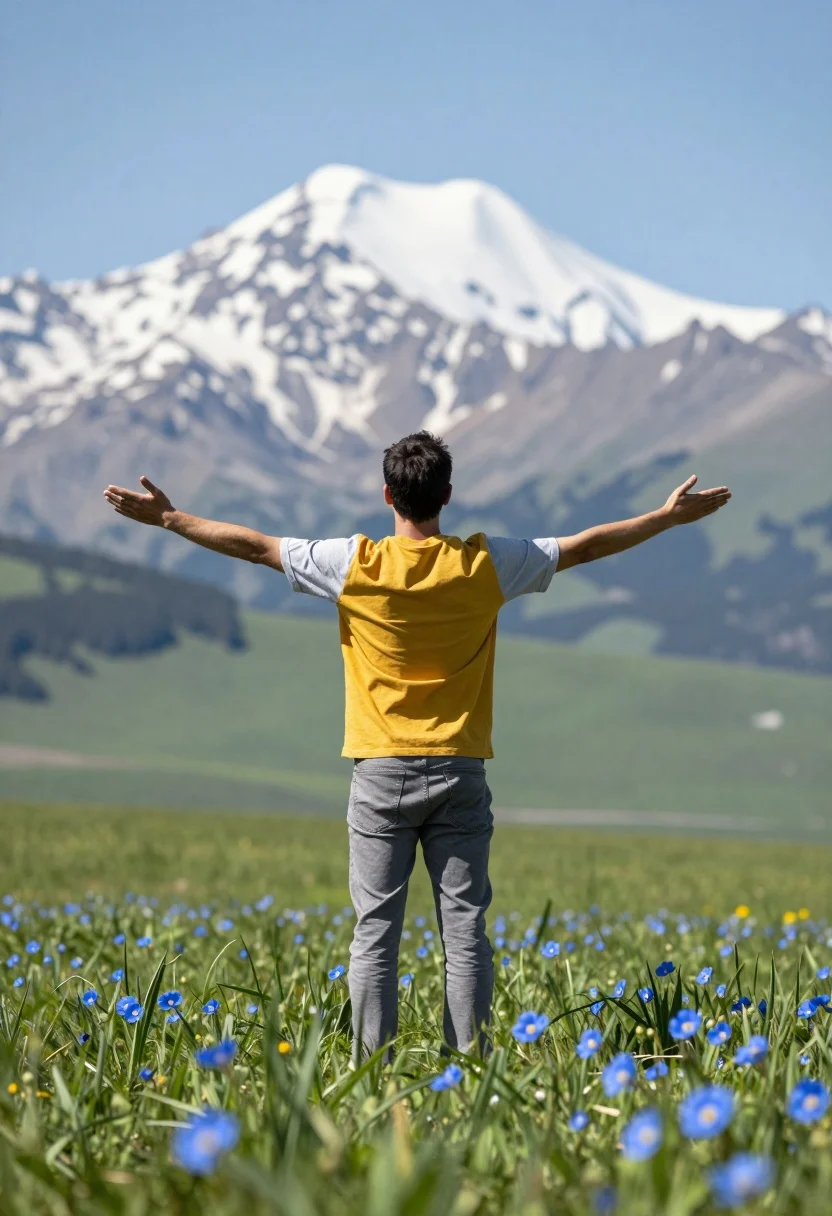
Man standing in green field with outstretched arms facing snow capped mountain
Prompt
A man stands in a lush green field with arms outstretched facing a massive snow-capped mountain under a blue sky.

Subject: A man viewed from behind standing tall in an open field.

Clothing: He wears a two-toned t-shirt with a yellow torso and light grey sleeves, paired with grey jeans.

Action: The man stands with his back to the camera, arms spread wide in an open gesture, gazing toward the mountain.

Environment: A vibrant green grassy field dotted with blue flowers in the foreground, leading to a distant view of a large snow-capped peak and hazy hills.

Camera: Shot from a low angle looking up at the subject and mountain, utilizing a shallow depth of field that blurs the foreground flowers while keeping the man sharp.

Lighting: Bright natural daylight with soft shadows, creating a serene and uplifting atmosphere.

Objects: Blue daisies with yellow centers scattered in the grassy foreground.

Style Details: High-resolution photography with vibrant saturation, cinematic composition, and a dreamy atmospheric quality.
Description
This prompt is useful for creating inspirational travel posters, nature documentary stills, and personal achievement photo series. The combination of 'low angle looking up' and the 'outstretched arms' directs the viewer's gaze upward toward the mountain, while the 'shallow depth of field that blurs the foreground flowers' isolates the subject against the grand scale of the peak.
Suggestions
- Change 'blue daisies with yellow centers' to 'wild lupines' for a more varied color palette.
- Adjust 'vibrant green grassy field' to 'golden meadow at sunrise' for warmer tones.
- Swap 'bright natural daylight' for 'soft overcast light' to minimize harsh shadows.
Category
Tags
Back ViewCasual WearFull BodyLow AngleMaleNatureOutdoorsRealisticWide Shot
Date added
August 5, 2026
Added by
PromptDexter Team
Related Prompts
More prompts with similar categories and tags.

Lone skier ascending snowy mountain ridge under bright blue sky

Muscular man standing before massive waterfall in lush jungle setting

Couple in white rowboat gazing at each other during vibrant sunset over
Hiker standing with outstretched arms on grassy ridge facing snowy mountains
Solitary figure on grassy hill overlooking vast mountain valley at golden hour
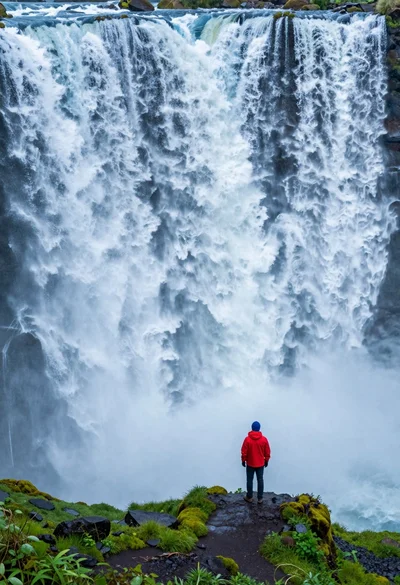
Hiker standing on ledge overlooking massive thundering waterfall at natural edge
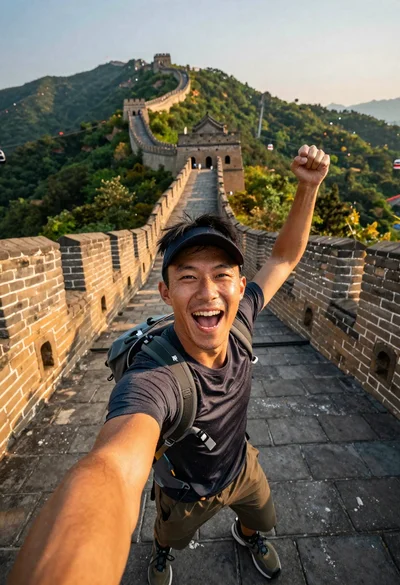
Energetic man taking selfie on great wall at golden hour
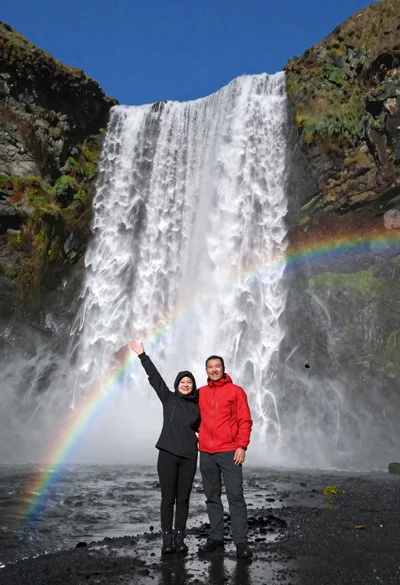
Couple standing before massive waterfall under clear blue sky low angle
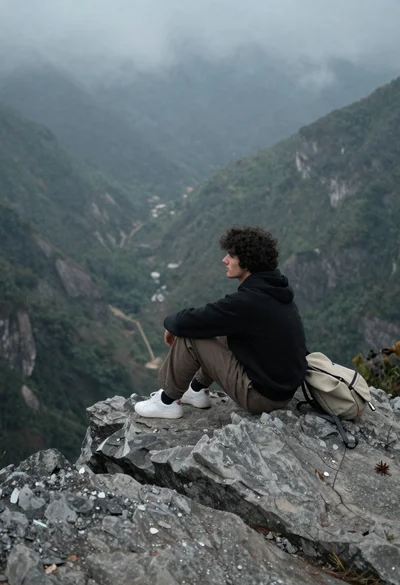
Young man sitting contemplatively on rocky cliff overlooking misty mountains
Young woman in black winter coat reaching for snowy mountain peak from