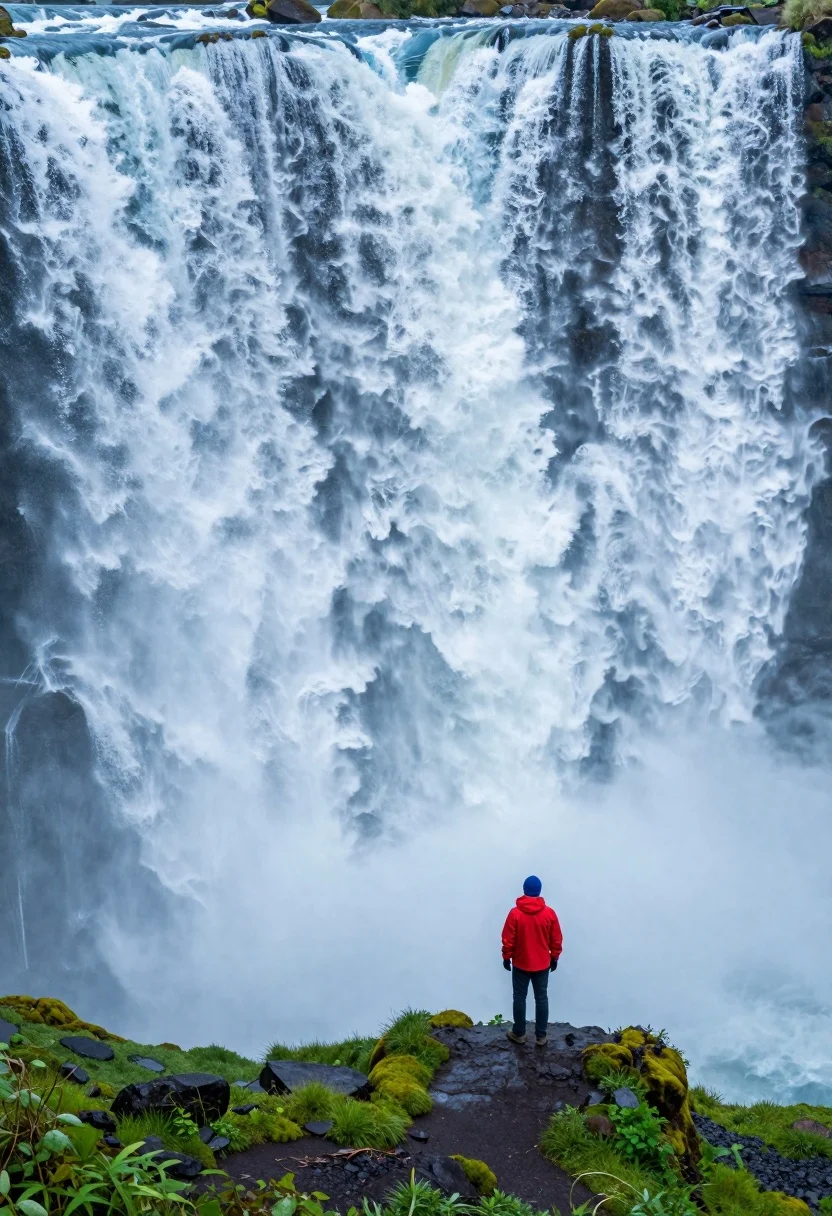
Hiker standing on ledge overlooking massive thundering waterfall at natural edge
Prompt
A solitary figure stands on a rocky ledge overlooking a massive, thundering waterfall that dominates the frame with its sheer volume and power.

Subject: A lone hiker wearing a bright red jacket, dark pants, and a blue beanie stands facing away from the camera, looking out at the immense cascade of water.

Action: The figure is standing still on a small patch of dark earth surrounded by low-lying green vegetation, dwarfed by the scale of the waterfall behind them.

Environment: The scene is set at the edge of a colossal waterfall with churning white and blue water crashing down in a continuous sheet. The foreground features lush green mossy banks and scattered grey rocks, while the background is entirely filled by the falling water.

Camera: A wide-angle perspective captures the vastness of the waterfall, placing the small human figure at the bottom right to emphasize the monumental scale of nature.

Lighting: Soft, diffused daylight illuminates the misty spray of the falls, creating a cool blue and white color palette with high contrast between the dark rocks and the bright water.

Style Details: High-resolution photography with vibrant saturation, emphasizing the texture of the rushing water and the vivid green of the mossy foreground.
Description
This prompt is useful for creating dramatic adventure travel posters, wilderness documentary stills, and concept art illustrating human insignificance against nature's power. The combination of a 'low angle' perspective with the subject placed in the bottom right corner effectively uses compositional rules to emphasize the monumental scale of the waterfall, while the 'soft, diffused daylight' prevents harsh shadows that would flatten the texture of the 'lush green mossy banks'.
Suggestions
- Change 'bright red jacket' to 'muted orange jacket' for better color harmony.
- Swap 'low-lying green vegetation' for 'ferns and bromeliads' for more specific flora.
- Adjust 'wide-angle perspective' to 'ultra-wide angle lens' for an even greater sense of scale.
Category
Tags
Full BodyLow AngleMaleNatureOutdoorsRealisticWide Shot
Date added
August 5, 2026
Added by
PromptDexter Team
Related Prompts
More prompts with similar categories and tags.

Muscular man standing before massive waterfall in lush jungle setting

Man standing in green field with outstretched arms facing snow capped mountain

Couple in white rowboat gazing at each other during vibrant sunset over
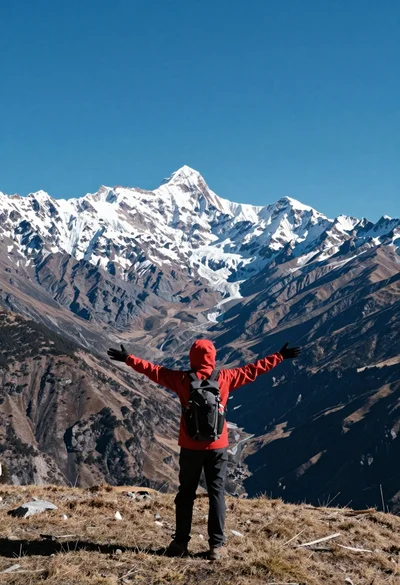
Hiker standing with outstretched arms on grassy ridge facing snowy mountains
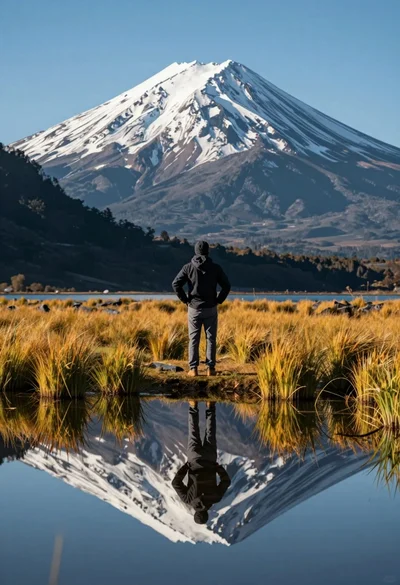
Hiker viewing massive snow capped mountain reflected in calm lake at low
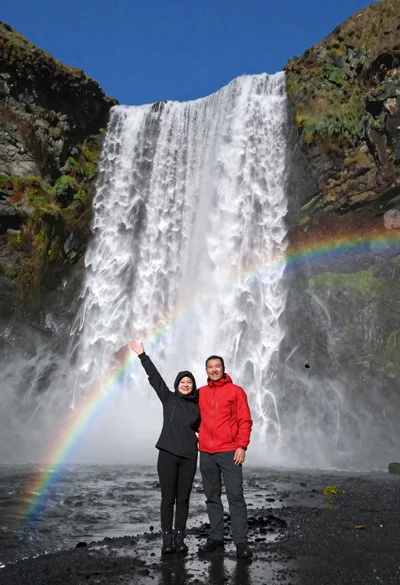
Couple standing before massive waterfall under clear blue sky low angle
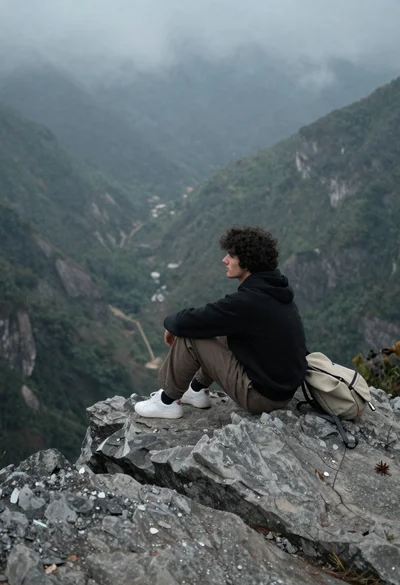
Young man sitting contemplatively on rocky cliff overlooking misty mountains
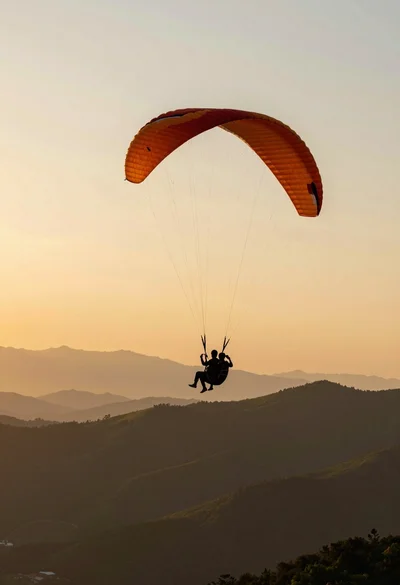
Silhouette of tandem paragliders soaring above green mountain range at sunset
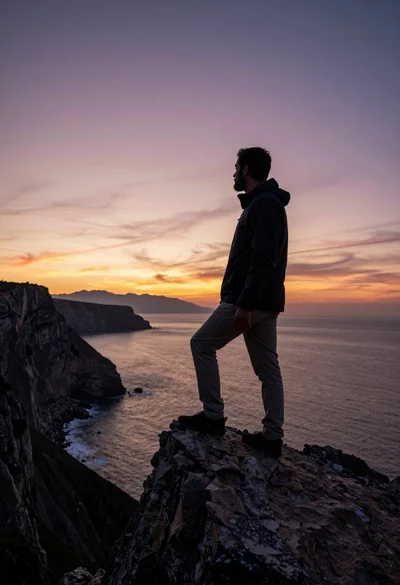
Bearded man silhouetted on rocky outcrop overlooking vast ocean at sunset
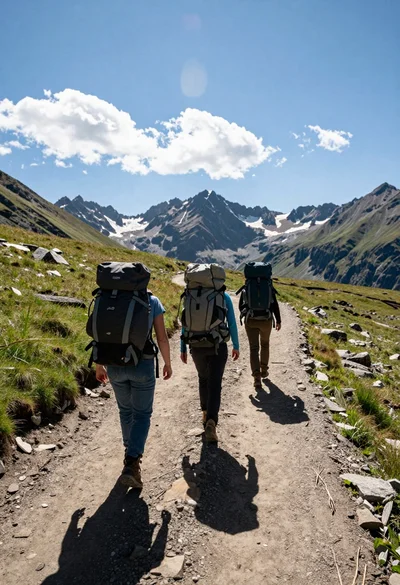
Three hikers walking away along a dirt trail toward jagged mountains