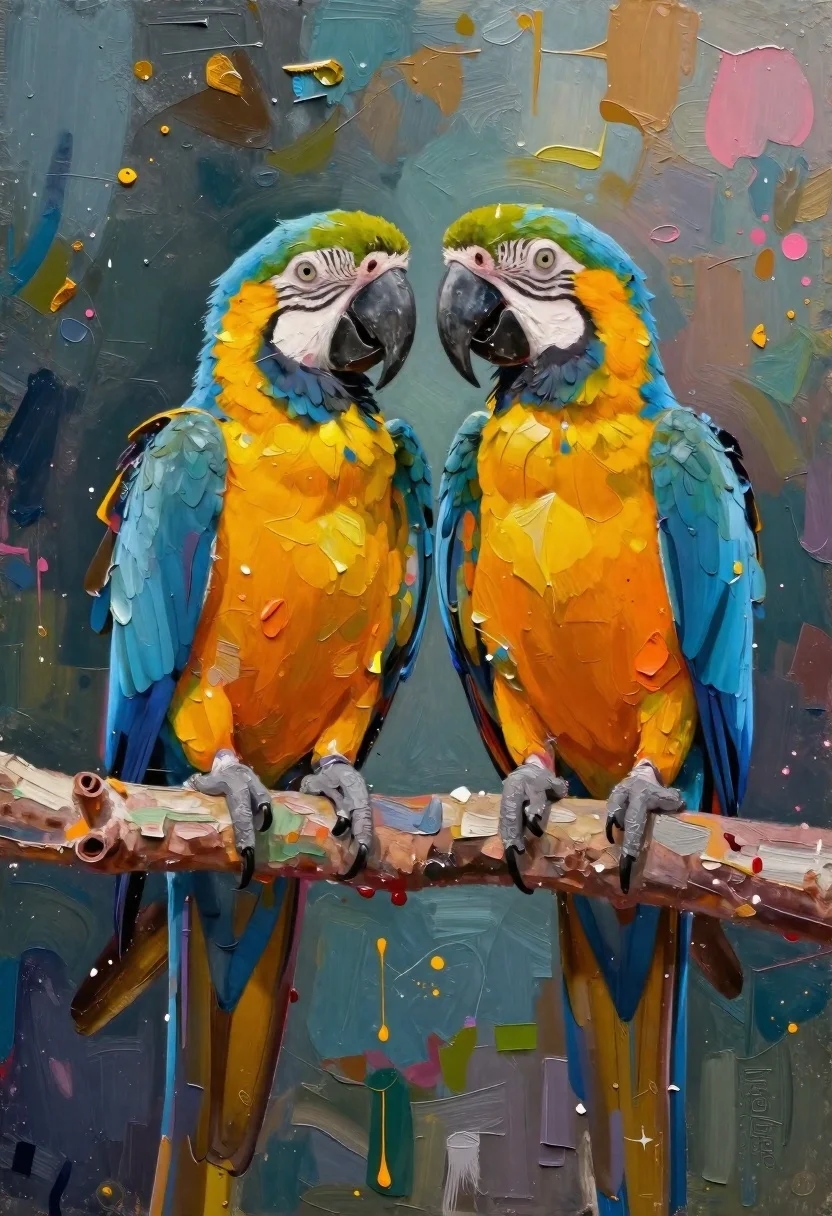
Oil painting of macaws on a branch with textured background
Prompt
Oil painting of two vibrant blue-and-yellow macaws perched on a rough branch, rendered in bold impasto brushstrokes with thick texture and expressive color splashes against an abstract background

Subject: Two majestic Blue-and-Gold Macaw parrots facing forward, their feathers vividly detailed with layered blues, yellows, oranges, and greens.

Action: Both birds sit calmly side by side on a horizontal branch, heads slightly turned toward each other as if engaged in quiet interaction; eyes alert and expressive, beaks open but not vocalizing actively.

Environment: Abstract painterly background blending deep teals, ochres, pinks, and golds with visible paint drips, splatters, and gestural marks suggesting an artistic studio or surreal natural space.

Camera: Medium close-up framing centered on the pair, angled slightly upward to emphasize their height against the textured backdrop; shallow depth of field implied by focused foreground detail fading into atmospheric background blur.

Lighting: Soft directional light from above-left highlights the curve of their chests and wing edges while casting subtle shadows beneath them; ambient glow enhances color saturation without harsh contrast.

Style Details: Heavy impasto technique with thick, sculpted paint application creating tactile surface relief; dynamic splatter effects around wings and branch add motion energy; signature in bottom-right corner indicates artist presence but remains illegible for generation purposes.
Description
This prompt is useful for creating fine art prints of exotic wildlife, decorative wall murals, and character concept art requiring a painterly feel. The combination of 'heavy impasto technique' and 'dynamic splatter effects' ensures the surface has palpable texture, which grounds the vibrant macaws against the abstract background while preventing the composition from looking flat like a simple photograph.
Suggestions
- Change 'blue-and-yellow macaws' to 'scarlet macaw' for a warmer palette.
- Swap 'deep teals, ochres, pinks, and golds' for 'emerald green, burnt sienna, and turquoise' for more jungle tones.
- Adjust the lighting by adding 'rim light from the right' to give the birds more separation from the background.
Category
Tags
AnimalsMacro ShotMedium ShotNature
Date added
June 19, 2026
Added by
PromptDexter Team
Related Prompts
More prompts with similar categories and tags.
White horse in profile on a grassy hillside
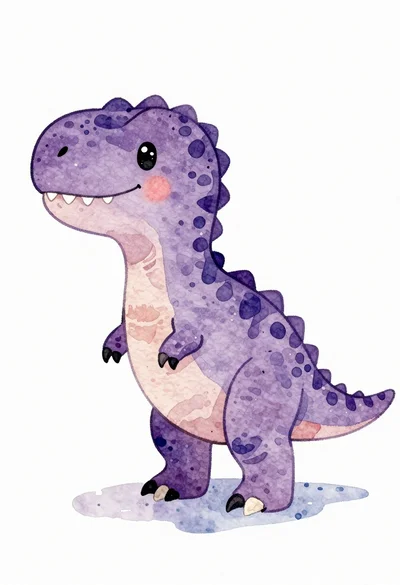
Watercolor illustration of a purple t rex dinosaur
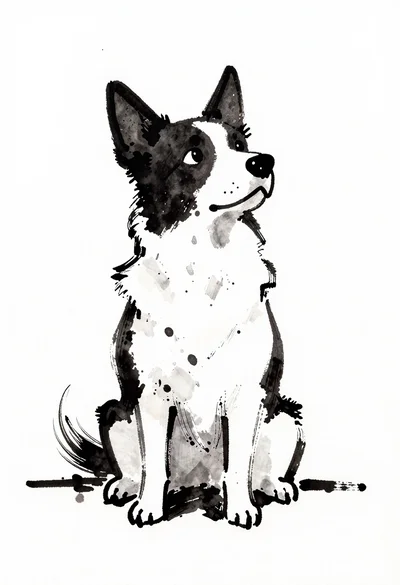
Ink wash sketch of a stylized sitting dog
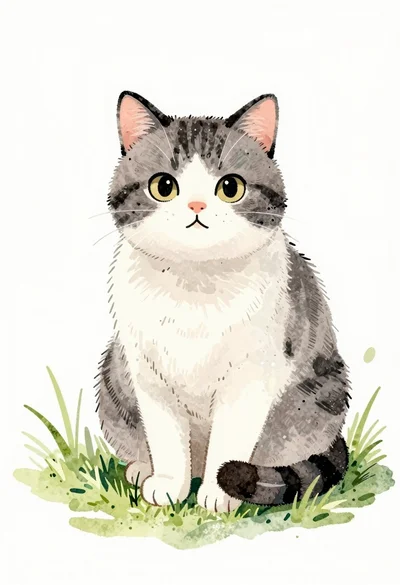
Watercolor illustration of a cat sitting in grass
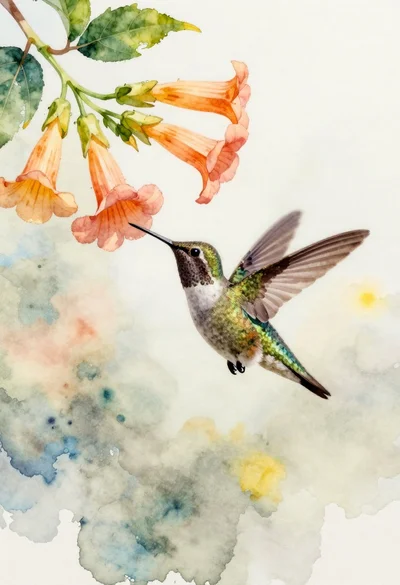
Delicate watercolor painting of a hummingbird hovering near trumpet flowers

Macro overhead shot of a leaf collage cartoon cat jumping on white

Miniature felt scene of figure rowing boat with rabbit under glowing moon
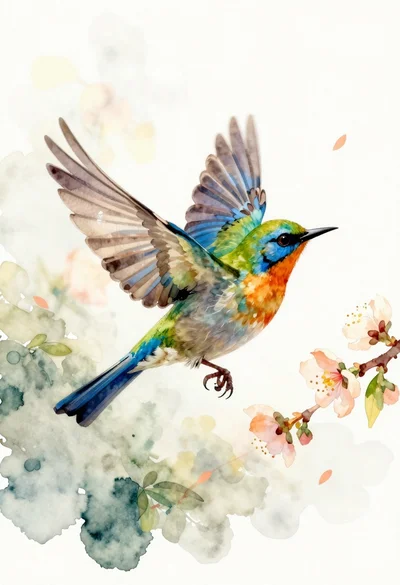
Watercolor bird flying near peach blossoms