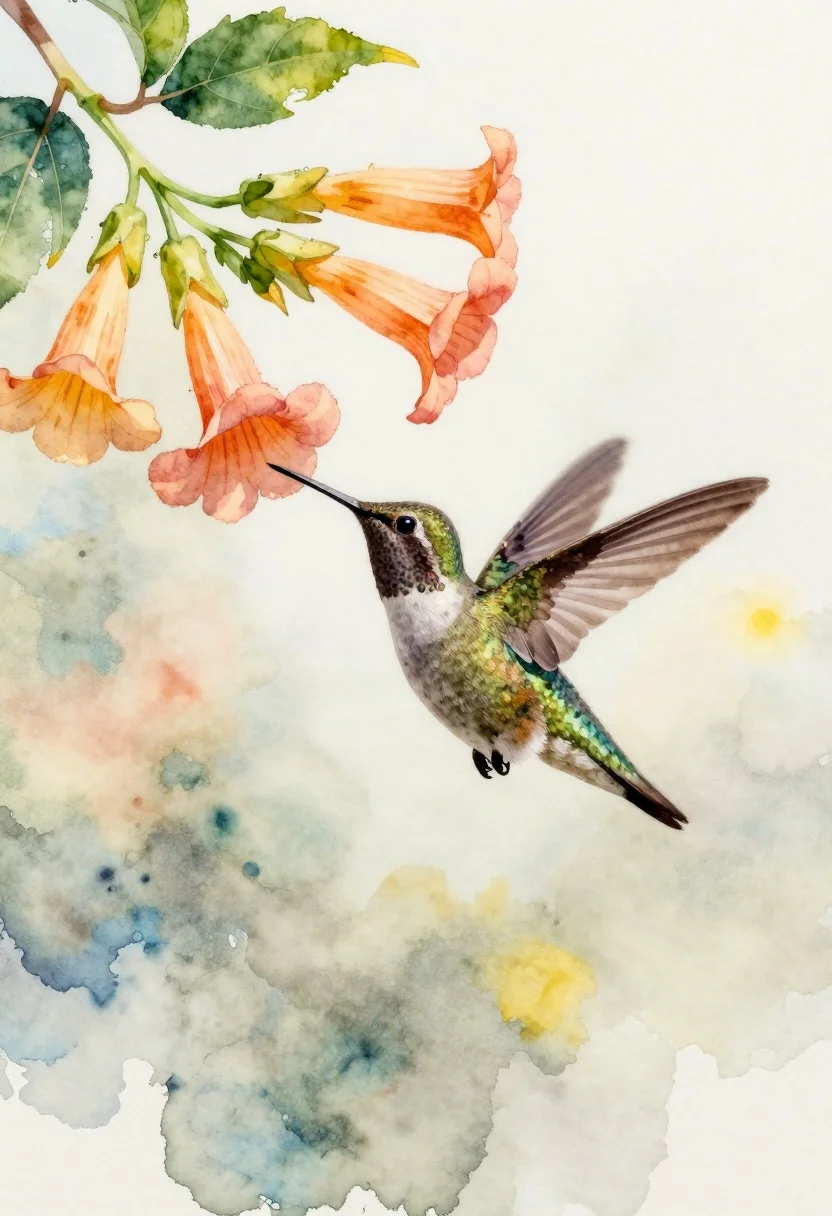
Delicate watercolor painting of a hummingbird hovering near trumpet flowers
Prompt
A delicate watercolor painting of a hummingbird hovering near a cluster of trumpet-shaped flowers.

Subject: A small hummingbird with iridescent green feathers on its back and wings, a dark head, and a white underbelly, captured in mid-flight with wings blurred to suggest motion.

Clothing: N/A.

Action: The bird is hovering horizontally, facing left towards the flowers, with its long beak extended as if about to feed.

Environment: An abstract background composed of soft washes of pale blue, cream, and yellow watercolor that suggests a bright, airy atmosphere without distinct scenery.

Camera: Close-up framing focusing on the bird and flowers, with a shallow depth of field implied by the soft edges of the surrounding elements.

Lighting: Soft, diffused natural light illuminating the scene from the upper left, creating gentle highlights on the bird's wings and the petals.
Second

Subject: N/A.

Objects: A cluster of peach and orange trumpet flowers with green leaves and stems hanging down from the top left corner.

Interaction: The hummingbird is positioned directly in front of the flowers, creating a sense of imminent contact or feeding behavior.

Text/Graphics: None.

Style Details: Traditional watercolor medium on textured paper, characterized by visible brushstrokes, wet-on-wet blending techniques, and translucent layers of pigment.
Description
This prompt is useful for creating delicate botanical illustrations, whimsical children's book art, and nature-themed greeting cards. The combination of 'watercolor medium on textured paper' with visible brushstrokes ensures the final piece retains an authentic, handcrafted feel, while the 'soft washes of pale blue, cream, and yellow watercolor' background keeps the focus entirely on the vibrant subject matter without introducing distracting environmental details.
Suggestions
- Change 'iridescent green feathers' to 'sapphire blue feathers' for a cooler palette.
- Add 'wet-on-wet blending techniques' to the style details for more bleeding color.
- Swap 'peach and orange trumpet flowers' for 'deep magenta trumpet flowers' for higher contrast.
Category
Tags
AnimalClose UpNatureOutdoorsTraditinal ArtTraditional Art
Date added
June 26, 2026
Added by
PromptDexter Team
Related Prompts
More prompts with similar categories and tags.
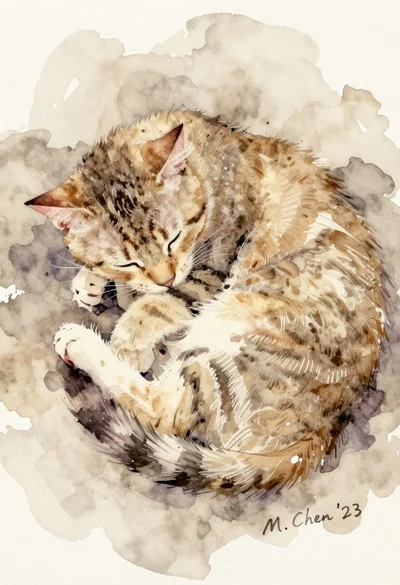
Sleeping tabby cat curled up in beige watercolor wash on textured paper

Leaf art collage of jerry mouse in running stance on white background

Macro overhead shot of a leaf collage cartoon cat jumping on white

Miniature felt doll sitting on soft blue hill next to white lamb
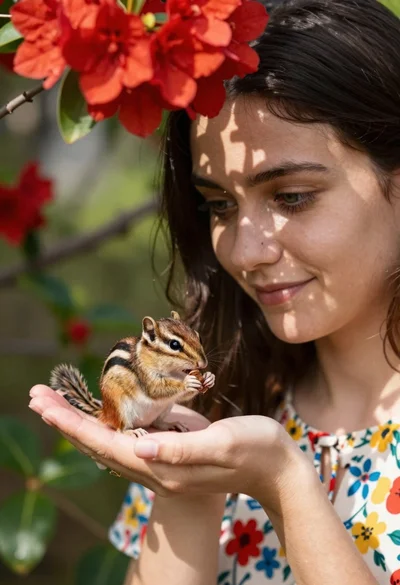
Young woman with dark hair holding a small chipmunk under red flowers
Black and white ink sketch of young woman with poodle on sketchbook
Two vibrant green birds perched closely on a twig amidst soft foliage
Solitary tree in vast open field under soft sky with distant hills